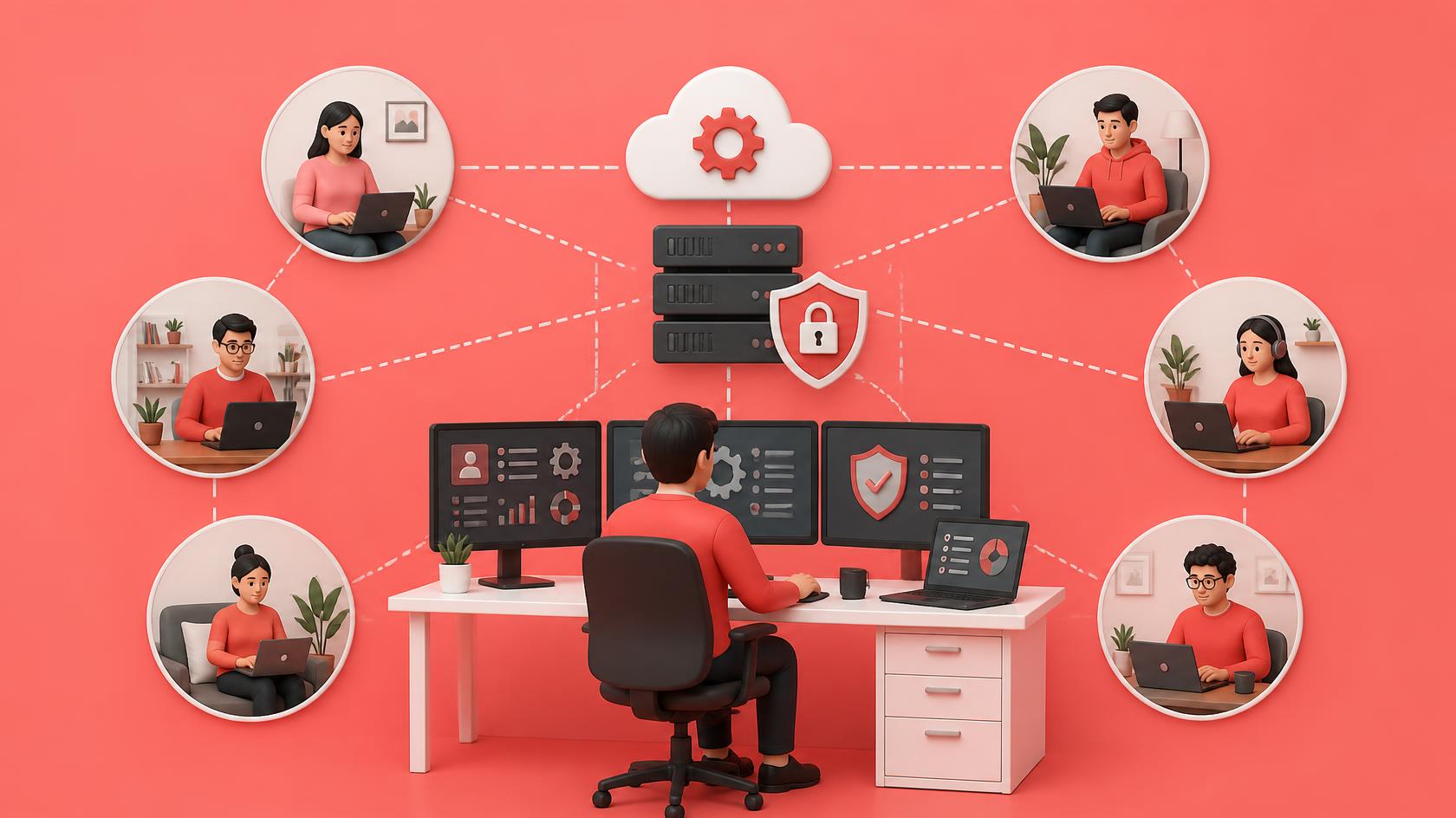
Remote work is no longer a temporary solution—it has become a permanent part of how many organizations operate. But as employees work from homes, co-working spaces, and branch offices, IT teams face a growing challenge: how do you secure, monitor, and support devices that are scattered across multiple locations? Remote workforce IT management provides the answer by enabling organizations to centrally manage endpoints, automate routine maintenance, and strengthen cybersecurity regardless of where employees work. For IT managers, cybersecurity professionals, MSPs, and business leaders, adopting a modern remote workforce IT management strategy is essential for maintaining productivity, protecting sensitive data, and delivering consistent user experiences across distributed environments. Remote monitoring and management (RMM) platforms help IT teams proactively monitor endpoints, automate maintenance, and improve security across distributed infrastructures.
What is Remote Workforce IT Management
Remote workforce IT management refers to the processes, technologies, and policies used to monitor, secure, maintain, and support employee devices and IT infrastructure regardless of physical location.
Rather than relying on on-site support, organizations use cloud-based management platforms to oversee:
- Laptops and desktops
- Mobile devices
- Servers
- Cloud workloads
- SaaS applications
- Network resources
This centralized approach allows IT teams to resolve issues, deploy updates, enforce security policies, and support users without requiring in-person assistance. Modern RMM solutions are designed specifically to provide centralized visibility, proactive monitoring, and remote administration for distributed endpoints.
Why Remote Workforce IT Management Matters
The shift toward hybrid and remote work has expanded the attack surface for businesses.
Employees now access corporate resources from different locations, devices, and networks, increasing operational complexity.
Without effective remote workforce IT management, organizations often experience:
- Delayed technical support
- Increased cybersecurity risks
- Inconsistent device configurations
- Poor visibility into endpoint health
- Higher operational costs
- Reduced employee productivity
A centralized management strategy helps organizations overcome these challenges while maintaining business continuity.
Key Benefits of Remote Workforce IT Management
Centralized Endpoint Visibility
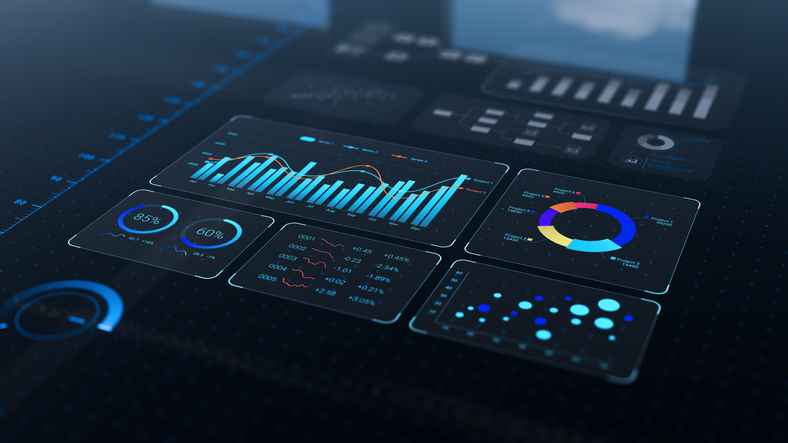
IT administrators gain real-time visibility into every managed device through a single dashboard.
This makes it easier to identify:
- Offline devices
- Performance issues
- Security risks
- Missing software updates
- Hardware inventory
Centralized visibility improves decision-making while reducing troubleshooting time.
Improved Cybersecurity
Cybersecurity remains one of the primary reasons organizations invest in remote workforce IT management.
Modern platforms support:
- Automated patch management
- Endpoint protection
- Vulnerability management
- Security policy enforcement
- Multi-factor authentication integration
- Device encryption monitoring
Keeping remote devices updated and compliant significantly reduces exposure to cyber threats. Automating updates, patching, and security monitoring is widely recognized as a best practice for protecting distributed environments.
Faster Remote Support
Technicians can remotely access employee devices to diagnose and resolve issues without requiring office visits.
Benefits include:
- Reduced downtime
- Faster incident resolution
- Improved employee satisfaction
- Lower support costs
Remote support also enables organizations to provide consistent assistance across different regions and time zones.
Higher Operational Efficiency
Automation reduces repetitive manual tasks such as:
- Software deployment
- Patch installation
- Health monitoring
- Scheduled maintenance
- Backup verification
As a result, IT teams spend more time on strategic initiatives rather than routine maintenance.
Core Technologies That Enable Remote Workforce IT Management
Successful remote workforce IT management depends on several integrated technologies.
Remote Monitoring and Management (RMM)
RMM platforms continuously monitor endpoint health, network performance, and system availability.
When issues arise, automated alerts allow IT teams to respond before users experience significant disruptions.
Unified Endpoint Management (UEM)
Unified Endpoint Management enables administrators to manage Windows, macOS, Linux, Android, and iOS devices from a centralized platform.
This simplifies policy enforcement across diverse device environments.
Cloud-Based Device Management
Cloud-native management platforms eliminate the need for traditional on-premises infrastructure.
Administrators can securely manage devices regardless of user location.
Identity and Access Management
Identity management solutions ensure users access only the resources they need.
Features often include:
- Single Sign-On (SSO)
- Multi-factor authentication (MFA)
- Conditional access policies
- Role-based permissions
These controls strengthen security while improving user convenience.
Common Challenges in Managing Remote Workforces
Although remote work offers flexibility, it introduces new operational challenges.
Device Diversity
Employees often use different hardware models and operating systems.
Managing diverse environments requires standardized policies and centralized management tools.
Shadow IT
Employees sometimes install unauthorized applications or use personal cloud storage services.
Without proper visibility, these activities increase cybersecurity risks.
Limited Network Visibility
Unlike office environments, remote users connect through home or public networks.
IT teams need tools capable of monitoring device health even when endpoints operate outside the corporate firewall.
Compliance Requirements
Organizations operating in regulated industries must ensure remote devices continue meeting compliance standards.
Automated reporting and continuous monitoring simplify audit preparation.
Best Practices for Effective Remote Workforce IT Management
Organizations can improve operational success by following several proven practices.
Standardize Device Configurations
Deploy consistent operating system images, security settings, and approved software across all managed endpoints.
Standardization simplifies troubleshooting and improves compliance.
Automate Patch Management
Regular software updates remain one of the most effective cybersecurity defenses.
Automated patch deployment reduces vulnerabilities while minimizing manual effort.
Monitor Endpoint Health Continuously
Real-time monitoring enables proactive issue detection before problems affect productivity.
This helps reduce downtime while improving overall system reliability.
Strengthening Security for a Distributed Workforce
Security is one of the biggest priorities in remote workforce IT management. Employees often connect from home networks, public Wi-Fi, or personal devices, making it essential to implement consistent security controls across every endpoint. Organizations should combine centralized management with modern identity protection to reduce risk. Microsoft recommends enabling conditional access, multi-factor authentication (MFA), unified device management, and secure application access to protect remote users while maintaining productivity.
Implement Zero Trust Security
A Zero Trust approach assumes that no user or device should be trusted automatically.
Key Zero Trust practices include:
- Multi-factor authentication (MFA)
- Least-privilege access
- Continuous identity verification
- Conditional access policies
- Device compliance checks
These measures reduce the likelihood of unauthorized access even if user credentials are compromised.
Enforce Endpoint Compliance
Every endpoint should comply with corporate security standards before accessing business resources.
Compliance policies should verify:
- Operating system versions
- Security patch levels
- Antivirus status
- Disk encryption
- Firewall configuration
Automated compliance monitoring simplifies enforcement while reducing administrative effort.
Protect Corporate Data
Sensitive business information should remain protected regardless of device location.
Organizations can improve data security by:
- Encrypting storage devices
- Using secure VPN connections
- Restricting USB storage
- Enabling remote device wipe
- Implementing secure cloud storage policies
These controls help prevent data loss while supporting regulatory compliance.
Best Practices for Remote Endpoint Management
Effective remote workforce IT management depends on proactive endpoint administration rather than reactive troubleshooting.
Automate Routine Maintenance
Automation reduces repetitive work while improving consistency.
Common automated tasks include:
- Operating system updates
- Third-party application patching
- Disk cleanup
- Scheduled health checks
- Software deployment
- Backup verification
Automating these processes improves operational efficiency and minimizes human error.
Maintain Complete Asset Visibility
IT teams should always know:
- Which devices are active
- Who owns each device
- Software installed
- Warranty status
- Hardware specifications
- Security posture
Accurate inventory data supports planning, budgeting, and compliance.
Standardize Security Policies
Standardized configurations simplify administration across distributed environments.
Policies should cover:
- Password requirements
- Screen lock settings
- Firewall rules
- Application control
- Device encryption
- Browser security
Consistency improves both security and user experience.
The Role of Automation and AI
Artificial intelligence is transforming remote workforce IT management by enabling more proactive operations.
Predictive Monitoring
Machine learning analyzes device behavior to detect performance issues before users notice them.
Instead of reacting to failures, IT teams can prevent disruptions through predictive maintenance.
Intelligent Alert Prioritization
Modern platforms reduce alert fatigue by identifying which events require immediate attention.
Technicians receive fewer false positives and can focus on high-priority incidents.
Automated Remediation
Many issues no longer require technician involvement.
Automation can:
- Restart failed services
- Clear temporary files
- Install missing updates
- Execute remediation scripts
- Verify system health
These automated responses improve uptime while reducing support workloads. Modern RMM platforms increasingly combine monitoring, automation, secure remote access, and centralized endpoint management to support distributed organizations efficiently.
Measuring Success in Remote Workforce IT Management
Organizations should evaluate their remote management strategy using measurable performance indicators.
Mean Time to Resolution (MTTR)
Lower MTTR indicates faster issue resolution and better operational performance.
Endpoint Compliance Rate
Track the percentage of managed devices that meet organizational security requirements.
Device Availability
Monitor uptime across all managed endpoints to ensure consistent business operations.
Patch Compliance
Measure how quickly operating system and application updates are deployed.
Employee Satisfaction
Reliable remote technology improves employee productivity and reduces frustration.
Technician Productivity
Evaluate:
- Tickets resolved
- Automated tasks completed
- Manual hours eliminated
- First-contact resolution rate
These metrics demonstrate the operational value of remote workforce IT management.
Future Trends in Remote Workforce IT Management
The remote workplace continues to evolve alongside technology.
Unified Endpoint Management
Organizations increasingly prefer a single platform capable of managing desktops, laptops, smartphones, tablets, and IoT devices.
Cloud-Native Management
Cloud-first platforms simplify remote administration while improving scalability and accessibility.
AI-Driven Operations
Artificial intelligence will continue enhancing:
- Predictive maintenance
- Automated troubleshooting
- Security analytics
- Resource optimization
- Workflow automation
Stronger Identity Security
Identity will remain the primary security perimeter.
Organizations will continue investing in:
- Passwordless authentication
- Adaptive access controls
- Continuous identity verification
Greater Automation
Automation will expand beyond maintenance to include onboarding, compliance reporting, asset lifecycle management, and security response.
Actionable Checklist for Remote Workforce IT Management
Organizations can strengthen their remote workforce strategy by following these practical steps:
- Deploy centralized endpoint management.
- Enable multi-factor authentication for every user.
- Automate operating system and application updates.
- Monitor endpoint health continuously.
- Standardize security configurations.
- Encrypt all corporate devices.
- Maintain accurate hardware and software inventories.
- Train employees on cybersecurity best practices.
- Test backup and recovery procedures regularly.
- Review management policies as business needs evolve.
Frequently Asked Questions
1. What is remote workforce IT management?
Remote workforce IT management is the practice of monitoring, securing, maintaining, and supporting employee devices and IT infrastructure from a centralized location regardless of where users work.
2. Why is remote workforce IT management important?
It improves security, simplifies endpoint administration, reduces downtime, supports compliance, and enables employees to remain productive from any location.
3. Which technologies support remote workforce IT management?
Organizations commonly use:
- Remote Monitoring and Management (RMM)
- Unified Endpoint Management (UEM)
- Mobile Device Management (MDM)
- Identity and Access Management (IAM)
- Cloud management platforms
- Endpoint security solutions
4. How does automation improve remote workforce IT management?
Automation reduces repetitive tasks such as patch deployment, software installation, device monitoring, and routine maintenance, allowing IT teams to focus on higher-value initiatives.
5. What are the biggest security challenges for remote workers?
Common risks include unsecured networks, phishing attacks, outdated software, weak passwords, unmanaged devices, and unauthorized access. Organizations can reduce these risks by implementing Zero Trust principles, endpoint management, continuous monitoring, and automated patching.
Final Thoughts
As organizations continue embracing hybrid and distributed work models, remote workforce IT management has become essential for maintaining productivity, security, and operational efficiency. By combining endpoint management, remote monitoring and management, device management, and cybersecurity automation, businesses can provide employees with reliable technology while protecting critical business assets. A proactive management strategy reduces downtime, improves compliance, strengthens endpoint security, and enables IT teams to support users wherever they work. Organizations that invest in modern remote workforce IT management today will be better prepared to adapt to tomorrow’s evolving workplace and cybersecurity challenges.
Take control of your IT environment — begin your ITarian free trial

 Loading...