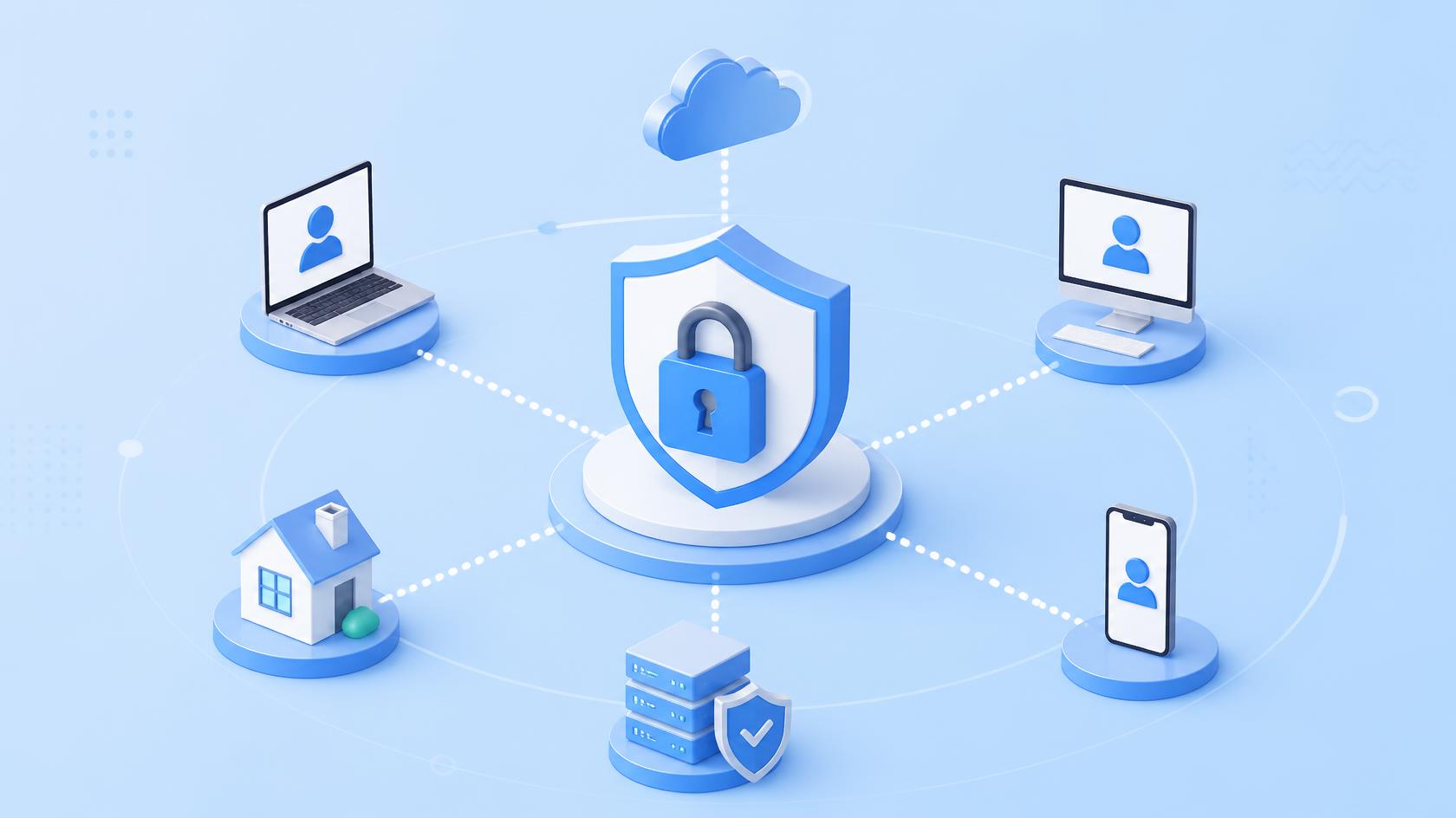
Remote access makes modern business possible, but it can also create a direct path into sensitive systems when access is poorly controlled. Secure remote access management gives organizations a structured way to verify users, protect connections, manage permissions, and monitor remote activity. As employees, contractors, vendors, and IT teams connect from different locations, traditional network boundaries are no longer enough. Businesses need stronger controls that protect every remote session without making legitimate work unnecessarily difficult.
For cybersecurity teams, IT managers, MSPs, and business leaders, secure remote access management is now a core part of protecting a distributed environment. Done well, it combines remote access security, Zero Trust access, privileged access management, and multi-factor authentication with monitoring and automation.
What is Secure Remote Access Management
Secure remote access management is the process of controlling, protecting, and monitoring connections to business systems from outside the traditional corporate environment.
It determines who can connect, which resources they can access, what conditions must be met, and what actions they can perform. Instead of providing broad network access after a successful login, modern strategies apply granular controls throughout the session.
A secure approach commonly covers:
- Remote employees
- System administrators
- Managed service providers
- Third-party contractors
- Vendors and partners
- Cloud administrators
- Help desk technicians
- Temporary users
Secure remote access management should also create records of important access events. This provides greater accountability and helps security teams investigate unusual behavior.
Why Secure Remote Access Management Matters
Remote and hybrid work have changed the security perimeter. A user may access business applications from a corporate laptop at home, while a contractor connects to a server from another network and an administrator manages cloud infrastructure from a remote console.
This flexibility creates more opportunities for unauthorized access if security controls are weak.
Poorly managed remote connections can introduce risks such as:
- Stolen credentials
- Excessive user privileges
- Unmanaged endpoints
- Weak authentication
- Exposed remote services
- Unauthorized third-party access
- Limited session visibility
- Inconsistent access policies
Secure remote access management reduces these risks by placing identity, device health, permissions, and continuous monitoring at the center of remote connectivity.
Core Elements of Secure Remote Access Management
A strong strategy requires more than installing a remote desktop tool. Organizations should build multiple security controls around every connection.
Multi-Factor Authentication
Passwords alone offer limited protection. If attackers steal a password through phishing or another technique, they may be able to impersonate a legitimate user.
Multi-factor authentication adds another verification requirement. Depending on the system, this may include an authenticator application, security key, biometric factor, or another approved method.
MFA should be especially important for:
- Administrator accounts
- Remote support tools
- Cloud management consoles
- VPN access
- Sensitive business applications
Combining MFA with secure remote access management makes stolen credentials less useful to attackers.
Least-Privilege Access
Users should receive only the permissions required to perform their jobs.
For example, a support technician who needs to troubleshoot one endpoint should not automatically receive unrestricted access to every server. Likewise, a contractor working on one application may not need access to the wider corporate network.
Least privilege limits potential damage if an account becomes compromised.
Role-Based Access Control
Role-based access control assigns permissions based on job responsibilities.
Organizations can create access profiles for groups such as:
- Help desk technicians
- Security analysts
- System administrators
- Contractors
- Department managers
This approach simplifies administration while reducing unnecessary privileges.
Zero Trust Access for Remote Environments
Zero Trust access complements secure remote access management by removing the assumption that a user or device should be trusted simply because it has connected successfully.
Instead, access decisions consider multiple signals.
Verify Identity
Organizations should validate user identity before allowing access to sensitive systems.
Stronger authentication should be required when risk increases.
Check Device Health
A legitimate employee using an infected or outdated laptop can still introduce risk.
Access policies can consider factors such as:
- Patch status
- Endpoint protection
- Encryption
- Firewall status
- Operating system version
- Device ownership
A device that fails security requirements may be blocked or given limited access until the issue is corrected.
Limit Resource Access
Rather than opening an entire network, organizations can provide access only to the applications or resources required for a specific role.
This reduces lateral movement opportunities if an account is compromised.
Secure Remote Access Management for Privileged Users
Administrator credentials deserve additional protection because privileged accounts can modify systems, access sensitive information, and change security settings.
Combining privileged access management with secure remote access management provides stronger control over administrative sessions.
Organizations should consider:
- Separating administrator and standard user accounts.
- Applying MFA to privileged access.
- Limiting administrative permissions.
- Using time-limited privileges where practical.
- Logging sensitive administrative activity.
- Reviewing privileged accounts regularly.
Temporary or just-in-time access can further reduce exposure. Instead of keeping administrator privileges active indefinitely, organizations can grant them only when required.
Remote Access Security for MSPs and IT Teams
MSPs face a unique challenge because technicians may need remote access to many customer environments.
One compromised technician account could potentially create significant risk if access controls are weak. Therefore, remote access security should be built into everyday service operations.
MSPs can strengthen protection by separating customer environments, applying role-based permissions, enforcing MFA, and maintaining clear access records.
Centralized Remote Management
A centralized platform gives technicians one controlled location for managing authorized endpoints.
It can also help teams standardize policies across customers while keeping individual environments logically separated.
Automated Policy Enforcement
Automation reduces dependence on technicians manually checking every endpoint.
Policies can identify devices that:
- Miss critical patches
- Disable required protection
- Violate configuration standards
- Run unauthorized applications
- Fall below defined security requirements
Automated remediation can then correct suitable issues or create tickets for further investigation.
Protecting Third-Party and Vendor Access
Vendors often require temporary access to applications, infrastructure, or specialized systems. However, permanent credentials can remain active long after a project ends.
Secure remote access management should treat third-party connections as a distinct risk area.
A stronger process includes:
- Named user accounts instead of shared credentials
- MFA
- Limited permissions
- Defined access periods
- Session monitoring
- Automatic account expiration
- Regular access reviews
Organizations should also remove vendor access as soon as it is no longer required.
Monitoring and Auditing Remote Connections
Visibility is essential for detecting misuse and demonstrating accountability.
Security teams should know who connected, when the connection occurred, which system was accessed, and whether significant changes were made.
Useful information may include:
- Successful and failed authentication attempts
- Source devices
- Access times
- Privilege changes
- Administrative activity
- Policy violations
- Session duration
Centralized logging also makes it easier to investigate incidents.
Watch for Unusual Behavior
Monitoring tools can flag suspicious patterns such as repeated failed logins, unusual access times, unexpected locations, or sudden privilege escalation.
These signals do not always indicate an attack, but they can help security teams identify activity that deserves investigation.
Best Practices for Secure Remote Access Management
Technology alone cannot create a secure environment. Organizations also need clear policies and regular reviews.
A practical strategy should:
- Inventory remote access methods. Identify every VPN, remote desktop service, support platform, cloud console, and third-party connection.
- Enforce MFA. Prioritize administrative and high-risk accounts.
- Apply least privilege. Remove unnecessary permissions and broad network access.
- Evaluate device posture. Require endpoints to meet security standards.
- Patch remote systems quickly. Automate patching where appropriate.
- Encrypt communications. Protect data while it moves between remote users and business resources.
- Monitor access activity. Centralize logs and investigate suspicious behavior.
- Review permissions regularly. Remove inactive accounts and outdated privileges.
- Create an offboarding process. Revoke access immediately when employees or contractors leave.
- Test controls. Regularly confirm that policies work as intended.
These practices make secure remote access management easier to maintain as the organization grows.
Common Mistakes to Avoid
Relying Only on VPNs
A VPN can protect network traffic, but it does not automatically solve identity, endpoint health, or excessive privilege problems.
Organizations need layered controls.
Leaving Dormant Accounts Active
Unused accounts create unnecessary exposure. Regular reviews should identify and disable accounts that are no longer needed.
Giving Users Excessive Permissions
Broad access may appear convenient, but it increases the potential impact of compromised credentials.
Ignoring Endpoint Health
Secure authentication from an infected endpoint does not equal secure access.
Device posture should influence access decisions.
Neglecting Audit Logs
Without adequate logging, security teams may struggle to understand what happened during an incident.
Measuring the Effectiveness of Remote Access Security
Organizations should track measurable indicators rather than assuming controls are working.
Useful metrics include:
- Percentage of accounts protected by MFA
- Number of privileged accounts
- Dormant accounts discovered
- Failed remote authentication attempts
- Devices failing compliance checks
- Time required to revoke access
- Number of unauthorized access attempts
- Percentage of endpoints fully patched
These measurements help leadership identify weaknesses and prioritize security investments.
Secure Remote Access Management Across Industries
Different industries face different risks, but the fundamental security principles remain consistent.
Healthcare
Healthcare organizations must protect patient information while allowing authorized staff to access systems from approved locations.
Financial Services
Financial institutions need strict authentication, detailed logging, and strong privileged access controls for sensitive systems.
Manufacturing
Remote technicians may require access to production environments. Granular permissions can help separate operational systems from broader corporate networks.
Retail
Retailers often manage distributed locations and remote endpoints. Centralized management simplifies security policy enforcement across stores.
Professional Services
Legal, accounting, and consulting firms can use secure remote access management to protect confidential customer information while supporting flexible work.
Frequently Asked Questions
Q1: What is secure remote access management?
Secure remote access management controls and monitors how authorized users connect to business applications, endpoints, networks, and infrastructure from remote locations.
Q2: Is a VPN enough for secure remote access?
Not by itself. VPNs can encrypt network connections, but organizations should also use MFA, least privilege, endpoint security, identity controls, monitoring, and appropriate access policies.
Q3: How does Zero Trust improve remote access?
Zero Trust continuously evaluates identity, device posture, access context, and permissions rather than automatically trusting a user after the initial connection.
Q4: Why is MFA important for remote access?
MFA requires additional verification beyond a password. This can reduce the likelihood that stolen credentials alone will provide unauthorized access.
Q5: How often should remote access permissions be reviewed?
Organizations should review access regularly and whenever employees change roles, contractors complete projects, or business requirements change. Privileged permissions should receive especially close attention.
Final Thoughts
Remote work, cloud infrastructure, third-party support, and distributed business operations have made remote connectivity essential. At the same time, every remote connection needs appropriate security controls. Secure remote access management provides a structured approach to verifying identities, assessing devices, limiting privileges, monitoring sessions, and protecting sensitive resources.
By combining remote access security, Zero Trust access, privileged access management, and multi-factor authentication, organizations can reduce unnecessary exposure without sacrificing productivity. The strongest approach is continuous: review permissions, automate suitable security controls, monitor endpoint health, and adapt policies as risks change.
Experience smarter IT automation — start your free ITarian trial

 Loading...