MSP Remote Monitoring for Reliable and Proactive IT Operations
Updated on September 29, 2026, by ITarian
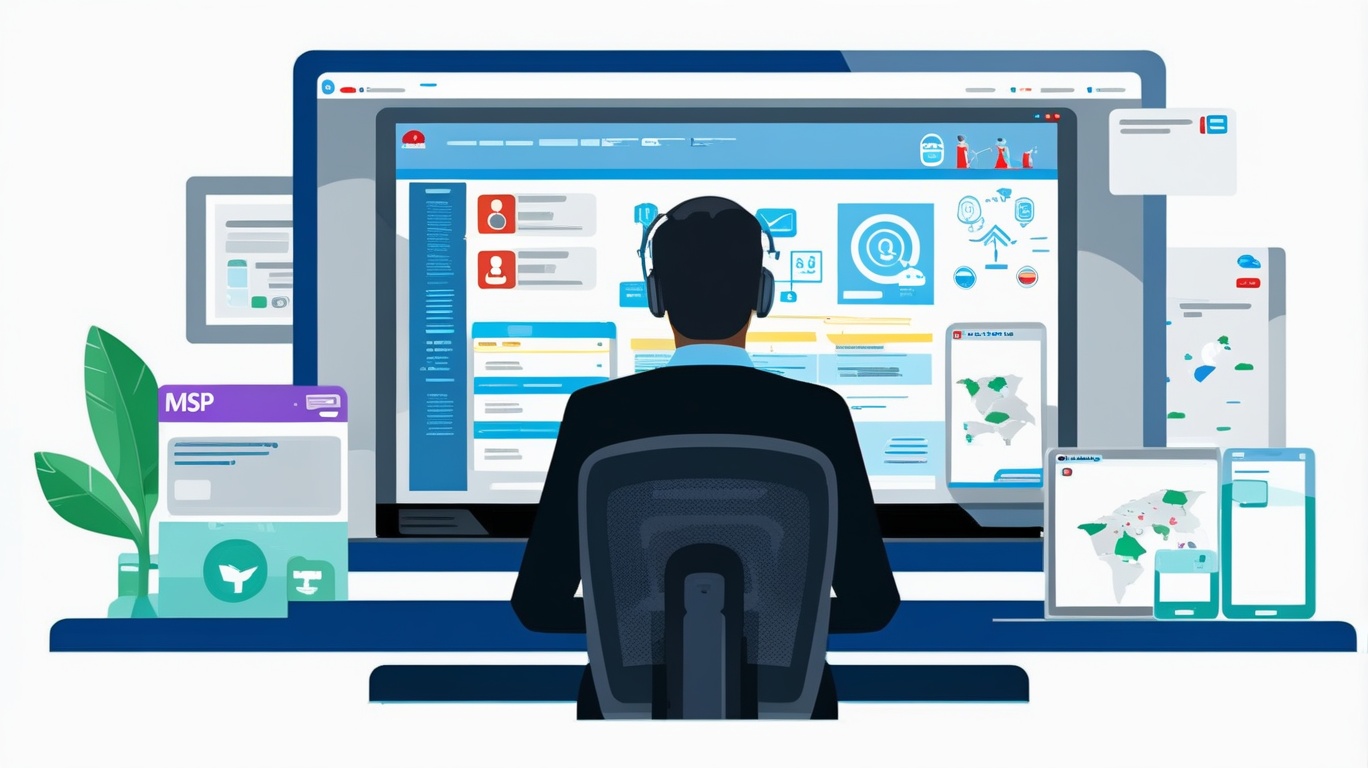
What if your technicians could identify an endpoint problem before a client even noticed it? MSP remote monitoring gives Managed Service Providers continuous visibility into client devices, servers, networks, and other critical systems without requiring technicians to be physically present. Combined with RMM software, remote monitoring and management, proactive IT support, and endpoint monitoring, it helps MSPs detect problems earlier, automate repetitive maintenance, and manage more customers efficiently. For IT managers, cybersecurity teams, business leaders, and growing service providers, MSP remote monitoring can turn reactive troubleshooting into a structured and scalable approach to technology management.
What is MSP Remote Monitoring
MSP remote monitoring is the process Managed Service Providers use to observe the health, availability, security status, and performance of client technology from a remote location.
An MSP typically uses a centralized management platform to collect information from managed systems. Technicians can then review device health, receive alerts, and perform approved maintenance without visiting the customer’s location.
Depending on the platform and managed environment, teams may monitor:
- Desktops and laptops
- Servers
- Network devices
- Applications
- Operating systems
- Storage capacity
- Critical services
- Patch status
- Endpoint health
The goal is simple: gain enough visibility to detect issues early and keep customer environments operating reliably.
Why MSP Remote Monitoring Matters
Traditional break-fix support waits until something fails. The customer reports the problem, a technician investigates it, and remediation begins.
That model can create downtime and unpredictable support workloads.
MSP remote monitoring changes the process by continuously watching defined conditions. If disk capacity becomes critically low, a service stops, or a managed endpoint falls outside a set threshold, the platform can alert the service provider.
This supports a more proactive service model.
For customers, that can mean fewer surprises. For MSPs, it creates an opportunity to address potential problems before they become larger incidents.
MSP Remote Monitoring and RMM Software
RMM software is one of the main technologies used to deliver MSP remote monitoring.
Remote Monitoring and Management platforms typically provide a centralized console where technicians can manage many endpoints and customers.
Core RMM capabilities may include:
- Device discovery
- Health monitoring
- Automated alerts
- Patch management
- Script execution
- Software deployment
- Remote troubleshooting
- Asset inventory
- Reporting
This centralized approach is especially valuable for MSPs because technicians may support hundreds or thousands of devices.
Instead of checking every endpoint manually, MSP remote monitoring allows teams to focus on systems that actually require attention.
Build Better Endpoint Monitoring
Endpoints are often at the center of an MSP’s daily operations.
Employees depend on laptops and desktops for communication, business applications, data access, and collaboration. A poorly performing endpoint can quickly affect productivity.
Effective endpoint monitoring can track conditions such as:
- CPU utilization
- Available memory
- Disk space
- Device availability
- Operating system status
- Application health
- Critical services
- Patch compliance
These signals help technicians understand whether an endpoint is operating within expected limits.
Create Meaningful Thresholds
More alerts do not automatically mean better monitoring.
If technicians receive hundreds of low-value notifications each day, critical warnings can become harder to identify.
Thresholds should reflect real operational risk. MSPs should regularly review alert history and remove notifications that do not lead to useful action.
Proactive IT Support Through Remote Monitoring
One of the strongest advantages of MSP remote monitoring is its ability to support proactive IT support.
Instead of waiting for a customer to open a ticket, the MSP can respond to monitoring data.
Consider a workstation running out of storage.
A reactive workflow might look like this:
- The employee experiences poor performance.
- The employee contacts support.
- A ticket is created.
- A technician investigates.
- The storage problem is discovered.
- Remediation begins.
With remote monitoring, the service provider may detect the storage condition before the user experiences a serious problem.
That creates a better opportunity for early intervention.
Automation Makes MSP Remote Monitoring Scalable
Monitoring identifies conditions. Automation helps MSPs respond efficiently.
A mature MSP remote monitoring strategy can automate predictable, low-risk tasks so technicians do not need to perform them repeatedly.
Automation opportunities may include:
- Running health checks
- Restarting approved services
- Cleaning temporary files
- Deploying software
- Checking backup status
- Running maintenance scripts
- Collecting diagnostics
- Creating support tickets
Connect Alerts with Automated Actions
A monitoring condition can trigger a predefined workflow.
For example:
- A monitored service stops.
- The platform detects the condition.
- An approved automation attempts a restart.
- The system verifies whether the service recovered.
- A ticket is created if remediation fails.
This approach can reduce technician effort while keeping human oversight available when a problem requires deeper investigation.
MSP Remote Monitoring and Patch Management
Unpatched systems can create operational and security risks.
Remote monitoring can help MSPs identify devices that are missing required operating system or application updates.
A structured patch process should include:
- Patch discovery
- Assessment
- Approval
- Testing
- Scheduled deployment
- Failure tracking
- Compliance reporting
Not every update should be deployed blindly. Critical business applications may require testing before patches are applied widely.
However, MSP remote monitoring gives technicians the visibility required to identify outdated systems and track remediation.
Strengthening Security with Remote Monitoring
RMM is not a replacement for dedicated cybersecurity tools, but monitoring can provide useful security context.
MSPs can use endpoint information to identify conditions that may require investigation.
Examples include:
- Missing security updates
- Unexpected software
- Disabled security services
- Configuration changes
- Unusual resource usage
- Unsupported operating systems
This visibility helps service providers identify endpoints that do not meet agreed standards.
Protect the RMM Platform
Because RMM platforms can provide powerful administrative capabilities, they should receive strong security controls themselves.
MSPs should consider measures such as:
- Multi-factor authentication
- Role-based access control
- Least-privilege permissions
- Strong credential policies
- Administrative activity logging
- Regular access reviews
Technician accounts should receive only the permissions required for their responsibilities.
Remote Monitoring and Management for Distributed Clients
Modern customers may operate from many locations.
An MSP might support users working from corporate offices, homes, branch sites, and customer locations.
Remote monitoring and management allows technicians to maintain visibility even when endpoints rarely connect directly to a traditional corporate network.
This can improve:
- Remote troubleshooting
- Software maintenance
- Device inventory
- Patch management
- Performance monitoring
- User support
Cloud-based management is particularly useful when customers have distributed workforces.
Connect MSP Remote Monitoring with Ticketing
Monitoring becomes more effective when it works with service management.
Instead of requiring technicians to create tickets manually, meaningful alerts can generate incidents automatically.
The ticket may include:
- Customer
- Device
- Alert type
- Severity
- Detection time
- Diagnostic information
This reduces data entry and provides technicians with immediate context.
Prevent Duplicate Tickets
Poorly configured monitoring can create several tickets for the same underlying problem.
Alert correlation, suppression rules, and sensible thresholds can help reduce duplicates.
The goal is to create actionable tickets, not simply more tickets.
Improve Client Asset Visibility
MSP remote monitoring can also support asset management.
A centralized platform can maintain information about managed endpoints, including:
- Device name
- Operating system
- Hardware specifications
- Installed applications
- User assignment
- Device status
- Last contact
This helps MSPs understand the environments they support.
Accurate inventories can also improve lifecycle planning. Customers can identify aging hardware or unsupported systems before those assets create reliability problems.
Reporting Demonstrates MSP Value
Customers may not see the maintenance work that happens behind the scenes.
Reporting makes that work visible.
Useful MSP reports can cover:
- Device availability
- Patch compliance
- Endpoint health
- Alert activity
- Incident trends
- Automated maintenance
- Asset inventory
- SLA performance
Reports should focus on business value rather than overwhelming customers with technical data.
For example, showing that critical systems remained available or that recurring issues declined can be more useful than listing every minor alert.
MSP Remote Monitoring for Business Growth
Scalability is a major concern for growing MSPs.
If every new customer requires the same amount of manual technician effort, service delivery becomes expensive.
MSP remote monitoring helps providers standardize processes across customers.
Reusable monitoring policies, automation scripts, patch schedules, and alert rules can reduce repetitive work.
This does not mean every customer should receive identical configurations. Business requirements, risk levels, and infrastructure differ.
Instead, MSPs can build standard baselines and customize them where necessary.
Key MSP Remote Monitoring Metrics
Monitoring performance should itself be measured.
Useful indicators include:
Mean Time to Detect
How quickly does the MSP identify a problem?
Mean Time to Resolution
How long does it take to restore normal operation?
Patch Compliance Rate
What percentage of managed devices meet required patch standards?
Alert-to-Ticket Ratio
How many alerts result in actionable service work?
Automation Success Rate
How often do automated remediation workflows complete successfully?
Recurring Incident Rate
Are the same problems repeatedly affecting particular devices or customers?
Endpoint Availability
How consistently are managed systems available?
Tracking trends helps MSPs refine their monitoring strategy.
Common MSP Remote Monitoring Mistakes
Monitoring can become inefficient when platforms are poorly configured.
Common mistakes include:
- Monitoring too many low-value conditions
- Using identical thresholds for every client
- Ignoring repeated alerts
- Creating excessive tickets
- Failing to test automation
- Using outdated scripts
- Neglecting inactive devices
- Providing technicians excessive permissions
- Failing to review reports
A monitoring system should evolve as customer environments and service requirements change.
Best Practices for MSP Remote Monitoring
A few practical improvements can significantly increase monitoring value.
1. Establish Client Baselines
Understand normal behavior before setting thresholds.
2. Prioritize Critical Systems
Give business-critical devices and services greater monitoring attention.
3. Standardize Where Possible
Use reusable policies for common endpoint types and service tiers.
4. Tune Alerts Regularly
Remove noisy alerts that do not result in action.
5. Automate Low-Risk Tasks
Start with predictable maintenance activities and measure the results.
6. Connect Monitoring with the Service Desk
Ensure important alerts create clear, actionable workflows.
7. Review Access Controls
Protect administrative functions with least privilege and strong authentication.
8. Measure Outcomes
Track detection times, resolution times, compliance, automation, and recurring incidents.
Future of MSP Remote Monitoring
MSP remote monitoring will continue moving toward greater automation and more intelligent operations.
AI-assisted capabilities can help teams analyze large volumes of operational information, summarize incidents, identify patterns, and prioritize alerts.
Predictive approaches may also help MSPs identify signs of potential failure earlier.
At the same time, integrations between RMM, service management, security, asset management, and reporting systems will continue to improve.
The objective remains the same: give technicians useful context and help them act before small issues become serious business problems.
Frequently Asked Questions
Q1: What is MSP remote monitoring?
MSP remote monitoring is the continuous observation of client endpoints, servers, networks, and other managed systems from a remote platform. It helps service providers identify health, performance, and maintenance issues.
Q2: What is the difference between MSP remote monitoring and RMM?
MSP remote monitoring describes the monitoring activity, while RMM software provides tools for both remote monitoring and management. RMM may also include automation, patching, scripting, remote support, and reporting.
Q3: Can MSP remote monitoring improve cybersecurity?
Yes. It can provide visibility into missing patches, unsupported systems, security service status, and unusual device conditions. However, RMM should complement rather than replace dedicated security controls.
Q4: How does remote monitoring help MSPs reduce costs?
It can reduce manual device checks, support automated maintenance, improve early issue detection, and allow technicians to manage more endpoints from a centralized platform.
Q5: Is MSP remote monitoring useful for small businesses?
Yes. Small businesses can benefit from proactive monitoring even when they do not maintain a large internal IT department. An MSP can remotely monitor supported systems and respond when defined problems occur.
Final Thoughts
Waiting for customers to report every technical problem creates unnecessary delays and puts MSP teams into a constant reactive cycle. MSP remote monitoring provides the visibility needed to identify issues earlier, prioritize technician effort, automate routine maintenance, and maintain more consistent service across client environments.
By combining RMM software, remote monitoring and management, proactive IT support, and endpoint monitoring, MSPs can build a service model that scales more efficiently. The strongest approach starts with meaningful monitoring policies, carefully tuned alerts, secure administrative access, and automation focused on predictable tasks.
Remote monitoring should ultimately produce action, not noise. MSPs that continuously review their thresholds, automation, service data, and client outcomes can improve reliability while creating a more efficient foundation for long-term growth.

 Loading...