What if your employees could resolve common IT issues without waiting for help desk support? In many organizations, IT teams are overwhelmed with repetitive requests like password resets, software installations, and access permissions. A self service IT portal changes this dynamic by giving users the tools to solve problems on their own. For IT managers, cybersecurity professionals, and business leaders, this approach reduces workload, improves response times, and enhances user satisfaction. As digital workplaces evolve, adopting a self service IT portal is becoming essential for scalable, efficient, and secure IT operations.
What is a Self Service IT Portal
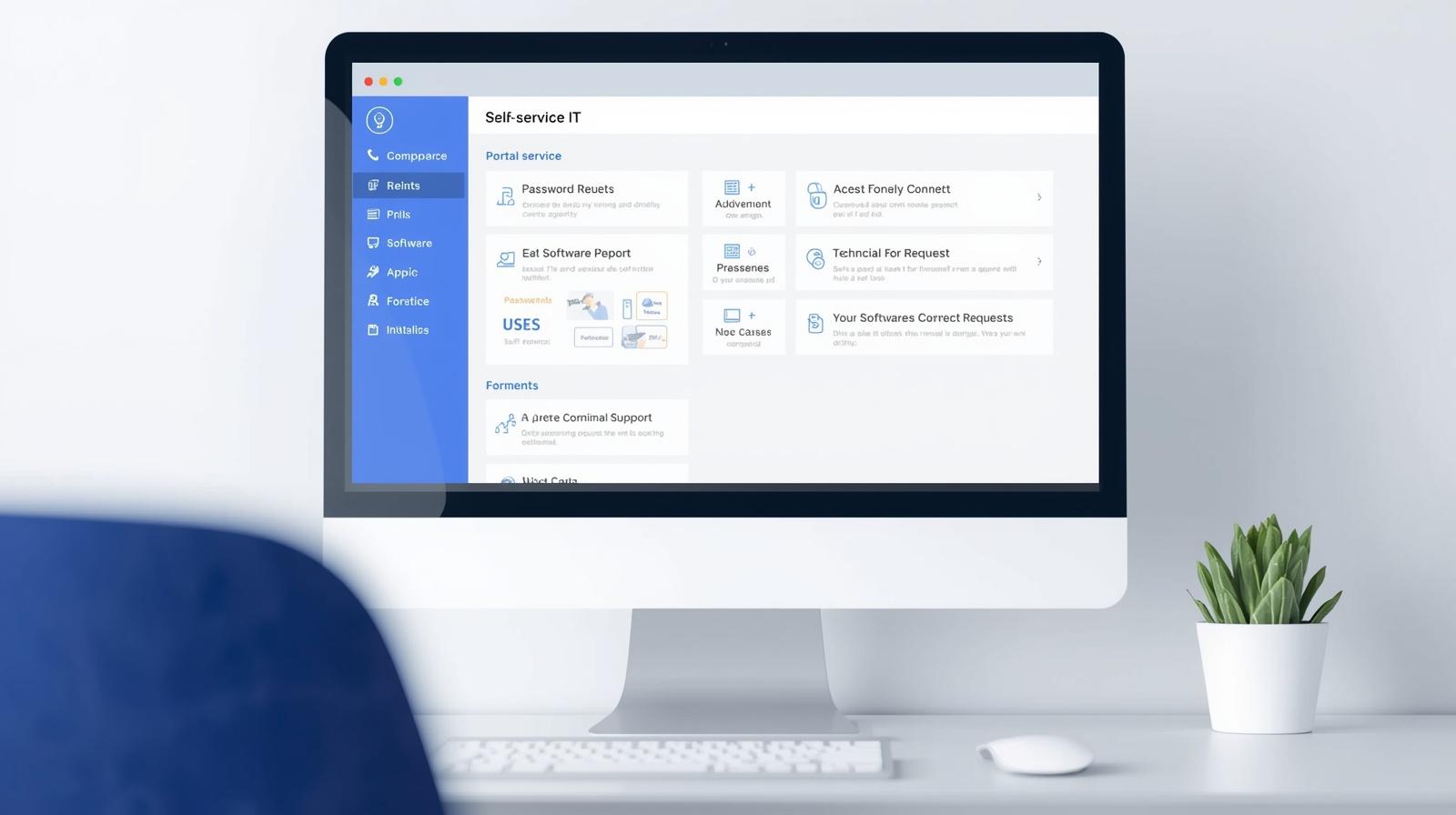
A self service IT portal is a centralized platform where users can access IT services, submit requests, and resolve common issues without direct IT intervention. It acts as a bridge between users and IT teams, providing tools, knowledge, and automation in one place.
Instead of relying solely on support tickets, users can perform tasks independently, reducing the burden on IT staff.
Key features of a self service IT portal include:
-
Knowledge base and FAQs
-
Automated workflows
-
Service request forms
-
Password reset tools
-
Software installation options
-
Ticket tracking and status updates
For organizations managing large user bases, this portal becomes a critical component of IT service management.
Why Self Service IT Portals Matter for Modern IT Environments
As organizations grow, IT support demands increase. Without efficient systems, teams can quickly become overwhelmed.
Reduced IT Workload
Routine tasks are handled by users, freeing up IT teams for strategic work.
Faster Issue Resolution
Users can resolve common problems instantly without waiting in queues.
Improved User Experience
Self-service options provide convenience and reduce frustration.
Enhanced Productivity
Employees spend less time waiting for support and more time working.
Better Resource Allocation
IT teams can focus on complex and high-priority tasks.
For CEOs and founders, these benefits translate into improved operational efficiency and reduced costs.
Core Features of an Effective Self Service IT Portal
To deliver maximum value, a self service IT portal must include essential features.
Knowledge Base
A comprehensive library of articles, guides, and FAQs helps users find solutions quickly.
Automation Tools
Automated workflows handle tasks such as password resets and access requests.
Service Catalog
Users can request services through predefined forms, ensuring consistency and accuracy.
Ticket Management Integration
If an issue cannot be resolved, users can easily create and track support tickets.
User-Friendly Interface
An intuitive design ensures that users can navigate the portal بسهولة
These features work together to create a seamless self-service experience.
Benefits of Self Service IT Portals Across Industries
Different industries benefit from self service IT portals in unique ways.
Healthcare
-
Enables quick access to IT resources
-
Reduces downtime in critical systems
-
Supports compliance requirements
Finance
-
Improves access to secure systems
-
Reduces delays in IT support
-
Enhances operational efficiency
Retail
-
Supports point-of-sale systems
-
Reduces downtime during peak periods
-
Improves employee productivity
Manufacturing
-
Provides quick access to IT tools
-
Reduces disruptions in production
-
Improves operational efficiency
Education
-
Supports students and staff with IT resources
-
Reduces support workload
-
Enhances learning experiences
For IT leaders, self service portals provide scalable solutions for managing support demands.
Common Challenges in Implementing a Self Service IT Portal
While self service portals offer many benefits, organizations may face challenges.
Low User Adoption
Employees may prefer traditional support methods.
Poor Knowledge Base Quality
Incomplete or outdated content reduces effectiveness.
Integration Issues
Portals must integrate with existing IT systems.
Security Concerns
Unauthorized access can pose risks if not properly managed.
Maintenance Requirements
Keeping content updated requires ongoing effort.
Addressing these challenges requires planning and continuous improvement.
Best Practices for Successful Self Service IT Portal Deployment
To maximize the effectiveness of a self service IT portal, organizations should follow best practices.
Build a Strong Knowledge Base
Ensure content is accurate, comprehensive, and easy to understand.
Promote User Adoption
Encourage employees to use the portal through training and communication.
Use Automation
Automate repetitive tasks to improve efficiency.
Ensure Security
Implement authentication and access controls to protect sensitive data.
Monitor Usage and Feedback
Analyze user behavior and feedback to improve the portal.
Integrate with IT Systems
Connect the portal with ticketing, RMM, and security tools.
These practices help create a reliable and user-friendly portal.
Role of Automation in Self Service IT Portals
Automation is a key driver of self service IT portals. It enables faster resolution and reduces manual effort.
Key benefits include:
-
Instant password resets
-
Automated service requests
-
Real-time notifications
-
Reduced workload for IT teams
-
Improved accuracy and consistency
Automation ensures that users can resolve issues quickly and efficiently.
How to Implement a Self Service IT Portal Successfully
A structured approach ensures smooth implementation.
Step 1: Identify User Needs
Understand the most common IT requests and issues.
Step 2: Define Objectives
Set clear goals for the portal, such as reducing ticket volume.
Step 3: Choose the Right Platform
Select a solution that integrates with existing systems.
Step 4: Develop Content
Create a comprehensive knowledge base and service catalog.
Step 5: Launch and Train Users
Introduce the portal and provide training to employees.
Step 6: Monitor and Improve
Continuously refine the portal based on feedback and performance data.
Following these steps helps organizations build an effective self service solution.
Future Trends in Self Service IT Portals
The evolution of IT service management is shaping the future of self service portals.
AI-Powered Chatbots
Chatbots provide instant support and guide users through solutions.
Personalized User Experiences
Portals will adapt to user preferences and roles.
Integration with Cloud Services
Cloud-based portals offer scalability and flexibility.
Advanced Analytics
Analytics provide insights into user behavior and portal performance.
Enhanced Security Features
Improved authentication and access controls ensure data protection.
Staying ahead of these trends helps organizations remain competitive.
Actionable Tips to Improve Your Self Service IT Portal
If you want to enhance your portal, consider these practical tips:
-
Keep content updated regularly
-
Use simple and clear language
-
Promote the portal across the organization
-
Automate common tasks
-
Monitor user feedback
-
Continuously optimize workflows
These steps help ensure a successful and effective self service strategy.
Frequently Asked Questions
Q1: What is a self service IT portal?
A self service IT portal is a platform that allows users to resolve IT issues and request services independently.
Q2: Why is a self service portal important?
It reduces IT workload, improves efficiency, and enhances user experience.
Q3: What features should a portal include?
Key features include a knowledge base, automation tools, service catalog, and ticket tracking.
Q4: Can small businesses benefit from a self service portal?
Yes, it helps organizations of all sizes improve efficiency and reduce support costs.
Q5: How does automation improve self service portals?
Automation enables faster issue resolution and reduces manual effort.
Final Thoughts
A self service IT portal is a powerful tool for modern organizations looking to improve efficiency, reduce IT workload, and enhance user satisfaction. By empowering users to resolve issues independently and leveraging automation, businesses can streamline operations and focus on strategic initiatives. For IT managers, cybersecurity professionals, and business leaders, adopting a self service portal is a forward-thinking approach that supports scalable and secure IT environments. As technology continues to evolve, organizations that invest in self service solutions will be better positioned to meet growing demands and deliver exceptional user experiences.

 Loading...