Building Stronger IT Operations With Modern RMM Software
Updated on February 4, 2026, by ITarian
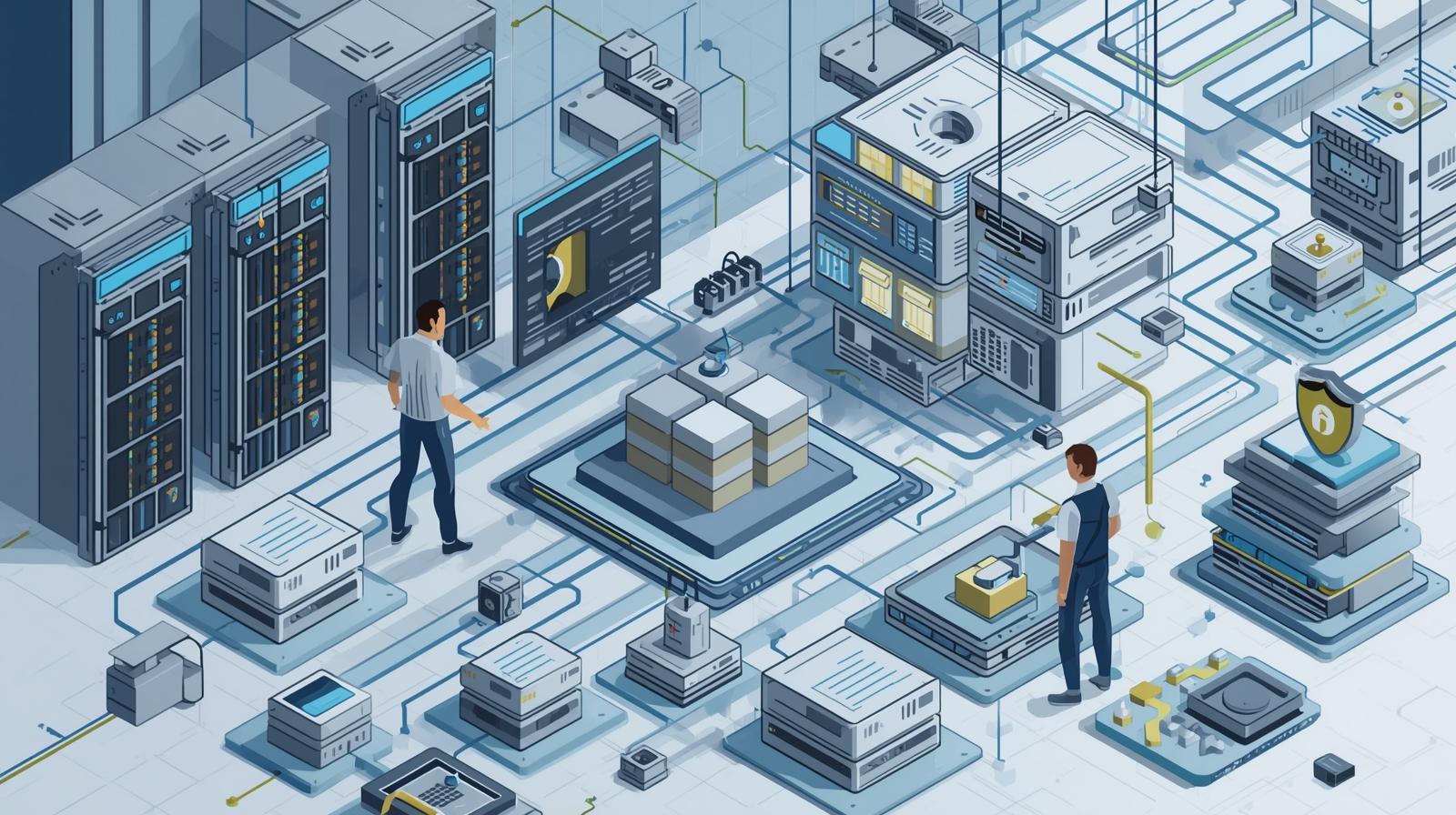
How do IT teams keep hundreds or even thousands of systems running smoothly without constant manual intervention? As infrastructures grow more complex and distributed, traditional monitoring methods simply cannot keep up. This is where rmm software becomes essential. Designed to give IT teams proactive visibility and control, rmm software helps organizations detect issues early, automate routine tasks, and maintain secure, high-performing environments.
For cybersecurity professionals, IT managers, and business leaders, rmm software is not just a technical tool—it is a strategic asset. It enables smarter decision-making, improves service quality, and reduces operational risk across industries.
What Is RMM Software and Why It Matters
RMM software, short for Remote Monitoring and Management software, allows IT teams to monitor endpoints, servers, and networks from a centralized platform. Instead of reacting to failures after they disrupt operations, teams can use rmm software to identify performance issues, security risks, and system anomalies in real time.
This proactive approach reduces downtime and supports a more resilient IT environment. As organizations rely increasingly on digital systems, rmm software has become a foundational component of modern IT management.
Core Capabilities of RMM Software
RMM software brings together multiple IT functions under one unified interface. These capabilities help IT teams maintain control while scaling operations efficiently.
By automating monitoring and management tasks, rmm software reduces the burden on IT staff and improves consistency across systems.
Real-Time Monitoring and Alerts
One of the most valuable features of rmm software is continuous monitoring. Systems are tracked for performance metrics such as CPU usage, memory consumption, disk health, and network availability.
When thresholds are exceeded, rmm software generates alerts that allow IT teams to respond before users are affected.
Remote Access and Troubleshooting
RMM software enables secure remote access to endpoints, allowing technicians to diagnose and fix issues without being physically present.
This capability is especially important for distributed and remote work environments, where on-site support is not always possible.
Automated Maintenance and Updates
Manual patching and maintenance are time-consuming and error-prone. RMM software automates software updates, patch deployment, and routine maintenance tasks.
Automation improves consistency, reduces human error, and ensures systems remain secure and up to date.
How RMM Software Supports Cybersecurity
Endpoints are among the most common targets for cyberattacks. RMM software strengthens security by providing continuous visibility into system health and behavior.
By integrating monitoring with automated responses, rmm software helps IT teams detect suspicious activity early and take corrective action quickly.
RMM Software for Proactive IT Management
Traditional IT support often operates reactively, responding to issues after they occur. RMM software shifts this model to proactive management.
With real-time data and predictive insights, IT teams can address vulnerabilities, optimize performance, and plan upgrades before problems escalate.
Benefits of RMM Software for IT Teams
The value of rmm software extends beyond monitoring. It transforms how IT teams operate and deliver services across the organization.
From efficiency gains to improved service quality, rmm software supports both day-to-day operations and long-term strategy.
Reduced Downtime and Faster Resolution
Early detection of issues minimizes system outages. RMM software alerts technicians before small problems turn into major disruptions.
Faster resolution improves user satisfaction and protects business continuity.
Improved Operational Efficiency
By automating repetitive tasks, rmm software frees IT teams to focus on strategic initiatives.
This efficiency reduces operational costs and supports leaner IT operations.
Centralized Visibility Across Environments
Modern IT environments often span on-premises systems, cloud services, and remote endpoints. RMM software provides centralized visibility across all these assets.
This unified view simplifies management and supports informed decision-making.
RMM Software in Managed IT and MSP Environments
Managed service providers rely heavily on rmm software to support multiple clients efficiently.
With multi-tenant capabilities, rmm software allows MSPs to monitor, manage, and secure diverse environments from a single console.
Supporting Remote and Hybrid Work With RMM Software
Remote and hybrid work models have become standard across many industries. RMM software enables IT teams to maintain oversight and support regardless of user location.
This flexibility ensures employees remain productive while security and performance standards are upheld.
Patch Management and Compliance With RMM Software
Keeping systems patched is critical for security and compliance. RMM software automates patch deployment and tracks update status across devices.
This automation helps organizations meet regulatory requirements and reduce exposure to known vulnerabilities.
Reporting and Analytics in RMM Software
Data is a powerful asset for IT leaders. RMM software provides detailed reports on system performance, uptime, patch status, and security events.
These insights help organizations identify trends, optimize resources, and demonstrate IT value to stakeholders.
Choosing the Right RMM Software
Selecting the right rmm software requires evaluating features, scalability, and ease of use. Organizations should consider how well the platform integrates with existing tools and supports future growth.
A flexible and user-friendly solution ensures long-term adoption and success.
Best Practices for Implementing RMM Software
Successful implementation begins with clear goals and defined policies. IT teams should identify which systems require monitoring and establish alert thresholds aligned with business priorities.
Regular reviews and updates to monitoring rules help maintain effectiveness as environments evolve.
Common Challenges With RMM Software
While powerful, rmm software can present challenges such as alert fatigue or configuration complexity.
Careful tuning of alerts and phased deployment strategies help organizations maximize benefits while minimizing disruption.
Enhancing User Experience Through RMM Software
Effective rmm software improves the end-user experience by reducing downtime and ensuring consistent performance.
When systems run smoothly, employees can focus on their work without frequent interruptions.
Scalability and Growth With RMM Software
As organizations grow, their IT environments become more complex. RMM software scales easily to accommodate additional devices and locations.
This scalability supports expansion, mergers, and evolving business models without adding unnecessary overhead.
RMM Software and IT Strategy Alignment
RMM software aligns IT operations with broader business objectives. By providing actionable insights and automation, it helps IT teams support growth, innovation, and resilience.
This alignment positions IT as a strategic partner rather than a reactive support function.
The Future of RMM Software
Advancements in analytics and automation continue to shape the evolution of rmm software. Future platforms are expected to deliver deeper insights and more autonomous responses.
As IT environments become more dynamic, rmm software will remain essential for maintaining control and security.
FAQs
-
What is rmm software
RMM software is a tool that allows IT teams to monitor and manage systems remotely through a centralized platform. -
How does rmm software improve security
It provides continuous monitoring, automated patching, and early detection of potential threats. -
Is rmm software suitable for small businesses
Yes, it scales to fit organizations of all sizes and improves efficiency regardless of environment complexity. -
Can rmm software support remote work
Yes, it enables secure remote monitoring and troubleshooting for distributed teams. -
Does rmm software reduce IT costs
By automating tasks and reducing downtime, it helps lower operational and support costs.
Final Thoughts
RMM software has become a cornerstone of modern IT management. By enabling proactive monitoring, automation, and centralized control, it helps organizations maintain secure and efficient systems in an increasingly complex digital landscape. For IT leaders seeking better visibility, stronger security, and improved operational efficiency, investing in the right rmm software is a decisive step forward.

 Loading...