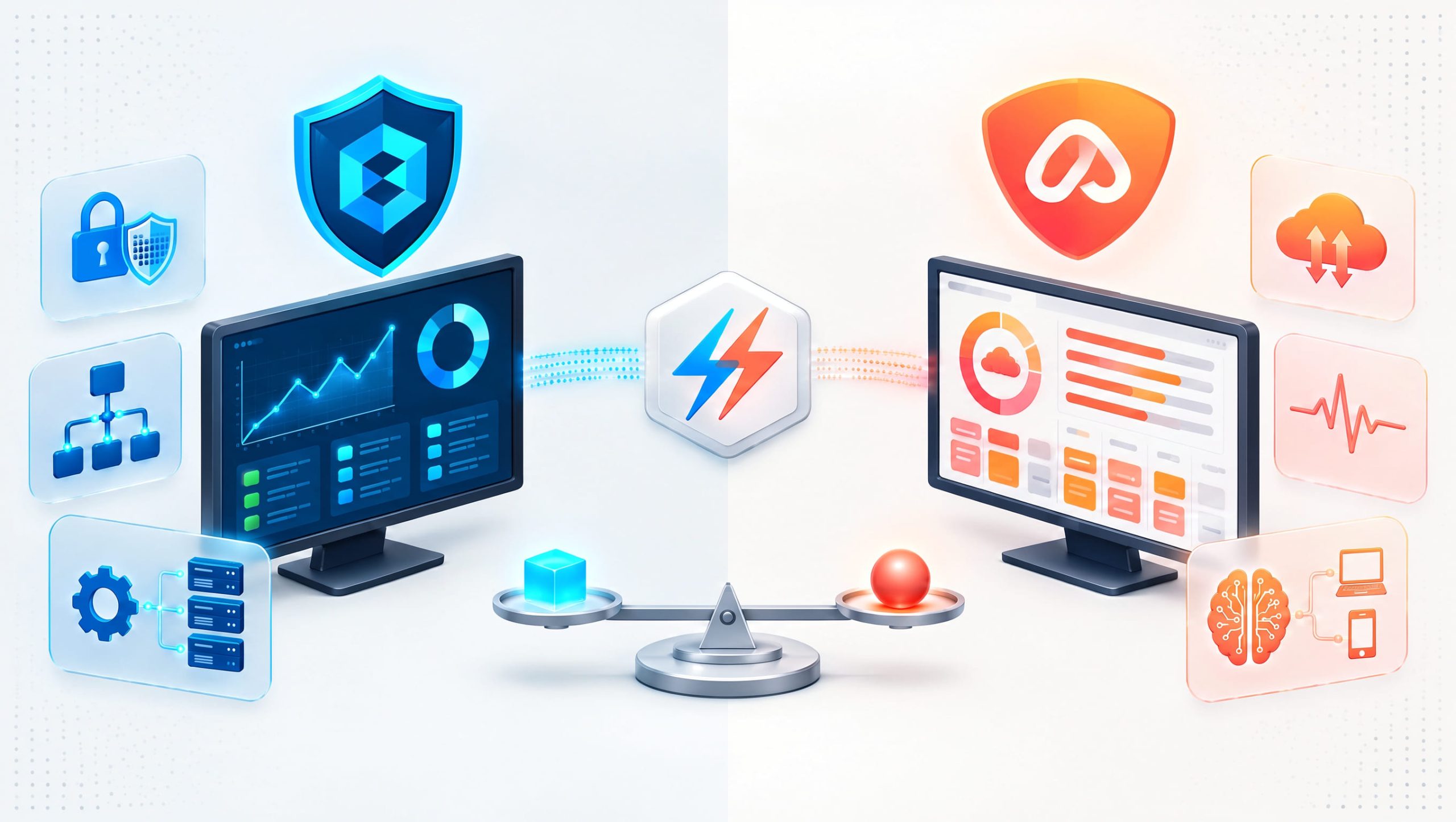
Are you struggling to choose an IT management platform that offers reliable monitoring, efficient automation, and better control over your endpoints? The ITarian vs Atera comparison is worth exploring for businesses and Managed Service Providers (MSPs) looking to simplify daily operations. Both platforms support remote IT management, but their capabilities, pricing approaches, and service workflows may suit different organizations.
Choosing between ITarian and Atera requires more than comparing feature lists. IT managers should consider device coverage, technician productivity, security, automation, and long-term costs. By evaluating RMM software, remote monitoring and management, automated patch management, and MSP management software, businesses can identify which platform aligns with their technical and financial needs.
What is ITarian
ITarian is a cloud-based IT management platform designed to help organizations monitor, manage, maintain, and support endpoints from a centralized environment. Its ecosystem includes remote monitoring and management, remote access, patch management, endpoint administration, service desk capabilities, and automation. ITarian is relevant to internal IT departments and MSPs that need to manage distributed devices while reducing repetitive maintenance.
Common capabilities include:
- Remote endpoint monitoring
- Automated patch deployment
- Remote troubleshooting
- Device inventory
- Monitoring alerts
- Endpoint configuration policies
- Service desk ticketing
- Maintenance automation
- Operational reporting
These functions can help technicians detect problems, maintain device health, and coordinate support activities.
What is Atera
Atera is a cloud-based IT management platform serving MSPs and internal IT departments. It combines remote monitoring and management with service desk functionality, automation, remote access options, reporting, and other operational features. Atera also promotes AI-assisted IT workflows that can help technicians manage support requests and routine activities.
Its main capabilities include:
- Remote monitoring and management
- Help desk and ticketing
- Patch management
- IT automation
- Remote access integrations
- Asset visibility
- Reporting and analytics
- AI-assisted support features
- MSP service workflows
Atera is also known for its technician-based subscription approach, although available plans, usage limits, and add-ons should be reviewed before purchase.
ITarian vs Atera: Key Differences
The main distinction in ITarian vs Atera involves platform packaging, operational workflows, pricing structures, and the way each provider combines endpoint management with service delivery. Both solutions address many common IT challenges. However, businesses should examine how their capabilities work in practice rather than assuming that similarly named features provide identical functionality.
| Feature | ITarian | Atera |
|---|---|---|
| Remote Monitoring and Management | Available | Available |
| Patch Management | Available | Available |
| Remote Access | ITarian remote access capabilities | Remote access tools and integrations |
| Ticket Management | ITarian Service Desk | Integrated ticketing |
| Automation | Scripts, policies, and management workflows | IT automation and scripting |
| Asset Visibility | Endpoint inventory and management | Device inventory and monitoring |
| AI Features | Verify current capabilities by product | AI-assisted IT workflows |
| Pricing Approach | Depends on selected services and licensing | Primarily technician-based plans |
| Target Users | MSPs and internal IT teams | MSPs and internal IT teams |
This overview highlights broad capabilities. Exact availability depends on the selected subscription, product configuration, and current vendor offerings.
ITarian vs Atera for Remote Monitoring and Management
Remote monitoring and management is central to both platforms. RMM software allows technicians to monitor devices, identify performance problems, and perform maintenance without visiting every location.
ITarian RMM Capabilities
ITarian provides centralized endpoint management and monitoring capabilities. Technicians can use monitoring policies and alerts to identify conditions that require attention. Depending on configuration, organizations can manage endpoint maintenance, patch deployment, remote access, and related operational tasks.
Atera RMM Capabilities
Atera provides remote monitoring, device management, automation, and alerting within its IT management platform. Its tools help technicians identify endpoint issues and perform maintenance across supported environments.
Which Approach Is Better
In the ITarian vs Atera comparison, the most useful RMM test is a real workflow. For example, configure an alert for low disk space, generate a ticket, perform an approved maintenance action, and review the resulting report. Compare the number of steps, available controls, and technician experience.
Automated Patch Management Comparison
Automated patch management helps businesses keep supported operating systems and applications updated. Missing security patches can increase exposure to known vulnerabilities and create compliance concerns. Both ITarian and Atera offer patch management capabilities, but supported applications, deployment controls, and reporting details should be verified.
Important Patch Management Features
When comparing platforms, examine:
- Supported operating systems
- Third-party application coverage
- Patch scheduling
- Deployment policies
- Reboot controls
- Patch approval workflows
- Failure notifications
- Compliance reports
- Exception management
A strong patching process should also include testing and rollback planning where appropriate. For organizations managing hundreds of endpoints, reliable automation can save considerable technician time.
Remote Support and Troubleshooting
Remote support is essential for distributed workforces and MSPs. Technicians need secure access to devices to investigate problems, install software, and assist employees. ITarian provides remote access capabilities within its broader management ecosystem. Atera supports remote troubleshooting through available remote access options and integrations. When evaluating ITarian vs Atera, consider connection reliability, supported operating systems, session permissions, and auditability.
Security Considerations
Remote support tools should support appropriate security controls.
Important considerations include:
- Strong technician authentication
- Role-based permissions
- Secure remote connections
- Session activity records
- Administrative access restrictions
- Customer authorization procedures
Remote support efficiency should never come at the expense of endpoint security.
Ticketing and Help Desk Management
An effective ticketing system helps IT teams organize support requests and maintain accountability. Both platforms provide service management capabilities, although their workflows and product structures differ.
ITarian Service Desk
ITarian Service Desk supports ticket management, technician assignments, service workflows, and reporting. Its relationship with endpoint management can help connect monitoring activity with support processes.
Atera Ticketing
Atera includes ticketing capabilities designed to help technicians manage requests, communicate with users, and track service activity. Its broader platform also connects ticket management with monitoring and automation.
What Should Businesses Compare
Test common support activities:
- Create a ticket from a monitoring alert.
- Assign the request to a technician.
- Record troubleshooting actions.
- Escalate the issue when necessary.
- Resolve the ticket.
- Generate a performance report.
The better platform is the one that supports your actual service processes with fewer unnecessary steps.
ITarian vs Atera for IT Automation
Automation is a major consideration when comparing IT management platforms. Both solutions can help reduce repetitive work through scripts, scheduled activities, and management policies. Common automation opportunities include:
- Device health checks
- Patch deployment
- Software installation
- Service restarts
- Monitoring notifications
- Maintenance scheduling
- Ticket creation
- Routine troubleshooting
Reduce Manual Work
Consider an IT team managing 500 endpoints. If technicians spend five minutes performing a routine check on every device, the total workload exceeds 41 hours. Automating suitable checks can reduce this effort. However, organizations should test scripts, define approval rules, and monitor automation results before deploying changes widely.
MSP Management Software and Business Growth
MSP management software helps service providers manage customer environments, service requests, and technical operations efficiently. Both ITarian and Atera offer capabilities relevant to MSPs. However, service providers should consider their business models before choosing a platform.
Multi-Customer Management
MSPs need clear separation between customer environments. Important capabilities include customer-specific policies, access permissions, device groups, and reporting.
Technician Productivity
Automation and centralized monitoring can help technicians support more endpoints.
Service Reporting
Reports help MSPs demonstrate maintenance activity, endpoint health, and service performance.
Business Integration
MSPs should evaluate ticketing, billing, contracts, and integration requirements. Not every RMM platform provides the same depth of business management functionality.
ITarian vs Atera Pricing Considerations
Pricing can strongly influence platform selection. Atera is commonly positioned around technician-based subscriptions, which can make costs easier to estimate when device counts grow. However, pricing depends on plan selection, billing terms, add-ons, and usage conditions. ITarian uses product-specific licensing and service offerings, so businesses should verify the current cost of their required components.
Compare Total Cost of Ownership
Before choosing either platform, calculate:
- Subscription fees
- Number of technicians
- Number of managed endpoints
- Required add-ons
- Remote access costs
- Security integrations
- Implementation expenses
- Training requirements
- Ongoing administration
A lower advertised subscription price does not always mean a lower total operating cost. The best financial decision depends on actual usage and service requirements.
ITarian vs Atera: Security and Compliance
Security should play an important role in any IT management software decision. Both platforms help organizations maintain endpoints through monitoring, patching, remote administration, and operational controls. However, an RMM platform should not be treated as a complete replacement for endpoint detection and response, identity security, or dedicated threat monitoring.
Important Security Features to Evaluate
-
Multi-factor authentication
-
Role-based access control
-
Administrative audit logs
-
Secure remote sessions
-
Patch compliance reporting
-
Device policy management
-
Integration with security platforms
-
Customer environment separation
Businesses should also examine how quickly technicians can identify vulnerable devices and complete remediation. A well-managed endpoint environment can reduce preventable security risks.
Which Platform is Better for Small Businesses
Small businesses often need straightforward management tools without excessive administrative complexity. In the ITarian vs Atera comparison, ITarian may appeal to organizations seeking endpoint management, remote support, patching, and service desk capabilities within its product ecosystem. Atera may appeal to teams that prefer a technician-based subscription model with integrated RMM, ticketing, PSA, and AI-assisted workflows.
The right decision depends on staffing, device counts, and required services. A small business should prioritize ease of use, predictable costs, and reliable technical support rather than selecting software based only on the number of advertised features.
Which Platform is Better for Growing MSPs
MSPs need technology that can support increasing customer demand without creating unnecessary operating costs. Both platforms offer relevant capabilities. ITarian emphasizes connected monitoring and service workflows, where endpoint alerts can become actionable support records with device and incident context. Atera offers technician-based licensing, with unlimited managed devices and customers under its standard model. Its AI Copilot is included in current plans, while certain advanced capabilities remain separate paid offerings.
Growing MSPs should compare:
-
Total licensing costs
-
Technician workload
-
Multi-customer management
-
Remote support capabilities
-
Automation reliability
-
Service desk integration
-
Reporting quality
-
Security controls
A short pilot across representative customer environments can reveal which platform supports growth more effectively.
Best Practices for Choosing Between ITarian and Atera
Before selecting either platform, establish clear evaluation criteria.
1. Identify Your Main Requirements
Determine whether endpoint monitoring, ticketing, patching, automation, or service management creates the greatest operational need.
2. Test Real Support Scenarios
Evaluate how technicians investigate alerts, access endpoints, resolve incidents, and document their work.
3. Compare Pricing Against Actual Usage
Include technician licenses, endpoint requirements, integrations, and optional services.
4. Review Security and Access Controls
Verify permissions, authentication, logging, and customer separation.
5. Measure Automation Results
Test scripts and workflows in a controlled environment before deploying them broadly.
6. Evaluate Reporting
Confirm that managers can track endpoint health, patch compliance, ticket performance, and service activity.
7. Consider Long-Term Scalability
Choose a platform that supports future customer growth without creating unnecessary complexity.
Frequently Asked Questions
Q1: What is the main difference between ITarian and Atera?
The ITarian vs Atera comparison centers on platform packaging, pricing, automation, and operational workflows. Both offer RMM, endpoint maintenance, remote support, and ticketing capabilities, but their implementations and licensing approaches differ.
Q2: Does ITarian support remote monitoring and management?
Yes. ITarian provides RMM capabilities for monitoring endpoint health, managing devices remotely, automating maintenance, and connecting operational alerts with service workflows.
Q3: Does Atera charge per technician or per endpoint?
Atera primarily uses per-technician pricing, allowing licensed technicians to manage unlimited devices and customers. Certain optional services and integrations may involve additional charges.
Q4: Can both platforms automate patch management?
Yes. Both platforms provide patch management and automation capabilities. Organizations should compare operating system support, third-party application coverage, scheduling, deployment controls, and compliance reporting.
Q5: Which platform is better for MSPs?
Both can support MSP operations. The better choice depends on customer requirements, technician count, managed endpoints, service workflows, security needs, and total operating costs.
Final Thoughts
The ITarian vs Atera comparison highlights two platforms designed to simplify IT operations through remote monitoring, endpoint management, automation, and support workflows.
ITarian offers an interconnected environment for RMM, patch management, remote access, and service desk operations. Its approach can be useful for organizations seeking closer coordination between endpoint monitoring and technical support.
Atera combines RMM, PSA, ticketing, automation, and AI-assisted capabilities with a technician-based licensing model. This approach may appeal to MSPs and internal IT departments seeking predictable licensing as their device counts increase.
Neither platform is automatically the best choice for every business. Organizations should evaluate real workflows, test essential features, review current licensing, and calculate total operating costs before making a decision. By choosing software that aligns with technical requirements and business goals, IT teams can improve efficiency, strengthen endpoint oversight, and support sustainable growth.
Experience smarter IT automation — start your free ITarian trial

 Loading...