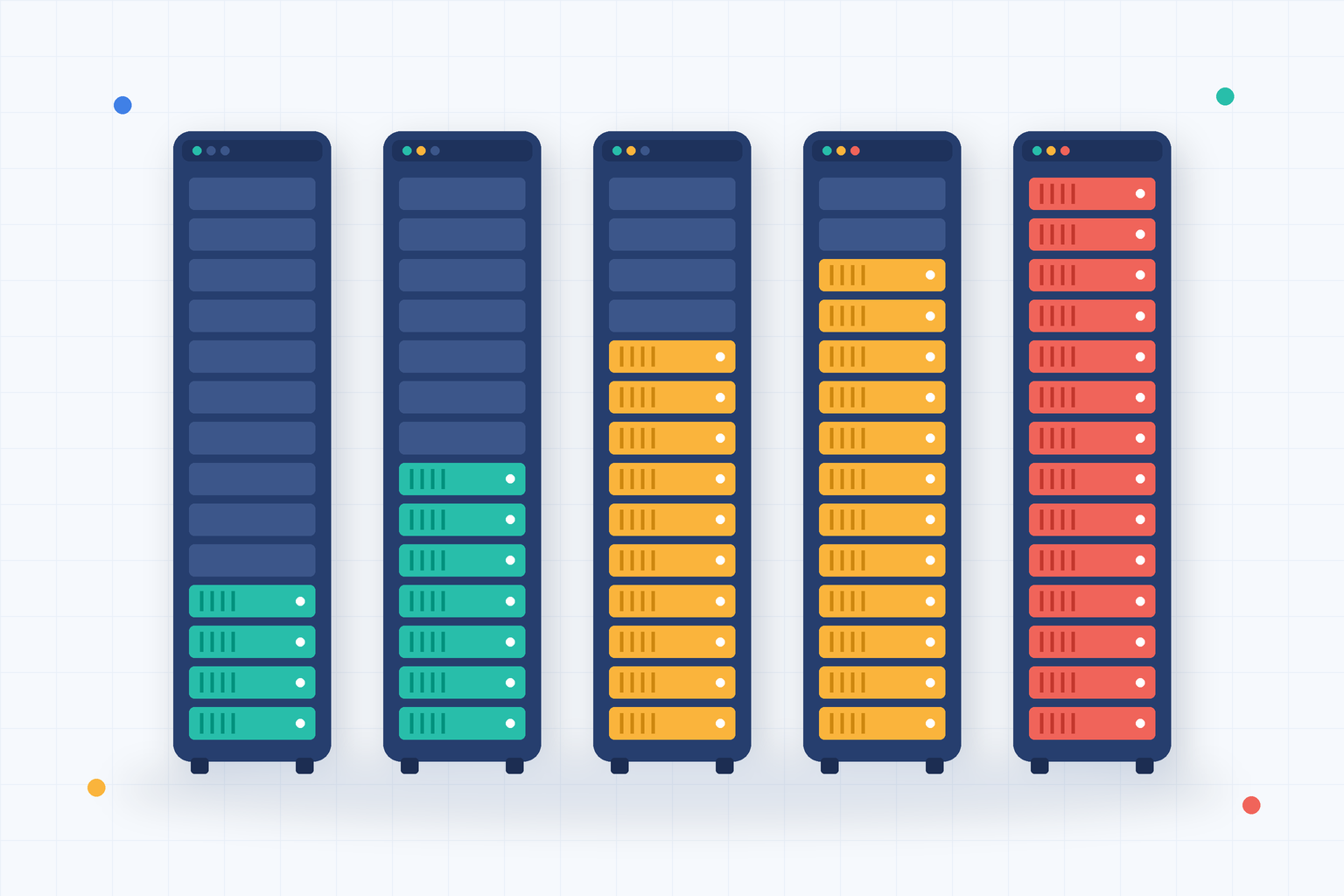
What happens when your business applications slow down during peak working hours or your servers run out of storage without warning? These problems can disrupt operations, frustrate employees, and increase IT expenses. Capacity planning helps organizations prevent such issues by ensuring that technology resources can support current workloads and future business demands.
As companies expand their digital operations, managing infrastructure becomes more complex. Servers, cloud platforms, networks, and applications must handle changing workloads without compromising performance. Effective capacity planning combines IT capacity management, resource capacity planning, infrastructure monitoring, and cloud capacity planning to improve efficiency and control costs.
For IT managers, cybersecurity professionals, MSPs, and business leaders, a well-defined capacity strategy supports reliable service delivery, better investment decisions, and sustainable growth.
What is Capacity Planning
Capacity planning is the process of assessing available resources, forecasting future requirements, and ensuring that systems can handle expected workloads. In IT environments, it involves evaluating computing power, memory, storage, network bandwidth, and application performance. The goal is to maintain enough capacity to meet business needs without purchasing unnecessary infrastructure.
For example, an online business may experience higher website traffic during seasonal promotions. Without proper planning, its servers could become overloaded and cause slow response times. Capacity planning helps the IT team estimate demand and prepare resources before traffic increases.
Key Resources to Evaluate
- Server processing power
- Memory utilization
- Storage capacity
- Network bandwidth
- Cloud computing resources
- Application workloads
- Database performance
- Backup infrastructure
Organizations should review these resources regularly as business requirements change.
Why Capacity Planning Matters for Modern Businesses
Technology performance directly affects employee productivity and customer satisfaction. When infrastructure cannot handle demand, applications may become slow or unavailable. However, purchasing excessive resources can also create unnecessary costs.
Capacity planning helps organizations balance performance, availability, and spending.
Common Problems Caused by Poor Planning
- Unexpected system downtime
- Slow application performance
- Storage shortages
- Network congestion
- Excessive cloud spending
- Underused infrastructure
- Delayed business expansion
- Increased maintenance costs
A structured approach helps businesses identify resource limitations before they affect operations. It also gives decision-makers better information when planning technology investments.
Key Benefits of Capacity Planning
Improved System Performance
Adequate computing resources help applications operate consistently. Monitoring resource demand allows IT teams to identify performance bottlenecks early.
Reduced Operational Costs
Organizations can avoid purchasing hardware or cloud resources that provide little business value.
Better Infrastructure Availability
Planning for peak demand reduces the risk of resource-related service disruptions.
Greater Business Scalability
Capacity planning helps infrastructure grow alongside customer demand and business operations.
More Accurate Budgeting
Forecasts help IT managers estimate future infrastructure expenses.
Better Resource Utilization
Teams can identify underused resources and redistribute workloads where appropriate. These benefits make capacity management an important part of long-term IT strategy.
IT Capacity Management and Infrastructure Performance
IT capacity management focuses on ensuring that technology services have sufficient resources to meet performance requirements. It involves monitoring existing infrastructure, analyzing demand, and planning improvements. Capacity management typically considers three areas.
Business Capacity Management
This involves understanding how business growth affects technology demand. For example, opening new offices may increase the number of users accessing shared applications.
Service Capacity Management
This focuses on whether IT services can meet agreed performance expectations. Examples include application response times, transaction processing, and service availability.
Component Capacity Management
This examines individual infrastructure components such as servers, storage devices, and network connections. Combining these perspectives helps organizations make informed infrastructure decisions.
Resource Capacity Planning for Better Allocation
Resource capacity planning helps businesses determine how much computing infrastructure they need and where it should be allocated. Not every application requires the same resources. A customer database may need fast storage and reliable memory, while a file archive may prioritize storage capacity over processing speed.
Steps for Effective Resource Allocation
- Identify critical applications and services.
- Measure current resource consumption.
- Review historical usage patterns.
- Estimate future demand.
- Identify underused infrastructure.
- Allocate resources based on business priority.
- Monitor performance after changes.
Avoid Resource Waste
Overprovisioning occurs when organizations allocate more resources than necessary. Underprovisioning happens when available capacity cannot support demand. Capacity planning helps reduce both problems through accurate measurement and forecasting.
Infrastructure Monitoring and Capacity Planning
Infrastructure monitoring provides the operational data needed for effective capacity decisions. Without accurate monitoring, IT teams may rely on assumptions about system performance. Monitoring tools collect information about resource usage, system health, and workload patterns.
Important Monitoring Metrics
| Metric | Why It Matters |
|---|---|
| CPU Utilization | Identifies processing demand and potential bottlenecks |
| Memory Usage | Helps detect memory pressure |
| Disk Capacity | Tracks available storage |
| Network Throughput | Measures data transfer demand |
| Application Response Time | Shows how resource constraints affect users |
| Database Performance | Helps identify query and processing delays |
| Resource Growth Rate | Supports future capacity forecasts |
Identify Performance Trends
A single high CPU reading does not always indicate a capacity problem. However, consistently high utilization combined with slower application response times may require investigation. IT teams should examine trends rather than relying on isolated measurements.
Capacity Planning for Servers and Data Centers
Physical infrastructure requires careful forecasting because hardware upgrades may involve purchasing, installation, and configuration delays. Organizations must estimate future demand before existing resources become insufficient.
Server Capacity
Review processing power, memory, storage performance, and workload distribution.
Storage Capacity
Monitor storage growth, backup requirements, retention policies, and available disk space.
Network Capacity
Evaluate bandwidth usage, network congestion, and expected increases in connected devices.
Power and Cooling
Data centers must also consider electrical capacity, cooling requirements, and physical space. Capacity planning helps organizations prepare for these requirements before they become operational constraints.
Capacity Planning for Managed Service Providers
Managed Service Providers manage infrastructure across multiple customer environments. Each customer may have different workloads, budgets, and growth expectations.
Capacity planning helps MSPs maintain service reliability while providing informed infrastructure recommendations.
Benefits for MSPs
- Early identification of resource shortages
- Improved customer infrastructure visibility
- Better maintenance scheduling
- More accurate upgrade recommendations
- Reduced emergency support requests
- Stronger service-level management
- Improved customer reporting
Support Customer Growth
An MSP may notice that a customer’s storage usage increases steadily each month. Instead of waiting for a storage failure, the provider can forecast when additional capacity will be required. This allows the customer to plan upgrades and avoid unexpected expenses.
Capacity Planning and Cybersecurity
Capacity management also contributes to operational resilience. Security tools, backup systems, and monitoring platforms require sufficient resources to function effectively. For example, endpoint security scans may consume processing power during scheduled maintenance periods. Backup operations may also create temporary increases in storage and network demand.
Capacity planning helps organizations account for these workloads.
Security-Related Capacity Requirements
- Backup storage
- Log retention
- Security monitoring
- Endpoint scanning
- Disaster recovery infrastructure
- Incident investigation resources
Organizations should ensure that critical security services have enough capacity during normal operations and emergencies. However, capacity management does not replace dedicated cybersecurity controls.
Common Capacity Planning Challenges
Even experienced IT teams may encounter difficulties when forecasting infrastructure needs.
Inaccurate Demand Forecasts
Unexpected business growth can increase resource requirements.
Limited Monitoring Data
Incomplete performance information makes forecasting less reliable.
Rapid Technology Changes
New applications and cloud services may create unfamiliar workload patterns.
Poor Communication
IT teams may not receive timely information about upcoming business projects.
Excessive Resource Allocation
Overprovisioning can increase infrastructure expenses.
Delayed Infrastructure Upgrades
Hardware procurement and deployment may take longer than expected. Organizations should address these challenges through regular reviews and closer collaboration between IT and business teams.
Best Practices for Effective Capacity Planning
1. Establish Performance Baselines
Measure normal resource usage before forecasting future demand.
2. Monitor Resource Trends
Track utilization over weeks and months to identify growth patterns.
3. Understand Business Requirements
Include upcoming projects, employee growth, and customer demand in forecasts.
4. Prioritize Critical Services
Allocate sufficient resources to applications that directly support business operations.
5. Maintain Capacity Buffers
Reserve reasonable headroom for unexpected workload increases.
6. Test Peak Workloads
Use performance testing to understand how systems behave under heavy demand.
7. Review Cloud Spending
Identify unused resources and opportunities for cost optimization.
8. Update Forecasts Regularly
Revise capacity plans when business conditions or technology requirements change.
These practices help organizations make more accurate resource decisions.
Actionable Steps to Build a Capacity Planning Strategy
Organizations can begin with a structured implementation process:
- Identify business-critical applications.
- Inventory available infrastructure resources.
- Collect historical performance data.
- Establish utilization baselines.
- Forecast future business demand.
- Identify potential capacity shortages.
- Set performance and utilization thresholds.
- Develop upgrade and optimization plans.
- Monitor actual resource consumption.
- Review forecasts and adjust plans regularly.
Start with systems that have the greatest impact on business operations. Once reliable monitoring and forecasting processes are established, expand capacity management across the infrastructure.
Frequently Asked Questions
Q1: What is capacity planning in IT?
Capacity planning is the process of evaluating current technology resources and forecasting future requirements to ensure that infrastructure can support business workloads efficiently.
Q2: Why is capacity planning important?
It helps prevent performance problems, reduce unnecessary infrastructure spending, improve system availability, and support business growth.
Q3: What is the difference between capacity planning and capacity management?
Capacity planning focuses on forecasting and preparing resources for future demand. Capacity management includes ongoing monitoring, optimization, and control of available resources.
Q4: How does capacity planning help cloud environments?
It helps organizations select appropriate cloud resources, configure scaling policies, monitor utilization, and control infrastructure costs.
Q5: What tools support capacity planning?
Infrastructure monitoring platforms, cloud management tools, performance analytics systems, and resource forecasting software can provide the data needed for capacity decisions.
Final Thoughts
Reliable IT performance requires more than responding to infrastructure problems after they occur. Organizations must understand how their technology resources are being used and prepare for changing business demands.
Capacity planning provides a structured way to balance performance, availability, and infrastructure costs. By monitoring resource consumption, forecasting future workloads, and identifying potential bottlenecks, businesses can reduce unexpected disruptions and make better technology investments. Combining IT capacity management, resource capacity planning, infrastructure monitoring, and cloud capacity planning helps organizations maintain greater control over complex technology environments.
Successful planning requires accurate data, regular performance reviews, collaboration with business teams, and clear resource allocation priorities. With a proactive capacity strategy, IT teams can improve service reliability, optimize infrastructure spending, and support sustainable business growth.
Secure your infrastructure better — launch your free ITarian trial

 Loading...