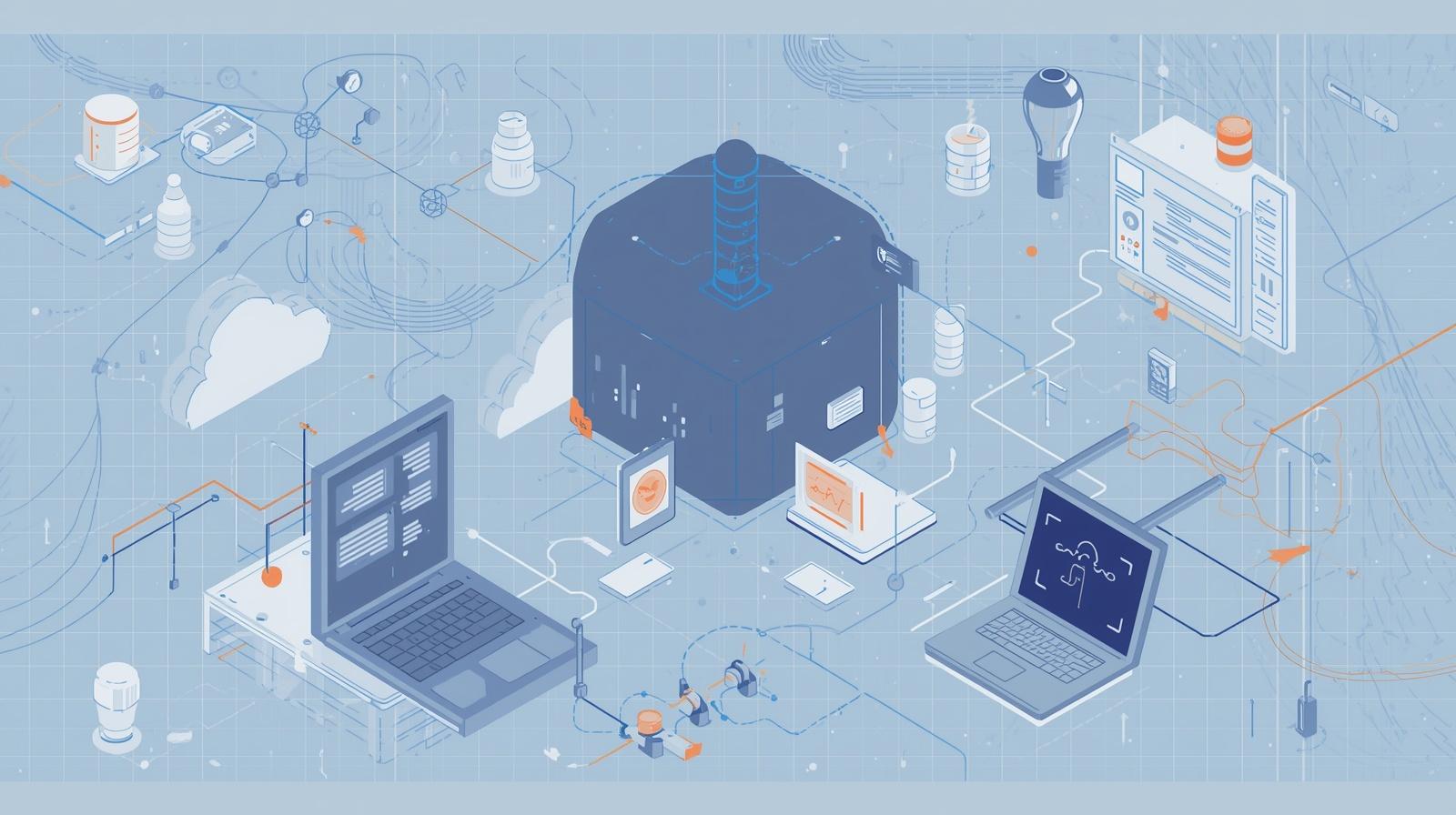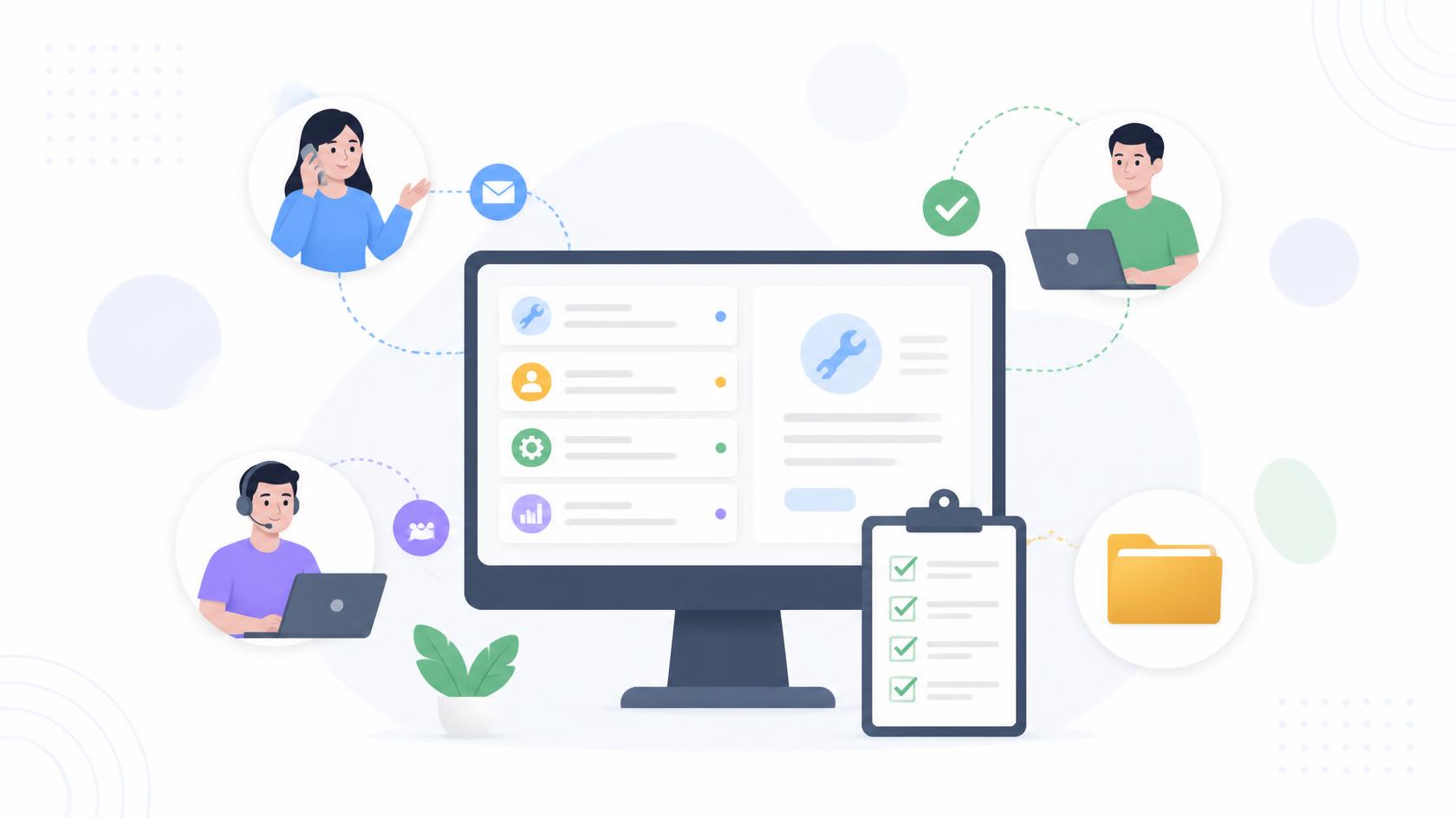
A support ticket rarely tells the whole story. When an employee reports a slow laptop, application failure, or connectivity issue, technicians also need to know the device model, operating system, installed software, warranty status, recent changes, and previous incidents. ITSM asset management integration brings this information into the service workflow so teams can make faster, better-informed decisions. By connecting IT asset management, IT service management, asset lifecycle management, and a reliable CMDB, organizations can reduce manual lookup work, improve troubleshooting, strengthen governance, and gain a clearer picture of the technology supporting the business.
What is ITSM Asset Management Integration
ITSM asset management integration connects IT service management processes with accurate information about hardware, software, cloud resources, and other technology assets.
ITSM typically manages activities such as:
- Incidents
- Service requests
- Problems
- Changes
- Knowledge
- Service levels
IT asset management focuses on understanding what assets an organization owns or manages, where they are, who uses them, and where they are in their lifecycle.
When these areas operate separately, technicians may need to search different systems to understand a single issue. Integration brings relevant asset information directly into service workflows.
For example, a ticket associated with an employee’s laptop may automatically display the device’s operating system, installed applications, recent incidents, and lifecycle status.
Why ITSM and Asset Management Should Work Together
Modern organizations depend on thousands of connected assets. These may include laptops, desktops, servers, mobile devices, network equipment, virtual machines, applications, and cloud services.
Each asset can generate incidents, require changes, create security risks, and consume budget.
Without ITSM asset management integration, teams often face:
- Duplicate data
- Outdated asset records
- Longer troubleshooting times
- Poor ownership visibility
- Inconsistent change records
- Weak lifecycle tracking
- Manual ticket updates
- Compliance gaps
Integration replaces isolated information with useful operational context.
As a result, the service desk can understand not only what problem a user reported but also which technology is affected and how important that asset is to the organization.
IT Asset Management as the Data Foundation
Effective IT asset management provides reliable information about technology throughout its useful life.
Asset records may include:
- Asset ID
- Device type
- Manufacturer
- Model
- Serial number
- Operating system
- Assigned user
- Location
- Purchase date
- Warranty
- Installed software
- Lifecycle stage
- Security status
This information becomes much more valuable when service teams can access it directly from incidents, requests, problems, and changes.
Improve Asset Accuracy
Manual spreadsheets quickly become outdated when devices are deployed, reassigned, repaired, or retired.
Automated discovery and synchronized records can improve accuracy.
However, automation still requires governance. Teams should define which system owns each data field and establish processes for correcting inaccurate records.
Faster Incident Management with Asset Context
Incident management aims to restore normal service quickly.
ITSM asset management integration helps technicians begin investigations with more context.
Instead of asking users to provide technical details they may not know, the service desk can retrieve information about the affected device automatically.
For example, the technician may immediately see:
- Device specifications
- Patch status
- Installed applications
- Previous incidents
- Recent configuration changes
- Assigned owner
This can reduce unnecessary back-and-forth communication.
Identify Recurring Problems
Asset-linked incident history can reveal patterns.
If the same server generates repeated incidents, the issue may require problem management rather than another temporary fix.
Likewise, if one hardware model shows unusually high failure rates, teams can investigate replacement or configuration strategies.
Improve Service Request Management
Service requests frequently involve assets.
Employees may request:
- New laptops
- Replacement devices
- Approved software
- Accessories
- Application access
- Hardware upgrades
With ITSM asset management integration, fulfillment workflows can update asset records as the request progresses.
For example, when a laptop is assigned to a new employee, the workflow can record ownership, deployment status, and relevant service information.
This reduces duplicate data entry while improving accountability.
Better Change Management Through Asset Relationships
Changes become safer when teams understand which assets and services may be affected.
A configuration change to a network device, for example, could affect applications, endpoints, or business services that depend on it.
Connected asset and configuration information can help change teams evaluate:
- Affected systems
- Related users
- Previous changes
- Known incidents
- Service dependencies
- Business impact
Maintain Change History
A reliable history of changes associated with an asset can also speed troubleshooting.
If an application begins failing shortly after a configuration update, technicians can quickly review the recent change record.
This makes ITSM asset management integration useful for both planned change control and incident investigation.
The Role of a CMDB
A Configuration Management Database (CMDB) stores information about configuration items and the relationships between them.
IT asset management and configuration management overlap, but they are not identical.
Asset management typically focuses on financial, contractual, ownership, and lifecycle information. A CMDB focuses more heavily on operational configuration and service relationships.
Together, they can help organizations understand both the asset and its role within the broader environment.
Why Relationships Matter
A server is not valuable merely because it exists. Its importance may depend on the services it supports.
For example:
Application → Database → Server → Virtual Platform → Physical Infrastructure
Understanding these relationships helps teams assess impact when incidents or changes occur.
Strengthening Asset Lifecycle Management
Asset lifecycle management covers the journey from planning and acquisition through deployment, maintenance, reassignment, and retirement.
ITSM workflows occur throughout that journey.
Procurement and Deployment
Service requests can initiate hardware purchases and provisioning.
Once deployed, asset records can capture the assigned employee and active status.
Maintenance
Incidents and work orders create maintenance history.
This data can help teams identify devices that require frequent repairs.
Reassignment
When employees change roles, assets may be reassigned.
Integrated workflows help maintain accurate ownership records.
Retirement
When an asset reaches end of life, service workflows can coordinate:
- Data backup
- Access removal
- Secure data sanitization
- Asset recovery
- Inventory updates
- Disposal documentation
This provides clearer lifecycle accountability.
ITSM Asset Management Integration and Cybersecurity
Cybersecurity teams benefit when service and asset information are connected.
An asset inventory can show which systems exist, while service records show what has happened to them.
Together, this information can support:
- Vulnerability remediation
- Patch tracking
- Security investigations
- Configuration monitoring
- Compliance reviews
- Risk prioritization
Prioritize Critical Assets
Not every vulnerability carries the same business risk.
A weakness affecting an isolated test system may require a different response from one affecting a business-critical server.
Asset context allows security teams to combine technical severity with business importance.
Track Remediation
When security findings require technical work, automated service tickets can provide ownership and status tracking.
This creates a clearer path from detection to remediation.
Automation Opportunities
One of the biggest advantages of ITSM asset management integration is automation.
Connected systems can trigger actions based on events or lifecycle changes.
Useful examples include:
- Create an incident when monitoring detects device failure.
- Attach asset information automatically to a ticket.
- Update ownership after device assignment.
- Trigger approval for software requests.
- Create maintenance tasks for expiring warranties.
- Open remediation tickets for noncompliant endpoints.
- Update asset status after retirement.
Automation reduces repetitive administrative work while improving data consistency.
Benefits for Managed Service Providers
MSPs manage technology across many customer environments, making accurate asset context especially important.
ITSM asset management integration can help providers connect service tickets with client endpoints and infrastructure.
Benefits include:
- Faster troubleshooting
- Better client reporting
- Consistent asset inventories
- Improved ticket context
- Clearer device ownership
- Easier lifecycle planning
- Better service history
Multi-client visibility also helps MSPs identify recurring patterns across managed environments.
For example, frequent failures on a particular device type can inform proactive replacement recommendations.
Key Metrics to Track
Organizations should measure whether integration improves operations rather than assuming it does.
Useful metrics include:
Mean Time to Resolution
Asset context should help reduce the time required to diagnose and resolve incidents.
Asset Data Accuracy
Track incomplete, duplicate, or outdated asset records.
Ticket-to-Asset Association Rate
Measure how many relevant service records are correctly connected to affected assets.
Change Success Rate
Better dependency information should help reduce unsuccessful changes.
Asset Recovery Rate
Track whether devices are successfully recovered during offboarding and retirement.
Repeated Incident Rate
Identify assets that generate recurring service problems.
These measurements help teams refine both service and asset processes.
Best Practices for ITSM Asset Management Integration
Successful integration requires more than connecting two APIs.
Establish a Single Source of Truth
Decide which platform owns each category of information.
Avoid allowing multiple systems to overwrite each other without clear rules.
Standardize Asset Records
Use consistent naming, categories, lifecycle stages, and ownership fields.
Start with High-Value Workflows
Begin with integrations that produce immediate operational value, such as automatically linking endpoint data to incidents.
Remove Duplicate Records
Duplicate devices weaken reporting and automation.
Establish regular reconciliation processes.
Apply Role-Based Access
Asset records may contain sensitive technical and user information.
Limit access according to job responsibilities.
Review Integration Health
Failed synchronization can create silent data gaps.
Monitor integrations and establish alerts for errors.
Common Mistakes to Avoid
Organizations can reduce implementation problems by avoiding these common mistakes:
- Integrating poor-quality asset data
- Synchronizing every field without a clear need
- Ignoring duplicate assets
- Failing to define ownership
- Automating broken workflows
- Treating asset management and CMDB data as identical
- Keeping retired devices active
- Ignoring synchronization failures
- Providing excessive administrative access
A simple integration built on reliable data is usually more valuable than a complicated integration built on inconsistent records.
Actionable Steps for Better Integration
Organizations can improve ITSM asset management integration through a practical sequence:
- Inventory existing service and asset systems.
- Identify authoritative data sources.
- Clean duplicate and outdated records.
- Define common asset categories.
- Connect high-value service workflows first.
- Automate asset-to-ticket association.
- Establish lifecycle status rules.
- Track synchronization errors.
- Measure operational results.
- Expand automation after proving value.
This phased approach reduces risk while allowing teams to demonstrate measurable improvements.
Frequently Asked Questions
Q1: What is ITSM asset management integration?
ITSM asset management integration connects service management workflows with hardware, software, ownership, configuration, and lifecycle information so teams can manage incidents, requests, changes, and assets with better context.
Q2: Why integrate ITSM with asset management?
Integration reduces manual data lookup, improves ticket context, strengthens asset visibility, supports automation, and provides more accurate lifecycle information.
Q3: Is IT asset management the same as a CMDB?
No. IT asset management generally focuses on asset ownership, financial information, contracts, and lifecycle data. A CMDB primarily tracks configuration items and their operational relationships, although the two often share information.
Q4: Can ITSM asset management integration improve cybersecurity?
Yes. Asset context can help security teams identify affected devices, prioritize vulnerabilities, track remediation, investigate incidents, and monitor compliance.
Q5: How does integration help the service desk?
Service desk technicians receive relevant device and configuration information within the ticket workflow, reducing manual research and helping them diagnose problems more efficiently.
Final Thoughts
Service management becomes more effective when technicians understand the technology behind every request, incident, problem, and change. ITSM asset management integration connects operational workflows with accurate asset information, giving teams the context they need to make faster and more informed decisions.
By bringing together IT asset management, IT service management, asset lifecycle management, and CMDB data, organizations can improve troubleshooting, automate repetitive work, strengthen security, and maintain better lifecycle visibility. The strongest results come from reliable data, clear ownership, standardized workflows, and continuous measurement.
Start with high-value integration points rather than trying to connect everything at once. Once asset information becomes a dependable part of daily service operations, organizations can expand automation and build a more efficient, secure, and scalable management environment.

 Loading...