As modern workplaces continue shifting toward hybrid environments, secure remote access has become essential for IT teams, cybersecurity professionals, and enterprise leaders. One of the most common needs today is establishing reliable remote desktop Macintosh connectivity—whether to access a Mac from another device or use a Mac to control remote systems. With the rise of cloud infrastructure, remote troubleshooting, and distributed teams, organizations depend on solutions that combine security, performance, and ease of use.
In this article, we break down how remote desktop Macintosh access works, why it matters for cybersecurity, the different tools available, and how businesses can strengthen their remote operations with best-in-class security practices. If you have been looking to understand or deploy remote desktop solutions for Mac users, this guide walks you through everything from capabilities to setup, performance, and security considerations.
Why Remote Desktop on Macintosh Matters for Modern Businesses
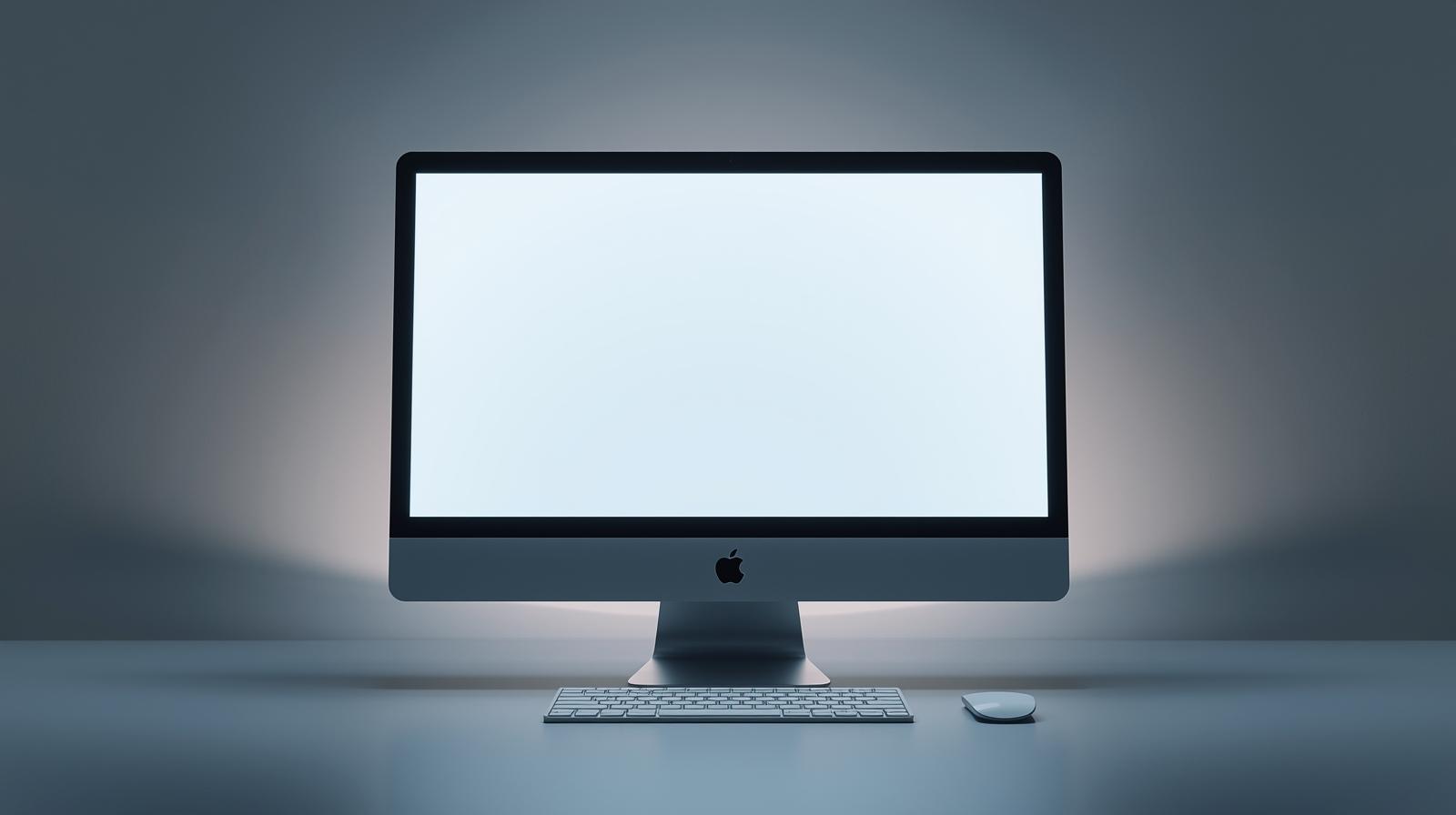
Remote access is now a critical part of IT operations. Companies need secure ways to connect to Macs across offices, homes, servers, and cloud environments. Whether your team uses MacBooks, iMacs, or Mac mini devices, remote desktop Macintosh capabilities help streamline workflows, reduce downtime, and ensure continuous productivity.
Remote desktop usage has increased dramatically due to:
-
Hybrid and remote work environments
-
IT teams managing distributed hardware
-
Cloud-centric collaboration
-
Security policies requiring controlled device access
-
MSPs supporting clients remotely
Macs are widely used in creative, enterprise, and technical environments, so having reliable remote desktop functionality is essential for maintaining operational continuity across teams and departments.
How Remote Desktop Macintosh Access Works
Remote desktop technology allows a user to connect to a Mac from another device and control it as if they were sitting in front of it. This includes interacting with applications, accessing files, running commands, and troubleshooting technical issues. Remote desktop Macintosh solutions rely on three core components:
-
A software client (for the device initiating the connection)
-
A host application or built-in macOS feature
-
A secure communication protocol
Different tools use different protocols, such as:
-
VNC (Virtual Network Computing)
-
Apple Remote Desktop
-
Microsoft Remote Desktop (RDP)
-
Browser-based remote access connections
While the underlying technologies differ, the goal remains the same—secure and seamless access to remote systems under IT-approved policies.
Built-In macOS Remote Desktop Features
macOS includes native remote desktop functionality that many IT departments rely on. Remote Management and Screen Sharing are both accessible through System Settings and support administrative control over Apple devices.
Screen Sharing
This built-in feature enables:
-
GUI-based remote control
-
Application access
-
Collaborative troubleshooting
-
Secure local network connections
Remote Management
Remote Management supports:
-
Full administrative control
-
Remote shell access
-
Observing and interacting with user sessions
-
Remote configuration for enterprise environments
Remote Management is particularly useful for IT administrators managing fleet deployments of Mac devices across enterprise environments.
Third-Party Remote Desktop Tools for Macintosh
While macOS offers built-in tools, many organizations prefer professional remote access solutions with stronger security controls, cross-platform access, and automation. Below are the most popular options.
Microsoft Remote Desktop for Mac
Allows Mac users to access Windows systems using RDP. It’s widely used for:
-
Enterprise Windows servers
-
Workstation access
-
Cross-platform IT operations
Chrome Remote Desktop
A browser-based solution offering:
-
Simple setup
-
Good cross-platform compatibility
-
Lightweight access for remote support
VNC-Based Clients
Tools like RealVNC, TightVNC, and TigerVNC provide:
-
Customizable remote desktop experiences
-
Network-level control
-
Flexible security configurations
Professional Remote Access Platforms
MSPs, cybersecurity teams, and enterprise IT organizations may choose fully managed remote access software offering:
-
Zero-trust authentication
-
Endpoint visibility
-
Automated patching and security controls
-
Remote command execution
-
Multi-device management
These solutions provide stronger protection and compliance features required in regulated industries.
Security Considerations for Remote Desktop Macintosh Access
Remote desktop tools greatly increase productivity, but they can also introduce risk if not properly secured. Cybercriminals frequently target remote desktop ports and weak authentication methods. Proper security protections ensure your remote desktop Macintosh environment remains protected against unauthorized access.
Essential security practices include:
-
Enforcing multi-factor authentication (MFA)
-
Implementing strong password policies
-
Locking down remote access ports
-
Using VPN or zero-trust access layers
-
Applying device-level encryption
-
Restricting remote access to approved users or IP ranges
-
Monitoring and logging remote sessions
Remote desktop security must be approached with the same level of rigor as any enterprise IT infrastructure.
Performance Expectations for Remote Desktop Macintosh Tools
Performance can vary based on:
-
Network bandwidth
-
Device hardware
-
Remote desktop software used
-
Encryption overhead
-
Latency between devices
To improve performance:
-
Use wired or Wi-Fi 6 connections
-
Close unnecessary applications
-
Adjust streaming resolution settings
-
Allow hardware acceleration when available
-
Optimize VPN or network routing
Macs generally handle remote desktop workloads smoothly due to strong GPU and CPU optimization in macOS.
Best Use Cases for Remote Desktop Macintosh Access
Remote desktop access plays a vital role in many business and IT workflows.
IT Support and Troubleshooting
Technicians can:
-
Diagnose issues remotely
-
Install software updates
-
Monitor device performance
-
Run administrative commands
Remote Work Enablement
Employees gain secure access to:
-
Internal systems
-
Company files
-
Workstation applications
Server and Network Management
Remote desktop supports:
-
Remote server access
-
Virtual machine control
-
Network configuration
Creative and Production Teams
Mac users in graphic design, video editing, and development rely heavily on remote access for:
-
Collaboration
-
Project sharing
-
Workflow continuity
Remote desktop is a foundational technology across modern digital operations.
Differences Between Macintosh Remote Desktop and Other Platforms
Mac-based remote desktop tools offer unique advantages compared to Windows or mobile systems.
Native macOS Integration
Apple Remote Desktop integrates seamlessly with:
-
Active Directory
-
Apple Business Manager
-
MDM solutions
-
Configurations via Profiles
Enhanced Graphics Processing
Mac systems excel in graphics-heavy tasks, which improves remote desktop quality.
Optimized Multitasking
macOS is built for efficient task management, enabling smoother remote sessions even under heavy workloads.
While Windows and Linux offer strong remote access tools, macOS remains preferred in creative and enterprise settings due to consistent performance and UI stability.
Remote Desktop Macintosh for Enterprise and MSP Use
For enterprise IT teams and managed service providers, remote access must be:
-
Scalable
-
Secure
-
Auditable
-
Easy to manage
-
Compliant with industry standards
Key features MSPs rely on:
-
Multi-client management
-
Automated patching
-
Integrated ticketing
-
Endpoint monitoring
-
Remote scripting and command execution
-
Secure vault for credentials
-
Role-based user access
While built-in macOS tools can serve small teams, mid-size and large organizations benefit from enterprise-grade remote desktop platforms.
Setting Up Remote Desktop Access on macOS
A high-level setup process includes:
-
Enabling Screen Sharing or Remote Management
-
Assigning user access permissions
-
Configuring firewall and network settings
-
Setting up remote management rules for IT teams
-
Using secure authentication methods
-
Installing client applications on devices accessing the Mac
Depending on the tool, configuration may differ slightly, but the principles remain consistent across platforms.
Troubleshooting Common Remote Desktop Macintosh Issues
Remote desktop tools can occasionally encounter technical challenges. Below are frequent issues and their solutions.
Connectivity Issues
-
Verify internet connection
-
Check firewall rules
-
Ensure correct IP or hostname
-
Confirm remote access permissions
Authentication Problems
-
Reset credentials
-
Enable secure sign-in options
-
Ensure MFA is properly configured
Performance Lag
-
Reduce display resolution
-
Close applications not needed
-
Improve network stability
Session Drops
-
Check network timeout settings
-
Ensure VPN stability
-
Update remote access software
IT teams should proactively monitor remote desktop tools to prevent disruptions.
Frequently Asked Questions
1. Can I remote desktop from Windows into a Macintosh computer?
Yes. Tools like VNC, Chrome Remote Desktop, or enterprise remote access solutions allow accessing a Mac from Windows.
2. Is macOS Remote Management secure enough for enterprise use?
It is secure when configured properly, but many enterprises layer additional security or use third-party tools for compliance.
3. Does Microsoft Remote Desktop work on macOS?
Yes. It enables Mac users to access Windows devices through RDP.
4. Can I use remote desktop Macintosh access without additional software?
Yes. macOS includes Screen Sharing and Remote Management, which work for basic remote control.
5. Does remote desktop work outside local networks?
Yes, with proper configuration or through cloud-based remote access platforms designed for secure remote connections.
Final Thoughts
As organizations continue expanding remote work and securing distributed systems, reliable remote desktop Macintosh access is essential for IT operations, cybersecurity, and enterprise productivity. Whether using Apple’s built-in tools or professional remote access platforms, having secure remote connectivity ensures seamless support, streamlined workflows, and reduced downtime for Mac-dependent teams. Ensuring strong authentication, network protection, and endpoint visibility will keep your environment safe while delivering the flexibility your business needs.
If you’re looking for a powerful, secure, and scalable remote access platform to enhance your IT operations, now is the perfect time to explore advanced solutions.

 Loading...