Windows Remote Desktop Client for Secure and Efficient Remote Access
Updated on January 5, 2026, by ITarian
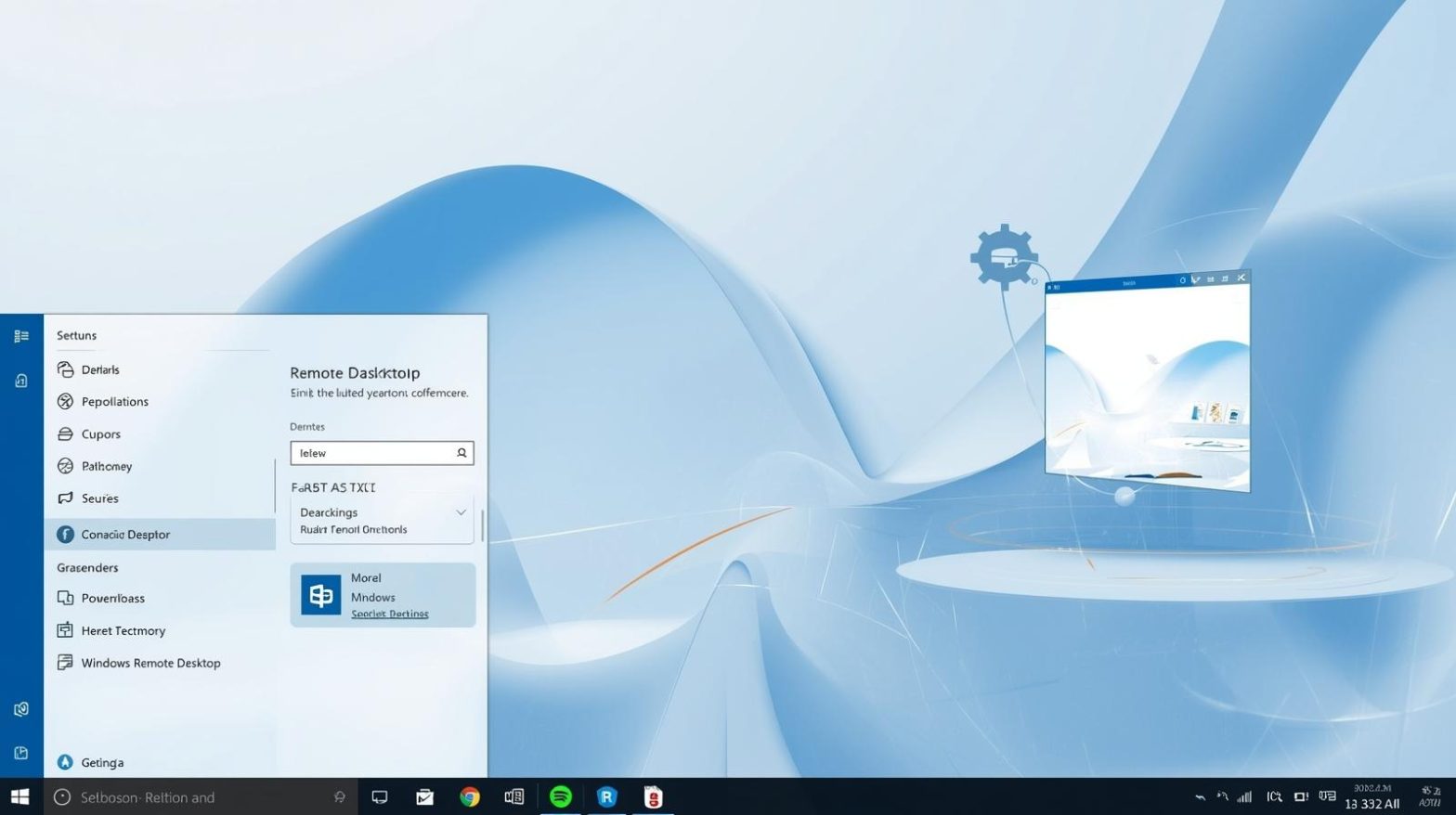
Remote work, hybrid IT environments, and distributed teams have made secure remote access a business necessity. The windows remote desktop client plays a critical role in enabling IT teams, cybersecurity professionals, and business leaders to access systems remotely without compromising control or visibility. Whether managing servers, supporting employees, or responding to incidents, this tool remains a cornerstone of modern IT operations.
At its core, the windows remote desktop client allows users to connect to another Windows-based system and interact with it as if they were physically present. For organizations prioritizing uptime, flexibility, and security, understanding how this client works and how to deploy it effectively is essential.
What Is a Windows Remote Desktop Client
A windows remote desktop client is a software application that enables users to connect to a remote Windows computer over a network. It uses Microsoft’s Remote Desktop Protocol to transmit keyboard input, mouse movements, and display output between devices in real time. This allows administrators and users to work on remote systems with full desktop functionality.
The windows remote desktop client is widely used in enterprise IT environments because it integrates seamlessly with Windows operating systems. It supports secure authentication, session management, and encryption, making it suitable for both internal networks and remote access scenarios when configured properly.
Why Windows Remote Desktop Client Matters for Businesses
As organizations scale, managing physical access to every device becomes impractical. The windows remote desktop client eliminates this challenge by enabling centralized access to endpoints and servers. IT teams can perform maintenance, install updates, and troubleshoot issues without being onsite.
From a cybersecurity perspective, the windows remote desktop client supports controlled access with auditing and permission management. This reduces the risk associated with shared credentials or unmanaged remote access tools. For executives and IT managers, this translates into improved operational efficiency and stronger governance.
Key Features of the Windows Remote Desktop Client
The windows remote desktop client offers a range of features designed to support professional IT use cases. These capabilities make it suitable for both small teams and large enterprises.
Key features include:
-
Secure authentication using Windows credentials
-
Encrypted communication between client and host
-
Support for multiple displays and high-resolution sessions
-
Clipboard and file redirection for productivity
-
Session logging and timeout controls
These features allow the windows remote desktop client to adapt to diverse workflows while maintaining security standards.
Common Use Cases for Windows Remote Desktop Client
Organizations rely on the windows remote desktop client across many scenarios. Its flexibility makes it useful beyond basic remote access.
Common use cases include:
-
Remote IT support for employees and endpoints
-
Server administration and infrastructure management
-
Secure access to internal applications
-
Managing virtual machines and cloud-hosted Windows systems
-
Business continuity during outages or travel restrictions
Each use case highlights how the windows remote desktop client supports both technical and business objectives.
How the Windows Remote Desktop Client Works
The windows remote desktop client operates by establishing a secure session between a local device and a remote Windows system. Once authenticated, the client transmits user input and receives graphical updates from the host machine.
This client-server model ensures that processing remains on the remote system, reducing data exposure on the local device. When properly configured, the windows remote desktop client delivers a smooth experience even over slower connections.
Security Considerations When Using Windows Remote Desktop Client
Security is a major concern when enabling remote access. While the windows remote desktop client includes built-in protections, improper configuration can introduce risk.
Best security practices include:
-
Enforcing strong passwords and multi-factor authentication
-
Limiting access using firewalls or VPNs
-
Keeping systems and RDP services fully patched
-
Disabling unused accounts and services
-
Monitoring and logging all remote sessions
By following these practices, organizations can safely deploy the windows remote desktop client without increasing their attack surface.
Performance Optimization for Remote Desktop Sessions
Performance directly impacts productivity. A poorly optimized windows remote desktop client session can feel slow and frustrating.
To improve performance:
-
Adjust display settings and color depth
-
Disable unnecessary visual effects
-
Ensure adequate network bandwidth
-
Use modern hardware on host systems
-
Schedule heavy tasks outside peak hours
These steps help ensure that windows remote desktop client sessions remain responsive and reliable.
Windows Remote Desktop Client in Enterprise Environments
In enterprise settings, the windows remote desktop client is often part of a broader remote access strategy. Integration with directory services, endpoint management tools, and security platforms enhances control.
Centralized policies allow IT teams to define who can access which systems and under what conditions. This structured approach makes the windows remote desktop client scalable across departments and locations.
Comparing Windows Remote Desktop Client with Other Remote Access Tools
While many remote access solutions exist, the windows remote desktop client stands out due to its native integration. Unlike third-party tools, it requires no additional software on Windows hosts.
However, organizations should evaluate their needs carefully. In some cases, combining the windows remote desktop client with management or monitoring platforms provides additional value without sacrificing simplicity.
Managing Remote Access Policies Effectively
Clear policies ensure consistent use of the windows remote desktop client. Defining access rules, session limits, and approval workflows reduces confusion and risk.
Effective policy management includes:
-
Role-based access control
-
Regular access reviews
-
Incident response procedures
-
Employee training on secure usage
-
Documentation of remote access standards
These measures strengthen the organization’s overall security posture.
Windows Remote Desktop Client and Compliance Requirements
For regulated industries, remote access must align with compliance standards. The windows remote desktop client supports compliance through logging, authentication, and encryption features.
Maintaining audit trails and access records ensures transparency. When paired with endpoint management solutions, the windows remote desktop client becomes part of a compliant and auditable IT framework.
Future of Remote Desktop Access on Windows
Remote work trends continue to evolve, and the windows remote desktop client remains relevant. Enhancements in security, performance, and cloud integration ensure it adapts to changing demands.
As organizations modernize infrastructure, the windows remote desktop client will continue to support secure and efficient access across on-premises and cloud environments.
FAQs
-
What is a windows remote desktop client used for
The windows remote desktop client is used to connect to and control a remote Windows system securely over a network. -
Is the windows remote desktop client safe to use
Yes, when configured with strong authentication, encryption, and network controls, it is a secure remote access solution. -
Can the windows remote desktop client be used over the internet
It can be used over the internet, but it should always be protected with VPNs, firewalls, and security best practices. -
Does the windows remote desktop client support multiple monitors
Yes, it supports multi-monitor setups, making it suitable for professional and enterprise workflows. -
Is the windows remote desktop client suitable for large organizations
Yes, it scales well in enterprise environments when managed with centralized policies and security controls.
Final Thoughts
The windows remote desktop client remains a powerful and reliable tool for modern IT operations. By enabling secure, efficient, and scalable remote access, it supports productivity while maintaining control. With proper configuration and governance, organizations can confidently rely on it as part of their remote access strategy.
Move your operations forward — get started with your free ITarian trial

 Loading...