Choosing the Right Remote Desktop Solution for Mac Users
Updated on January 12, 2026, by ITarian
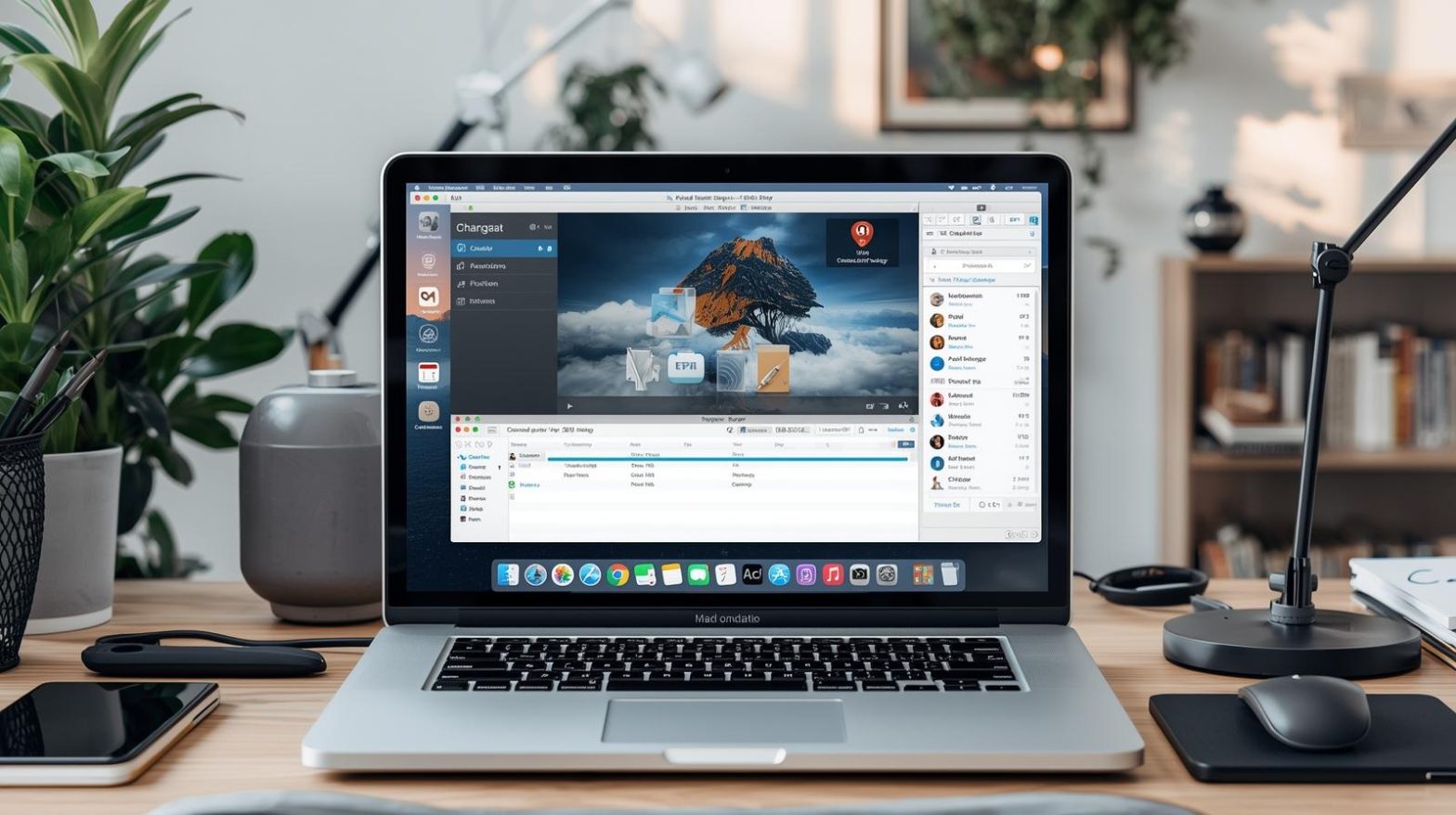
Remote work, IT support, and cross-platform collaboration have made remote access tools essential for Mac users. Whether you are managing devices, supporting end users, or accessing office systems from home, choosing the best remote desktop for Mac is no longer optional. The right solution improves productivity, maintains security, and ensures seamless access across devices without compromising performance.
Mac users face unique challenges when it comes to remote desktop software. Compatibility, encryption standards, performance optimization, and ease of use all play a role. Understanding what makes the best remote desktop for Mac helps IT leaders, cybersecurity teams, and business owners select tools that align with both operational and security goals.
What Makes a Remote Desktop Solution Ideal for macOS
Not all remote desktop tools are designed with macOS in mind. The best remote desktop for Mac must integrate smoothly with Apple’s operating system while maintaining cross-platform compatibility.
Key characteristics include native macOS support, strong encryption, low-latency performance, and intuitive controls. Additionally, enterprise users benefit from centralized management, access controls, and audit capabilities that align with compliance requirements.
Why Mac Users Need Specialized Remote Desktop Tools
macOS has distinct security frameworks, permission models, and hardware optimization requirements. Generic remote access tools may work, but they often fail to deliver the reliability and security Mac users expect.
The best remote desktop for Mac supports macOS security features such as sandboxing and permission-based access. It also ensures consistent performance across Retina displays, Apple silicon, and mixed-device environments.
Core Features to Look for in the Best Remote Desktop for Mac
Selecting the best remote desktop for Mac requires evaluating features that go beyond basic screen sharing. These features directly impact usability, security, and scalability.
Important features include:
-
End-to-end encryption for remote sessions
-
Multi-monitor support on macOS
-
Cross-platform access from Windows and Linux
-
Role-based access control
-
Session logging and auditing
-
File transfer and clipboard synchronization
-
Low-latency screen rendering
These capabilities ensure that remote access remains efficient and secure across business use cases.
Security Considerations for Remote Desktop on macOS
Security is a top priority when evaluating the best remote desktop for Mac, especially for organizations handling sensitive data. Remote desktop sessions are a common target for attackers if not properly secured.
Strong remote desktop solutions implement:
-
AES and TLS encryption standards
-
Multi-factor authentication
-
Device-level access policies
-
Session timeouts and automatic lockouts
-
Centralized user management
These controls reduce the risk of unauthorized access and align with modern cybersecurity best practices.
Performance and Reliability on Mac Devices
Performance plays a major role in user satisfaction. The best remote desktop for Mac must deliver smooth screen rendering, responsive input, and minimal lag, even over slower networks.
Performance optimization includes adaptive compression, bandwidth management, and support for Apple silicon processors. Reliable remote desktop software ensures stable sessions without frequent disconnects, which is critical for IT support and business continuity.
Best Remote Desktop for Mac in Enterprise Environments
Enterprise IT teams require more than just remote connectivity. The best remote desktop for Mac in business environments supports large-scale deployments, centralized monitoring, and policy enforcement.
Enterprise-focused features include:
-
Centralized device management
-
Integration with identity providers
-
Role-based access for IT staff
-
Audit logs for compliance
-
Automated session controls
These capabilities allow IT managers to maintain visibility and control while supporting distributed Mac users.
Remote Desktop for Mac and Cross-Platform Access
Many organizations operate mixed environments with macOS, Windows, and Linux devices. The best remote desktop for Mac supports seamless cross-platform access without sacrificing security or performance.
Cross-platform compatibility enables:
-
Mac users to access Windows systems
-
IT teams to support multiple operating systems
-
Employees to work across devices
-
Reduced tool sprawl within IT environments
This flexibility is essential for modern hybrid workplaces.
Use Cases for Remote Desktop on macOS
The best remote desktop for Mac supports a wide range of use cases across industries. Understanding these scenarios helps organizations select tools that meet real-world needs.
Common use cases include:
-
IT help desk support for Mac users
-
Remote work and telecommuting
-
Secure access to office systems
-
Remote software troubleshooting
-
Collaboration across teams and locations
Each use case benefits from strong security, reliable performance, and ease of deployment.
Managing Access and Permissions on Mac
macOS emphasizes user privacy and permissions, which can complicate remote access if not handled properly. The best remote desktop for Mac respects these controls while simplifying management.
Advanced solutions allow administrators to define who can access which devices, under what conditions, and for how long. This reduces risk while maintaining productivity.
Remote Desktop for Mac in Cybersecurity Strategies
Remote access tools are part of a broader cybersecurity ecosystem. The best remote desktop for Mac integrates with endpoint security, identity management, and monitoring tools.
This integration supports:
-
Zero trust security models
-
Continuous verification of users and devices
-
Reduced attack surfaces
-
Faster incident response
When remote desktop tools align with cybersecurity strategies, organizations gain stronger overall protection.
Compliance and Auditing Benefits
Regulatory requirements often mandate logging and monitoring of system access. The best remote desktop for Mac provides detailed session records that support audits and compliance reviews.
Audit-friendly features include:
-
Session start and end times
-
User activity logs
-
Access history reports
-
Policy enforcement records
These capabilities help organizations meet compliance obligations without adding administrative overhead.
Scalability for Growing Organizations
As businesses grow, remote access needs expand. The best remote desktop for Mac scales easily without requiring complex reconfiguration.
Scalable solutions support:
-
Adding new users and devices quickly
-
Managing remote access across teams
-
Adapting to hybrid and remote work models
-
Maintaining consistent security policies
Scalability ensures long-term value from remote desktop investments.
Common Challenges When Using Remote Desktop on Mac
Despite their benefits, remote desktop tools can present challenges if poorly implemented. Understanding these issues helps organizations choose better solutions.
Common challenges include:
-
Performance issues on high-resolution displays
-
Permission conflicts within macOS
-
Security misconfigurations
-
User training requirements
The best remote desktop for Mac minimizes these challenges through intuitive design and strong defaults.
Best Practices for Using Remote Desktop on macOS
Following best practices ensures that remote desktop tools deliver maximum value while minimizing risk.
Best practices include:
-
Enabling multi-factor authentication
-
Restricting access based on roles
-
Keeping macOS and remote tools updated
-
Monitoring session activity regularly
-
Training users on secure remote access
These practices support secure and efficient remote operations.
Evaluating Remote Desktop Solutions for Mac
When comparing options, decision-makers should evaluate tools based on both technical and business criteria. The best remote desktop for Mac balances ease of use with enterprise-grade security.
Evaluation criteria include:
-
macOS compatibility and updates
-
Security architecture
-
Performance under load
-
Administrative controls
-
Vendor support and roadmap
A structured evaluation helps organizations make informed decisions.
The Future of Remote Desktop for Mac
Remote desktop technology continues to evolve alongside macOS and enterprise IT needs. Future advancements will focus on stronger automation, AI-driven performance optimization, and deeper integration with security platforms.
The best remote desktop for Mac will increasingly support zero trust models, advanced analytics, and cloud-native management to meet evolving demands.
FAQs
-
What is the best remote desktop for Mac for business use
The best remote desktop for Mac offers strong security, macOS compatibility, centralized management, and reliable performance for enterprise environments. -
Is remote desktop on Mac secure
Yes, when using tools with encryption, authentication controls, and proper configuration, remote desktop on macOS can be highly secure. -
Can Mac users remotely access Windows systems
Many remote desktop solutions allow Mac users to securely access Windows systems through cross-platform support. -
Does macOS support multiple monitors in remote desktop sessions
The best remote desktop for Mac supports multi-monitor setups, improving productivity for advanced users. -
What should IT managers prioritize when choosing a remote desktop for Mac
IT managers should prioritize security, scalability, performance, and centralized control when selecting a remote desktop solution for macOS.
Final Thoughts
Selecting the best remote desktop for Mac is a strategic decision that impacts productivity, security, and IT efficiency. With the right solution, organizations can support remote work, streamline IT operations, and maintain strong security across macOS environments. By focusing on performance, security, and scalability, businesses can ensure their remote access strategy remains effective as technology and work models evolve.

 (1 votes, average: 4.00 out of 5, rated)
 Loading...