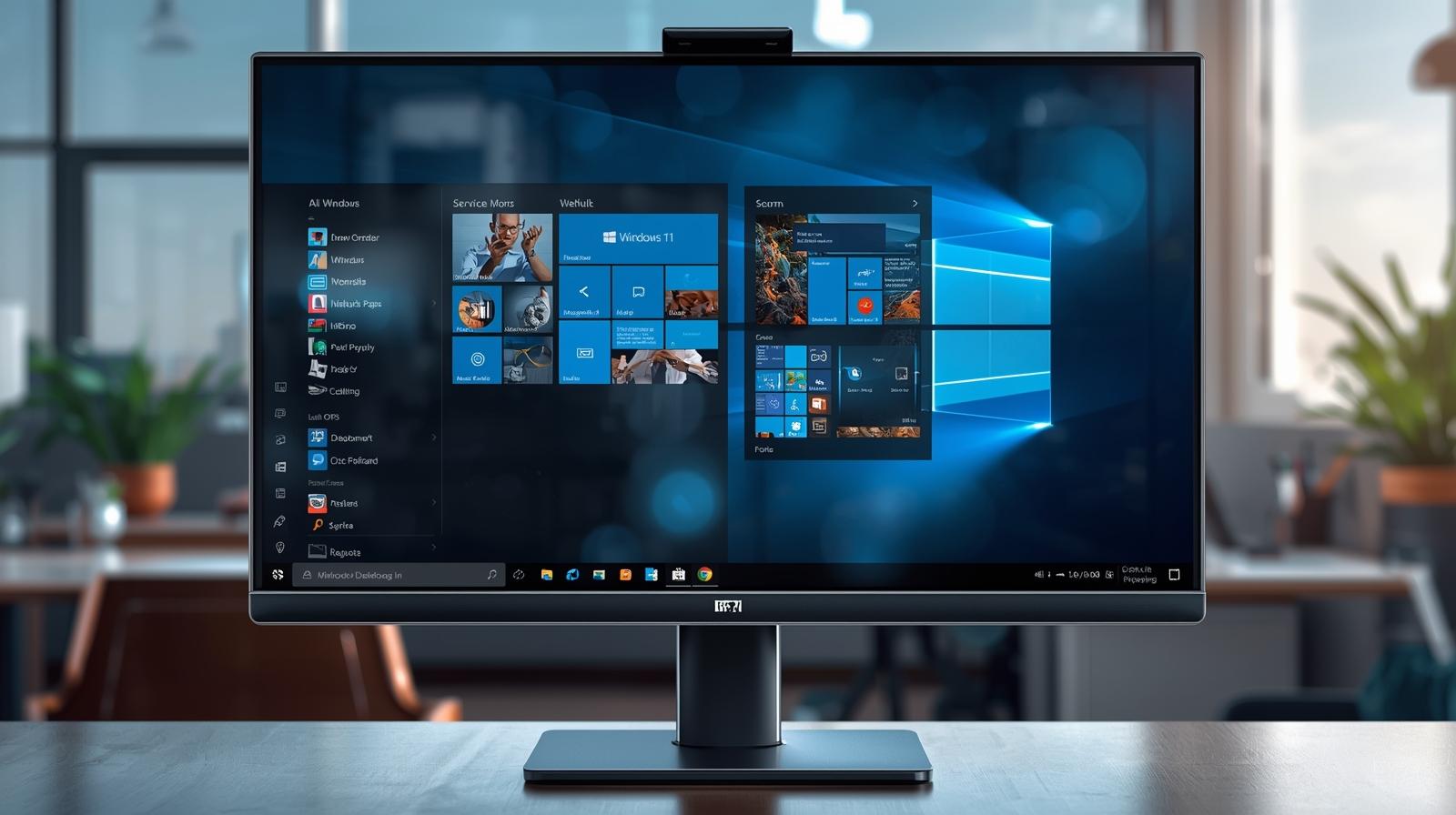
Remote work is no longer a temporary trend—it is a permanent part of how modern organizations operate. Whether employees are working from home, traveling, or supporting systems across locations, reliable remote access is critical. Windows 11 Remote Desktop plays a central role in enabling secure, efficient connectivity to business systems without compromising performance or control. For IT managers, cybersecurity leaders, and executives, understanding how Windows 11 Remote Desktop works and how to manage it properly is essential for productivity and risk reduction. In this article, we explore Windows 11 Remote Desktop in depth, including setup, security considerations, real-world use cases, and best practices for enterprise environments.
What Is Windows 11 Remote Desktop and Why It Matters
Windows 11 Remote Desktop is a built-in Microsoft feature that allows users to connect to a Windows 11 PC from another device over a network or the internet. Once connected, users can access applications, files, and system resources as if they were physically present at the machine. This capability is especially valuable for organizations that rely on flexible work models, distributed IT teams, and remote system administration.
From a business perspective, Windows 11 Remote Desktop reduces downtime, lowers hardware costs, and improves response times for IT support. Instead of requiring physical access to a device, administrators can troubleshoot issues, apply updates, or manage configurations remotely. This efficiency translates into cost savings and better employee experiences. At the same time, Windows 11 Remote Desktop must be configured carefully to avoid exposing systems to unauthorized access or cyber threats.
How Windows 11 Remote Desktop Works
At its core, Windows 11 Remote Desktop uses Microsoft’s Remote Desktop Protocol (RDP) to transmit screen data, keyboard input, and mouse movements between devices. The remote computer acts as a host, while the connecting device acts as a client. Authentication occurs before the session begins, and encryption protects data in transit.
Windows 11 Remote Desktop supports connections from various platforms, including Windows, macOS, iOS, Android, and Linux, using Microsoft’s Remote Desktop client applications. This cross-platform compatibility makes it suitable for organizations with diverse device ecosystems. However, Windows 11 Remote Desktop is only available on Windows 11 Pro, Enterprise, and Education editions, which is an important consideration for businesses planning deployments.
Key Benefits of Windows 11 Remote Desktop for Organizations
Windows 11 Remote Desktop offers several advantages that align with modern IT and security requirements. These benefits make it a popular choice for enterprises and growing businesses alike.
-
Enables secure remote access to office desktops and servers
-
Supports remote troubleshooting and IT administration
-
Reduces the need for physical office presence
-
Improves business continuity during disruptions
-
Integrates seamlessly with Microsoft security and identity tools
By leveraging Windows 11 Remote Desktop, organizations can maintain operational continuity while giving teams the flexibility they need to work efficiently from anywhere.
How to Enable Windows 11 Remote Desktop Safely
Enabling Windows 11 Remote Desktop is a straightforward process, but it must be done with security in mind. Administrators should ensure that only authorized users can access remote systems and that network exposure is minimized.
To enable Windows 11 Remote Desktop, administrators typically access system settings, navigate to remote access options, and turn on the feature. User permissions should then be configured carefully, granting access only to specific accounts or groups. Strong passwords and account lockout policies are essential at this stage to prevent brute-force attacks.
For enterprise environments, enabling Network Level Authentication (NLA) is highly recommended. NLA ensures that users must authenticate before a remote session is established, reducing the risk of unauthorized access and resource abuse. Firewall rules should also be configured to limit RDP traffic to trusted IP ranges whenever possible.
Security Risks Associated with Windows 11 Remote Desktop
While Windows 11 Remote Desktop is a powerful tool, it is also a common target for cybercriminals when misconfigured. Open RDP ports exposed to the internet can attract automated attacks, credential stuffing attempts, and ransomware campaigns. Understanding these risks is critical for IT leaders responsible for protecting organizational assets.
Common security risks include weak passwords, outdated systems, unpatched vulnerabilities, and lack of monitoring. Attackers often scan for exposed RDP services and attempt to gain access using stolen credentials. Once inside, they can move laterally, deploy malware, or exfiltrate sensitive data. These threats highlight the importance of layered security controls around Windows 11 Remote Desktop deployments.
Best Practices for Securing Windows 11 Remote Desktop
To reduce risk and improve resilience, organizations should follow established best practices when using Windows 11 Remote Desktop. Security should be built into the configuration from the beginning rather than added as an afterthought.
-
Use strong, unique passwords and enforce multi-factor authentication
-
Enable Network Level Authentication for all remote connections
-
Restrict RDP access using firewalls and VPNs
-
Keep Windows 11 systems fully patched and updated
-
Monitor login activity and failed authentication attempts
In many cases, combining Windows 11 Remote Desktop with centralized endpoint management and monitoring tools provides better visibility and control. This approach allows IT teams to detect suspicious activity early and respond before damage occurs.
Windows 11 Remote Desktop vs Other Remote Access Solutions
Windows 11 Remote Desktop is not the only remote access option available, but it offers unique advantages for organizations already invested in the Microsoft ecosystem. Compared to third-party remote desktop tools, it provides native integration with Windows security features, Active Directory, and Microsoft Entra ID.
However, some organizations may require additional capabilities such as session recording, advanced auditing, or granular access controls. In these cases, Windows 11 Remote Desktop can still serve as a foundational technology, supplemented by endpoint security and management platforms that extend its functionality without replacing it entirely.
Real-World Use Cases for Windows 11 Remote Desktop
Windows 11 Remote Desktop is used across industries for a wide range of scenarios. Understanding these use cases helps decision-makers evaluate how the technology fits into their own environments.
IT support teams use Windows 11 Remote Desktop to troubleshoot user issues without interrupting workflows. Developers and engineers access powerful office workstations from lightweight laptops or tablets. Executives connect securely to corporate systems while traveling. In regulated industries, remote access enables continuity while maintaining compliance with security standards.
These scenarios demonstrate how Windows 11 Remote Desktop supports productivity while reducing operational friction.
Managing Windows 11 Remote Desktop at Scale
For organizations with many endpoints, managing Windows 11 Remote Desktop manually can become complex. Centralized management is essential to ensure consistency, compliance, and security across all devices. Policies should be defined for who can access which systems, under what conditions, and with what level of privilege.
Endpoint management platforms can simplify this process by providing visibility into remote access configurations, patch levels, and security posture. They also enable automated enforcement of policies, reducing the risk of human error. For IT managers and executives, this centralized approach supports scalability and long-term governance.
Frequently Asked Questions About Windows 11 Remote Desktop
1. Is Windows 11 Remote Desktop secure for business use?
Yes, Windows 11 Remote Desktop can be secure when configured properly with strong authentication, encryption, and network controls. Security risks typically arise from misconfiguration rather than the technology itself.
2. Which editions of Windows 11 support Remote Desktop?
Windows 11 Remote Desktop is available on Pro, Enterprise, and Education editions. The Home edition can act as a client but not as a host.
3. Can Windows 11 Remote Desktop be used over the internet?
Yes, it can be used over the internet, but doing so safely requires additional protections such as VPNs, firewalls, and restricted access policies.
4. How does Windows 11 Remote Desktop differ from Remote Assistance?
Windows 11 Remote Desktop provides full control of a remote system, while Remote Assistance is designed for collaborative troubleshooting with user consent.
5. Is Windows 11 Remote Desktop suitable for large enterprises?
Yes, when combined with proper management and security tools, Windows 11 Remote Desktop scales well for enterprise environments.
Final Thoughts
Windows 11 Remote Desktop is a powerful capability that supports modern work models, remote IT administration, and business continuity. When deployed thoughtfully and secured properly, it enables organizations to operate efficiently without sacrificing control or security. For IT leaders and executives, the key is not just enabling remote access, but managing it strategically as part of a broader endpoint and security framework.
Take the next step toward strengthening your remote access strategy — Unlock your IT potential — try ITarian for free to gain centralized visibility, enhanced security, and smarter control over every endpoint in your environment.

 Loading...