The Essential Role of Help Desk Software for Small Business Growth
Updated on December 22, 2025, by ITarian

Choosing the right help desk software for small business can transform the way your organization manages support, communication, and day-to-day operations. Small businesses often face challenges that come with limited staff, growing customer demands, and increasingly complex technology environments. Without an efficient support system in place, issues can pile up quickly, affecting both productivity and customer satisfaction. That’s why investing in effective help desk tools isn’t just beneficial—it’s a necessity for long-term stability and operational success.
Today, help desk systems bring automation, ticket tracking, SLA management, workflow optimization, and even security protections that small businesses once believed were accessible only to large enterprises. As cybersecurity threats increase and digital transformation accelerates, the ability to manage support tasks efficiently becomes even more important.
Why Small Businesses Need Help Desk Software
Help desk platforms provide structure and visibility to support processes, allowing teams to deliver faster, more consistent responses. For small businesses with lean IT or customer support teams, these systems ensure every request is documented, prioritized, and resolved efficiently.
Key benefits for small businesses include:
-
Centralized communication and ticket management
-
Faster response times and reduced backlog
-
Clear visibility into issues, trends, and root causes
-
Better customer satisfaction through consistent service
-
Automations that eliminate repetitive tasks
-
Stronger cybersecurity practices through controlled access and audit trails
Whether your company supports internal staff, external customers, or both, help desk software ensures no request is overlooked.
Core Features to Look For in Help Desk Software for Small Business
Not all platforms are built the same. When choosing help desk software for small business, it’s important to understand which features matter most.
Ticket Management System
A strong ticketing system forms the foundation of any support platform. It should allow:
-
Quick creation of support requests
-
Categorization and tagging
-
Assignment to specialists
-
Real-time tracking and status updates
Small businesses benefit from automated routing that reduces manual workload.
Knowledge Base and Self-Service Options
Self-service tools reduce repetitive inquiries by empowering users to find answers independently. A well-structured knowledge base helps small teams extend their reach without adding more staff.
Multi-Channel Support
Customers and employees communicate in different ways. Your help desk should support:
-
Email
-
Live chat
-
Web forms
-
Phone call logging
-
Messaging apps
Every channel should feed into a single centralized system for seamless tracking.
Automation and Workflow Rules
Automations are essential for small businesses that don’t have large teams. Automated workflows can:
-
Assign tickets to the right agent
-
Trigger notifications
-
Enforce SLAs
-
Send reminders for overdue issues
These capabilities help teams stay efficient and organized.
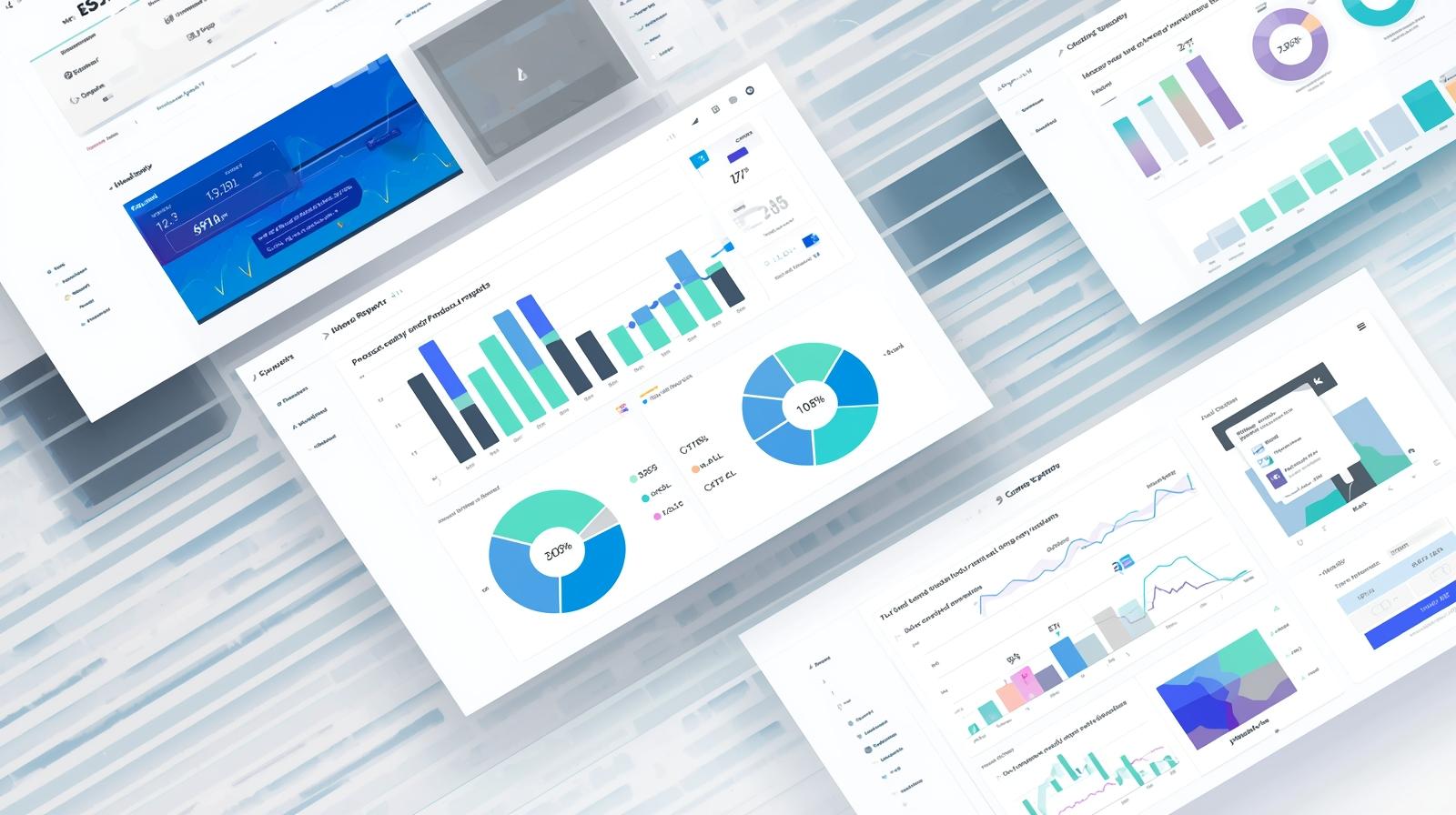
Reporting and Analytics
Understanding trends helps you resolve issues faster. Look for reporting features that provide:
-
Ticket volume tracking
-
SLA compliance visibility
-
Average response and resolution times
-
User satisfaction metrics
With actionable insights, small businesses can continually optimize their operations.
Security and Access Controls
Small businesses must follow strong security standards, especially if supporting sensitive data or managing IT environments. Consider tools with:
-
Role-based access
-
Multi-factor authentication
-
Encrypted data handling
-
Activity logs for auditing
Security should never be compromised due to business size.
How Help Desk Software Enhances Cybersecurity
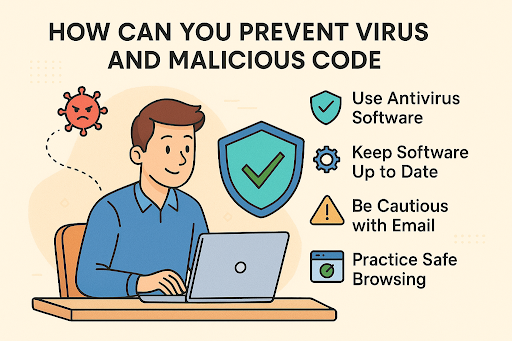
While many think of help desks strictly as operational tools, they also play a major role in strengthening cybersecurity. As cyber threats increase, small businesses become primary targets due to limited IT resources.
Effective help desk software for small business enhances security by:
-
Providing structured incident reporting
-
Ensuring transparency and logging
-
Preventing unauthorized access to sensitive tickets
-
Supporting security policy enforcement
-
Detecting recurring threats through analytics
When paired with strong endpoint security and patch management, help desk software forms a vital part of a comprehensive defense strategy.
Cloud-Based vs. On-Premise Help Desk Systems for Small Business
Small businesses often prefer cloud-based solutions, but both options have advantages.
Cloud-Based Help Desk Software
Best for: Businesses wanting easy setup and low upfront costs
Advantages:
-
Quick deployment
-
Automatic updates
-
Lower maintenance
-
Remote access from anywhere
-
Scalability to match business growth
On-Premise Help Desk Software
Best for: Businesses requiring complete control over data storage
Advantages:
-
Enhanced privacy control
-
Customizable environment
-
No reliance on external vendors for uptime
However, on-premise systems require more technical expertise and higher initial investments.
How to Choose the Right Help Desk Software for Your Small Business
The best solution depends on your business type, team size, and workflows. To find the right match, evaluate tools based on the following criteria:
1. Ease of Use
Small teams need intuitive interfaces that don’t require weeks of training. User experience should support fast ticket creation and seamless navigation.
2. Scalability
Select software that can grow with your company. Look for tools that support additional users, automated workflows, and advanced features as needs expand.
3. Integration Options
Your help desk software should connect with:
-
CRM tools
-
Email platforms
-
Endpoint security solutions
-
Project management tools
-
RMM systems
Integrations reduce manual data entry and improve efficiency.
4. Pricing Structure
Small businesses benefit most from flexible pricing. Evaluate whether a platform charges per user, per ticket, or through tiered plans. Transparent pricing prevents unexpected costs.
5. Customization
Every organization operates differently. Choose a help desk that lets you customize:
-
Ticket categories
-
Automations
-
SLA policies
-
Dashboards
-
Knowledge base layouts
Customization ensures the platform aligns with your workflow.
Best Practices for Using Help Desk Software in a Small Business
Implementing the right tool is only the first step. Ongoing best practices make the biggest difference in achieving consistent results.
Standardize Ticket Categories
Clear categorization helps teams quickly determine urgency, route tickets, and identify recurring issues.
Automate Whenever Possible
Automation saves time and ensures consistency—especially helpful for small teams.
Train Employees on Efficient Ticket Use
Everyone should understand:
-
How to submit quality tickets
-
How to update statuses
-
Best communication practices
This maintains professionalism and improves customer support quality.
Maintain a Strong Knowledge Base
A well-maintained knowledge base reduces ticket volume and empowers users to troubleshoot independently.
Review Reports Regularly
Analytics should guide improvements in staffing, workflows, and training.
Why Help Desk Software Boosts Productivity for Small Business
Small businesses cannot afford inefficiency. Help desk systems lift the burden from IT staff and support teams by offering structure and transparency.
Key productivity benefits include:
-
Eliminating lost or forgotten requests
-
Reducing resolution time
-
Enhancing accountability
-
Improving communication
-
Supporting remote teams
-
Reducing repetitive tasks
With the right system, even a two-person IT team can manage a large workload effectively.
The Future of Help Desk Software for Small Business
Help desk software continues to evolve with advancements in automation, AI, and predictive analytics. Small businesses will increasingly benefit from:
-
AI-generated ticket summaries
-
Automated triage and routing
-
Predictive issue detection
-
Integrated cybersecurity alerts
-
Self-healing scripts in RMM-linked systems
As technology advances, small businesses gain enterprise-level capabilities without enterprise-level costs.
FAQs About Help Desk Software for Small Business
1. What is the best help desk software for small business?
The best option depends on team size, budget, and support needs, but the top choices offer automation, ticket management, reporting, and strong security features.
2. How does help desk software improve customer service?
It centralizes communication, tracks ticket history, improves response time, and ensures consistent service delivery.
3. Can small businesses afford help desk tools?
Yes. Many platforms, including cloud-based tools, provide affordable pricing for small teams.
4. Should small businesses choose cloud-based help desks?
Cloud-based systems provide easier setup, remote access, and automatic updates—ideal for small businesses without dedicated IT staff.
5. How does help desk software integrate with cybersecurity tools?
Integrations allow incident reporting, vulnerability alerts, and endpoint monitoring to work together, improving response times and overall security.
Final Thoughts
The right help desk software for small business can dramatically improve support operations, enhance customer service, and strengthen overall cybersecurity. As organizations grow and remote work expands, a reliable help desk platform becomes indispensable. By choosing a system that aligns with your workflows, integrates with your tools, and supports automation, your business can deliver professional, efficient, and secure support at every stage.
Power your team’s efficiency — start a free ITarian trial and streamline how your small business manages support, communication, and IT operations.

 Loading...