The Role of an RMM Platform in Modern IT Operations
Updated on December 12, 2025, by ITarian
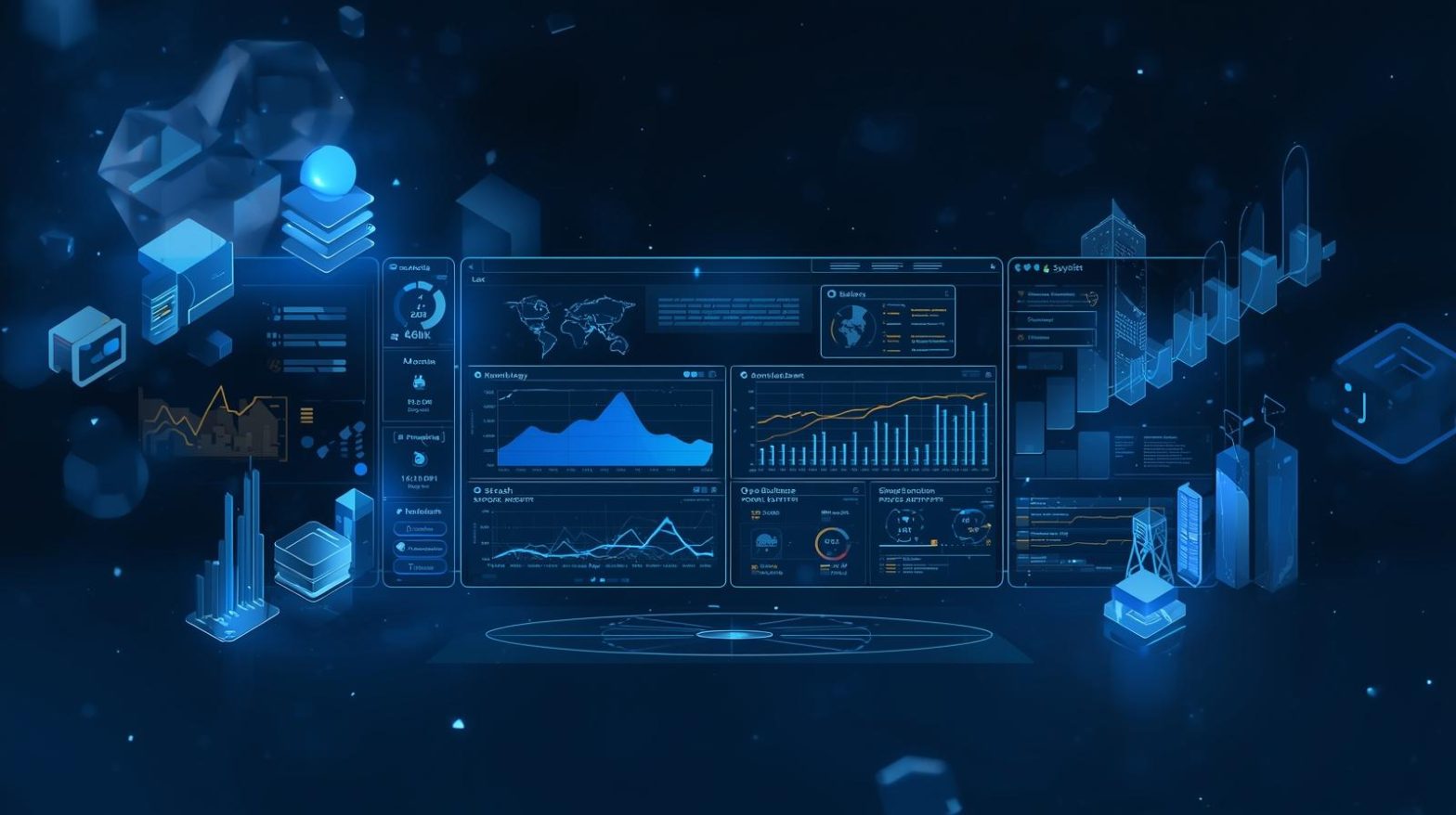
Managing large fleets of devices has become a core responsibility for IT teams and MSPs, especially as organizations handle distributed workforces, remote endpoints, and increasing cybersecurity pressures. This is where an RMM platform becomes essential. It gives teams complete visibility into devices, automates routine tasks, strengthens security, and ensures efficient IT workflows. Without a reliable RMM platform, even experienced IT professionals struggle to maintain smooth operations and prevent costly disruptions.
An RMM platform allows IT managers to monitor systems, deploy patches, detect vulnerabilities, and automate backend processes from a centralized dashboard. In the first few moments of using one, teams notice how much faster they can respond to incidents, maintain compliance, and deliver consistent support experiences. As businesses scale, the need for a robust RMM platform becomes even more important to maintaining operational excellence.
What Is an RMM Platform
An RMM platform (Remote Monitoring and Management platform) is software that allows IT teams and managed service providers to remotely monitor devices, troubleshoot issues, deploy updates, and automate technical workflows. Instead of manually managing each endpoint, IT teams gain centralized control over their entire ecosystem.
A strong RMM platform collects real-time health data from devices, helping IT staff identify issues before users experience downtime. With features like remote access, automated patching, reporting, and alerting, an RMM platform dramatically improves IT responsiveness and reduces the need for physical intervention.
Why Every IT Team Needs an RMM Platform
The increasing complexity of device environments calls for a solution that reduces manual workload and improves proactive oversight. A modern RMM platform provides exactly that.
Key benefits of using an RMM platform:
-
Centralized visibility across all endpoints
-
Faster troubleshooting and reduced downtime
-
Automated workflows for repetitive tasks
-
Better patch and vulnerability management
-
Standardized IT operations across departments
-
Improved scalability for growing organizations
-
Enhanced security monitoring and threat detection
By consolidating tasks and improving response times, an RMM platform transforms IT operations from reactive to strategic.
Core Features of an Effective RMM Platform
Not all RMM platforms are built the same. Strong solutions include several critical capabilities that ensure efficiency and security.
Remote Monitoring
Continuous tracking of CPU usage, memory, disk space, running services, network traffic, and application performance. This real-time data helps identify anomalies early.
Automated Patching
A top requirement for security. Automation ensures OS updates and third-party patches are deployed promptly without manual oversight.
Remote Access Tools
Technicians can instantly take control of devices to resolve user issues without physically visiting the location.
Asset Discovery
An RMM platform should automatically detect every device connected to the network, providing quick visibility and reducing shadow IT risks.
Alerting and Notifications
Alerts keep IT teams updated on device failures, threats, or system abnormalities.
Script Automation
Teams can deploy scripts to fix issues, install software, or run diagnostics across multiple devices at once.
Reporting
Clear dashboards and detailed analytics help leaders measure performance, compliance, and risk exposure.
How an RMM Platform Improves Security
Cybersecurity remains one of the biggest challenges for today’s IT departments. An RMM platform does more than manage devices—it reinforces a security-first environment.
Security enhancements include:
-
Automated patch deployment to close vulnerability gaps
-
Real-time threat detection and alerts
-
Detailed logs for audit and compliance
-
Control over unauthorized applications
-
Improved endpoint visibility across all locations
With centralized oversight, security risks are easier to detect and remediate.
RMM Platform Use Cases in the Enterprise
An RMM platform isn’t just a convenience—it becomes an operational backbone supporting a variety of high-impact use cases.
MSP Operations
MSPs rely on RMM tools to deliver scalable, consistent service to multiple clients.
Enterprise IT Management
Internal IT departments use RMM platforms for monitoring thousands of endpoints across hybrid or cloud environments.
Cybersecurity Operations
SOC (Security Operations Center) teams use RMM-connected data to investigate incidents and manage vulnerabilities.
Remote Workforce Support
RMM platforms enable troubleshooting and support for distributed teams without physical presence.
How to Choose the Best RMM Platform
Selecting an RMM platform requires understanding your organization’s needs. Here are the most important factors to consider.
1. Scalability
Choose a platform that grows with your device count and operational complexity.
2. Automation Capabilities
The more tasks the system automates, the more efficient your team becomes.
3. Ease of Integration
It should seamlessly integrate with PSA tools, ticketing systems, antivirus solutions, and patch management tools.
4. Security Features
Look for built-in threat detection, patching, encryption, and access control policies.
5. Reporting and Analytics
Detailed reporting enables better strategic planning and compliance tracking.
6. Vendor Support
Reliable vendors provide training, documentation, and responsive customer service.
Common Challenges Solved by an RMM Platform
Organizations often struggle with managing growing device environments. A strong RMM platform solves these issues effectively.
Challenge: Device Sprawl
Solution: Automated discovery and centralized management.
Challenge: Slow Issue Resolution
Solution: Real-time alerts and remote access tools.
Challenge: Inconsistent Patching
Solution: Automated patch cycles with scheduled maintenance windows.
Challenge: Limited IT Staff
Solution: Script automation and centralized dashboards reduce workload.
Implementing an RMM Platform Successfully
Smooth implementation requires clear planning and alignment across the IT organization.
Steps for Successful Deployment:
-
Document your asset inventory
-
Establish monitoring thresholds
-
Configure automation rules
-
Train IT staff on platform features
-
Integrate with existing security tools
-
Enable routine reporting and KPI measurement
Consistent optimization ensures long-term value and performance.
RMM Platform vs MDM: Understanding the Difference
Although both tools manage devices, they serve different purposes.
RMM Platform
-
Manages desktops, servers, and network devices
-
Focuses on remote monitoring and automation
-
Provides patch management, alerting, reporting, and remote access
MDM (Mobile Device Management)
-
Manages smartphones, tablets, and some laptops
-
Focuses on mobile security, device restrictions, and compliance
-
Controls app installs, location tracking, and device wiping
Many organizations use both for full endpoint coverage.
Frequently Asked Questions
1. What does an RMM platform do?
It monitors systems, automates IT tasks, deploys patches, and provides remote access for troubleshooting.
2. Can small businesses benefit from an RMM platform?
Absolutely. Even small teams gain major efficiency and security improvements.
3. Does an RMM platform improve cybersecurity?
Yes. Automation and real-time monitoring significantly reduce exposure to threats.
4. What industries use RMM platforms?
Healthcare, finance, retail, education, government, and MSPs all rely on RMM solutions.
5. Is automation necessary in an RMM platform?
Automation is essential for scaling operations and reducing manual workload.
Final Thoughts
An RMM platform is one of the most valuable tools for IT teams looking to streamline operations, strengthen endpoint security, and proactively support users. As environments grow more complex, organizations need centralized, automated, and secure solutions that ensure reliability across every device.
Take the next step toward smarter project execution — Start your free trial with ITarian to streamline workflows, automate repetitive tasks, and elevate your project delivery across every team.

 Loading...