Understanding MDM Lock in Enterprise Device Security
Updated on December 10, 2025, by ITarian

If you manage mobile devices across your organization, you’ve likely encountered the term MDM lock—a security mechanism that keeps corporate phones, tablets, and laptops under IT control. As organizations continue to grow their mobile workforce, the need for strong device security becomes even more critical. MDM lock ensures that sensitive data stays protected, even if a device is misplaced, misused, or falls into the wrong hands.
This article explores what MDM lock is, how it works, why it matters, and how IT teams can use it effectively without interrupting employee productivity.
What Is MDM Lock
MDM lock is a security feature used in mobile device management (MDM) platforms that enforces restrictions, configuration policies, and ownership controls on organizational devices. When a device is under MDM lock, the IT administrator can:
-
Restrict certain settings and apps
-
Prevent unauthorized device resets
-
Enforce password and encryption policies
-
Track, lock, or wipe a device remotely
-
Ensure compliance with corporate security requirements
MDM lock helps organizations maintain full oversight of all mobile endpoints, reducing risks associated with data breaches, lost devices, and unauthorized access.
Why Organizations Need MDM Lock
Enterprise mobility introduces convenience — but also risk. Without centralized control, devices become an unpredictable attack surface. MDM lock gives IT a proactive way to enforce endpoint protection, minimize vulnerabilities, and mitigate threats.
Here’s why companies rely on it:
Strengthens Endpoint Security
MDM lock allows IT teams to secure devices instantly if suspicious behavior, compromise, or policy violations are detected. It acts as a protective shield, ensuring endpoints follow strict security standards.
Protects Sensitive Data
Whether employees access customer data, proprietary files, or internal applications, MDM lock ensures data remains encrypted and inaccessible without proper authorization.
Reduces Insider and External Threats
An unmanaged device can easily become an entry point for attackers. MDM lock prevents unauthorized app installations, risky configurations, and unsafe network use.
Maintains Compliance
Industries like healthcare, finance, government, and education require strict data privacy regulation. MDM lock ensures compliance by preventing actions that violate security frameworks.
How MDM Lock Works Across Device Platforms
MDM lock is implemented differently depending on the operating system, but the security goals remain consistent.
MDM Lock on iOS (iPhone/iPad)
Apple’s MDM framework allows administrators to configure:
-
Supervised mode
-
Remote lock and wipe
-
Restriction of system settings
-
Activation Lock bypass codes
-
Lost mode tracking
Once activated, device users cannot remove MDM without permission.
MDM Lock on Android
Android Enterprise and OEM-specific solutions offer:
-
Work profile controls
-
Lock task mode
-
Factory reset protection
-
Persistent MDM enrollment
-
App configuration and restriction policies
Some Android devices cannot be unenrolled without a complete wipe.
MDM Lock on Windows Devices
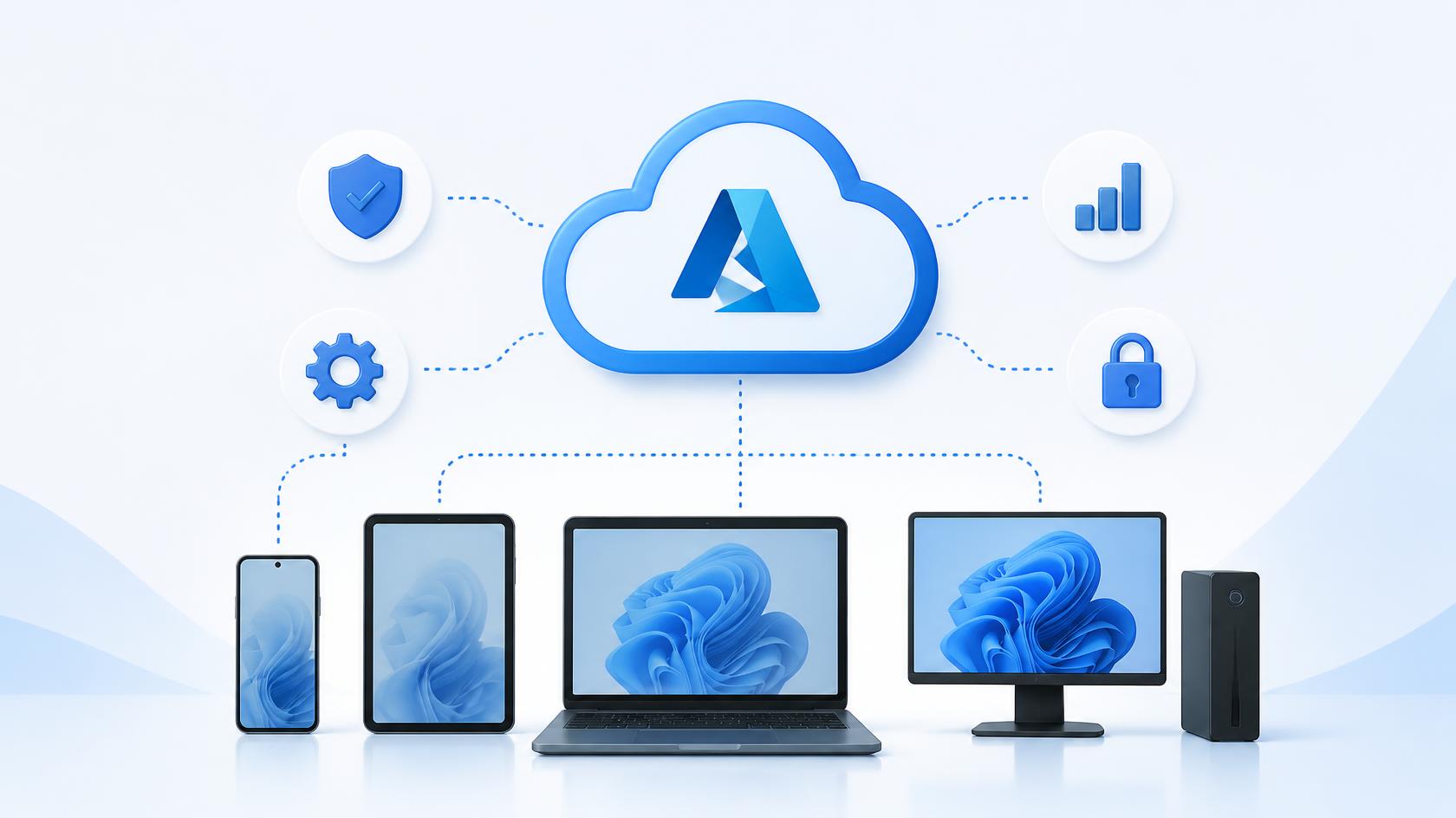
Windows MDM integrates with Azure AD and Intune, enabling:
-
BitLocker enforcement
-
Remote lock
-
Device compliance policies
-
Application whitelisting and blacklisting
-
Automatic MDM enrollment
The lock ensures the device stays tied to the organization until officially released.
Common Scenarios Where MDM Lock Protects Organizations
When Employees Leave the Company
An MDM lock prevents users from resetting devices and walking away with sensitive data or company equipment in an unsecured state.
Lost or Stolen Devices
A device can be placed into remote lock or wiped instantly, preventing data leakage.
Bring Your Own Device (BYOD)
Work profiles and MDM lock allow IT to manage corporate data separately from personal data.
Device Misuse or Policy Violations
If a user attempts to tamper with configurations or bypass controls, MDM lock prevents unauthorized changes.
Benefits of Using MDM Lock in an Enterprise Environment
Using MDM lock provides valuable advantages for IT teams:
Improved Device Lifecycle Management
Devices remain properly configured, updated, and secured throughout their entire usage lifecycle.
Enhanced Visibility and Control
Administrators instantly see device status, compliance posture, security events, and usage analytics.
Reduced Support and Downtime
Automated policies allow IT to maintain consistency across all endpoints, improving performance and reducing manual troubleshooting.
Lower Risk of Data Breaches
The combination of access control, encryption, and remote management significantly reduces security risks.
Can Users Bypass MDM Lock?
Most modern devices have robust protection mechanisms that make bypassing MDM lock extremely difficult — intentionally so. Unauthorized bypassing is often illegal, violates company policy, and raises serious security risks.
For IT leaders, the best solution is to:
-
Implement supervised mode on iOS
-
Use fully managed devices on Android
-
Enforce Azure AD and Intune enrollment for Windows
These configurations create a persistent lock that stays intact unless IT removes it.
Best Practices for Managing MDM Lock Effectively
1. Establish Clear Device Ownership Policies
Employees should know whether a device is corporate-owned or BYOD, and what limitations apply.
2. Use Automation Wherever Possible
Automated enrollment, compliance enforcement, and alerts reduce manual oversight.
3. Regularly Update MDM Policies
Threats evolve quickly — keep device rules and protections up to date.
4. Train Employees on Security Expectations
Users should understand why MDM lock exists and how it protects both the company and them.
5. Monitor Devices Continuously
Continuous monitoring ensures early detection of misconfiguration or malicious activity.
Troubleshooting Issues Related to MDM Lock
Even though MDM lock is designed to secure devices, administrators may occasionally need to troubleshoot issues such as:
-
Devices stuck in locked mode
-
Inability to remove or add profiles
-
Enrollment conflicts
-
Activation lock issues on iOS
-
Policy syncing failures
In most cases, resolving the issue involves re-enrolling the device, updating certificates, or verifying compliance settings.
Frequently Asked Questions
1. What is MDM lock used for?
It secures organizational devices by enforcing restrictions, preventing unauthorized resets, and enabling remote management capabilities.
2. Can MDM lock be removed without IT approval?
No. Removing MDM lock typically requires administrative access or complete device wiping, depending on the platform.
3. Does MDM lock affect personal data?
In BYOD setups, only the work profile or corporate partition is controlled. Personal apps and data remain private.
4. Is MDM lock necessary for small businesses?
Absolutely. Small organizations face the same security risks as large enterprises. MDM lock strengthens device protection at any scale.
5. Does MDM lock slow down devices?
No. MDM policies operate in the background and do not impact device performance.
Final Thoughts
MDM lock plays a critical role in securing modern enterprise environments. With mobile devices becoming the backbone of business operations, organizations must ensure every endpoint remains protected, compliant, and centrally controlled. Implementing MDM lock policies helps reduce vulnerabilities, safeguard sensitive data, and support a secure digital workspace.
Take the next step toward smarter project execution —
Start your free trial with ITarian to streamline workflows, automate repetitive tasks, and elevate your project delivery across every team.

 (1 votes, average: 4.00 out of 5)
 Loading...