Remote access has become a fundamental requirement for organizations operating across multiple locations, time zones, and device environments. Whether used by IT administrators troubleshooting devices or employees accessing their workstations from home, remote connectivity tools play a critical role in cybersecurity and productivity. One of the most established and widely used technologies in this space is Microsoft’s Remote Desktop Protocol. Understanding what is Remote Desktop Protocol and its core capabilities is essential for anyone working in cybersecurity, IT management, or enterprise technology.
In the first hundred words, it’s important to recognize that Remote Desktop Protocol (RDP) is one of the most common ways businesses enable remote access to desktops, servers, and virtual machines. RDP allows users to connect securely to another computer, access applications, and work as though they were sitting right in front of the remote system. This makes it a foundational component of enterprise IT operations, remote troubleshooting, and distributed workforce management. As businesses continue transitioning to hybrid and cloud-based environments, RDP remains a reliable and widely adopted solution that helps maintain continuity, security, and flexibility.
What Remote Desktop Protocol Really Is
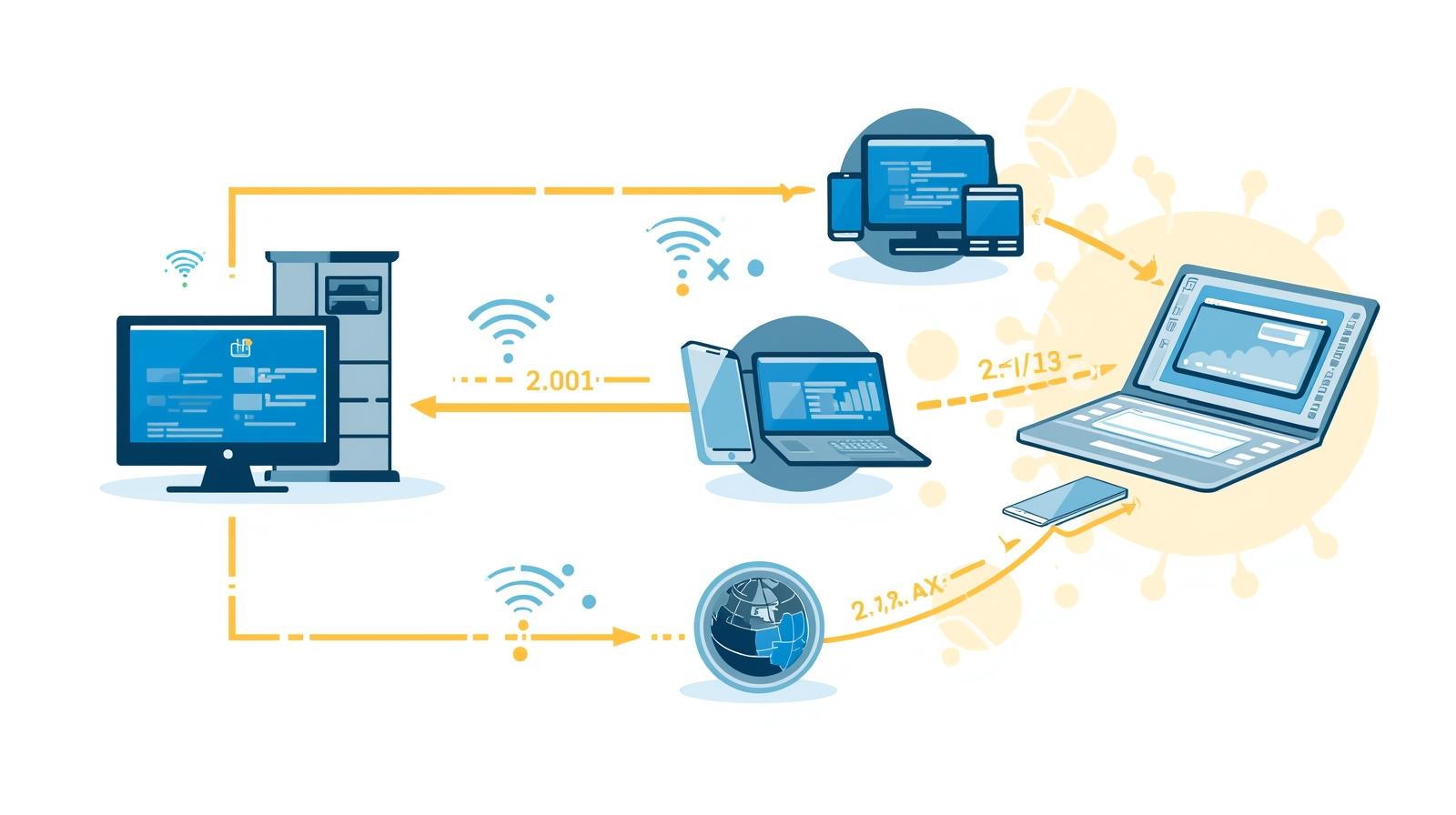
Remote Desktop Protocol (RDP) is a proprietary communications protocol developed by Microsoft that allows one computer (the client) to connect to and control another computer (the host) over a network. RDP provides a graphical interface so users can interact with remote systems just as they would on a local machine.
RDP handles multiple responsibilities:
-
Transmitting keystrokes and mouse input
-
Delivering visual display data from the host machine
-
Encrypting communications
-
Managing session states
-
Handling resource redirection (printers, drives, audio)
While RDP is primarily associated with Windows machines, it can also be used to connect to macOS, Linux, and cloud-based environments through various clients.
Why Remote Desktop Protocol Matters Today
RDP has been around since the 1990s, yet it remains one of the most widely used remote access technologies in the world. Organizations rely on it for:
Remote Work Enablement
Employees gain access to office applications and resources without physically being in the workplace.
IT Troubleshooting
Technicians can diagnose remote devices instantly, reducing the need for in-person visits.
Server and Infrastructure Management
System administrators manage servers hosted on-premises, in data centers, or in the cloud.
Virtual Desktop Infrastructure (VDI)
RDP serves as the underlying connection protocol for many VDI solutions.
Security Controls
RDP can support strong authentication and encryption, making it suitable for sensitive environments.
Even with newer remote technologies emerging, RDP continues to serve as a backbone for enterprise remote access.
How Remote Desktop Protocol Works Behind the Scenes
RDP establishes a secure connection between the client and host using a combination of protocols, channels, and encryption layers. Here’s a simplified breakdown.
Connection Establishment
The client initiates a connection request to the host. Authentication happens before anything is displayed, ensuring that unauthorized users cannot access the remote environment.
Transmission of Graphical Data
Unlike video streaming, RDP sends instructions for rendering the display rather than transmitting the entire screen as video. This reduces bandwidth usage and improves performance.
User Input Redirection
Keyboard and mouse actions are sent back to the host and executed in real-time.
Resource Redirection
RDP supports redirecting resources from the client to the remote host, such as:
-
Printers
-
Storage devices
-
Audio playback
-
Clipboard content
This makes RDP highly functional and seamless.
Encryption and Data Protection
RDP communications are encrypted, using mechanisms such as:
-
TLS
-
CredSSP
-
Network Level Authentication (NLA)
These prevent interception and unauthorized access.
Core Features of Remote Desktop Protocol
RDP includes numerous built-in technologies designed to improve usability, performance, and security.
Graphical Rendering Efficiency
RDP can compress display updates so sessions remain smooth even on slow networks.
Session Persistence
If a network connection is lost, the session can automatically reconnect.
Multi-Monitor Support
Users can extend or mirror screens across multiple displays.
RemoteFX Capabilities
Supports enhanced graphics rendering for virtualized environments.
Printer and Device Redirection
Allows local device access inside a remote session.
User-Level Permission Control
Admins can control who can connect, which resources are available, and the level of access granted.
These features help enterprises maintain stable, responsive remote environments.
Enterprise Use Cases for Remote Desktop Protocol
RDP supports a wide range of business scenarios.
Endpoint Troubleshooting and Remote Repair
IT staffs use RDP to perform software installations, patches, configuration changes, and diagnostics without on-site visits.
Access to High-Performance Workstations
Industries like design, engineering, and analytics need access to powerful desktops while working remotely.
Secure Access for Remote Employees
Workers log into their office machines to use licensed applications, network drives, and sensitive data.
Cloud Infrastructure Management
Administrators use RDP to control cloud-hosted virtual machines on services such as:
-
Microsoft Azure
-
AWS EC2 Windows Instances
-
Google Cloud Windows Servers
Disaster Recovery and Continuity Planning
Remote access ensures operations continue even during outages, emergencies, or office closures.
Why Security Is Critical in Remote Desktop Protocol
Although RDP is extremely useful, improper configuration can introduce vulnerabilities. Attackers often scan the internet for open RDP ports, making secure configuration essential.
Common RDP Threats:
-
Brute-force logins
-
Credential theft
-
Man-in-the-middle attacks
-
Ransomware distribution
-
Lateral movement within networks
Mitigation strategies must accompany RDP usage to ensure safety.
Securing Remote Desktop Protocol: Best Practices
Organizations must follow strong security practices to reduce risks.
Enable Network Level Authentication (NLA)
NLA requires authentication before a session is created, significantly reducing exposure.
Use Strong Password Policies
Avoid weak or default credentials that attackers can easily guess.
Employ Multi-Factor Authentication (MFA)
Adding MFA strengthens identity verification.
Restrict RDP Access to VPN
Only devices on a secure VPN should initiate remote sessions.
Change the Default Port
Although not a complete security measure, port modification reduces automated attack attempts.
Deploy Firewalls and IP Restrictions
Only approved IP addresses should be allowed to connect via RDP.
Monitor Login Attempts
Failed attempts often indicate scanning or brute-force attacks.
Keep Systems Updated
Patches fix vulnerabilities that attackers frequently exploit.
Use Endpoint Protection
Antivirus and EDR solutions help detect suspicious activity in remote environments.
Managing RDP security is an essential responsibility for IT teams.
Remote Desktop Protocol vs. Other Remote Access Technologies
Enterprises often compare RDP with other remote tools to determine the best fit.
RDP vs. VNC
VNC transmits the entire screen as images; RDP sends commands for rendering, making it faster and more resource-efficient.
RDP vs. TeamViewer
TeamViewer is easier for cross-platform support and quick support sessions, but RDP is better for managed environments.
RDP vs. AnyDesk
AnyDesk offers excellent performance, but RDP integrates more deeply with Windows ecosystems.
RDP vs. Chrome Remote Desktop
Chrome Remote Desktop is simpler for end users; RDP offers more control for admins.
RDP vs. SSH
SSH offers command-line access; RDP offers full graphical control.
No single tool fits all use cases — organizations often combine several methods.
Trends Shaping the Future of Remote Desktop Protocol
Several developments are influencing the evolution of RDP.
Zero Trust Security Models
Organizations are moving away from assuming any device is safe.
Cloud-Integrated RDP
Virtual desktop solutions are increasingly deployed in cloud environments.
Enhanced Encryption Technologies
Future RDP versions will strengthen data protection.
AI-Assisted Monitoring
Artificial intelligence is improving anomaly detection in remote access sessions.
Unified Endpoint Management
RDP integrates with MDM and endpoint platforms for better control and reporting.
Remote connectivity will continue evolving as work becomes more distributed.
Frequently Asked Questions
1. What is Remote Desktop Protocol used for?
It enables users to remotely access and control another computer for work, troubleshooting, or administrative tasks.
2. Is RDP secure?
Yes, when configured properly with NLA, MFA, firewalls, and strong passwords.
3. Can RDP be used over the internet?
Yes, but it must be secured through VPN or restricted access policies.
4. Does RDP work on macOS or Linux?
Yes. Microsoft offers RDP clients for macOS, Linux, iOS, and Android.
5. What port does RDP use?
RDP uses TCP port 3389 by default, though many organizations change it for security reasons.
Final Thoughts
Understanding what is Remote Desktop Protocol is essential for today’s IT leaders, cybersecurity teams, and enterprise decision-makers. RDP remains a powerful tool for secure, efficient, and reliable remote access, even as new technologies emerge. Its flexibility across server management, remote troubleshooting, and hybrid work environments makes it invaluable for organizations of all sizes.
As remote access demands grow, businesses must pair RDP with robust endpoint monitoring, automated security enforcement, and centralized visibility. If your organization wants a modern, secure foundation for managing remote devices and improving operational efficiency, you can begin by exploring powerful endpoint and remote management capabilities.
Start enhancing your remote operations today with
Start your free trial with ITarian

 (1 votes, average: 4.00 out of 5)
 Loading...