Seamless Ubuntu Remote Desktop Access from Windows Systems
Updated on December 29, 2025, by ITarian
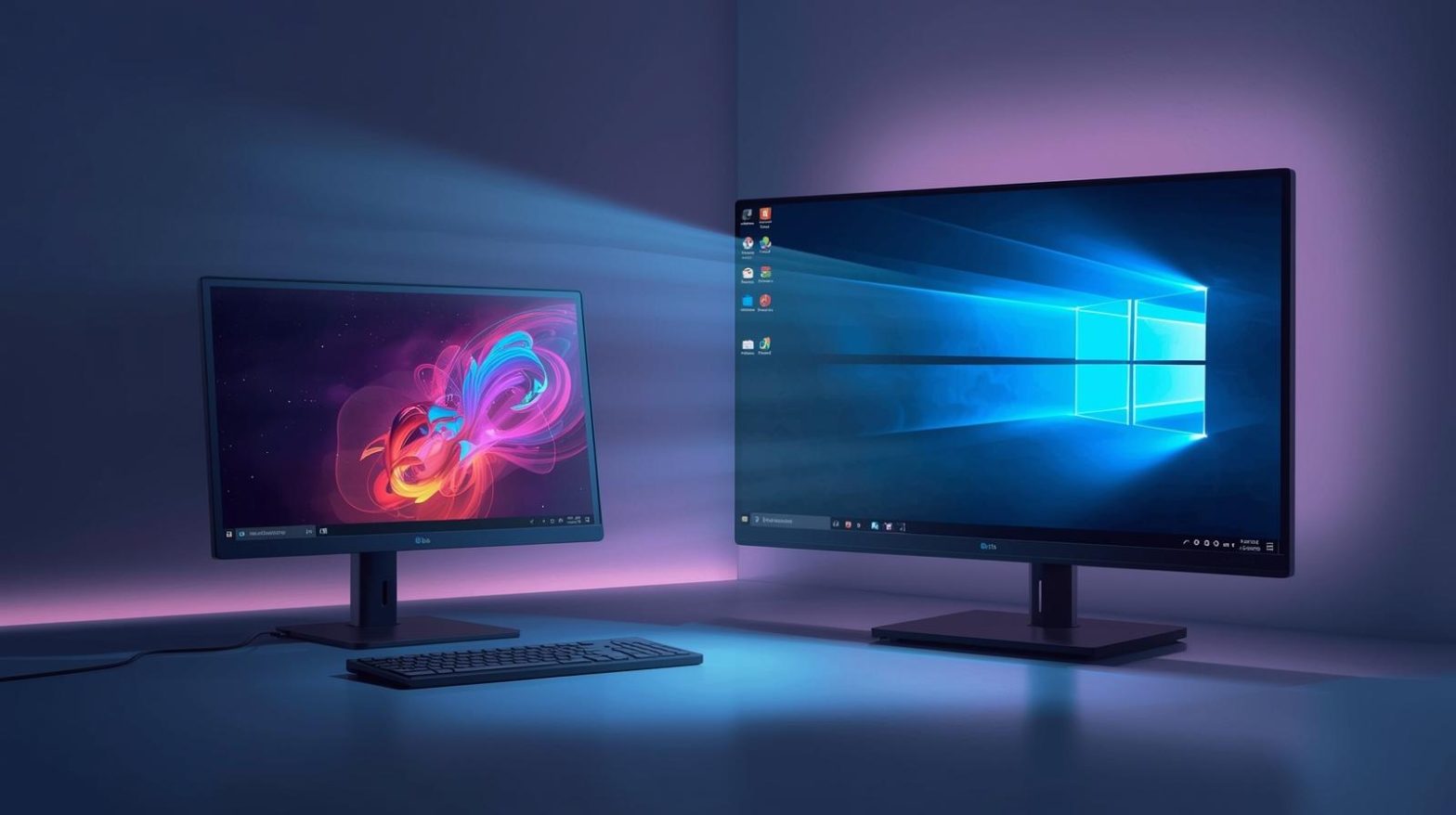
Remote work and cross-platform administration are no longer optional for modern IT teams. Whether you’re managing Linux servers, supporting developers, or troubleshooting user systems, ubuntu remote desktop from windows has become a practical requirement across enterprises, SMBs, and security-focused environments. The ability to securely connect a Windows machine to an Ubuntu desktop improves productivity, reduces response times, and simplifies system administration without physical access.
This article explains how ubuntu remote desktop from windows works, why it matters for IT and cybersecurity teams, and how to implement it securely at scale. You’ll also learn best practices, common pitfalls, and enterprise considerations to ensure reliable remote access without exposing your infrastructure to unnecessary risk.
Why Ubuntu Remote Desktop from Windows Matters for IT Teams
Organizations increasingly operate mixed environments where Windows endpoints coexist with Ubuntu servers and workstations. Supporting these environments efficiently depends on reliable ubuntu remote desktop from windows access. Without it, IT teams are forced to rely on physical access, VPN-only workflows, or inefficient troubleshooting processes that slow operations.
Ubuntu remote desktop from windows enables administrators to manage Linux desktops, perform updates, run diagnostics, and support users from a familiar Windows interface. This reduces friction for IT staff while preserving Ubuntu’s flexibility and performance benefits. For cybersecurity leaders, controlled remote access also minimizes shadow IT and reduces the temptation to deploy unsafe third-party tools.
How Ubuntu Remote Desktop from Windows Works
At its core, ubuntu remote desktop from windows relies on standardized remote desktop protocols that allow graphical sessions to be transmitted securely between systems. Ubuntu supports several remote access technologies that integrate well with Windows environments.
Common approaches include:
-
RDP-compatible services installed on Ubuntu
-
VNC-based remote desktop solutions
-
SSH-based tunneling for encrypted sessions
-
Enterprise remote management platforms
Each method offers different levels of performance, security, and administrative overhead. Choosing the right option depends on your use case, security posture, and scale.
Popular Methods to Connect Ubuntu Remote Desktop from Windows
Using RDP-Compatible Services on Ubuntu
One of the most straightforward ways to enable ubuntu remote desktop from windows is by configuring Ubuntu to accept Remote Desktop Protocol connections. This allows Windows users to connect using the built-in Remote Desktop Connection client.
Benefits include:
-
Native Windows compatibility
-
Familiar interface for IT teams
-
Reduced training requirements
However, RDP-based setups must be properly hardened to prevent unauthorized access, especially when exposed beyond internal networks.
VNC for Ubuntu Remote Desktop from Windows
VNC remains a widely used option for ubuntu remote desktop from windows scenarios. It provides cross-platform support and works well for graphical desktop sharing.
Advantages of VNC include:
-
Broad compatibility
-
Simple setup for small environments
-
Multiple client options for Windows
Security teams should ensure VNC traffic is encrypted and restricted to trusted users, as default configurations can be vulnerable if left exposed.
SSH Tunneling for Secure Ubuntu Remote Desktop from Windows
For security-conscious organizations, SSH tunneling adds an extra layer of protection to ubuntu remote desktop from windows connections. By encapsulating desktop traffic within an encrypted SSH session, administrators can reduce exposure to network-based attacks.
This approach is especially useful for:
-
Administrators accessing Ubuntu desktops over untrusted networks
-
Organizations with strict compliance requirements
-
Environments where VPN access is limited or restricted
Security Considerations for Ubuntu Remote Desktop from Windows
Remote desktop access introduces potential attack surfaces if not managed correctly. Cybersecurity teams must treat ubuntu remote desktop from windows as a privileged access pathway and apply appropriate controls.
Key security best practices include:
-
Enforcing strong authentication policies
-
Limiting remote desktop access to authorized users only
-
Using encrypted connections at all times
-
Monitoring and logging remote access sessions
-
Regularly patching Ubuntu and Windows systems
Failing to secure ubuntu remote desktop from windows connections can lead to credential theft, lateral movement, or unauthorized data access.
Performance Optimization for Ubuntu Remote Desktop from Windows
User experience matters when deploying ubuntu remote desktop from windows across teams. Poor performance can frustrate users and reduce adoption, even if the connection is technically secure.
To optimize performance:
-
Adjust display resolution and color depth
-
Disable unnecessary visual effects on Ubuntu
-
Use wired connections where possible
-
Allocate sufficient system resources on the Ubuntu host
Balancing performance and security ensures that ubuntu remote desktop from windows remains both usable and safe.
Managing Ubuntu Remote Desktop from Windows at Scale
For organizations supporting multiple Ubuntu endpoints, manual configuration quickly becomes inefficient. IT managers should consider centralized tools that simplify deployment, access control, and monitoring.
Enterprise-grade remote management solutions help:
-
Standardize ubuntu remote desktop from windows configurations
-
Enforce consistent security policies
-
Reduce administrative overhead
-
Improve visibility into remote access activity
These platforms are particularly valuable for MSPs, distributed teams, and security-driven organizations.
Compliance and Governance Implications
Remote access solutions must align with organizational compliance requirements. Ubuntu remote desktop from windows setups should be documented, audited, and reviewed regularly to meet internal and external standards.
Governance considerations include:
-
Role-based access controls
-
Session recording for sensitive systems
-
Automated revocation of access when roles change
-
Integration with identity and access management systems
By treating ubuntu remote desktop from windows as a governed service rather than an ad hoc tool, organizations reduce risk and improve accountability.
Common Challenges and How to Avoid Them
Despite its benefits, ubuntu remote desktop from windows can present challenges if deployed without planning. Common issues include misconfigured permissions, weak authentication, and inconsistent user experiences.
Avoid these pitfalls by:
-
Following standardized deployment procedures
-
Testing configurations before production rollout
-
Educating users on secure remote access practices
-
Continuously reviewing logs and access patterns
Proactive management ensures ubuntu remote desktop from windows remains a productivity enhancer rather than a liability.
Future Trends in Cross-Platform Remote Access
As remote work and hybrid environments evolve, ubuntu remote desktop from windows will continue to play a critical role in IT operations. Advances in protocol efficiency, zero-trust security models, and automation are shaping the future of remote desktop access.
Organizations that invest in scalable, secure remote access strategies today will be better positioned to adapt to tomorrow’s operational and security demands.
FAQs
-
Can Ubuntu remote desktop from Windows be used without a VPN?
Yes, but only if strong encryption, authentication, and network restrictions are in place. VPNs add an extra security layer and are recommended for most environments. -
Is ubuntu remote desktop from windows suitable for enterprise use?
Yes, when combined with centralized management, access controls, and monitoring, it scales well for enterprise environments. -
Does ubuntu remote desktop from windows impact system performance?
Performance impact depends on configuration, network quality, and system resources. Proper optimization minimizes noticeable slowdowns. -
What is the most secure method for ubuntu remote desktop from windows?
Encrypted connections using SSH tunneling or enterprise remote management platforms provide the highest security. -
Can multiple users access Ubuntu remote desktop from Windows simultaneously?
This depends on the remote desktop solution and system resources. Some configurations support concurrent sessions, while others do not.
Final Thoughts
Ubuntu remote desktop from windows is a powerful capability that bridges the gap between Linux flexibility and Windows familiarity. When implemented with security, performance, and scalability in mind, it enables IT teams to operate efficiently across diverse environments without compromising control or compliance.

 Loading...