Unlocking Secure Remote Workflows with Remote Desktop on iPad
Updated on January 28, 2026, by ITarian
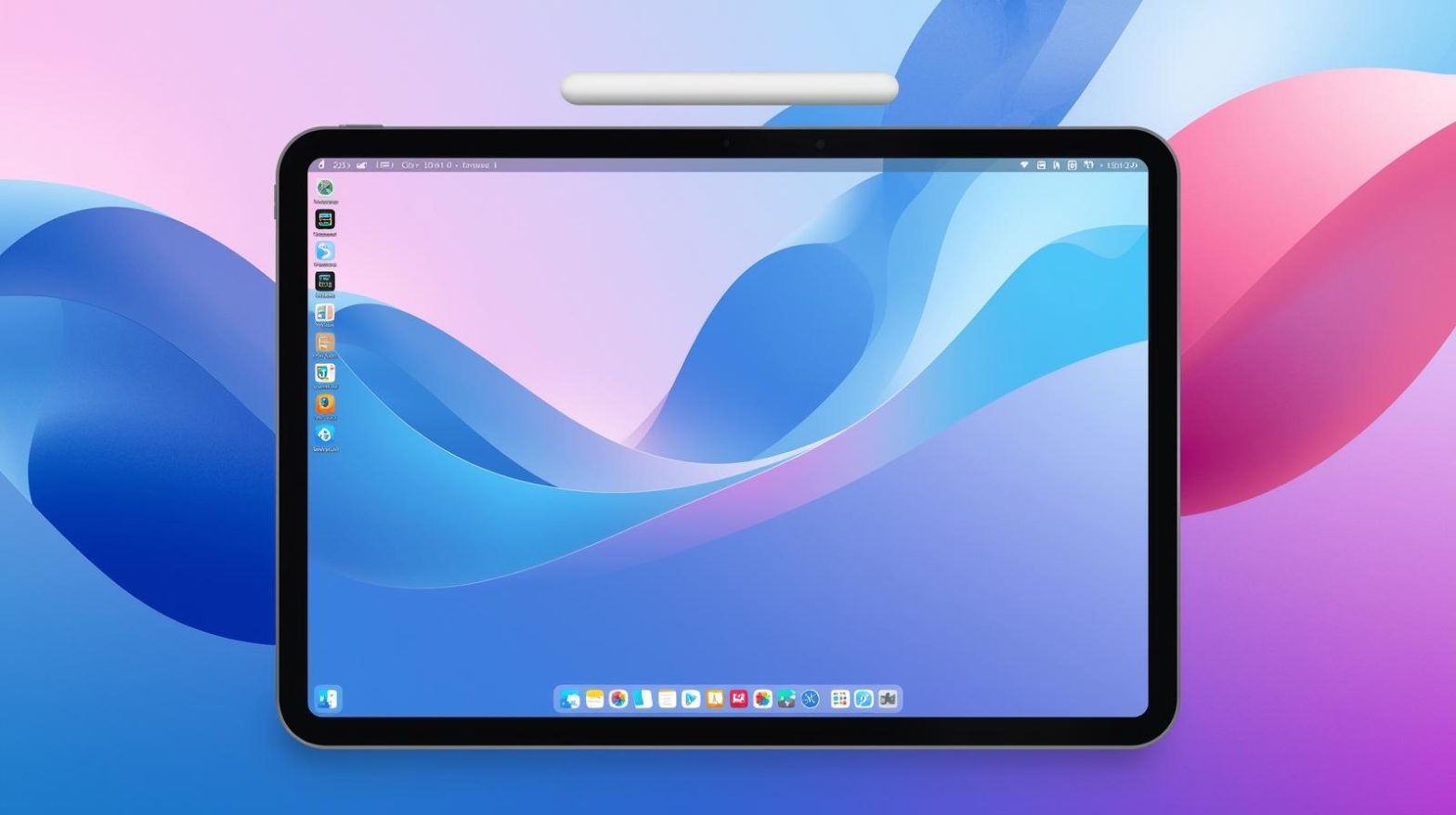
Have you ever needed to access a critical workstation or server while away from your desk, with only an iPad in hand? As mobile work becomes the norm, remote desktop iPad capabilities are transforming how professionals stay productive and secure on the move. From IT managers overseeing infrastructure to executives approving urgent tasks, the ability to connect remotely from an iPad is no longer a convenience—it is a strategic necessity. Remote desktop iPad solutions bridge mobility and control, enabling users to securely access systems, applications, and data from virtually anywhere.
What Is Remote Desktop iPad Access
Remote desktop iPad access allows users to connect from an iPad to a remote computer, server, or virtual desktop environment. Using secure protocols and dedicated applications, the iPad becomes a portal to a full desktop experience. Keyboard input, mouse control, and file access are all delivered through the iPad interface. For organizations, remote desktop iPad usage supports flexible work models while maintaining centralized control over systems and data.
Why Remote Desktop iPad Is Gaining Enterprise Adoption
The rise of hybrid and remote work has accelerated demand for mobile-friendly remote access. Remote desktop iPad solutions appeal to enterprises because they combine portability with robust security controls. Executives can review reports on the go, IT teams can troubleshoot systems remotely, and employees can stay productive without carrying laptops. This balance of convenience and security makes remote desktop iPad access a valuable asset in modern IT strategies.
Security Considerations for Remote Desktop iPad Use
Security is a top concern when enabling remote desktop iPad access. Connections must be encrypted, authenticated, and monitored to prevent unauthorized access. Strong password policies, multi-factor authentication, and device compliance checks are essential. When implemented correctly, remote desktop iPad solutions can meet enterprise security standards while minimizing the risk of data exposure on mobile devices.
Common Use Cases for Remote Desktop iPad
Remote desktop iPad functionality supports a wide range of professional scenarios. IT administrators can manage servers during off-hours, executives can access dashboards while traveling, and support teams can respond to incidents without being tied to an office. In industries such as healthcare, finance, and technology, remote desktop iPad access enables fast decision-making while maintaining compliance and control.
Remote Desktop iPad for IT Management and Support
For IT teams, remote desktop iPad access is a powerful tool. Administrators can monitor systems, deploy updates, and resolve issues from anywhere. This flexibility reduces response times and improves service continuity. When combined with centralized management platforms, remote desktop iPad usage becomes part of a broader remote support and endpoint management strategy.
Performance and User Experience on iPad
Modern remote desktop iPad solutions are designed to deliver smooth performance even over variable network conditions. Optimized streaming, adaptive resolution, and touch-friendly controls improve usability. External keyboards and trackpads further enhance the desktop-like experience. While performance depends on network quality and system configuration, today’s solutions make remote desktop iPad access practical for daily professional use.
Enabling Remote Desktop iPad Access Securely
Setting up remote desktop iPad access requires careful planning. IT teams must configure remote access services, enforce security policies, and ensure compatibility between devices. Clear access controls help prevent misuse while ensuring authorized users can connect when needed. A well-defined deployment process reduces friction and supports consistent user experiences across the organization.
Remote Desktop iPad in Hybrid and Remote Work Models
Hybrid work environments benefit significantly from remote desktop iPad capabilities. Employees can work from home, client sites, or while traveling without sacrificing access to critical systems. This flexibility supports work-life balance while maintaining productivity. For organizations, remote desktop iPad access reduces dependency on physical offices and expensive hardware deployments.
Compliance and Data Protection with Remote Desktop iPad
Many industries must comply with strict data protection regulations. Remote desktop iPad solutions help meet these requirements by keeping data on centralized systems rather than storing it locally on devices. Session logging, access auditing, and role-based permissions further enhance compliance readiness. This approach is especially valuable for organizations handling sensitive or regulated information.
Challenges Associated with Remote Desktop iPad
Despite its advantages, remote desktop iPad access presents challenges. Touch-based interfaces may feel less precise for complex tasks, and network latency can impact responsiveness. User training is often required to ensure efficient use. Addressing these challenges involves selecting the right tools, optimizing configurations, and setting realistic expectations for mobile workflows.
Best Practices for Using Remote Desktop iPad Effectively
Organizations that succeed with remote desktop iPad access follow proven best practices.
Key best practices include:
-
Enforcing strong authentication and encryption
-
Limiting access based on roles and devices
-
Optimizing network performance
-
Providing user training and support
-
Monitoring sessions for security and compliance
These practices ensure remote desktop iPad access remains both productive and secure.
Integrating Remote Desktop iPad with Endpoint Management
Remote desktop iPad functionality is most effective when integrated with endpoint management systems. This integration allows IT teams to manage device policies, monitor usage, and respond to threats from a single platform. Unified visibility simplifies administration and strengthens security across both desktop and mobile environments.
The Role of Cloud Services in Remote Desktop iPad
Cloud-based remote desktop services have made remote desktop iPad access more scalable and resilient. Cloud infrastructure supports global connectivity, high availability, and rapid deployment. For organizations with distributed teams, cloud-enabled remote desktop iPad solutions reduce complexity and improve reliability.
Supporting Executives and Decision-Makers with Remote Desktop iPad
Executives often rely on iPads for communication and quick decision-making. Remote desktop iPad access allows them to securely connect to internal systems without compromising data protection. This capability supports faster approvals, real-time insights, and continuous business operations, even outside traditional work hours.
Future Trends in Remote Desktop iPad Technology
As mobile hardware and network technologies evolve, remote desktop iPad experiences will continue to improve. Advancements in cloud computing, 5G connectivity, and touch-optimized interfaces will enhance performance and usability. These trends will further solidify remote desktop iPad access as a core component of enterprise mobility strategies.
FAQs
-
What is remote desktop iPad access
Remote desktop iPad access allows an iPad to connect securely to a remote computer or server. -
Is remote desktop iPad secure for business use
Yes, when implemented with encryption, authentication, and access controls. -
Can IT teams manage systems using remote desktop iPad
IT administrators can monitor and troubleshoot systems remotely from an iPad. -
Does remote desktop iPad store data on the device
Most solutions keep data on the remote system, reducing data leakage risks. -
Is remote desktop iPad suitable for hybrid work
It is highly effective for hybrid and remote work scenarios.
Final Thoughts
Remote desktop iPad access empowers organizations to combine mobility with security and control. By enabling professionals to work securely from anywhere, it supports modern work models and operational resilience. As enterprises continue to embrace flexibility, remote desktop iPad solutions will play an increasingly important role in secure and productive digital workflows.
Move your operations forward — get started with your free ITarian trial

 (1 votes, average: 4.00 out of 5, rated)
 Loading...