Transforming IT Operations with a Modern Remote Desktop Application
Updated on December 10, 2025, by ITarian
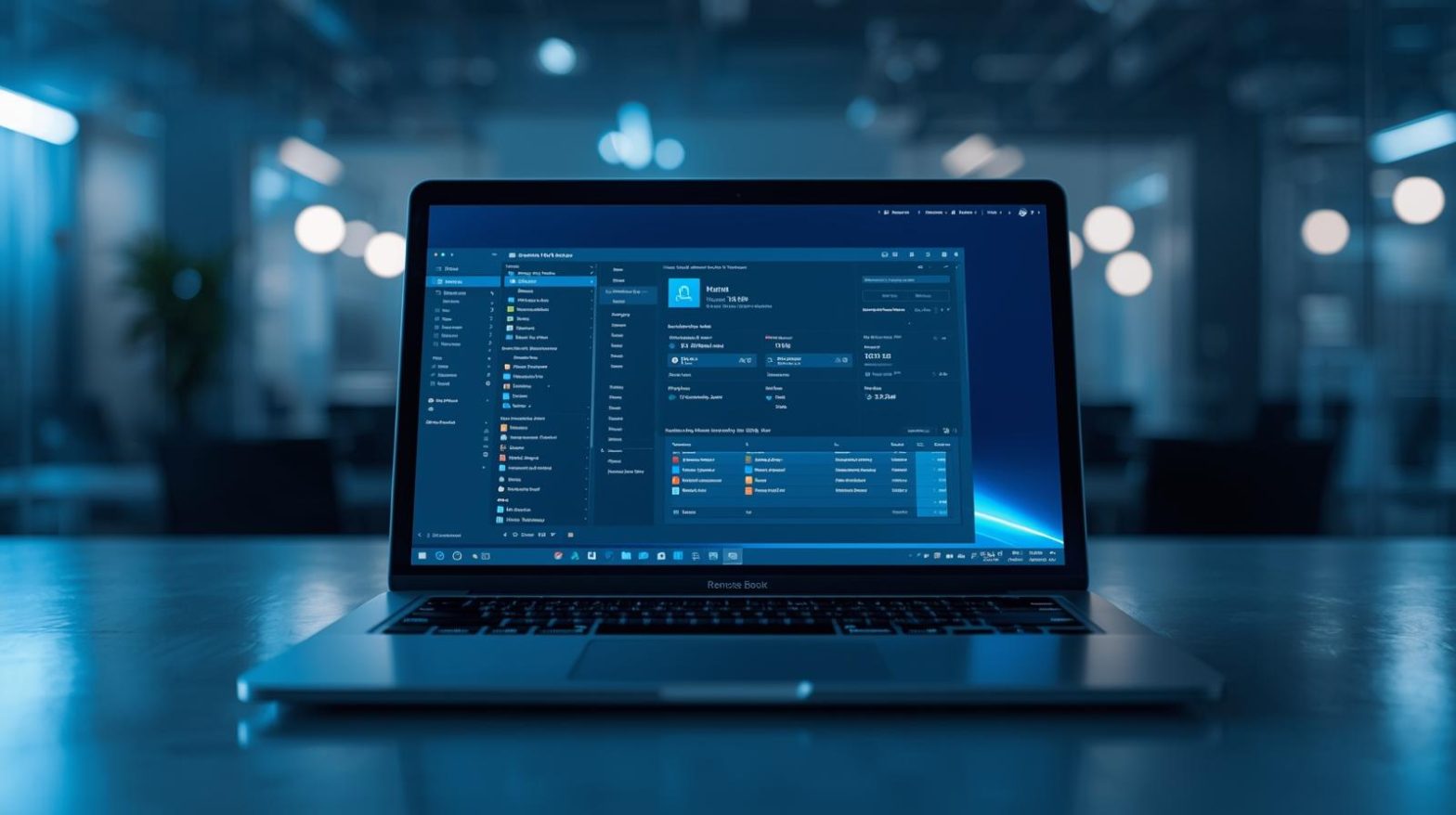
In today’s era of remote work, distributed teams, and cloud adoption, knowing how to choose and use a remote desktop application has become essential for IT managers, cybersecurity professionals, and business leaders. Whether you’re managing company devices, supporting employees from anywhere, or maintaining servers across locations, a remote desktop application allows secure, instant, and efficient access to systems without needing to be physically present.
Understanding the capabilities of a remote desktop application helps organizations improve productivity, reduce downtime, and enhance endpoint security — especially in environments where speed and accuracy matter. In this article, we’ll break down how these applications work, why they matter, and what features you should look for when selecting the right tool.
What Is a Remote Desktop Application
A remote desktop application is software that allows users to connect to and control another computer or device from a different location. This connection enables real-time interaction with files, programs, settings, and system resources as if the user were physically in front of the machine.
Organizations rely on these applications for:
-
Remote IT support
-
System administration
-
Server management
-
Accessing office computers from home
-
Troubleshooting software or network issues
Modern remote desktop tools also prioritize encryption, multi-factor authentication, and session logging to meet cybersecurity compliance requirements.
How a Remote Desktop Application Works Behind the Scenes
To understand the value of a remote desktop application, it helps to explore what happens technically when a session begins. The process typically involves:
-
Establishing a secure communication channel
The application authenticates the user and encrypts the connection. -
Transmitting screen data
The host device sends visual output (screen updates) to the client device. -
Forwarding keyboard and mouse actions
The user’s actions are securely transmitted back to the host machine. -
Synchronizing files and resources
Some remote desktop tools also support file transfers and clipboard sharing.
This exchange allows IT teams to troubleshoot systems in real time, even when users are working remotely or on different networks.
Why Businesses Depend on a Remote Desktop Application
The demand for remote access solutions spiked during the shift to hybrid and remote work — but the value extends far beyond convenience. Here are some of the key benefits:
Faster Issue Resolution for IT Teams
IT professionals can resolve technical issues without waiting for a device to be brought in, reducing downtime across large teams and departments.
Increased Productivity for Remote Workers
Employees can securely access office desktops, proprietary systems, and local applications—no VPN required.
Centralized System Management
IT managers gain visibility across all company devices, improving control and compliance.
Reduced On-Site Support Costs
Organizations save on travel, site visits, and manual support interventions.
Improved Cybersecurity
Most advanced remote desktop applications include:
-
End-to-end encryption
-
User authentication policies
-
Session monitoring
-
Access restrictions
These protections safeguard sensitive data from unauthorized access.
Choosing the Best Remote Desktop Application: Features That Matter
Not all remote desktop applications are built the same. To ensure a strong security posture and smooth performance, look for features such as:
High-Level Encryption and Authentication
Tools should offer AES-256 encryption, MFA, and role-based access controls.
Cross-Platform Compatibility
Support for Windows, macOS, Linux, Chromebook, Android, and iOS ensures flexibility.
Session Recording and Audit Logs
Essential for compliance, especially in regulated industries.
File Transfer and Resource Access
Users should be able to securely transfer files or access network resources.
Low Latency Performance
A smooth session experience improves IT support efficiency and user satisfaction.
Automated Alerts and Monitoring
Helpful for detecting unusual activity or system failures.
Scalability for Large IT Environments
MSPs, enterprises, and distributed teams need tools that perform reliably at scale.
Remote Desktop Application vs. VPN: Which Should You Use?
Although VPNs provide network-level secure access, they differ from remote desktop applications. Understanding the comparison helps IT teams choose wisely.
-
VPN: Extends network access but does not allow device-level interaction.
-
Remote Desktop Application: Allows full control of the host machine, regardless of the network.
For IT support, remote troubleshooting, and endpoint management, a remote desktop application is typically more efficient and secure.
Best Use Cases for a Remote Desktop Application in Enterprises
Here’s where remote desktop tools deliver the most impact:
Remote IT Assistance
Technicians diagnose and fix issues instantly without requiring user involvement.
Accessing Specialized Software
Employees can access office-only or licensed applications from home.
Distributed Workforce Support
Teams across different countries or branches can collaborate seamlessly.
Server and Infrastructure Management
System admins can maintain servers without being onsite, improving uptime.
MSP Operations
Managed service providers rely on remote access tools for monitoring, updates, and repairs across multiple clients.
Security Considerations for Using a Remote Desktop Application
While remote desktop technology is powerful, it must be configured securely to prevent cyber threats. IT teams should implement:
-
Strong password and authentication policies
-
MFA for all remote sessions
-
IP allowlisting or geofencing
-
Session timeout rules
-
Audit logs for all access events
-
Restricted user permissions
Neglecting these measures may expose systems to unauthorized access, phishing attacks, or brute-force attempts.
Advanced Remote Access Capabilities for IT and Cybersecurity Teams
Modern remote desktop applications often integrate with endpoint management solutions, giving IT teams a complete toolkit for device control. These capabilities include:
-
Automated patching
-
Software deployment
-
Real-time monitoring
-
Policy enforcement
-
Threat detection and remediation
By combining remote access with automation, organizations minimize risk and streamline operations.
Frequently Asked Questions
1. Is a remote desktop application safe to use?
Yes, as long as encryption, MFA, permission controls, and secure configurations are enabled.
2. Can I use remote desktop applications across different operating systems?
Most modern tools support Windows, macOS, Linux, and mobile platforms, making them highly flexible.
3. What is the difference between RDP and a remote desktop application?
RDP is a protocol used by Windows, while a remote desktop application is software that may use RDP or its own secure protocol.
4. Can employees work from home using a remote desktop application?
Absolutely — it allows full access to office systems, improving workflow continuity.
5. Do remote desktop tools require fast internet?
Better bandwidth improves performance, but many tools are optimized for low-speed connections too.
Final Thoughts
A powerful remote desktop application has become indispensable for modern IT environments, enabling fast troubleshooting, secure access, and efficient device management. Whether you’re supporting employees across regions, maintaining critical servers, or managing entire fleets of devices, adopting the right tool will transform your operations and enhance cybersecurity.
Take the next step toward smarter project execution — Start your free trial with ITarian to streamline workflows, automate repetitive tasks, and elevate your project delivery across every team.

 Loading...