Managing and Securing Modern MDM Devices in Today’s IT Environments
Updated on January 12, 2026, by ITarian
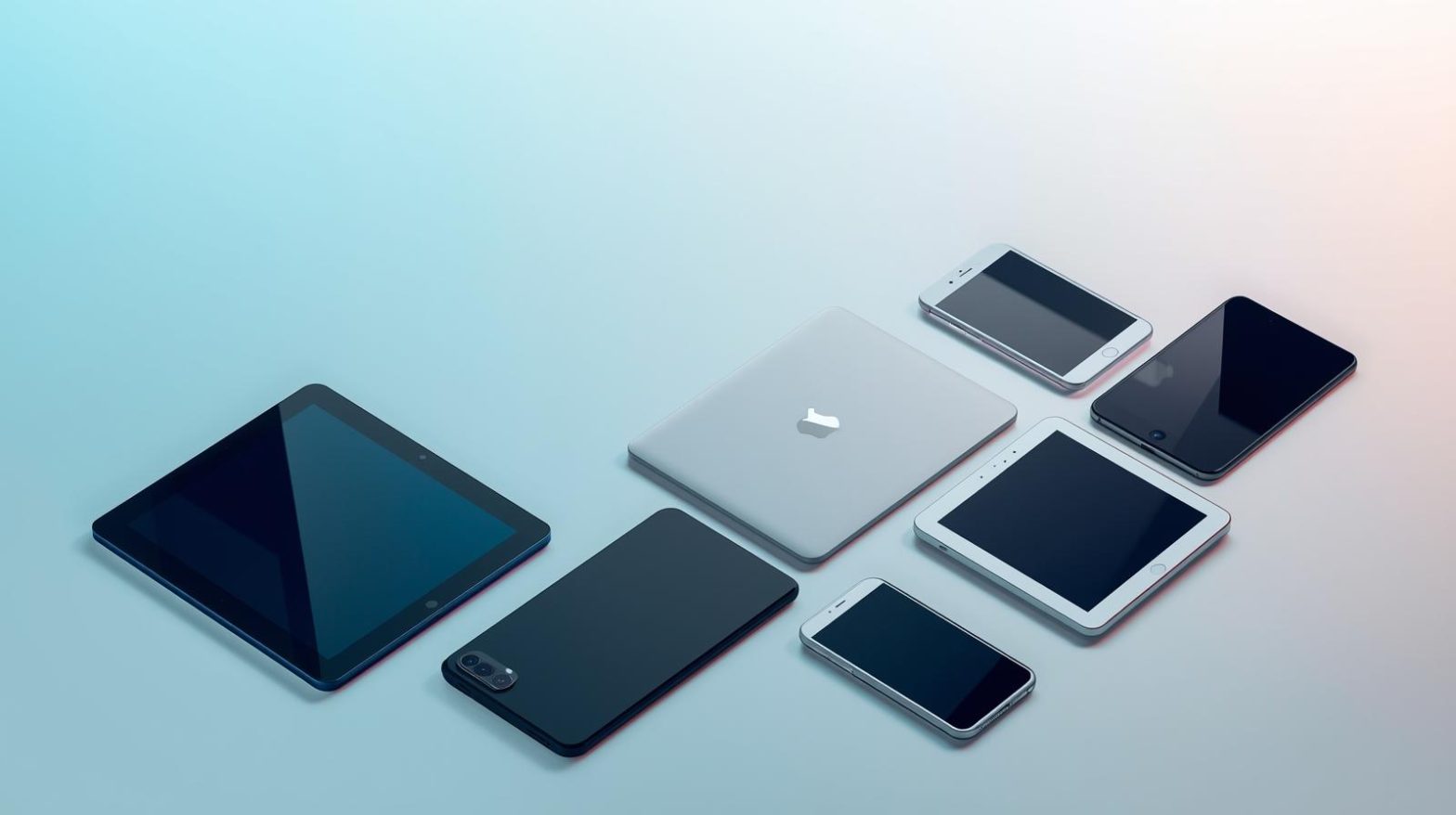
As organizations adopt remote work, cloud services, and mobile-first strategies, managing endpoints has become more complex than ever. Laptops, smartphones, tablets, and even IoT hardware are now essential to daily operations. This is where mdm devices play a critical role. Mobile Device Management helps IT teams control, secure, and monitor devices without disrupting productivity.
For IT managers, cybersecurity leaders, and business executives, understanding how mdm devices work is no longer optional. Effective device management reduces security risks, improves compliance, and ensures consistent user experiences across the organization.
What Are MDM Devices and Why They Matter
MDM devices refer to endpoints that are enrolled and managed through a Mobile Device Management platform. These devices can include smartphones, tablets, laptops, and other portable hardware used to access company resources.
The purpose of mdm devices is to give IT teams centralized visibility and control. Policies can be enforced remotely, updates can be pushed automatically, and lost or stolen devices can be secured without physical access. This approach is especially important in distributed and hybrid work environments.
How Mobile Device Management Works
Mobile Device Management works by enrolling devices into a centralized system. Once enrolled, mdm devices receive configuration profiles, security policies, and management commands from the IT console.
Key functions of MDM include:
-
Device enrollment and provisioning
-
Policy enforcement and compliance checks
-
Application management and updates
-
Remote lock, wipe, or reset
-
Monitoring device health and usage
This centralized approach ensures consistent control while reducing manual IT workload.
Types of Devices Commonly Managed Through MDM
Modern organizations manage a wide range of endpoints using MDM. Understanding these categories helps define management strategies.
Common mdm devices include:
-
Smartphones and tablets used by employees
-
Laptops running Windows, macOS, or Linux
-
Bring Your Own Device (BYOD) endpoints
-
Corporate-owned devices for frontline workers
-
Specialized devices such as kiosks and rugged hardware
Each device type may require different policies, but a unified MDM platform simplifies management.
Security Benefits of Managing MDM Devices
Security is one of the primary reasons organizations adopt MDM. Unmanaged endpoints are among the most common entry points for cyberattacks.
With properly managed mdm devices, organizations can:
-
Enforce strong passwords and encryption
-
Require device-level authentication
-
Restrict access to corporate data
-
Automatically lock or wipe compromised devices
-
Monitor compliance with security policies
These controls significantly reduce the risk of data breaches and unauthorized access.
MDM Devices and Compliance Requirements
Many industries operate under strict regulatory frameworks. Healthcare, finance, and government organizations must demonstrate control over data access and device security.
MDM devices support compliance by providing:
-
Centralized policy enforcement
-
Audit logs and reporting
-
Proof of encryption and access controls
-
Remote remediation for non-compliant devices
This makes it easier to pass audits and meet regulatory obligations.
Supporting Remote and Hybrid Workforces
Remote work has permanently changed how organizations operate. Employees now access business systems from multiple locations and devices.
MDM devices enable secure remote work by ensuring that only compliant, trusted endpoints connect to corporate resources. IT teams can deploy updates, revoke access, and troubleshoot issues without requiring users to return devices to the office.
Application Management on MDM Devices
Managing applications is a key function of MDM. IT teams need to ensure that approved software is available while preventing risky or unauthorized apps.
Application management capabilities include:
-
Deploying business-critical apps remotely
-
Updating applications automatically
-
Restricting app installation based on roles
-
Separating personal and corporate apps on BYOD devices
This balance improves security without limiting employee flexibility.
Device Lifecycle Management
MDM devices must be managed throughout their entire lifecycle, from onboarding to retirement. Each stage presents different challenges.
Lifecycle stages include:
-
Initial provisioning and enrollment
-
Active use and monitoring
-
Updates and maintenance
-
Decommissioning and secure data removal
A structured lifecycle approach ensures consistency and reduces long-term risk.
BYOD and MDM Devices
Bring Your Own Device policies are common but introduce additional complexity. Employees expect privacy, while organizations need security.
MDM solutions address this by creating logical separation between personal and work data. IT teams can manage corporate resources without accessing personal content, maintaining trust and compliance.
Challenges in Managing MDM Devices
Despite their benefits, mdm devices can introduce challenges if not managed properly. Poor planning or misconfiguration can reduce effectiveness.
Common challenges include:
-
User resistance to device controls
-
Complexity of managing diverse platforms
-
Balancing security with usability
-
Keeping policies updated as threats evolve
Addressing these challenges requires clear policies, user education, and the right technology.
Best Practices for Managing MDM Devices
Successful MDM programs follow established best practices that align technology with business goals.
Recommended best practices:
-
Define clear device usage policies
-
Use role-based access controls
-
Enforce security baselines consistently
-
Monitor compliance continuously
-
Review and update policies regularly
These practices help maintain strong security while supporting productivity.
MDM Devices in Cybersecurity Strategies
MDM is not a standalone solution. It works best as part of a broader cybersecurity strategy that includes endpoint protection, identity management, and network security.
When integrated effectively, mdm devices support zero trust principles by continuously verifying device health and access permissions. This layered approach strengthens overall security posture.
Scalability and Growth Considerations
As organizations grow, the number of devices increases. Managing mdm devices manually does not scale.
Scalable MDM platforms support:
-
Rapid onboarding of new devices
-
Centralized policy management
-
Automation of routine tasks
-
Visibility across departments and locations
Scalability ensures that device management remains efficient as the business evolves.
Choosing the Right MDM Solution
Not all MDM platforms offer the same capabilities. Selecting the right solution requires evaluating both technical and operational needs.
Key evaluation criteria include:
-
Supported operating systems
-
Security and compliance features
-
Ease of deployment and management
-
Reporting and analytics capabilities
-
Vendor support and roadmap
A well-chosen platform maximizes the value of mdm devices across the organization.
The Future of MDM Devices
As technology evolves, MDM will continue to expand beyond traditional mobile devices. IoT, wearables, and edge devices are increasingly part of enterprise environments.
Future trends include:
-
Greater automation using AI
-
Deeper integration with endpoint security
-
Enhanced user experience controls
-
Expanded support for non-traditional devices
Organizations that invest early will be better positioned to manage emerging risks.
FAQs
-
What are mdm devices
MDM devices are endpoints enrolled in a mobile device management system that allows centralized control, security enforcement, and monitoring. -
Are mdm devices only for mobile phones
No, mdm devices can include smartphones, tablets, laptops, and other portable or specialized endpoints used for work. -
How do mdm devices improve security
They enforce encryption, access controls, remote lock or wipe capabilities, and continuous compliance monitoring. -
Can MDM be used for BYOD environments
Yes, MDM supports BYOD by separating personal and corporate data while maintaining security controls. -
Do mdm devices help with compliance
Yes, MDM provides auditing, reporting, and policy enforcement features that support regulatory compliance.
Final Thoughts
Managing mdm devices is essential for organizations operating in a digital-first world. With the right approach, MDM improves security, simplifies IT operations, and supports flexible work models. By adopting best practices and choosing scalable solutions, businesses can confidently manage devices while protecting critical data and systems.
Move your operations forward — get started with your free ITarian trial

 Loading...