Strengthening Enterprise Security and Control with MacBook MDM
Updated on December 18, 2025, by ITarian
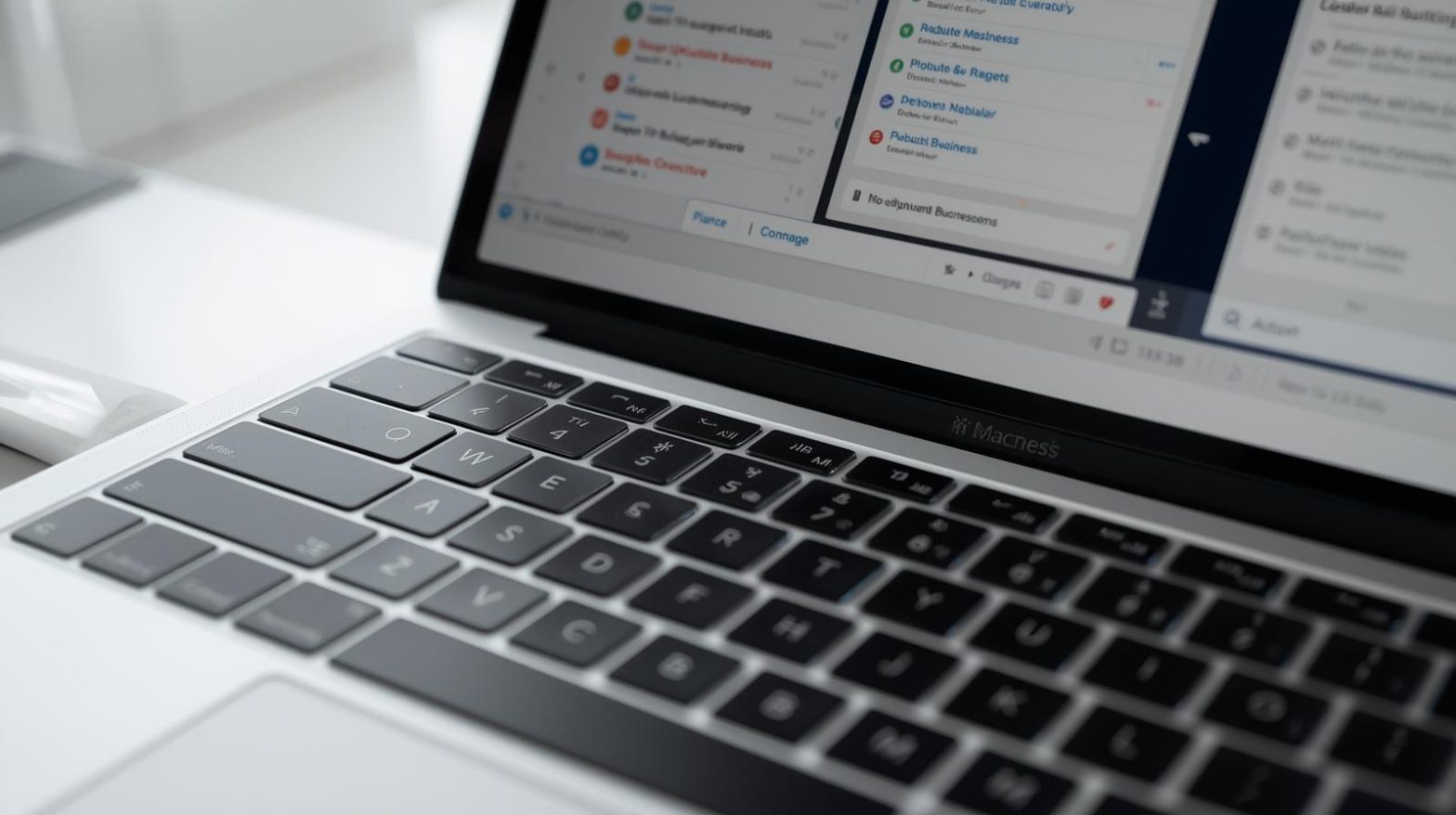
Organizations that rely on Apple devices are rapidly adopting macbook mdm solutions to enhance security, streamline device management, and maintain compliance across distributed workforces. As remote work expands and data protection regulations tighten, IT teams need centralized tools to configure, monitor, and secure MacBook fleets efficiently. MacBook MDM allows businesses to deploy apps, enforce policies, control endpoints, and ensure every device meets enterprise security standards — all without touching the device physically.
For IT managers, cybersecurity teams, MSPs, and business leaders, managing a growing Apple ecosystem requires more sophistication than ever before. MacBook MDM platforms provide the automation and visibility needed to maintain strong device hygiene, reduce manual workloads, and strengthen security frameworks across the organization.
What Makes MacBook MDM Essential for Today’s IT Environments
Mac devices continue to gain popularity in enterprise settings thanks to their stability, performance, and built-in security features. However, unmanaged MacBooks can easily become a risk vector. Without a centralized management system, IT teams struggle to enforce security policies, perform updates, or track devices that contain sensitive business data.
MacBook MDM solves this challenge by offering:
-
Centralized configuration and control
-
Automated security policy enforcement
-
Remote device locking and wiping
-
Application deployment and management
-
Compliance monitoring with audit trails
Whether a business supports 20 devices or 20,000, MacBook MDM delivers scalable oversight and consistent security across the entire Apple ecosystem.
How MacBook MDM Works in an Enterprise Setting
MacBook MDM platforms operate through Apple’s built-in management framework, allowing administrators to communicate with devices over the cloud. After enrollment, the MacBook receives configurations, restrictions, apps, and policies directly from the MDM server.
Key components include:
-
Enrollment: Devices join the MDM system through Automated Device Enrollment (ADE), user-initiated enrollment, or Apple Business Manager.
-
Configuration Profiles: These define Wi-Fi settings, VPN configs, passwords, restrictions, and more.
-
Commands: MDM sends remote actions such as lock, wipe, restart, or update.
-
Compliance Enforcement: The system ensures devices meet corporate standards at all times.
This combination enables IT administrators to control and protect MacBooks from a centralized dashboard regardless of user location.
Benefits of Implementing MacBook MDM in Your Organization
1. Stronger Security Across All Endpoints
MacBook MDM enhances security by automating essential protections. IT teams can enforce:
-
Password requirements
-
Firewall and FileVault encryption
-
App restrictions
-
OS update enforcement
-
Automatic patch distribution
These controls drastically reduce exposure to cyber threats.
2. Remote Management for Distributed Teams
With modern workforces spread across multiple locations, remote device control becomes crucial. MacBook MDM makes it possible to:
-
Lock a stolen or lost device
-
Push updates instantly
-
Run security commands remotely
-
Troubleshoot systems from anywhere
This level of remote oversight ensures continuous protection even outside corporate networks.
3. Streamlined Device Onboarding and Offboarding
Automated onboarding lets employees receive preconfigured devices that are ready to use immediately. Offboarding becomes equally efficient, allowing IT to revoke access and wipe data in minutes.
4. Efficient App Deployment and Patch Management
Enterprises can deploy apps, scripts, updates, and patches at scale without user involvement. This reduces manual workload and ensures every device stays secure and compliant.
5. Reduced IT Support Burden
Automation cuts the need for repetitive tasks, helping IT teams focus on higher-value initiatives.
6. Improved Compliance and Audit Readiness
MacBook MDM offers consistent enforcement of regulations like HIPAA, SOC 2, PCI-DSS, GDPR, and more. Compliance logs make audits faster and more reliable.
Security Features That Make MacBook MDM a Critical IT Investment
MacBook MDM platforms offer enterprise-grade protections that align with modern cybersecurity requirements.
Core security features include:
-
FileVault encryption management
-
Gatekeeper settings to block untrusted applications
-
System Integrity Protection (SIP) to prevent unauthorized modifications
-
Privilege restrictions to limit admin rights
-
Security logs and threat monitoring
Combined with real-time visibility, these features help prevent data breaches, unauthorized access, and compliance failures.
MacBook MDM for Cybersecurity and Threat Defense
Cyber threats targeting macOS have increased in recent years, making endpoint security a priority. MacBook MDM strengthens an organization’s defense by:
-
Enforcing consistent security baselines
-
Blocking malicious applications
-
Monitoring system changes
-
Detecting suspicious behavior
-
Ensuring critical patches are applied promptly
MDM also integrates with endpoint detection and response (EDR) tools, offering layered protection against advanced attacks.
Key Use Cases Where MacBook MDM Delivers Value
1. Corporate IT and Security Teams
Centralizing management for hundreds or thousands of MacBooks improves control and reduces risk.
2. Managed Service Providers (MSPs)
MDM gives MSPs scalable tools to manage multiple clients efficiently.
3. Education
Schools use MDM to manage student MacBooks, enforce restrictions, and prevent misuse.
4. Healthcare
MDM protects sensitive patient information by enforcing strict compliance and security rules.
5. Software Development Teams
Developers rely on consistent configurations and secure environments, which MDM helps enforce automatically.
Best Practices for Implementing MacBook MDM
1. Use Apple Business Manager for Automated Enrollment
This eliminates manual setup and ensures devices enroll into MDM immediately upon activation.
2. Apply Zero-Touch Deployment
Automatically configure devices with Wi-Fi, apps, and security settings before users even open the box.
3. Enforce FileVault Encryption
Keep all stored data encrypted and safe from physical theft.
4. Schedule Regular Patch and OS Updates
Timely patching remains one of the strongest defenses against cyberattacks.
5. Define Clear Compliance Rules
Use policies to enforce password complexity, security configurations, and device restrictions.
6. Monitor Device Health Continuously
Track performance metrics, security risks, and configuration drift with integrated monitoring tools.
7. Integrate MDM with RMM Systems
Remote monitoring and management boost visibility, automation, and security across the entire fleet.
Challenges IT Teams Face Without MacBook MDM
Without the structure of macbook mdm, organizations often deal with:
-
Increased risk of data breaches
-
Manual and time-consuming device setup
-
Inconsistent security policies
-
Lack of visibility into remote devices
-
Difficulty managing lost or stolen MacBooks
-
Compliance failures during audits
These challenges create inefficiencies, increase operational risks, and slow down business processes.
Choosing the Right MacBook MDM Solution
When selecting a MacBook MDM platform, organizations should look for:
-
Strong Apple ecosystem integration
-
Automated patching and updates
-
Identity and access management features
-
Real-time monitoring
-
Scripting and automation capabilities
-
Compliance reporting
-
Zero-touch deployment support
-
Scalability for growing device fleets
The right MDM solution should reduce complexity, enhance security, and streamline management processes.
FAQs About MacBook MDM
1. What is MacBook MDM?
MacBook MDM refers to managing macOS devices using a centralized platform that controls security settings, apps, updates, and compliance policies.
2. Can MacBook MDM secure remote employees?
Yes. MDM remotely enforces encryption, patches, restrictions, and device tracking for distributed teams.
3. Do all MacBooks support MDM?
Yes. All modern macOS devices are compatible with Apple’s MDM framework.
4. Can MDM wipe or lock a stolen MacBook?
Absolutely. Administrators can instantly lock, wipe, or disable a device through the MDM dashboard.
5. Does MDM improve compliance?
Yes. It enforces policy consistency and provides logs necessary for regulations like HIPAA, SOC 2, and GDPR.
Final Thoughts
As organizations scale their Apple device fleets, macbook mdm becomes a cornerstone of secure and efficient IT operations. With automation, centralized control, and powerful security features, MDM ensures every MacBook stays compliant, protected, and optimized for performance. Whether you’re managing enterprise endpoints, educational devices, healthcare environments, or remote teams, MacBook MDM gives IT leaders the oversight and protection they need to stay ahead of modern cybersecurity threats.
Elevate your IT management — start your complimentary ITarian trial and take the next step toward smarter security, simplified administration, and complete control over your Apple device environment.

 (1 votes, average: 4.00 out of 5, rated)
 Loading...