Choosing the Best Linux Remote Desktop Client for Secure and Efficient Remote Access
Updated on December 8, 2025, by ITarian
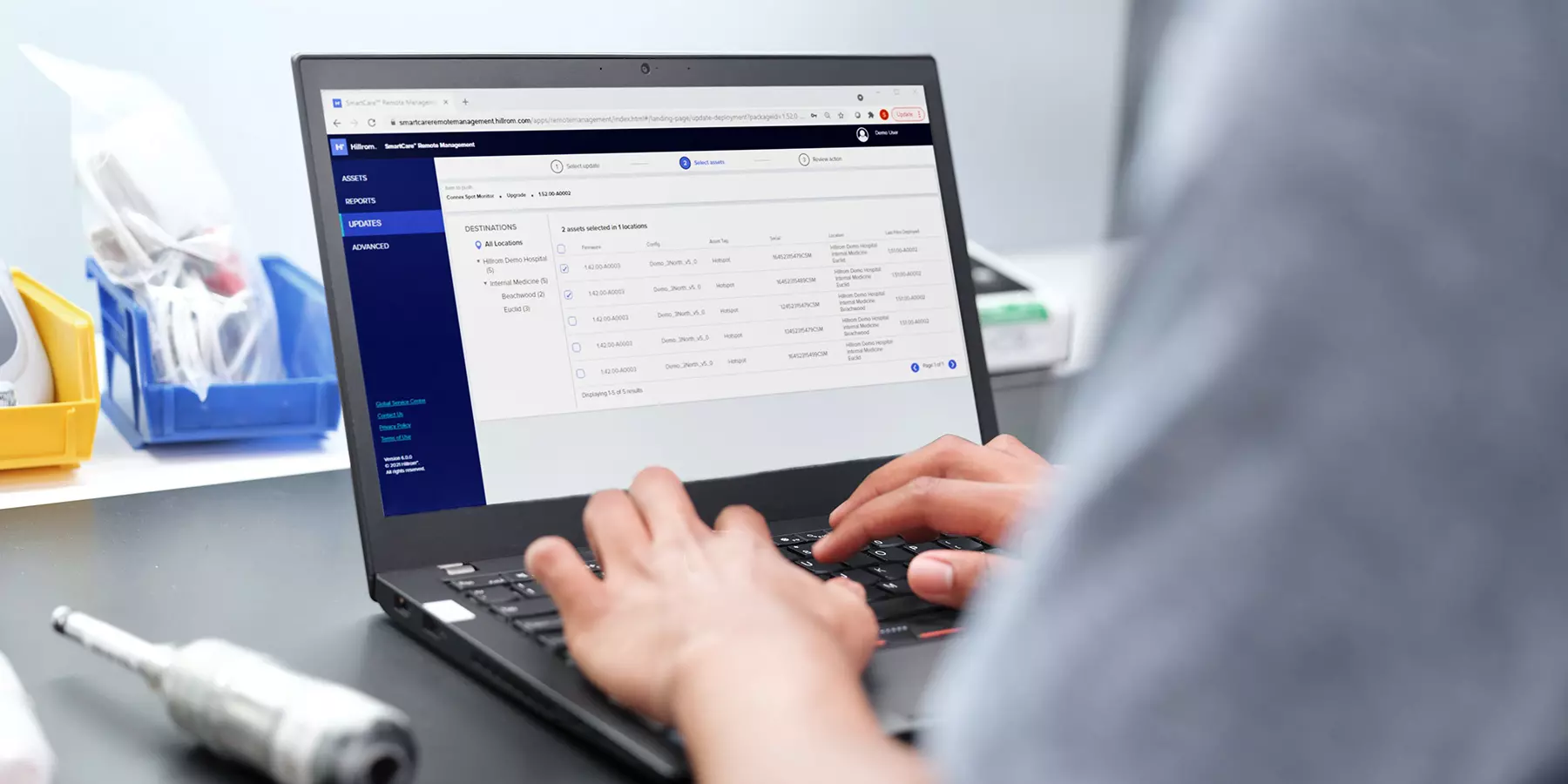
Remote access has become essential for modern IT environments—especially for cybersecurity teams, IT managers, and organizations managing distributed workforces. Whether you’re troubleshooting systems, managing servers, or supporting end-users, having the right Linux remote desktop client makes remote operations smoother and more secure. Many professionals rely on Linux for its stability, open-source flexibility, and strong security model, but selecting the right remote desktop tool can feel overwhelming given the number of options available.
In this article, you’ll explore how Linux remote desktop client tools work, the best options for enterprise environments, and how to choose the right solution based on reliability, security, performance, and ease of use. You’ll also learn how remote desktop technology strengthens team operations and improves device management across your organization.
Understanding How Linux Remote Desktop Clients Work
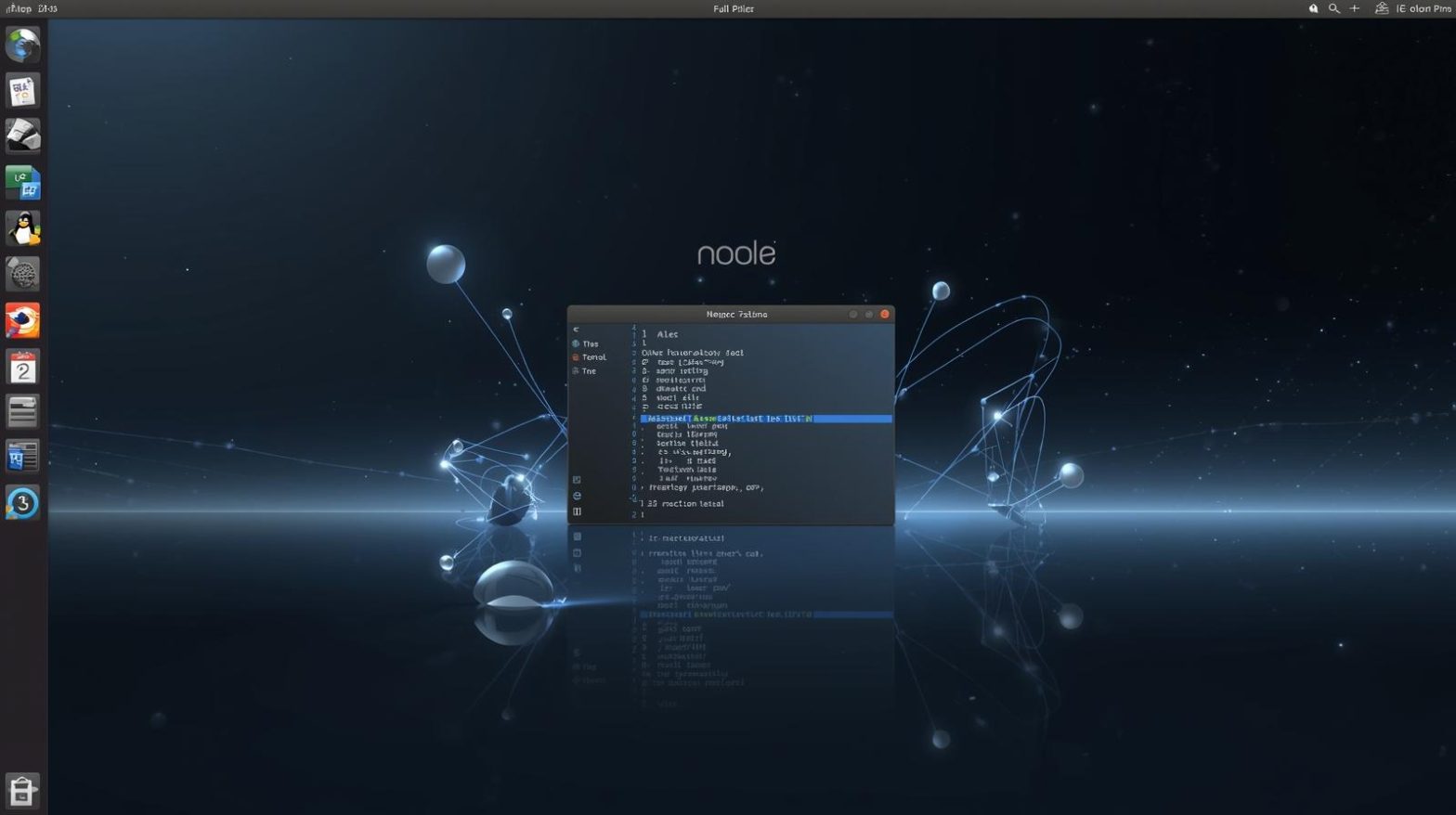
A Linux remote desktop client provides a graphical way to access and control another computer over a network. It allows IT teams to troubleshoot systems, manage servers, perform updates, and offer technical support even when they’re nowhere near the device. Unlike SSH, which focuses on terminal access, remote desktop solutions provide full graphical interaction with the remote system.
This functionality is especially important for businesses that run hybrid infrastructures or manage both Linux and non-Linux devices. Remote desktop tools help maintain consistent workflows regardless of operating system differences.
Linux remote desktop clients typically support one or more common protocols:
-
Remote Desktop Protocol (RDP)
-
Virtual Network Computing (VNC)
-
Secure Shell (SSH tunneling)
-
NX protocol
-
Proprietary encrypted remote access protocols
Each protocol has its strengths. For example, RDP offers smooth performance and solid encryption, while VNC is highly flexible and widely supported across platforms.
Why Organizations Use Linux Remote Desktop Client Tools
Businesses rely on Linux remote desktop clients for a variety of operational and security advantages. Remote access drastically reduces downtime by enabling IT teams to resolve issues instantly, even without physical access.
Key benefits include:
-
Rapid troubleshooting for remote employees and servers
-
Secure, encrypted access to critical infrastructure
-
Cross-platform compatibility
-
Reduced operational costs by eliminating the need for on-site intervention
-
Scalable support for teams managing large device fleets
With cyber threats growing every year, secure remote tools ensure that IT teams can respond quickly while maintaining strict access controls.
Popular Linux Remote Desktop Client Options for IT and Enterprise Use
Selecting the right Linux remote desktop client depends on system requirements, compatibility needs, and security expectations. Below are some of the most commonly used tools in enterprise settings.
Remmina
One of the most trusted Linux remote desktop clients, Remmina supports multiple protocols including RDP, VNC, SSH, and SPICE. IT teams prefer it for its stability, plugin support, and centralized interface for managing multiple remote connections.
KRDC
KRDC is a simple yet powerful remote desktop client designed for KDE environments. It supports RDP and VNC and offers a clean interface for users who prefer a lightweight application.
TigerVNC
Popular among system administrators managing diverse networks, TigerVNC provides secure and efficient VNC access with strong performance and dependable encryption.
X2Go
X2Go uses the NX protocol for fast, smooth remote access sessions. It is highly recommended for low-bandwidth environments or remote access to application servers.
NoMachine
A proprietary but feature-rich remote desktop solution, NoMachine delivers high-quality performance and multimedia support, making it ideal for more demanding use cases.
These tools each offer unique strengths, making it important for IT leaders to evaluate their specific needs before making a selection.
Security Considerations When Choosing a Linux Remote Desktop Client
Remote desktop access creates a potential entry point for attackers, which means security must be a top priority. A Linux remote desktop client should support strong encryption, multi-factor authentication, and access control policies.
Important security factors include:
-
End-to-end encryption for all remote sessions
-
Secure network configuration
-
Firewalls and VPN support
-
Strong user authentication methods
-
Private key integration for SSH-based connections
-
Logging and monitoring features to detect suspicious access
Cybersecurity teams should always assess how each client integrates with their existing security infrastructure, such as identity management systems or endpoint protections.
Performance and Reliability in Linux Remote Desktop Clients
When selecting a Linux remote desktop client, performance is just as important as security. Slow or unstable sessions can frustrate users and delay critical work. Performance depends on several factors:
-
Network bandwidth
-
Remote system hardware
-
Protocol efficiency
-
Compression techniques
-
Latency control mechanisms
Tools like X2Go and NoMachine excel in low-bandwidth conditions, while RDP-based tools such as Remmina provide a smooth experience on faster networks. Enterprise teams should test several tools to find the best fit for their environment.
Setting Up a Linux Remote Desktop Client
Linux remote desktop client installation and setup can vary based on the distribution. Most tools are available from official repositories.
Installing Remmina as an Example
On Ubuntu or Debian-based systems:
On Fedora:
Once installed, IT teams can configure a connection by selecting the protocol, adding host details, and applying security settings. Most enterprise environments incorporate VPN connectivity or corporate firewall rules before enabling remote desktop access.
Enterprise Use Cases for Linux Remote Desktop Access
Linux remote desktop clients are widely used across industries to support mission-critical tasks.
IT Help Desk and Support
Teams resolve user issues faster by remotely accessing desktops and laptops without requiring on-site support.
Cloud and Server Management
System administrators manage cloud instances and physical servers more efficiently with graphical access for troubleshooting.
Cybersecurity Operations
Security analysts gain remote visibility into compromised devices or threat-affected systems.
Development and QA
Developers can access isolated test environments or virtual machines without disturbing production systems.
These use cases highlight the flexibility and value that remote desktop tools provide to enterprise environments.
Best Practices for Using Linux Remote Desktop Clients Securely
To maximize security and performance, IT teams should follow best practices when deploying Linux remote desktop clients:
-
Always use encrypted connections
-
Combine remote access with VPN tunnels
-
Implement strong password and authentication policies
-
Restrict remote desktop access to approved IPs
-
Keep remote desktop tools updated
-
Monitor remote sessions through logging tools
-
Enforce role-based access control (RBAC)
-
Disable unused ports and protocols
These practices help organizations maintain a secure, stable, and compliant remote access environment.
Frequently Asked Questions
What is a Linux remote desktop client?
It is a tool that enables users to access and control another computer from a Linux system using graphical remote access.
Which remote desktop client is best for Linux?
Popular options include Remmina, TigerVNC, X2Go, KRDC, and NoMachine. The best choice depends on your use case and security needs.
Can Linux remote desktop clients connect to Windows?
Yes. Most clients support RDP or VNC, allowing seamless access to Windows machines.
Are Linux remote desktop clients secure?
Yes—when configured with encryption, authentication controls, VPN access, and regular updates.
Do these tools work in enterprise environments?
Absolutely. They are widely used by IT teams, security professionals, and MSPs to manage devices across distributed networks.
Final Thoughts
Choosing the right Linux remote desktop client is essential for secure, efficient, and reliable IT operations. Whether your organization supports remote workers, manages multiple servers, or operates in high-security environments, the right tool enhances productivity and strengthens cybersecurity controls. By evaluating protocol support, performance, security features, and ease of use, you can find a client that aligns with your enterprise needs.
Take the next step in optimizing your devices —
Start your free trial with ITarian to monitor, secure, and extend the lifespan of every system under your management.

 (1 votes, average: 4.00 out of 5, rated)
 Loading...