Building an Efficient Help Desk Ticket System for Modern IT Teams
Updated on December 8, 2025, by ITarian
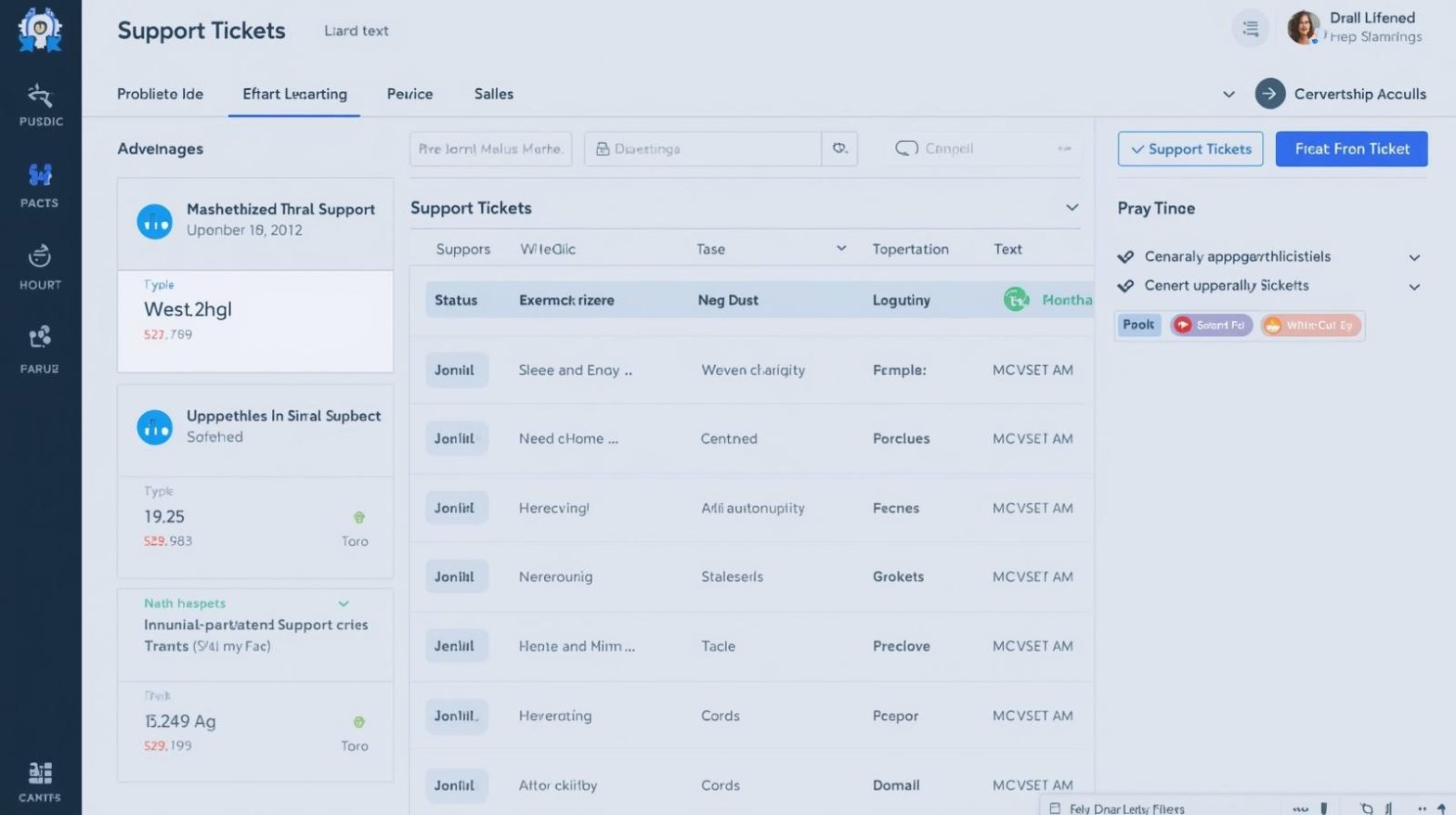
Every successful IT department relies on structured processes to manage and resolve issues quickly. That’s why a dependable help desk ticket system has become a mission-critical tool for organizations in every industry. As environments grow more complex and users depend heavily on digital tools, having a centralized way to report issues, track progress, and ensure accountability is no longer optional—it’s essential for productivity, cybersecurity, and operational stability.
If your organization handles technical support requests through emails, chats, or verbal communication, you already know how chaotic things can get. Tickets are lost. Issues go unprioritized. Security checks become inconsistent. And employees get frustrated waiting for updates. A help desk ticket system solves all of these problems by providing structure, transparency, and automation. In this article, we’ll explore how it works, why it matters, and how IT managers can build a support process that truly improves business performance.
What Is a Help Desk Ticket System
A help desk ticket system is software that manages, organizes, and tracks IT support requests from start to resolution. When a user reports a problem—whether it’s a login issue, system error, network problem, or device malfunction—it becomes a “ticket” that can be assigned, categorized, prioritized, and monitored throughout its lifecycle.
Organizations use these systems to ensure issues are handled efficiently, securely, and with complete visibility. For IT teams, it’s the core of day-to-day operations, helping support staff manage workflow, communicate with users, document solutions, and maintain accountability.
A strong help desk ticket system serves as both the frontline support and the backbone of internal IT operations.
Why IT Teams Rely on a Help Desk Ticket System
As businesses scale, the volume and complexity of support requests increase dramatically. Without a ticketing system, IT teams lose track of issues, duplicate work, and struggle to maintain service consistency.
A help desk ticket system provides structure through:
-
Centralized issue tracking
-
Clear prioritization and assignment
-
Faster resolution with automation
-
Better communication between IT and staff
-
Secure handling of sensitive data
-
Incident documentation for auditing and compliance
For industries handling high-security environments—like finance, healthcare, or government—documentation and traceability are absolutely essential.
Key Features of an Effective Help Desk Ticket System
Not all ticketing systems are created equal, especially when managing enterprise security and compliance needs. A powerful system should offer robust features that support your team’s workflow while reducing manual effort.
Ticket Creation and Categorization
Users can submit tickets through portals, email, chat, or automated monitoring systems. The system then categorizes requests based on issue type, severity, and department.
Prioritization and Assignment
IT teams can prioritize based on urgency, business impact, or security risk. Assigning tickets to the right technician ensures faster resolution.
Automated Workflows
Automation can trigger actions such as:
-
Routing tickets
-
Sending notifications
-
Running diagnostics
-
Escalating unaddressed issues
Knowledge Base Integration
Help desk systems often connect to knowledge bases so users and technicians can access solutions instantly.
Tracking and Reporting
Dashboards and reports help IT managers assess performance metrics like:
-
Average response time
-
Average resolution time
-
Ticket backlog
-
Technician workload
Security Controls
Modern ticketing systems include identity verification, access controls, and audit logs—critical for safeguarding sensitive company data.
How a Help Desk Ticket System Improves Cybersecurity
In many cases, cybersecurity incidents begin as small technical issues. A user can’t log in. A device behaves strangely. Software crashes unexpectedly. Without proper documentation and oversight, these warning signs can go unnoticed.
A help desk ticket system strengthens security by:
-
Ensuring identity verification before performing sensitive actions
-
Tracking patterns that reveal cyber threats
-
Logging all activity for audit purposes
-
Automating patching and update-related requests
-
Preventing human error through standardized procedures
Additionally, because attackers often impersonate support staff, a structured ticketing process helps eliminate risky informal communication channels.
Core Components of a Strong Ticketing Workflow
A well-designed help desk system relies on a strategic workflow that ensures every request is handled consistently. Here’s what a reliable process looks like:
Ticket Intake
Users submit requests via portal, email, chatbot, or automated alert systems.
Categorization
Issues are sorted by type (hardware, software, network, access, security, etc.).
Prioritization
Urgent issues (like outages or security incidents) jump the queue.
Assignment
Tickets are distributed to technicians or escalated to specialists.
Resolution
Technicians follow documented steps to resolve the issue.
Communication
Users receive updates automatically, reducing unnecessary back-and-forth.
Closure and Documentation
Notes, solutions, and time spent are logged for future reference.
This standardized approach boosts efficiency and improves organizational readiness.
The Role of Automation in Modern Ticketing Systems
Automation is transforming how IT teams handle support. By removing repetitive manual tasks, automation speeds up operations and frees up technicians for more complex work.
Examples of automated actions include:
-
Password reset workflows
-
Automated patch deployment tickets
-
Intelligent routing based on technician expertise
-
Duplicate-ticket detection
-
Alerts for SLA (service-level agreement) breaches
-
Predefined responses for common issues
Organizations embracing automation see significant time savings and fewer errors across the IT help desk.
Why Businesses Without a Ticket System Struggle
Companies without a help desk ticket system often face consistent challenges:
-
Miscommunication between IT and users
-
No historical data for recurring issues
-
Slow response times
-
Increased employee downtime
-
Higher cybersecurity risks
-
Overwhelmed support staff
-
Lack of accountability
These issues compound quickly as teams grow or hybrid work becomes the norm.
Help Desk Ticket System vs. Service Desk Platform
Though they are related, these tools serve different roles.
Help Desk Ticket System
-
Designed for incident resolution
-
Focuses on break/fix support
-
Centers on tickets and troubleshooting
Service Desk Platform
-
Includes help desk functionalities
-
Adds IT service management (ITSM) processes
-
Supports broader business workflows
-
Handles asset management, change management, and lifecycle management
Organizations often begin with ticketing systems and expand to service desks as the business grows.
How IT Managers Can Evaluate the Right Ticketing System
Choosing the right tool depends on organizational size, industry, security requirements, and internal processes. Here’s what IT leaders should consider:
Scalability
Can the tool handle growing teams, devices, and ticket volume?
Integration
Does it integrate with:
-
Endpoint management
-
MDM systems
-
RMM tools
-
Security platforms
Automation Capabilities
How many repetitive tasks can it eliminate?
Security Features
Does it support MFA, data encryption, audit logs, and zero-trust visibility?
User Experience
Is it easy for both technicians and end users to navigate?
Customization
Can workflows, fields, and ticket forms be adapted to your organization?
Future Trends in Help Desk Ticketing Systems
The future of IT support is intelligent, integrated, and automated. Major trends include:
AI-Powered Ticket Handling
AI can classify, route, and even resolve tickets automatically.
Predictive Issue Detection
Systems identify device or network issues before they disrupt users.
Chatbot-Driven Support
Users get faster help and fewer tickets reach human technicians.
Full Endpoint Ecosystem Integration
Ticketing platforms will merge with endpoint security, RMM, MDM, and patching tools to create unified visibility.
Zero-Touch Troubleshooting
Devices can self-heal through automated scripts triggered by ticketing rules.
These innovations dramatically increase operational efficiency and security.
Frequently Asked Questions
1. What is a help desk ticket system?
It’s software that manages IT support requests by generating tickets that can be tracked, prioritized, and resolved efficiently.
2. Why do businesses need a ticketing system?
It ensures faster issue resolution, better documentation, improved productivity, and stronger cybersecurity.
3. What features should a ticketing system have?
Automation, categorization, reporting, integration with security tools, communication workflows, and knowledge base support.
4. Can help desk ticket systems enhance security?
Yes. They enforce identity verification, provide audit logs, detect suspicious trends, and support patching and compliance efforts.
5. What should IT managers evaluate when choosing a ticketing platform?
Scalability, automation capabilities, security controls, analytics, integrations, and overall user experience.
Final Thoughts
A modern help desk ticket system is one of the most valuable tools for ensuring smooth IT operations, strong security, and positive user experiences. As businesses continue to rely on digital infrastructure, having a structured, efficient, and automated support process becomes essential. By adopting a robust ticketing system, organizations can minimize downtime, streamline support workflows, and enhance security across all endpoints.
Ready to enhance your IT operations with smarter support tools?
Start your free trial with ITarian

 Loading...