Transforming IT Efficiency with Endpoint Task Automation
Updated on February 27, 2026, by ITarian
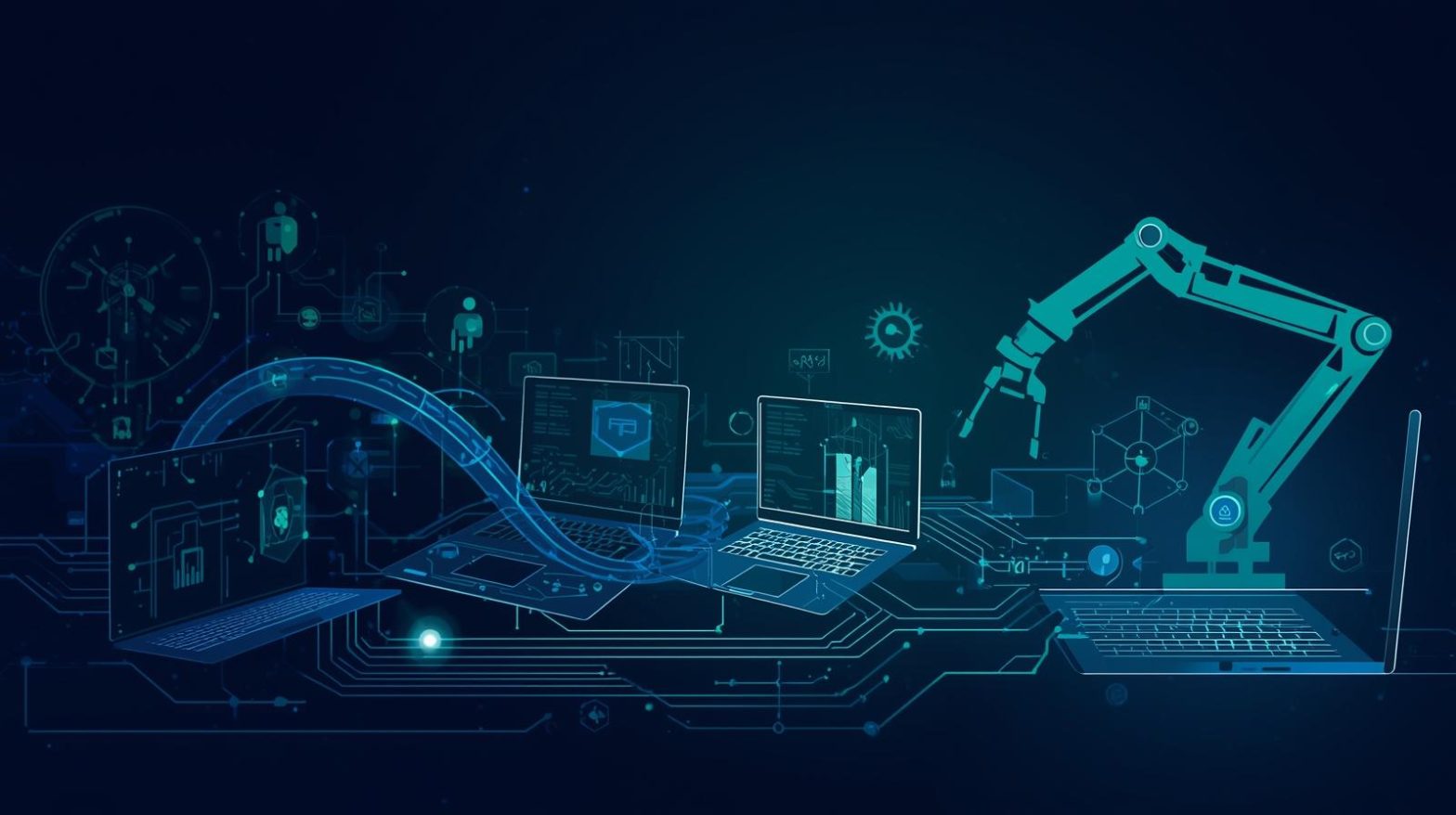
How much of your IT team’s time is spent on repetitive endpoint maintenance tasks? From patch deployment and software updates to security scans and system cleanups, endpoint management can quickly consume valuable resources. Endpoint task automation changes this dynamic by allowing organizations to streamline routine processes and reduce human error. Instead of manually handling every update or configuration change, automated workflows ensure endpoints remain secure, compliant, and optimized.
For cybersecurity leaders, IT managers, and executives, endpoint task automation is more than a productivity booster. It strengthens security posture, improves compliance, and supports scalable IT operations. As digital ecosystems expand, automation becomes essential for maintaining control across distributed devices.
What Is Endpoint Task Automation
Endpoint task automation refers to the use of software tools and scripts to automatically execute routine management tasks on devices connected to a network. These endpoints may include desktops, laptops, servers, mobile devices, and virtual machines.
Rather than relying on manual intervention, endpoint task automation schedules and triggers predefined actions. These actions can include:
-
Installing patches and updates
-
Running security scans
-
Resetting system configurations
-
Deploying software
-
Enforcing compliance policies
-
Cleaning temporary files and optimizing performance
By automating these tasks, IT teams reduce delays and maintain consistent system health.
Why Endpoint Task Automation Is Critical in Modern IT
The number of endpoints within organizations continues to grow. Remote work, bring-your-own-device policies, and cloud integration increase device diversity and complexity.
Without endpoint task automation, IT teams face:
-
Delayed patch deployment
-
Inconsistent configurations
-
Increased risk of human error
-
Overwhelming ticket volumes
-
Limited scalability
Automation addresses these challenges by ensuring tasks run consistently across all devices. It provides centralized control while reducing operational strain.
For executives, this translates into fewer disruptions and stronger cybersecurity defense. For IT teams, it means shifting focus from routine tasks to strategic initiatives.
Key Benefits of Endpoint Task Automation
Endpoint task automation delivers measurable advantages across security, operations, and compliance.
Enhanced Security
Timely patching and configuration management reduce exposure to vulnerabilities. Automated security scans detect threats faster than manual processes.
Improved Efficiency
Routine maintenance tasks run without manual scheduling. IT teams can manage thousands of endpoints simultaneously.
Consistency Across Devices
Automation enforces uniform configurations and policy compliance. This consistency reduces unexpected compatibility issues.
Reduced Downtime
Proactive updates and health checks prevent system failures before they escalate.
Cost Savings
Fewer manual hours and reduced downtime result in measurable financial benefits.
These benefits make endpoint task automation a foundational element of modern IT management.
Common Use Cases for Endpoint Task Automation
Endpoint task automation applies to a wide range of operational needs.
Patch and Update Management
Keeping endpoints up to date is critical for security and compliance. Automated patching ensures updates are deployed according to defined policies without delay.
Software Deployment
New applications or upgrades can be distributed automatically across selected devices. This eliminates manual installation and reduces inconsistencies.
Configuration Enforcement
Automation ensures that system settings align with organizational standards. If deviations occur, corrective actions trigger automatically.
Security Scanning and Threat Mitigation
Automated scans identify malware, suspicious processes, or outdated software. Remediation scripts can isolate or resolve issues immediately.
System Maintenance and Optimization
Tasks such as disk cleanup, log management, and performance tuning run on schedule to maintain system health.
By covering these use cases, endpoint task automation strengthens both reliability and resilience.
Strengthening Cybersecurity Through Automation
Cybersecurity threats evolve rapidly. Delays in patching or response create opportunities for attackers. Endpoint task automation helps close these gaps.
Automated processes ensure that:
-
Critical patches are applied promptly
-
Security policies remain enforced
-
Threat detection tools run consistently
-
Devices are isolated when suspicious activity is detected
When integrated with centralized monitoring and endpoint protection platforms, automation enhances threat containment and response speed.
For cybersecurity leaders, this proactive defense reduces risk exposure and supports regulatory compliance.
Supporting Compliance and Audit Readiness
Many regulatory frameworks require documented evidence of patch management and configuration control. Endpoint task automation simplifies compliance efforts by maintaining detailed logs of executed tasks.
Automated reporting provides visibility into:
-
Patch deployment status
-
Configuration changes
-
Security scan results
-
Policy enforcement actions
These records support audits and demonstrate adherence to security standards.
For executives and compliance officers, automation delivers transparency and accountability.
Challenges and Considerations
While endpoint task automation offers significant advantages, organizations must approach implementation thoughtfully.
One challenge is defining clear policies. Automation requires precise instructions. Poorly configured scripts can cause unintended disruptions.
Another consideration is testing. Before deploying automation broadly, organizations should test workflows in controlled environments.
Security oversight remains essential. Although automation reduces manual intervention, human monitoring ensures appropriate response to unexpected scenarios.
By addressing these considerations, organizations can implement endpoint task automation safely and effectively.
Best Practices for Implementing Endpoint Task Automation
Successful adoption requires strategic planning and execution.
Start by identifying repetitive, high-volume tasks that consume significant time.
Define clear automation rules and escalation paths.
Implement automation incrementally, beginning with low-risk processes.
Integrate automation with monitoring systems for visibility and control.
Provide training to IT staff to ensure understanding of automated workflows.
Review and refine scripts regularly to adapt to changing environments.
Following these best practices ensures sustainable and scalable automation.
Measuring the Impact of Endpoint Task Automation
To evaluate success, organizations should track key performance indicators.
Important metrics include:
-
Reduction in manual intervention hours
-
Patch compliance rates
-
Incident response time
-
Decrease in endpoint-related tickets
-
Improved system uptime
Regular performance reviews ensure automation continues to deliver value.
Transparent reporting also strengthens executive confidence in IT strategy.
The Future of Endpoint Task Automation
Endpoint task automation continues to evolve alongside advancements in artificial intelligence and predictive analytics.
Future capabilities may include:
-
Self-healing endpoints that detect and fix issues independently
-
Predictive patch scheduling based on risk scoring
-
Automated compliance audits
-
Integration with zero trust security frameworks
As organizations embrace digital transformation, automation becomes central to managing complexity at scale.
IT teams that invest in endpoint task automation today prepare for a more resilient and adaptive future.
Frequently Asked Questions
1. What is endpoint task automation?
Endpoint task automation uses software to automatically execute routine management tasks across devices such as patching, scanning, and configuration updates.
2. How does endpoint task automation improve security?
It ensures timely updates, enforces policies, and detects threats without relying solely on manual intervention.
3. Is endpoint task automation suitable for small IT teams?
Yes, it helps small teams manage large numbers of devices efficiently and reduces workload.
4. Can automation replace manual IT oversight?
Automation reduces repetitive tasks but still requires human supervision to manage complex decisions and unexpected issues.
5. How can organizations begin implementing endpoint task automation?
Start with identifying repetitive tasks, define clear workflows, and integrate automation tools with existing monitoring systems.
Final Thoughts
Endpoint task automation transforms how organizations manage security, compliance, and operational efficiency. By automating repetitive tasks and enforcing consistent policies, businesses reduce risk and improve productivity. In a rapidly evolving digital environment, automation is no longer optional. It is a strategic necessity for scalable IT management.
Take your IT operations to the next level — Unlock your IT potential — try ITarian for free

 Loading...