Understanding RMM in Modern IT Operations
Updated on December 16, 2025, by ITarian
As organizations scale and digital infrastructure becomes more complex, IT teams need smarter tools to maintain performance, security, and reliability. One term that frequently appears in these discussions is define RMM, which stands for Remote Monitoring and Management. Whether you’re part of an MSP, an internal IT department, or a cybersecurity-focused organization, understanding what RMM means—and how it works—can transform the way you manage devices, networks, and endpoints across distributed environments.
Remote Monitoring and Management helps IT teams proactively monitor systems, automate maintenance, and respond faster to issues, making it a foundational technology in modern IT operations. In this detailed guide, we’ll define RMM, explore how it functions, break down its components, and help you understand why this technology is essential for efficiency and security.
What Does RMM Really Mean
If you’re searching for a way to define RMM, the simplest explanation is:
RMM (Remote Monitoring and Management) is a software platform that allows IT teams and MSPs to monitor, manage, and support computers, servers, networks, and endpoints remotely.
It eliminates the need for in-person troubleshooting and empowers IT to:
● Detect issues early
● Automate routine maintenance
● Deploy security updates
● Provide remote support
● Track system health
● Manage thousands of devices at scale
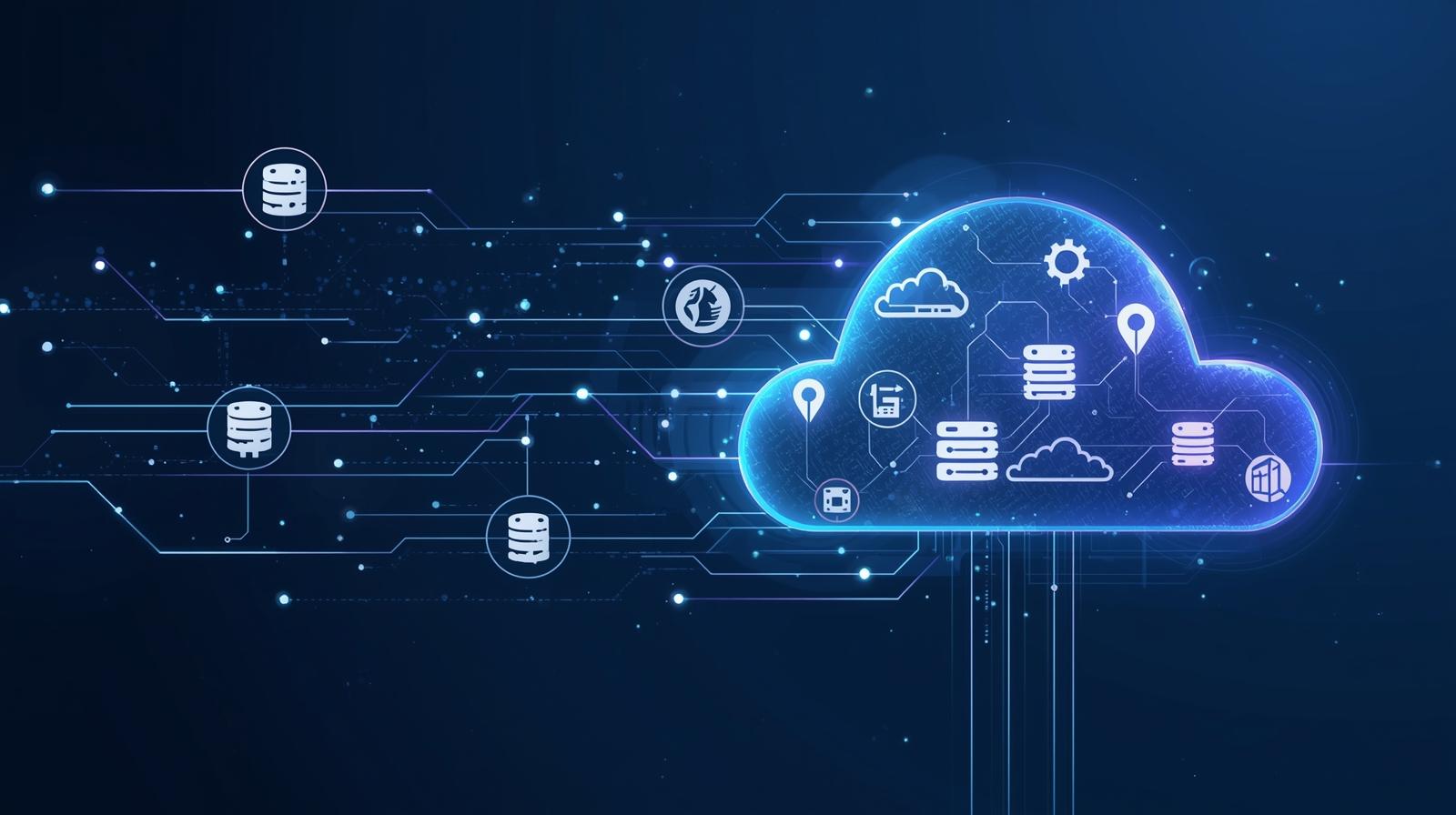
RMM acts as the central nervous system for IT operations, offering full visibility across all infrastructure components.
Why RMM Matters for Modern IT Teams
Today’s IT ecosystems are far more distributed than ever before. With hybrid workspaces, cloud environments, mobile users, and remote networks, the need for centralized management has become critical.
RMM matters because it helps organizations:
● Reduce downtime
● Prevent cyber threats
● Automate time-consuming tasks
● Improve IT response time
● Lower operational costs
● Maintain compliance
● Standardize device configurations
Without RMM, IT teams spend more time reacting to problems instead of preventing them. With RMM, proactive management becomes the norm.
How RMM Software Works Behind the Scenes
Understanding how RMM works is just as important as knowing how to define RMM. Most platforms follow a similar structure:
1. Installed Agents on Devices
RMM tools use lightweight software agents installed on:
● Windows devices
● macOS systems
● Linux servers
● Virtual machines
● Mobile devices
● Network equipment
These agents collect real-time data and report back to the management console.
2. Cloud-Based or On-Premise Console
The RMM console is where IT teams:
● Monitor system health
● Review alerts
● Run scripts
● Deploy patches
● Track performance metrics
● Automate responses
This centralized dashboard provides a full overview of all connected assets.
3. Automated Alerts and Notifications
RMM tools use thresholds and rules to trigger alerts for issues such as:
● High CPU usage
● Low disk space
● Software failures
● Unauthorized access attempts
● Network performance issues
IT teams can take instant action or let the RMM platform auto-remediate the problem.
4. Remote Access and Troubleshooting
With RMM, IT doesn’t need to walk to the user’s desk—or even be in the same building. It allows:
● Remote desktop
● Background process management
● File transfer
● Terminal-level access
● Service restarts
This drastically reduces ticket resolution times.
5. Automated Maintenance
RMM automates the repetitive, resource-consuming tasks that IT teams often struggle to keep up with. Automation includes:
● Software updates
● Patch deployment
● Disk cleanup
● Log rotation
● Security scans
● System restarts
The result? Stable systems with fewer surprises.
Core Components of an Effective RMM Platform
When defining RMM, it’s important to understand the tools and components that make it invaluable. Modern RMM platforms include:
1. Device Monitoring Tools
Real-time monitoring for:
● Servers
● Workstations
● Laptops
● Printers
● Routers and switches
This includes performance metrics, resource usage, and system logs.
2. Patch Management
RMM tools deliver automated patching for:
● Operating systems
● Third-party applications
● Security updates
Patch management helps prevent vulnerabilities from being exploited.
3. Automation Framework
Automation is one of the biggest advantages of RMM. Platforms offer:
● Custom script execution
● Scheduled maintenance
● Automated policy enforcement
This reduces human error and increases efficiency.
4. Remote Support Tools
A built-in remote access toolkit allows IT to:
● Open sessions
● Troubleshoot background tasks
● Access systems after hours
● Manage devices without user interruption
This makes RMM a powerful help desk ally.
5. Reporting and Analytics
RMM generates detailed reports on:
● Asset health
● Patch compliance
● Productivity metrics
● Performance trends
● Security posture
These insights strengthen decision-making and long-term planning.
Who Benefits from Using RMM?
RMM isn’t only for enterprise organizations. It benefits a wide range of users:
1. Managed Service Providers (MSPs)
For MSPs, RMM is the backbone of service delivery. It enables:
● Supporting multiple clients
● Managing thousands of assets
● Meeting SLAs
● Scaling operations
● Reducing onsite visits
RMM allows MSPs to maximize revenue while minimizing workload.
2. Internal IT Teams
Even large in-house IT departments rely on RMM tools to control:
● Endpoint management
● Security alerts
● Help desk resolution
● Infrastructure monitoring
RMM gives internal teams more control and minimizes manual day-to-day tasks.
3. Cybersecurity Teams
Security professionals use RMM to:
● Track vulnerabilities
● Enforce security policies
● Validate system compliance
● Audit user behavior
● Detect attack signals
Strong RMM tools help organizations achieve zero-trust objectives.
Why Defining RMM Matters for Security
In a world where cyber threats evolve daily, defining RMM correctly means recognizing its importance for security. RMM platforms assist by:
● Closing security gaps created by outdated software
● Enforcing encryption and policy compliance
● Detecting anomalous user or system behavior
● Providing rapid response to malicious activity
● Ensuring devices stay patched and monitored
● Creating audit-ready documentation for compliance
RMM is a core component for strengthening enterprise-wide endpoint protection.
Common Use Cases of RMM
Here are scenarios where RMM is essential:
● Managing remote workforce devices
● Maintaining uptime for critical servers
● Deploying patches across hundreds of machines
● Monitoring network availability
● Preventing cybersecurity incidents
● Standardizing IT processes
● Reducing repetitive tasks through automation
Organizations that rely heavily on distributed systems benefit the most.
Best Practices for Using RMM Effectively
After we define RMM, the next step is learning how to use it strategically.
1. Automate Everything Possible
Automation ensures consistency and saves time. Focus on:
● Patching
● Cleanup tasks
● System optimization
● Security scans
2. Use Real-Time Alerts Wisely
Configure alerts based on:
● Critical system metrics
● Security triggers
● Hardware failures
● Threshold violations
Avoid alert fatigue by setting priorities.
3. Audit and Update Policies Regularly
Security and performance expectations change. Update your RMM policies to:
● Address new threats
● Reflect compliance requirements
● Support business growth
4. Integrate RMM with Other Tools
Integrate RMM with:
● PSA systems
● SIEM tools
● Endpoint security platforms
● Identity access management
Integration reduces blind spots.
5. Train Staff on Proper Usage
Even powerful RMM systems deliver little value without skilled users. Provide training on:
● Automation scripts
● Security settings
● Monitoring dashboards
● Standard response procedures
FAQ: Define RMM
1. What does RMM stand for?
RMM stands for Remote Monitoring and Management, a platform used to manage IT systems remotely.
2. Who uses RMM tools?
MSPs, internal IT departments, and cybersecurity teams commonly use RMM.
3. Is RMM the same as remote access?
No. Remote access is a feature of RMM, but RMM includes automation, monitoring, patching, and reporting as well.
4. Why is RMM important for cybersecurity?
It ensures devices stay updated, monitored, and compliant while detecting threats early.
5. What makes a good RMM solution?
Automation, centralized visibility, strong security integrations, fast deployment, and scalability.
Final Thoughts
RMM is no longer just a convenience—it’s a necessity for securing and managing modern IT environments. Understanding what RMM means gives organizations the clarity they need to take control of their infrastructure, improve operational efficiency, and strengthen overall security. Whether you’re an MSP, an enterprise IT team, or a cybersecurity-focused organization, RMM is a foundational component of effective digital management.
Unlock your IT potential — try ITarian for free to automate device management, strengthen endpoint security, and elevate the way your IT teams operate.

 Loading...