How to Enter BIOS: A Complete Guide for Tech & Security Leaders

Ever needed to change boot settings, enable virtualization, or reset a forgotten admin password? You’ll need to know how to enter BIOS to get there. BIOS (Basic Input/Output System) and its modern successor UEFI control low-level system settings, and knowing how to access them is crucial for IT managers, cybersecurity experts, and enterprise teams. In…

How to Update Chrome: The 2025 Guide for Performance & Security
Wondering how to update Chrome on your device? You’re not alone. With cybersecurity threats on the rise and browser vulnerabilities a top concern, keeping Google Chrome updated is a simple yet critical task. Whether you’re a CEO managing workflows, an IT manager overseeing enterprise devices, or a cybersecurity expert focused on digital hygiene, this guide…

How to Reopen Closed Tabs: Quick Recovery for Busy Professionals

Have you ever closed an important browser tab by accident? It happens to the best of us. Fortunately, knowing how to reopen closed tabs can save time, prevent lost work, and even reduce digital frustration. Whether you’re a CEO juggling research, an IT manager maintaining workflow, or a cybersecurity expert reviewing dashboards, this guide covers…

How to Clear Cache on Android: A Simple Guide for Security & Performance

Ever noticed your Android device slowing down, apps glitching, or storage space mysteriously vanishing? If yes, you’re not alone. One simple, often-overlooked fix can resolve these issues: clearing cache on Android. For IT managers, cybersecurity experts, and even tech-savvy CEOs, understanding how cached data works is vital to maintaining device integrity and performance across organizations.…

Can Your System Spot the Unexpected?

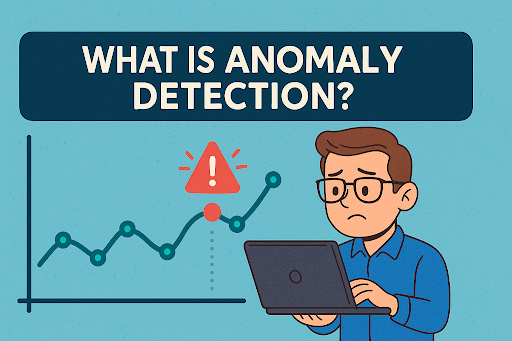
Imagine you’re managing a secure network, and suddenly, an employee’s computer begins uploading gigabytes of data at 3 a.m.—when no one is working. Would you notice? This is where anomaly detection becomes essential. What is anomaly detection? It’s a critical technology used in cybersecurity and IT infrastructure to automatically spot behavior that deviates from the…

Can You Afford to Waste Time and Resources?

In a world of rapid innovation and razor-thin margins, the ability to streamline operations can be the difference between growth and stagnation. That’s why so many companies ask: what is a JIT system, and how can it improve efficiency? JIT, or Just-In-Time, is a revolutionary approach to inventory management and production that eliminates waste, reduces…

Is Your Phone Call Safe?

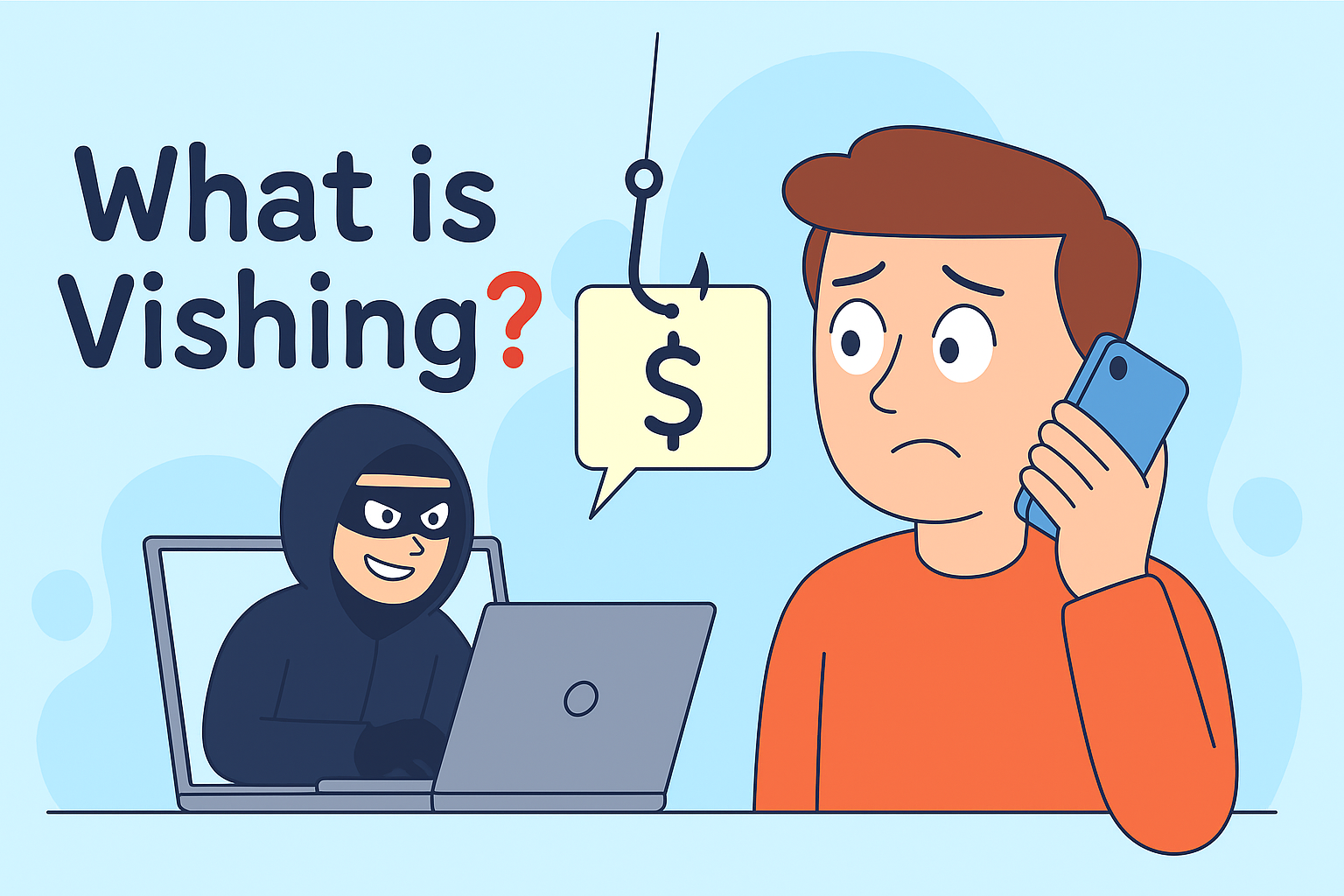
Have you ever received a phone call from someone pretending to be your bank, your IT department, or even the IRS? If so, you may have been the target of a vishing attack. In today’s cybersecurity landscape, voice phishing—also known as vishing—is emerging as a dangerous tactic used by cybercriminals to exploit trust and steal…

What is SMB? Understanding the Server Message Block Protocol

Did you know that some of the biggest cybersecurity breaches exploited a protocol that’s been around since the 1980s? If you’re in IT or cybersecurity, understanding what SMB is could be the key to securing your internal networks. Short for Server Message Block, SMB is a critical protocol that enables file and printer sharing between…

What Version of Chrome Do I Have? A Guide for IT and Security Leaders

Ever found yourself wondering, what version of Chrome do I have? Whether you’re managing a large digital infrastructure or securing endpoints across a hybrid workforce, keeping tabs on the Google Chrome version is more than just routine maintenance—it’s a key cybersecurity priority. This guide explains how to check your Chrome version, why it matters, how…

What Does EXE Mean? A Complete Guide for IT and Cybersecurity Professionals

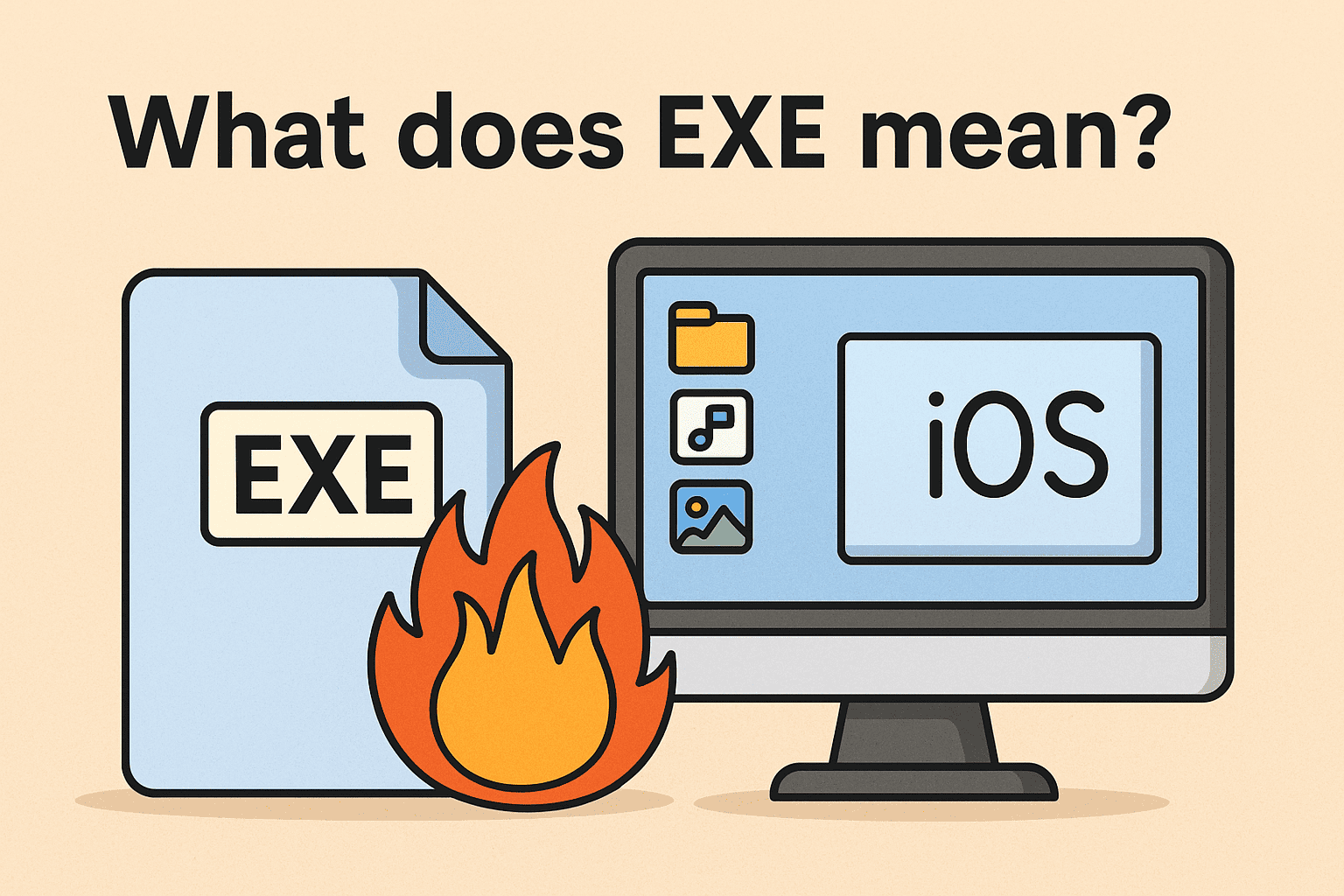
If you’ve ever worked on a Windows machine, you’ve likely encountered files ending in “.exe.” But what does EXE mean, and why is it so important for IT managers, cybersecurity analysts, and decision-makers? An EXE file (short for “executable”) is a program file used to launch software on Microsoft Windows. Whether it’s installing antivirus, launching…