What Is Windows Explorer & Why Restart It?

Is your taskbar missing? Are desktop icons frozen or your file explorer crashing? If so, knowing how to restart Windows Explorer can save you from a full system reboot and get your workflow back on track—especially when every minute counts in cybersecurity or IT operations. This guide walks you through simple, actionable methods to restart…

The Importance of Removing Window Screens
Have you ever struggled with a stuck or tricky window screen? Whether you’re cleaning, making repairs, or installing new equipment, knowing how do I remove a screen from a window is a skill that saves time and prevents damage. In this comprehensive guide, you’ll learn how to remove different types of window screens—from standard vertical…
Why Blocking Text Messages Matters

Text message spam isn’t just annoying—it’s a potential cybersecurity threat. Are your employees receiving phishing links via SMS? Or are you tired of unwanted texts flooding your phone? If you’re wondering how do you block text messages, you’re not alone. This guide walks you through everything from blocking individual numbers to stopping spam texts across…

Are You Being Watched Online?

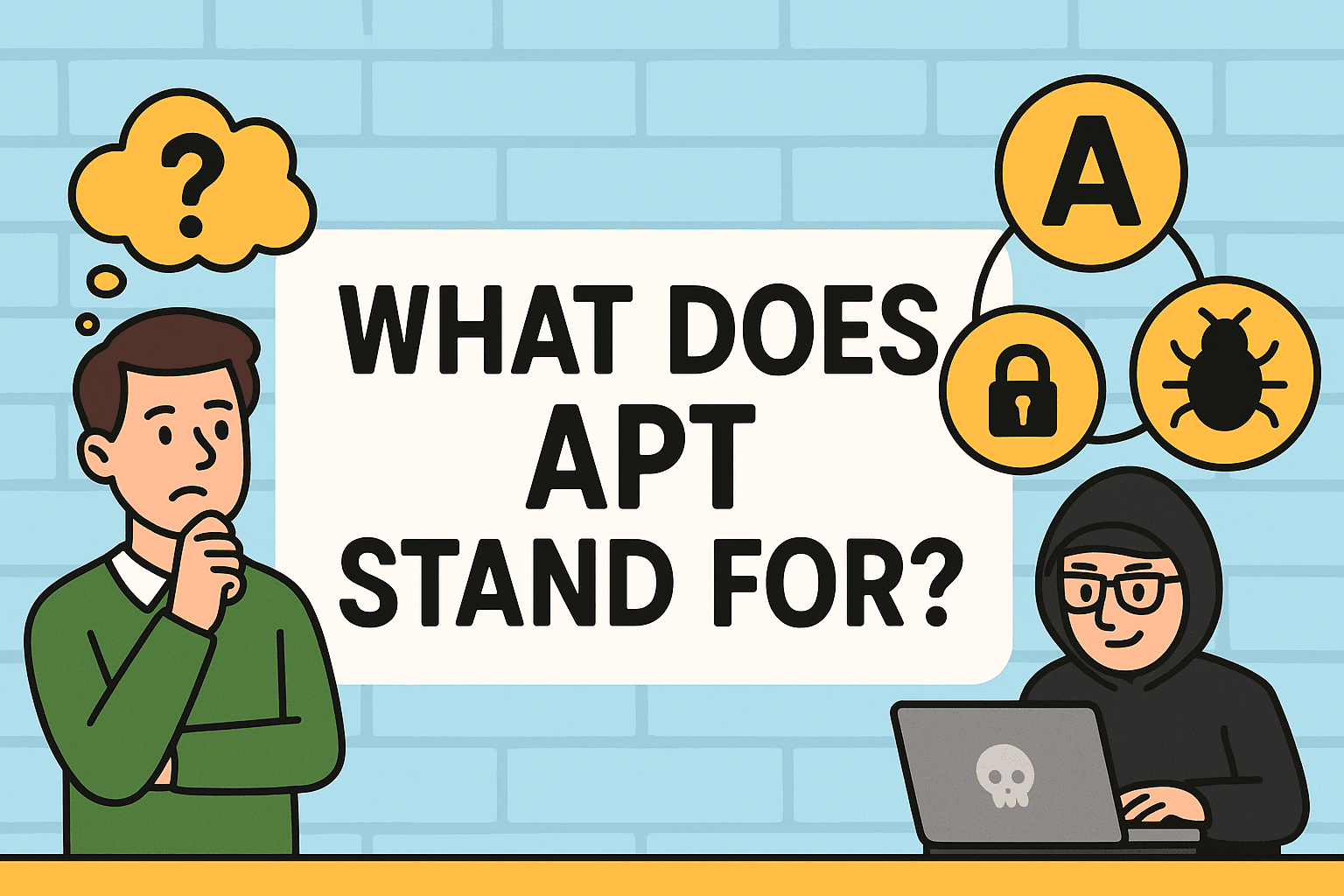
Imagine a hacker who doesn’t just break in and leave—but sticks around, silently observing your systems, stealing data for months or even years. These aren’t your average cyber threats. They’re called APTs. So, what does APT stand for? APT stands for Advanced Persistent Threat—a stealthy, sophisticated cyberattack technique used by highly skilled threat actors to…

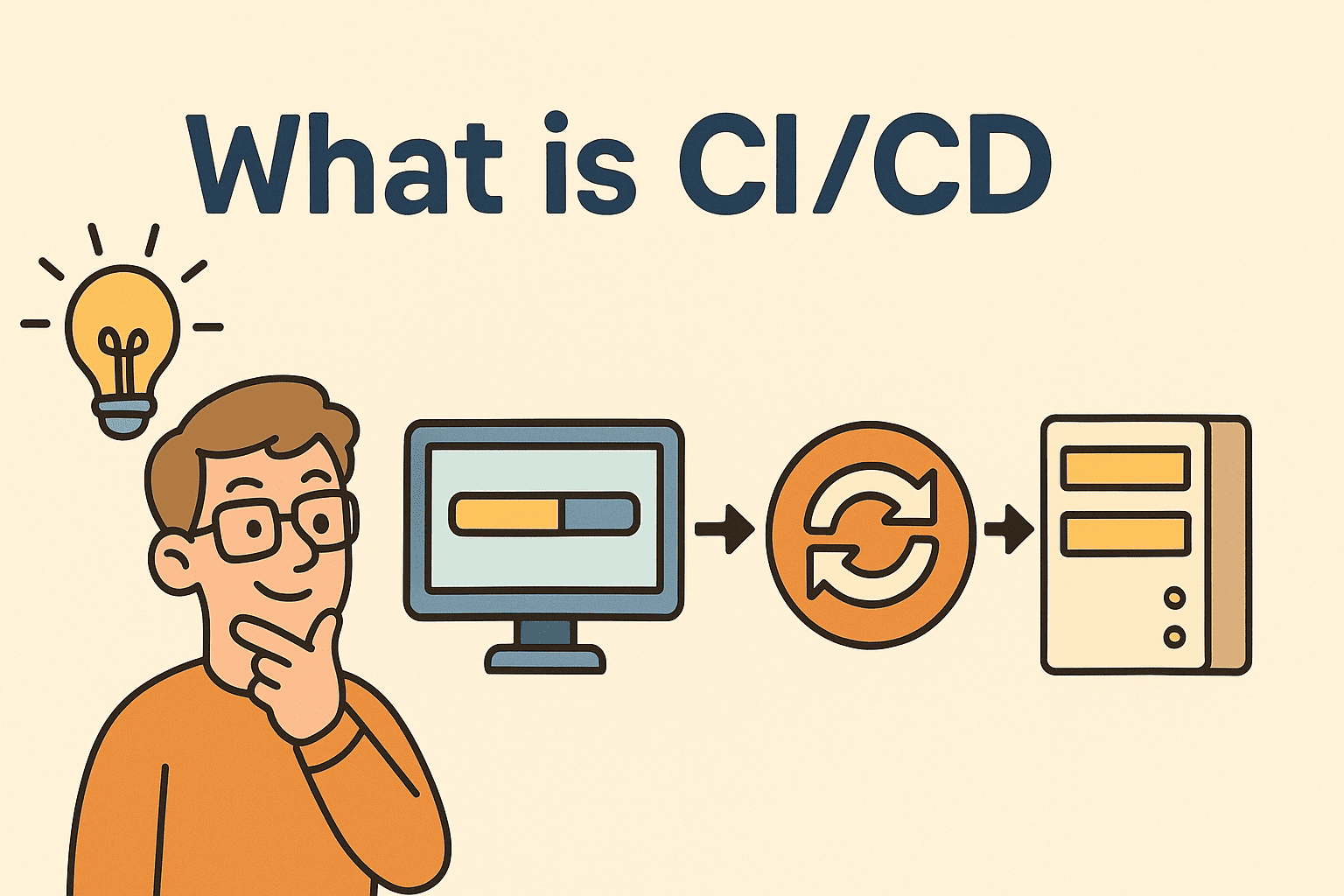
Why You Should Care About CI/CD

Ever wondered how top tech companies release updates so fast without breaking things? The secret lies in a streamlined software delivery process called CI/CD—short for Continuous Integration and Continuous Deployment. Whether you’re an IT manager, cybersecurity expert, or CEO, understanding what CI/CD is can be your gateway to faster innovation, improved software quality, and tighter…

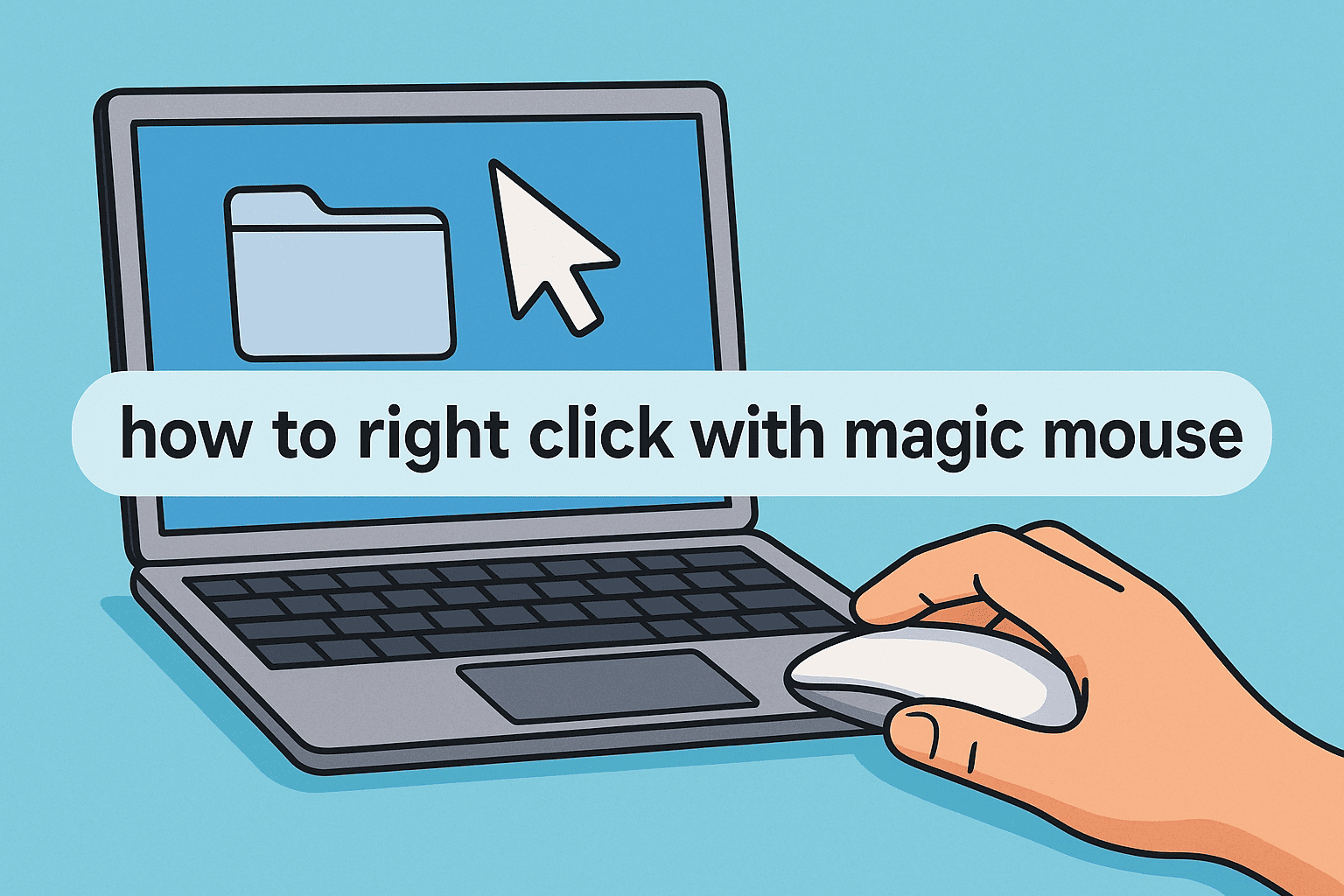
The Role of Right Click in Professional Productivity

Have you ever tried to right click on your Magic Mouse only to realize… nothing happens? You’re not alone. Whether you’re in cybersecurity, IT operations, or executive leadership, knowing how to right click with Magic Mouse can help you navigate system preferences, manage security tools, or access contextual menus without a hitch. In this detailed…

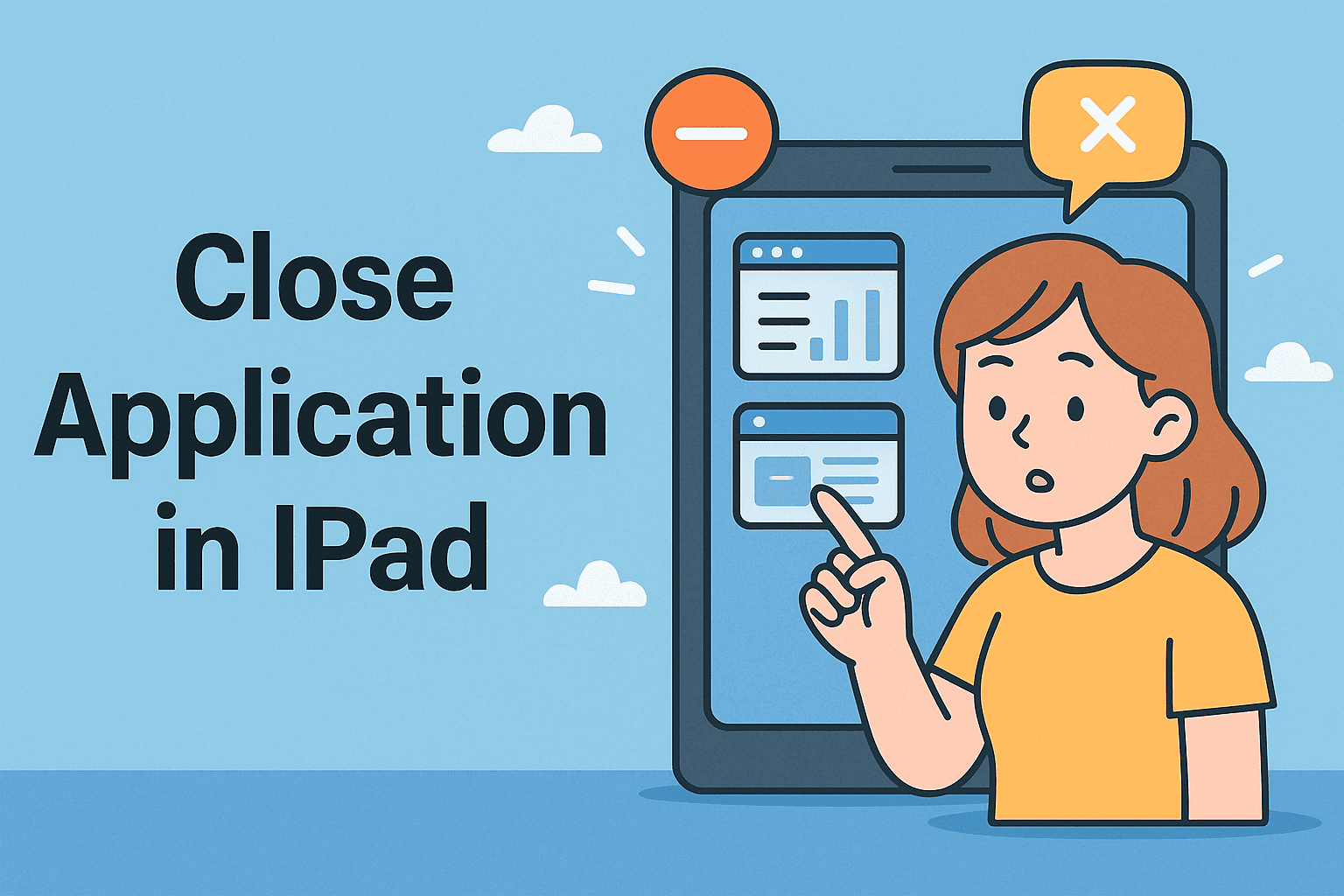
Why Closing Apps on iPad Matters

Have you ever been stuck with a frozen app during a remote meeting or noticed your iPad lagging because too many apps were open? Whether you’re in cybersecurity, IT management, or executive leadership, knowing how to close application in iPad can improve productivity, performance, and device security. In this guide, we’ll walk you through the…

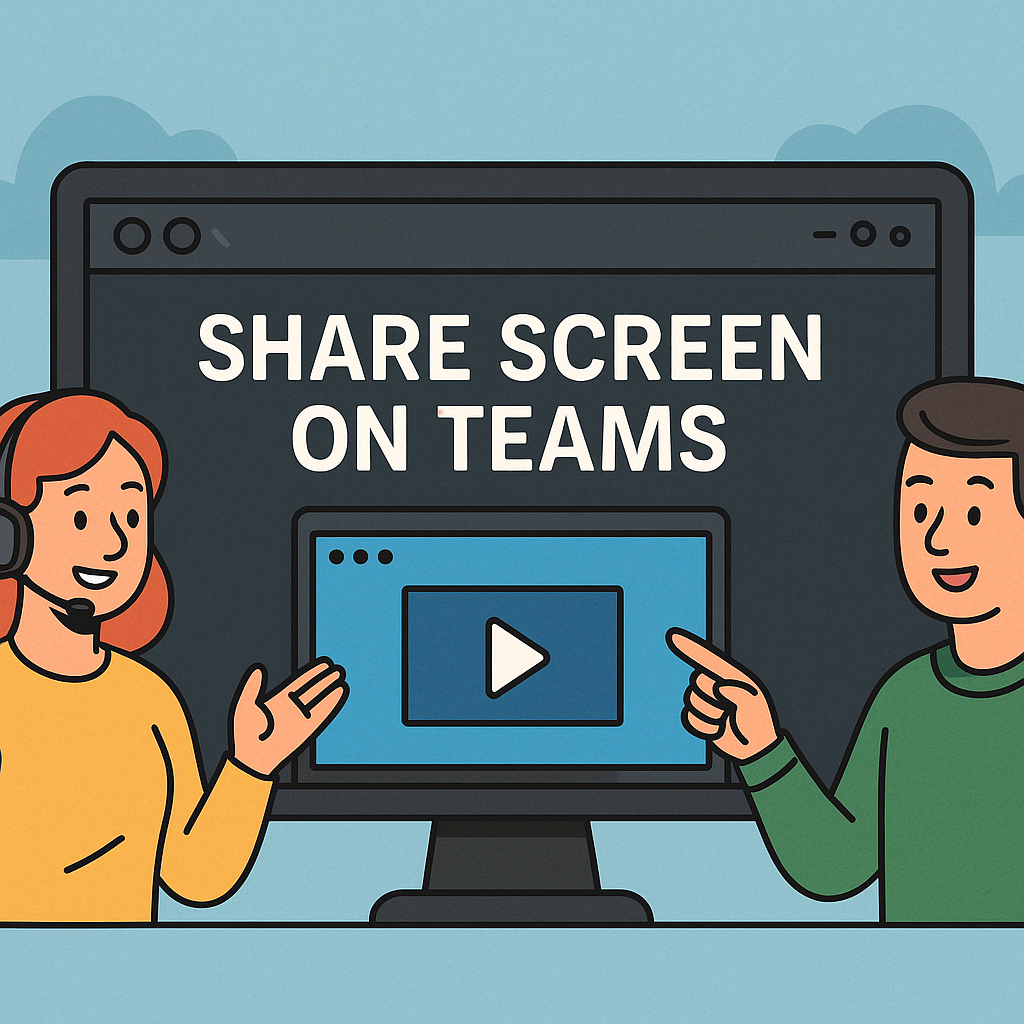
Why Screen Sharing Matters in Secure Collaboration

Ever been in a meeting where you’re trying to explain something, but words just aren’t enough? That’s where screen sharing on Microsoft Teams becomes a game-changer. Whether you’re an IT manager guiding a remote team or a cybersecurity analyst walking through a threat report, knowing how to share screen on Teams is essential for effective…

Troubleshooting Missing Downloads

Have you ever downloaded a file on your phone only to ask, “how to find downloads on Android?” You’re not alone. Whether you’re downloading a business document, a cybersecurity report, or an installation file, accessing it later isn’t always as intuitive as it should be. For IT professionals, executives, and cybersecurity teams, understanding where downloads…

Want Faster Access to Your Tools?

Have you ever wished you could launch your most-used apps or documents in just one click? Learning how to create a shortcut on desktop can save time, boost productivity, and reduce digital clutter. Whether you’re an IT manager streamlining employee workspaces or a CEO needing fast access to critical tools, desktop shortcuts offer a powerful…