Mastering Display Resolution Settings for Better Visual Clarity

Have you ever opened a laptop or connected a new monitor and wondered why everything looks blurry, oversized, or just “off”? You’re not alone. Many users—especially IT professionals, online security experts, and business teams—often search for how to change display resolution when dealing with visual clarity issues, system updates, or device setup challenges. Display resolution…

Mastering Secure Email Encryption for Modern Business Communication

Email is one of the most widely used communication channels across industries, yet it is also one of the most frequently targeted by cybercriminals. If you’ve ever wondered, how do I encrypt an email to protect sensitive business or personal information, you’re asking the right question. With data breaches, phishing attacks, and unauthorized access on…


Mastering Administrator Access in Windows 11 for Better Control

Have you ever tried running an app on your PC only to receive an error saying you need administrator privileges? This is common, especially for IT professionals and security teams who need elevated access to perform system-level tasks. Learning how to run Windows 11 as admin is essential—not only for troubleshooting issues but also for…

Managing Apps on Your Chromebook for Better Performance

Ever tried uninstalling an app and wondered why your Chromebook storage still feels cluttered? You’re not alone. Understanding how to delete apps on Chromebook is essential—especially for IT managers, cybersecurity teams, and business leaders aiming to maintain clean, secure, and high-performing devices across their organization. Whether you’re troubleshooting performance issues, removing unnecessary tools, or optimizing…

Boost Your PC’s Performance with a RAM Upgrade

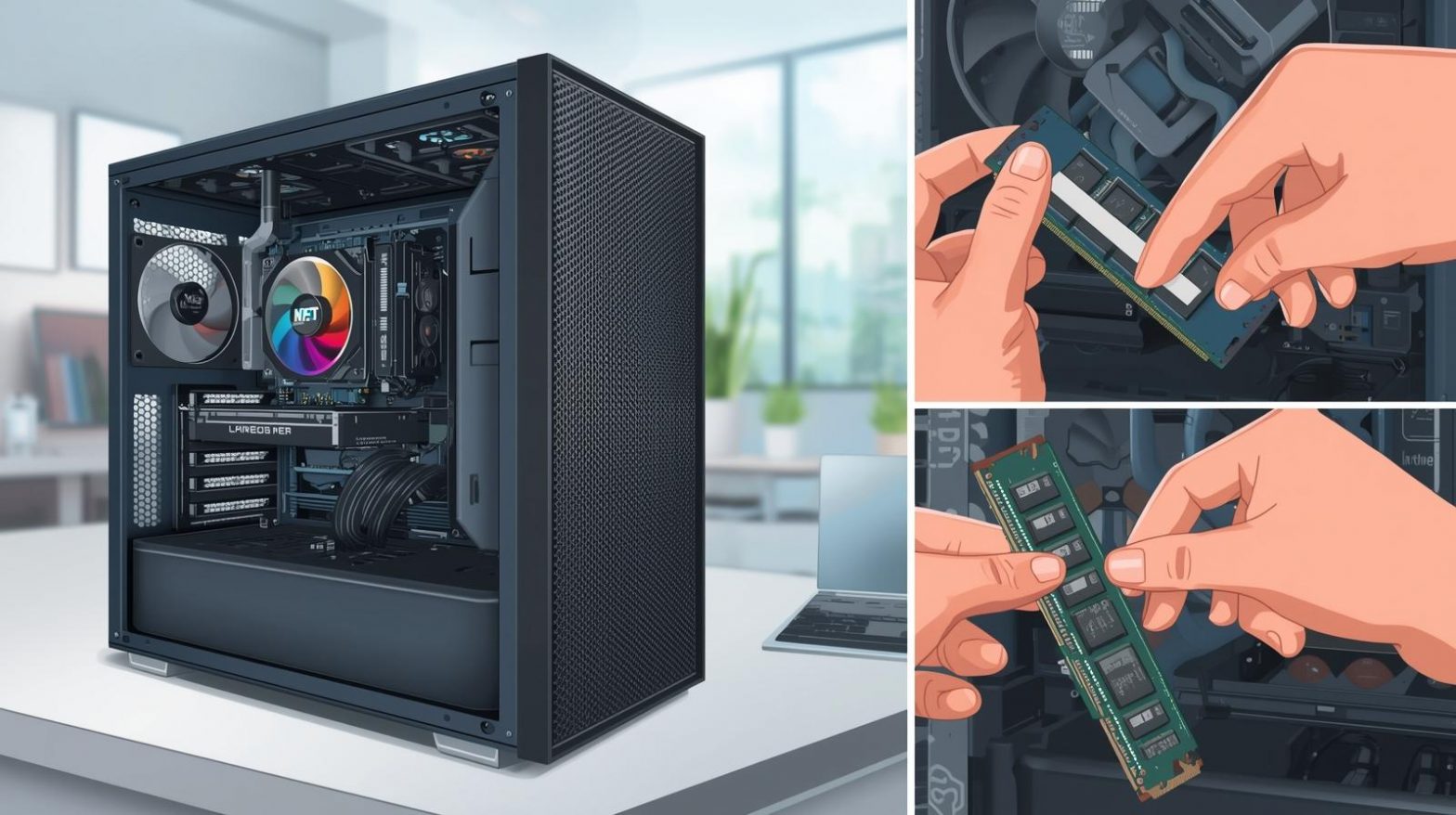
Has your computer been slowing down lately—programs taking forever to open, constant freezes, or sluggish performance when multitasking? These symptoms often point to limited system memory. Knowing how to replace RAM in a PC can dramatically improve speed, stability, and productivity. Even if you’re not a hardware expert, upgrading RAM is surprisingly simple and offers…

Keeping Your System Secure and Fast with Updated PowerShell

If you depend on PowerShell for automation, scripting, or system management, keeping it updated isn’t optional anymore—it’s essential. Many users search online for how to update PowerShell because outdated versions can cause performance issues, module errors, or even create security weaknesses. Whether you’re running a business, safeguarding sensitive systems, or managing a large IT fleet,…

Restarting Applications Properly Across Devices for Better Performance

When an app freezes, crashes, or stops responding, productivity comes to a sudden halt. Whether you’re troubleshooting on a personal laptop or managing devices across an organization, knowing how to restart an app quickly and efficiently can save time and prevent deeper system issues. Understanding how do I restart an app is especially important for…

Refreshing File Explorer: Reloading Folders in Windows 11 Made Simple

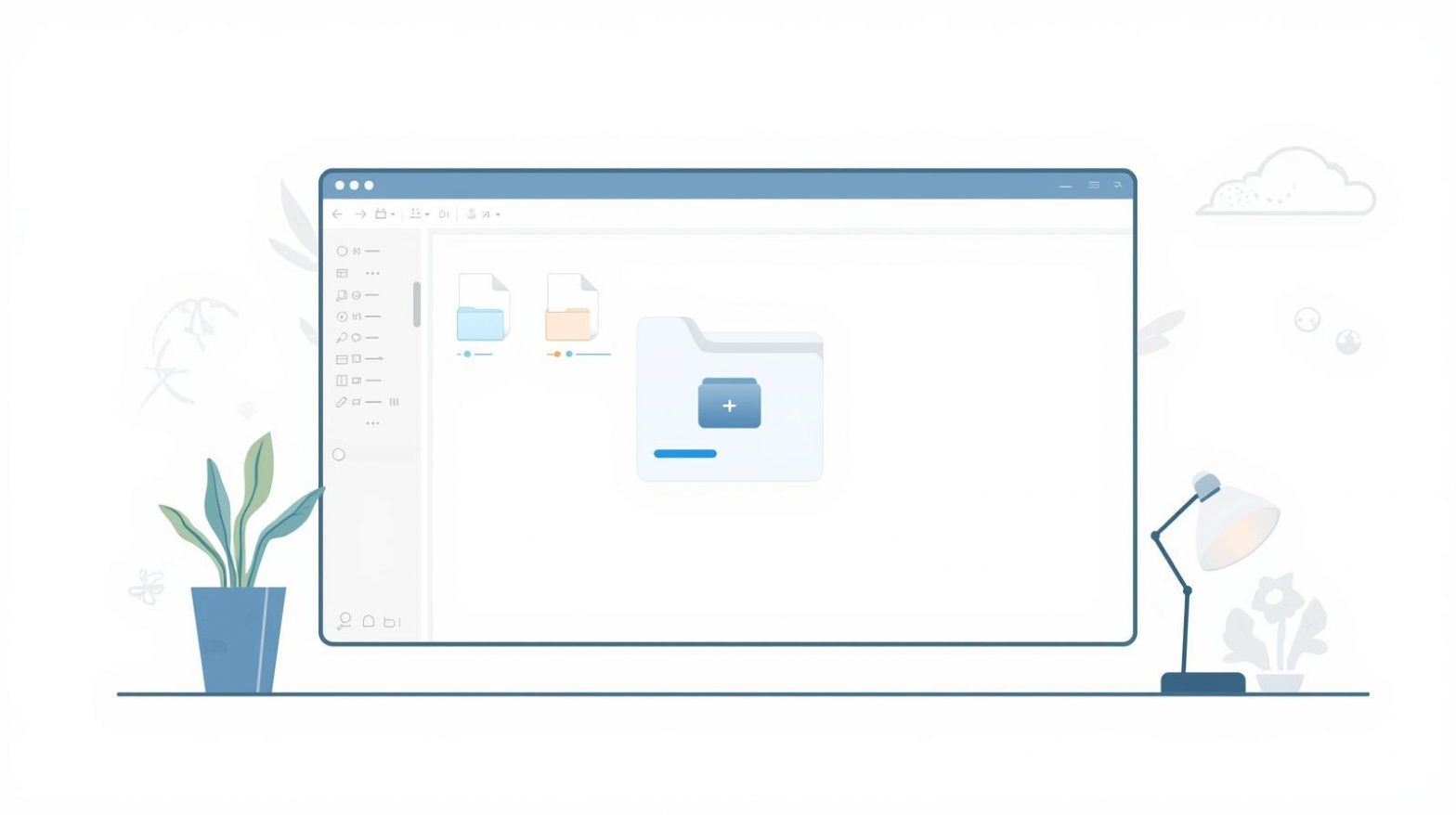
Ever noticed that your File Explorer doesn’t update instantly after moving, renaming, or deleting files? This common issue can disrupt workflow—especially when managing large directories or shared network drives. Understanding how to reload folders in File Explorer Windows 11 ensures your system displays accurate and updated content every time. This article explores different ways to…

Optimizing File Management by Changing Your Download Location

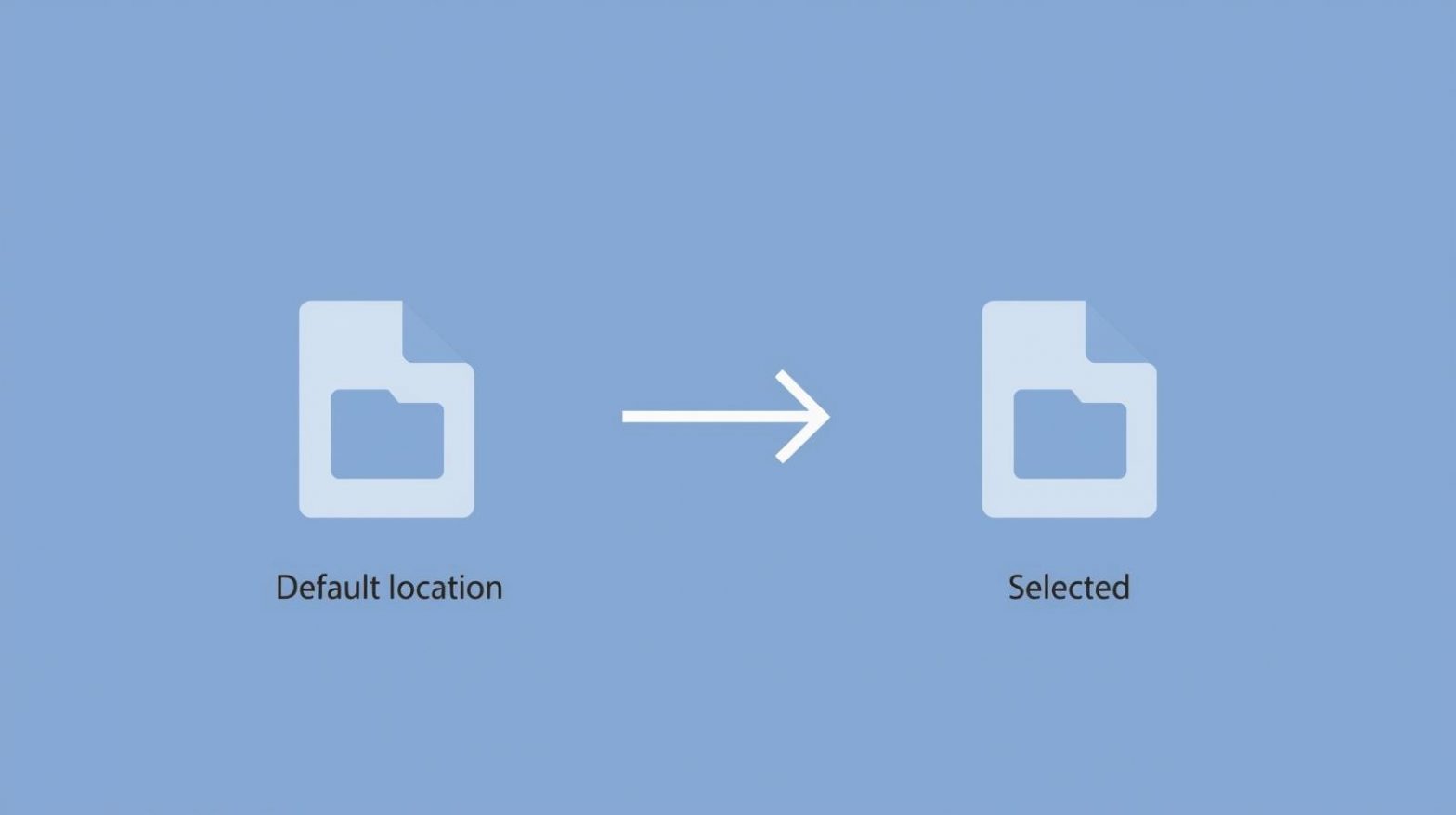
Are your downloaded files scattered across your system, making it hard to locate them? You’re not alone. Many users struggle to manage file organization efficiently. Knowing how to change download location can save time, boost productivity, and prevent your storage from getting cluttered. Whether you use Windows, macOS, Google Chrome, Microsoft Edge, or Safari, modifying…

Clearing Temporary Files the Right Way

When your computer starts slowing down, one of the first things you should check is your temporary files. These files accumulate from system updates, software installations, or even simple web browsing. Over time, they can take up gigabytes of storage and affect performance. That’s why learning how to clear temporary files is essential for maintaining…