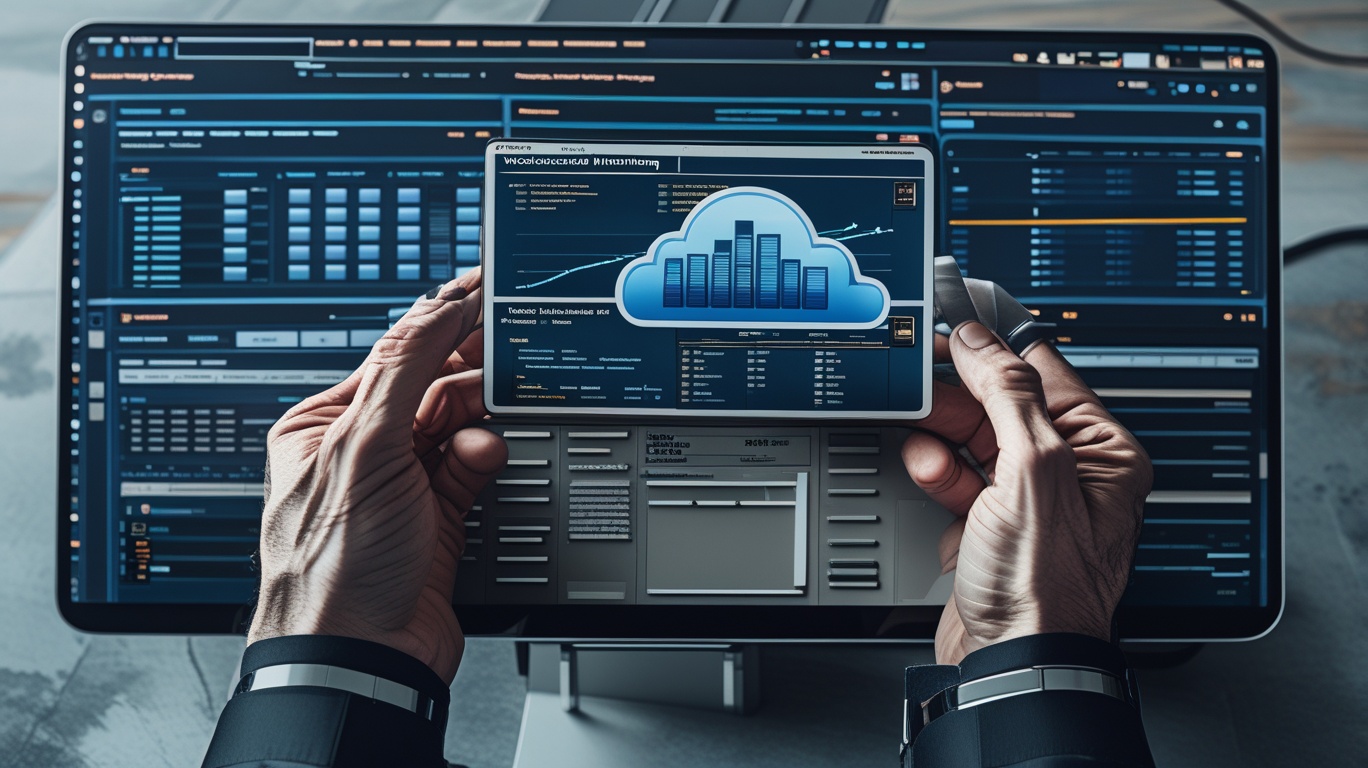
Cloud workloads can change in seconds. Traffic increases, applications consume more resources, services fail, and configuration issues can appear without warning. AWS workload monitoring gives organizations the visibility needed to detect these changes before they become costly outages or security incidents. By combining AWS CloudWatch monitoring, AWS observability, cloud infrastructure monitoring, and cloud performance monitoring, IT teams can understand workload health across applications and infrastructure. For cybersecurity professionals, IT managers, MSPs, CEOs, and founders, effective AWS workload monitoring supports faster troubleshooting, stronger operational resilience, better security decisions, and more predictable cloud performance.
What is AWS Workload Monitoring
AWS workload monitoring is the continuous process of collecting, analyzing, and acting on operational data from applications and resources running within Amazon Web Services.
A workload may include several connected components, such as:
- Amazon EC2 instances
- Databases
- Storage services
- Containers
- Serverless functions
- Networks
- APIs
- Applications
Monitoring helps teams understand whether these components are available, secure, and performing as expected.
Amazon CloudWatch provides real-time monitoring and observability capabilities for AWS resources and applications, including metrics, logs, alarms, dashboards, infrastructure monitoring, and application performance monitoring.
The objective is not simply to collect more data. Effective AWS workload monitoring turns telemetry into useful information that helps teams make faster decisions.
Why AWS Workload Monitoring Matters
Cloud infrastructure is dynamic by design. Resources can scale automatically, applications can run across several services, and workloads may span different accounts or Regions.
Without clear monitoring, teams may notice a problem only after customers experience poor performance.
Common issues include:
- High CPU utilization
- Memory exhaustion
- Application errors
- Slow database responses
- Network latency
- Failed requests
- Storage capacity problems
- Unexpected resource usage
AWS workload monitoring provides an early warning system for these conditions.
It also gives teams historical data that can help identify patterns, compare performance, and understand whether infrastructure changes have improved or harmed service quality.
AWS CloudWatch Monitoring as a Core Component
AWS CloudWatch monitoring plays a central role in many AWS monitoring strategies.
CloudWatch receives metrics from numerous AWS services and also supports custom application metrics. AWS currently supports both CloudWatch Metrics and OpenTelemetry-based metrics, with OpenTelemetry recommended by AWS for new metric use cases.
Monitor Important Metrics
The exact metrics depend on the workload.
For compute environments, teams may monitor:
- CPU usage
- Memory
- Disk activity
- Network traffic
- Instance availability
For databases, teams may focus on:
- Connections
- Storage
- Query performance
- CPU consumption
- Replication health
For applications, useful indicators may include response time, error rate, throughput, and availability.
The best AWS workload monitoring strategy focuses on metrics that reflect both system health and user experience.
Use Logs to Understand Workload Behavior
Metrics show that something changed. Logs often help explain why.
Cloud workloads can generate application, infrastructure, access, and security logs.
Centralized log analysis makes it easier to investigate incidents across several services.
Amazon CloudWatch Logs Insights supports interactive queries over log data, and CloudWatch also offers log anomaly detection and mechanisms for deriving metrics from logs.
Build Useful Logging Standards
Organizations should define what applications need to log.
Useful information may include:
- Errors
- Authentication activity
- Application events
- Failed requests
- Service dependencies
- Configuration changes
However, excessive logging can increase both complexity and cost.
Teams should collect data that supports troubleshooting, security, compliance, or operational decisions.
Build Effective CloudWatch Alarms
A monitoring platform provides little value if important conditions do not reach the right people.
CloudWatch alarms can monitor metrics against thresholds and trigger notifications or automated actions when defined conditions are met. AWS also supports composite alarms, which can combine multiple alarm states and help reduce unnecessary alarm noise.
A thoughtful AWS workload monitoring strategy should avoid creating an alert for every minor variation.
Prioritize Alerts by Impact
Organizations can classify alerts as:
- Critical
- High
- Medium
- Low
- Informational
A production database outage should not compete for attention with a temporary resource spike that resolves itself.
Reduce Alert Fatigue
Too many notifications can cause technicians to overlook important warnings.
Use thresholds, event correlation, suppression rules, and composite alarms where appropriate.
The goal is actionable monitoring rather than maximum alert volume.
AWS Observability Beyond Basic Monitoring
Monitoring tells teams whether known conditions are healthy. AWS observability provides deeper context by connecting signals such as metrics, logs, traces, and dependencies.
This becomes important for distributed applications.
A slow customer transaction may involve:
Application → API → Serverless Function → Database → External Service
Looking at one component alone may not reveal the cause.
AWS provides CloudWatch infrastructure observability capabilities across compute, databases, serverless workloads, storage, networking, and other AWS services.
By combining data from multiple components, teams can better understand where performance problems begin.
Monitor Applications and Infrastructure Together
Application monitoring should not operate separately from cloud infrastructure monitoring.
An application error may actually result from insufficient infrastructure capacity, network problems, storage delays, or database limitations.
Connecting both layers provides better diagnostic context.
For example:
- Application response time increases.
- Monitoring detects higher database latency.
- Infrastructure metrics show resource saturation.
- Engineers identify the affected component.
- Remediation begins before the service fully fails.
This approach can reduce troubleshooting time.
AWS Workload Monitoring for EC2
Amazon EC2 remains an important compute service for many workloads.
AWS workload monitoring for EC2 should go beyond simply checking whether an instance is running.
Teams may need visibility into operating system and application-level metrics.
AWS states that the CloudWatch agent can collect metrics, logs, and traces from EC2 fleets and on-premises servers, including CPU, memory, disk, processes, and network information.
Track Workload-Specific Conditions
Different EC2 workloads have different monitoring needs.
A web server may require monitoring of:
- Request volume
- Response times
- HTTP errors
- Memory usage
- Disk space
A database server may require very different indicators.
Monitoring policies should therefore reflect the business function of each workload.
Monitor Containers and Modern Applications
Containers add another level of complexity because instances can be short-lived and workloads may move between underlying resources.
Container monitoring should provide visibility into both the platform and the workloads running on it.
AWS CloudWatch observability solutions include guidance for infrastructure, container, and application monitoring, including technologies such as Container Insights and Application Signals.
A strong monitoring strategy should track:
- Container availability
- CPU and memory
- Restart behavior
- Service dependencies
- Application errors
- Request latency
This helps teams identify problems even when infrastructure changes frequently.
Strengthen Security Through AWS Workload Monitoring
Operational monitoring and cybersecurity are closely connected.
Unexpected workload behavior can sometimes indicate security issues.
Teams should pay attention to changes such as:
- Unusual login activity
- Unexpected API calls
- Sudden network traffic
- Unauthorized configuration changes
- Unexpected resource creation
AWS CloudTrail records AWS API activity and includes information such as user identity, request time, source IP address, request parameters, and response details.
Combining operational monitoring with audit information gives security teams better investigation context.
Establish Normal Baselines
Security monitoring becomes more useful when teams understand normal workload behavior.
Unusual deviations can then trigger investigation.
Not every anomaly is malicious, but unusual activity deserves context and review.
AWS Workload Monitoring and Cost Control
Poorly optimized workloads can waste cloud resources.
Monitoring can help teams identify:
- Underused instances
- Overprovisioned resources
- Unexpected scaling
- Abnormal traffic patterns
- Inefficient storage consumption
AWS workload monitoring therefore supports financial management as well as technical operations.
Connect Cost and Performance
Teams should avoid reducing infrastructure solely to cut costs.
An inexpensive workload that performs poorly can damage customer experience and productivity.
The goal is to balance performance, resilience, and cost.
Monitoring provides evidence for those decisions.
Best Practices for AWS Workload Monitoring
Organizations can strengthen their monitoring strategy with several practical steps.
1. Define Critical Workloads
Identify applications and infrastructure that have the greatest business impact.
Prioritize monitoring accordingly.
2. Establish Baselines
Understand normal performance before defining alert thresholds.
3. Combine Metrics and Logs
Metrics provide trends, while logs provide deeper diagnostic information.
4. Use Meaningful Dashboards
Avoid dashboards filled with unnecessary data.
Focus on indicators that help teams make decisions.
5. Automate Suitable Responses
Routine issues can sometimes trigger automated remediation.
Examples include restarting a service or initiating scaling actions after approved conditions are met.
6. Review Alerts Regularly
Remove noisy or outdated alarms.
7. Monitor Across Accounts
Organizations with larger AWS environments should build consistent visibility across accounts and workloads.
8. Protect Monitoring Access
Use appropriate IAM permissions and least-privilege principles for monitoring tools.
Metrics That Help Measure Monitoring Success
Monitoring itself should be measurable.
Useful operational indicators include:
- Mean time to detect
- Mean time to resolution
- Application availability
- Error rate
- Alert volume
- False-positive rate
- Incident recurrence
- Resource utilization
- Customer-facing latency
- Automated remediation success
These measurements help teams determine whether AWS workload monitoring is improving reliability rather than merely producing more data.
Common Monitoring Mistakes
Several mistakes can reduce the value of monitoring.
Avoid:
- Monitoring every metric without priorities
- Using default thresholds everywhere
- Ignoring application-level data
- Creating excessive alerts
- Maintaining outdated dashboards
- Failing to monitor logs
- Collecting data without retention planning
- Ignoring monitoring costs
- Failing to document response procedures
The best monitoring environments remain focused and actionable.
Actionable Steps for Better AWS Monitoring
Organizations can strengthen their approach with this practical sequence:
- Inventory critical AWS workloads.
- Define availability and performance objectives.
- Identify essential metrics.
- Centralize important logs.
- Build operational dashboards.
- Configure meaningful alarms.
- Reduce duplicate notifications.
- Add application-level observability.
- Connect monitoring with incident response.
- Review performance and costs regularly.
This approach creates a foundation that can expand as the AWS environment grows.
Frequently Asked Questions
Q1: What is AWS workload monitoring?
AWS workload monitoring is the process of collecting and analyzing metrics, logs, alerts, traces, and other telemetry to understand the health, performance, availability, and security of workloads running on AWS.
Q2: Which AWS service is commonly used for workload monitoring?
Amazon CloudWatch is a core AWS service for monitoring resources and applications. It provides capabilities including metrics, logs, alarms, dashboards, infrastructure monitoring, and application observability.
Q3: What should organizations monitor in AWS?
Teams should monitor workload-specific indicators such as availability, CPU, memory, storage, network activity, application response time, error rates, database performance, and security-related events.
Q4: How can AWS workload monitoring reduce downtime?
Monitoring helps teams detect abnormal conditions earlier, alert responsible staff, investigate root causes, and automate appropriate responses before problems become widespread.
Q5: How does monitoring support AWS security?
Monitoring provides operational context for unusual behavior. Combined with services such as CloudTrail, teams can investigate API activity, configuration changes, identities, and other events that may indicate security risks.
Final Thoughts
Cloud workloads cannot be managed effectively when teams lack visibility into their health and behavior. AWS workload monitoring provides the operational intelligence needed to identify performance problems, investigate failures, strengthen security, and make more informed infrastructure decisions.
By combining AWS CloudWatch monitoring, AWS observability, cloud infrastructure monitoring, and cloud performance monitoring, organizations can build a clearer picture of how applications and resources behave together. The strongest strategy focuses on meaningful metrics, useful logs, actionable alerts, workload-specific dashboards, and continuous improvement.
Start by identifying your most important workloads and the signals that represent their health. From there, refine thresholds, reduce alert noise, automate appropriate responses, and review monitoring data regularly. That approach can help organizations create AWS environments that are more resilient, secure, efficient, and ready to scale.

 Loading...