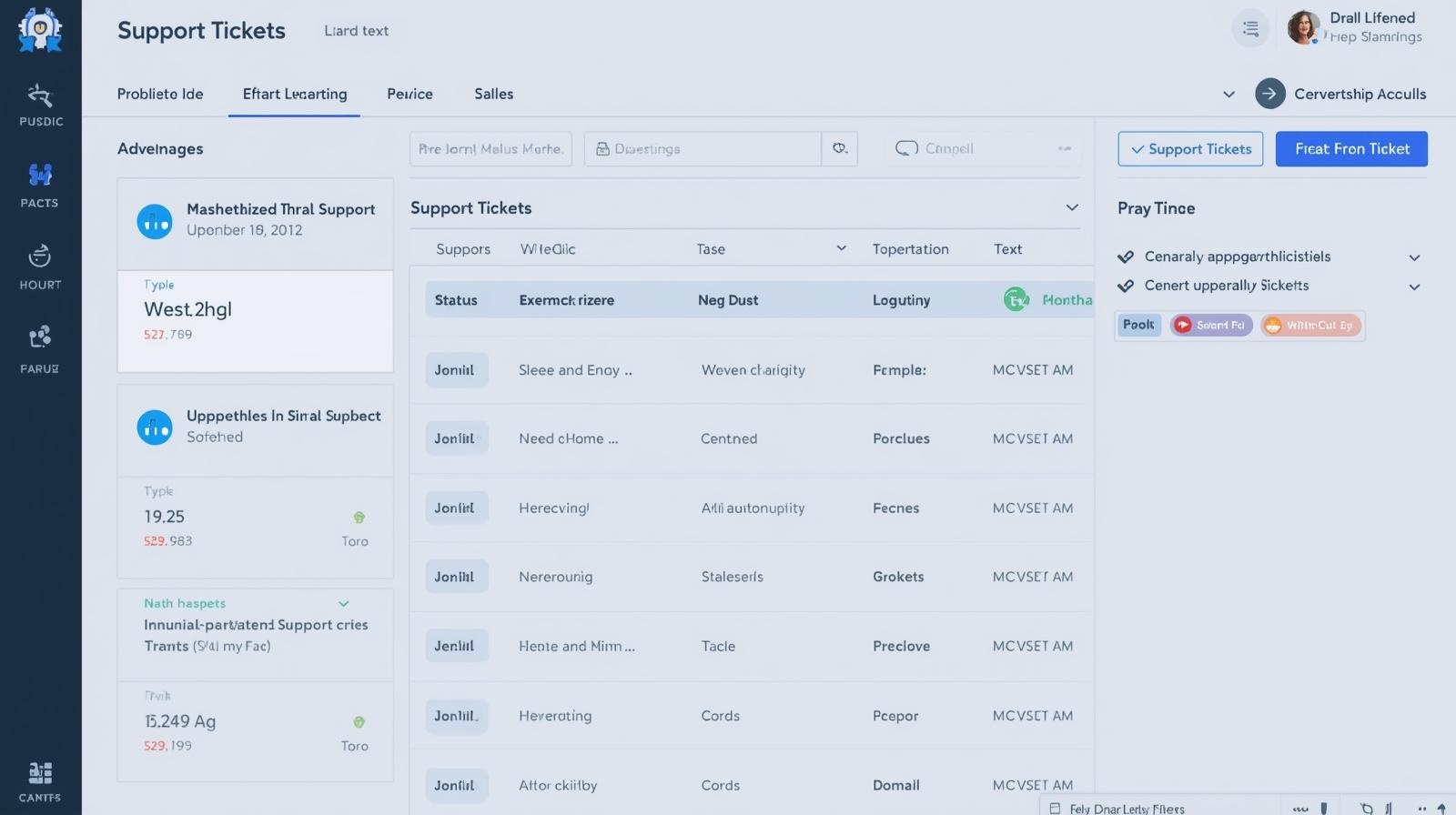
As organizations become more mobile, distributed, and technology driven, the need for structured device management has never been greater. Enterprise MDM (Mobile Device Management) provides the centralized control, automation, and security required to manage thousands of smartphones, tablets, laptops, and endpoints within modern workplaces. Whether your teams operate from offices, homes, or hybrid environments, enterprise MDM ensures every device stays compliant, protected, and aligned with your IT standards.
In the first paragraph itself, enterprise MDM stands out as a foundational element of operational efficiency—giving IT administrators the tools they need to configure, monitor, and secure devices across the entire enterprise infrastructure. With businesses relying heavily on mobile access, cloud apps, and organizational data stored on diverse endpoints, MDM is no longer optional. It is essential.
What Makes Enterprise MDM Different from Standard MDM
While basic MDM solutions focus on small-scale device oversight, enterprise MDM supports large organizations with complex requirements and high security demands.
Enterprise-grade MDM platforms integrate seamlessly with identity systems, automation workflows, security tools, and compliance frameworks.
Key capabilities that differentiate enterprise MDM:
-
Centralized management of large device fleets
-
Advanced security and policy enforcement
-
Multi-platform support (iOS, Android, Windows, macOS, and more)
-
Role-based access and administrative controls
-
High-level reporting and analytics for better decision-making
-
Integration with enterprise IT systems like SIEM, IAM, and SOC tools
This level of sophistication is essential for organizations responsible for protecting sensitive business data, customer information, or regulated workflows.
Why Organizations Need Enterprise MDM
The modern enterprise environment is complex. Employees access company data from personal devices, remote offices, and public networks. Without enterprise MDM, organizations expose themselves to unnecessary security and compliance risks.
Core reasons enterprises adopt MDM solutions:
-
Rapid onboarding and provisioning of new users and devices
-
Enforced compliance across all endpoints, regardless of location
-
Enhanced cybersecurity with encryption, access control, and threat prevention
-
Reduced administrative workload through automation
-
Secure application distribution and update management
-
Real-time insights into device health, activity, and vulnerabilities
Enterprise MDM provides organizations with the confidence that their digital ecosystem remains controlled and protected at all times.
Essential Features of Enterprise MDM Solutions
A strong enterprise MDM platform delivers a wide range of features that help IT teams maintain operational consistency and security at scale.
1. Centralized Device Enrollment and Provisioning
Enterprise MDM allows IT teams to deploy devices with:
-
Pre-configured settings and policies
-
Automated enrollment workflows
-
Zero-touch deployment for large rollouts
This dramatically reduces manual setup time, making onboarding quicker and more efficient.
2. Comprehensive Security and Compliance Controls
Security is at the core of enterprise MDM. With strict policy enforcement, IT teams can ensure that all devices adhere to the company’s security posture.
Security controls include:
-
Mandatory device encryption
-
VPN and Wi-Fi configuration enforcement
-
Multi-factor authentication support
-
Remote lock and wipe capabilities
-
Controlled access to corporate applications and data
These protective measures minimize the risk of unauthorized access, malware infections, and data breaches.
3. Unified Application Management
Enterprise MDM enables central distribution and control of apps across all devices.
IT teams can:
-
Push apps directly to employee devices
-
Restrict installation of unauthorized software
-
Manage updates to ensure secure versions
-
Remove apps when access is no longer required
This ensures secure, consistent application usage throughout the organization.
4. Advanced Reporting and Analytics
Insights play a significant role in modern IT management. Enterprise MDM platforms provide analytics such as:
-
Device activity summaries
-
Compliance status
-
Usage trends
-
Security threats and remediation activity
With this data, IT leaders can make informed decisions and spot potential vulnerabilities early.
5. Remote Device Support and Troubleshooting
Enterprise MDM allows IT teams to support employees without needing physical access to their devices.
Capabilities include:
-
Remote configuration updates
-
Password resets
-
App installation or removal
-
Remote diagnostic checks
This reduces downtime and ensures employees remain productive, regardless of location.
Enterprise MDM and Cybersecurity: A Powerful Partnership
Cybersecurity threats continue to evolve, and distributed device environments create more attack surfaces. Enterprise MDM strengthens security by coordinating device-level protection with broader enterprise cybersecurity strategies.
Security benefits include:
-
Enforced baseline configurations across all endpoints
-
Automated patching and OS updates
-
Prevention of unauthorized data access
-
Built-in compliance enforcement for regulated industries
-
Role-based access to sensitive applications
By pairing enterprise MDM with endpoint security tools, organizations create a multi-layered defense strategy capable of protecting sensitive business data.
How Enterprise MDM Supports Remote and Hybrid Workforces
As remote work becomes a permanent component of modern business structures, enterprise MDM plays an increasingly important role in centralizing device management.
MDM benefits for remote teams:
-
Seamless device provisioning anywhere in the world
-
Remote policy enforcement
-
Cloud-based app distribution
-
Secure access to company resources
-
Visibility into device usage outside corporate networks
Enterprise MDM ensures that remote devices meet the same compliance standards as in-office devices, creating a unified, secure ecosystem.
Implementing Enterprise MDM: Considerations for IT Managers
Selecting and implementing the right enterprise MDM solution requires a clear understanding of organizational needs.
Key factors to evaluate:
-
Scalability – Can the MDM platform support your growing device fleet?
-
Multi-OS Compatibility – Does it manage iOS, Android, macOS, and Windows uniformly?
-
Automation Capabilities – How well does the solution reduce manual IT work?
-
Security Integrations – Can it connect with SIEM, IAM, antivirus, and EDR tools?
-
User Experience – Will employees find the MDM experience seamless and non-intrusive?
These considerations guide organizations toward the right MDM partner and minimize long-term management challenges.
Best Practices for Using Enterprise MDM Across Your Organization
To maximize the value of enterprise MDM, IT teams should adopt best practices that strengthen device security and user experience.
Recommended practices:
-
Standardize configuration profiles for consistency
-
Automate updates and security patches
-
Use role-based access controls to manage privileges
-
Monitor device compliance with regular audits
-
Train employees on acceptable device use policies
Following these steps helps elevate enterprise MDM from a technical tool to a strategic IT asset.
The Future of Enterprise MDM in Large-Scale Organizations
Enterprise MDM continues to evolve with advancements in AI, automation, and zero-trust security frameworks.
Future developments may include:
-
More predictive analytics for device behavior
-
AI-driven security threat detection
-
Greater automation in compliance enforcement
-
Enhanced integration with cloud-native IT infrastructure
As enterprise environments grow more sophisticated, MDM solutions will become even more critical in ensuring operational stability.
FAQs About Enterprise MDM
1. What is enterprise MDM?
It is a centralized platform used to configure, secure, and manage large fleets of corporate or BYOD devices across an organization.
2. Can enterprise MDM manage multiple operating systems?
Yes, most enterprise-grade MDM tools manage iOS, Android, Windows, macOS, and ChromeOS.
3. Is enterprise MDM the same as EMM or UEM?
EMM and UEM are broader frameworks; MDM is a core component focused specifically on device management.
4. How does MDM improve security?
MDM enforces encryption, access controls, compliance policies, and remote wipe capabilities.
5. Can employees remove enterprise MDM?
In corporate-owned environments, device removal is typically restricted.
Final Thoughts
As mobile-first workforces expand and device ecosystems grow more complex, enterprise MDM has become essential for maintaining security, standardizing workflows, and supporting business scalability. With strong automation, centralized controls, and advanced compliance features, enterprise MDM provides organizations with the infrastructure needed to manage modern device environments effectively.
Optimize your workflows — activate your free ITarian trial and take control of your enterprise device ecosystem with secure, scalable MDM capabilities.

 Loading...