If you’ve ever managed dozens—or even hundreds—of devices across your organization, you already know how challenging and time-consuming manual maintenance can be. That’s why understanding what is an RMM tool has become essential for IT managers, cybersecurity teams, MSPs, and business leaders overseeing complex digital environments. An RMM tool centralizes monitoring, maintenance, automation, and security into one powerful platform, allowing teams to work more efficiently while strengthening device protection.
With cyber threats rising and hybrid work expanding, remote monitoring and management technology is no longer optional. It enables IT teams to detect issues early, automate routine tasks, and maintain secure device hygiene without needing physical access. In today’s world of distributed systems, cloud services, and growing endpoint dependency, knowing what an RMM tool does can dramatically improve operational stability and threat prevention.
This article breaks down how RMM tools work, why they matter, and how businesses of all sizes use them to streamline workflows and strengthen cybersecurity.
What an RMM Tool Really Does
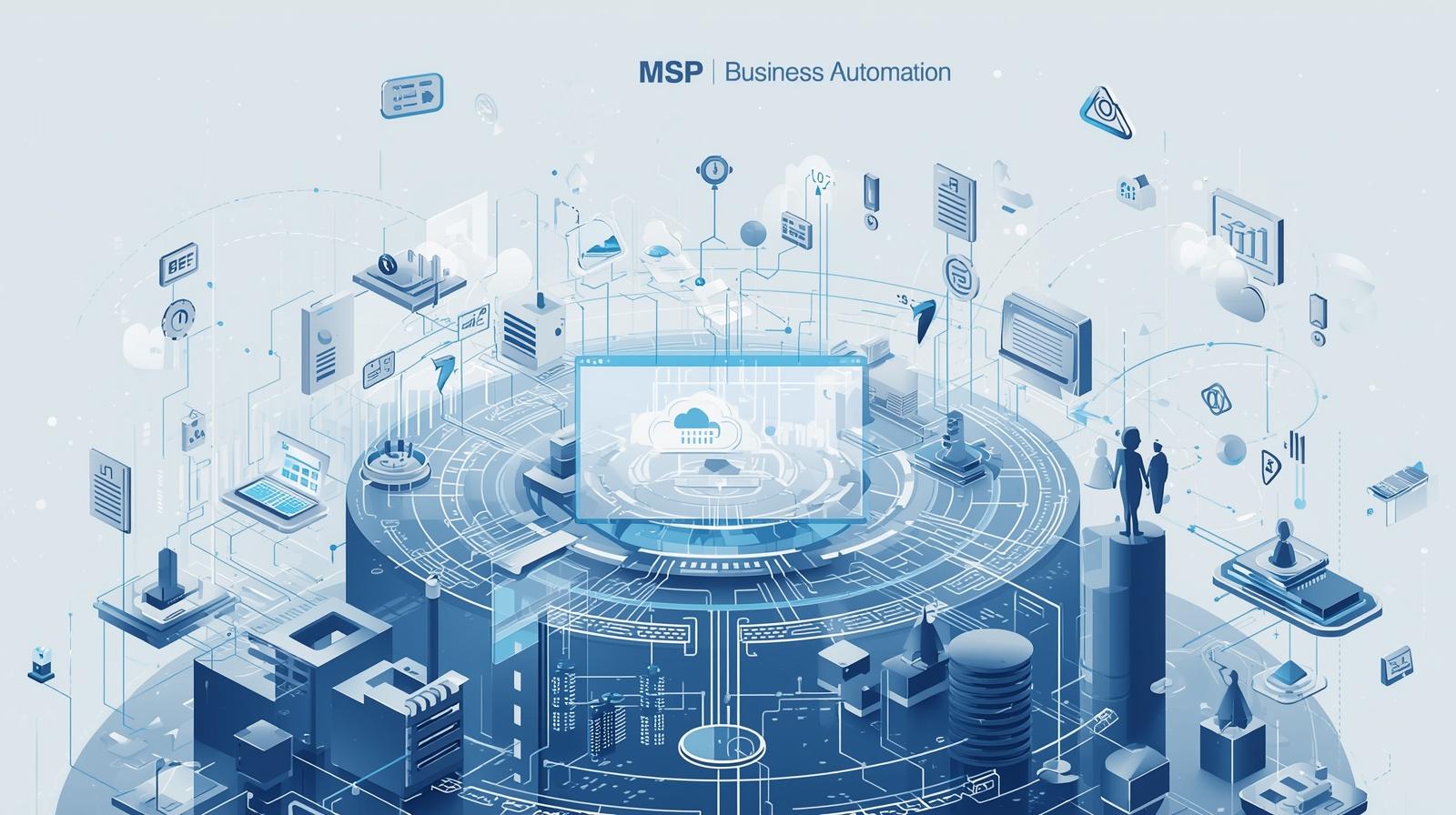
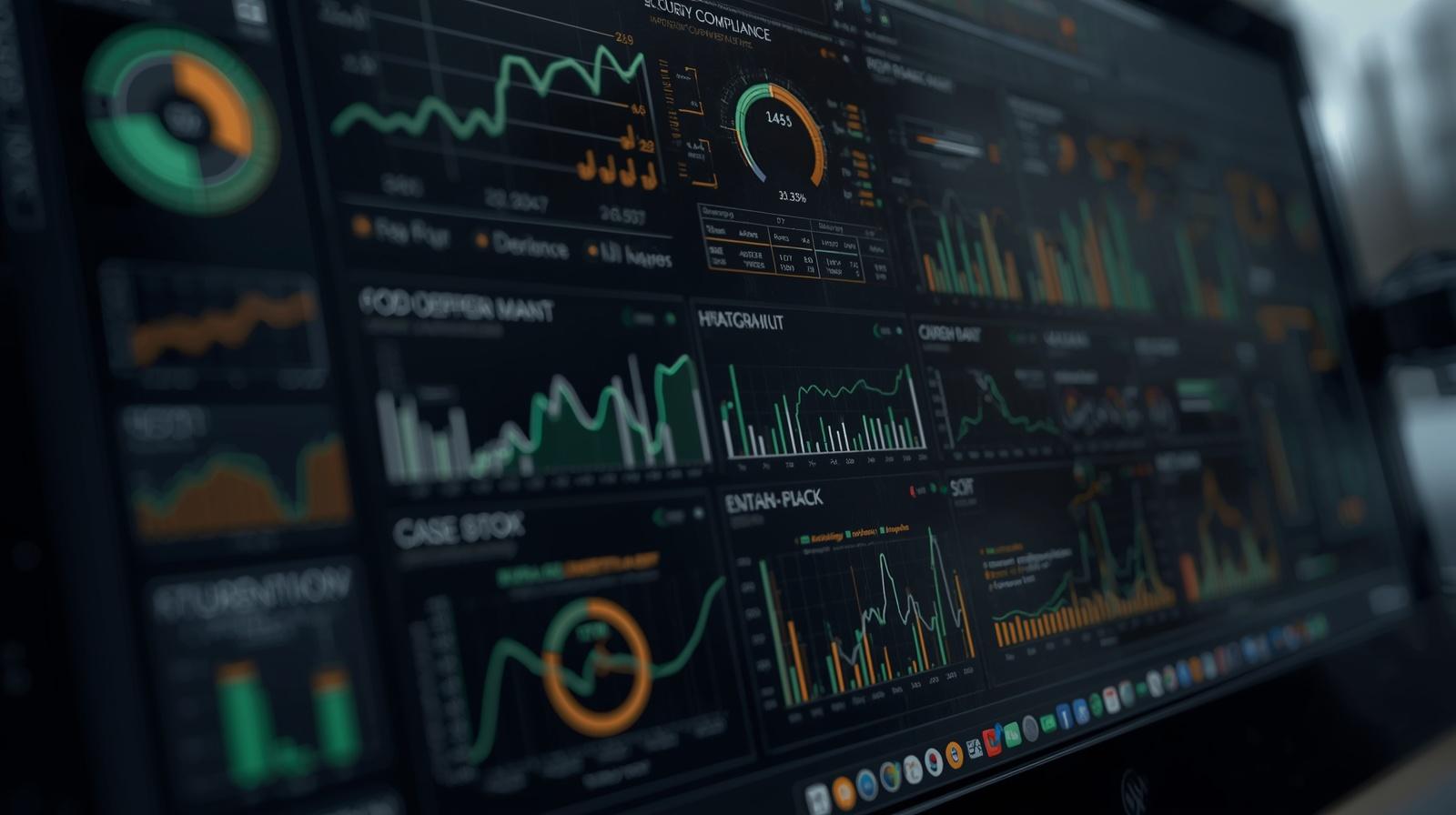
An RMM tool, or Remote Monitoring and Management software, gives IT teams the ability to oversee, control, and maintain devices from a central dashboard. This includes workstations, servers, laptops, network equipment, cloud-based endpoints, and even mobile devices.
Core functions of an RMM tool
-
Monitoring device health and performance
-
Detecting unusual activity or potential threats
-
Automating updates, patches, and maintenance
-
Deploying software remotely
-
Executing scripts across multiple systems
-
Managing alerts and notifications
-
Providing remote access for troubleshooting
Instead of manually addressing each device, RMM tools automate and centralize IT tasks—improving efficiency and reducing risk.
Why RMM Tools Matter for IT Teams and Businesses
The more devices a business manages, the more difficult it becomes to maintain consistent performance and security. A single overlooked patch, misconfiguration, or unnoticed performance issue can lead to costly downtime or data breaches.
RMM tools reduce these risks significantly by ensuring complete visibility and continuous management across every endpoint.
Key benefits of using an RMM tool
Better visibility across devices
RMM tools offer real-time insights into hardware status, resource usage, updates, and security alerts.
Enhanced cybersecurity
A major reason organizations ask, “what is an RMM tool?” is because of cybersecurity. RMM solutions identify vulnerabilities early and prevent attacks before they escalate.
Faster problem resolution
Remote access and automated alerts allow teams to act on issues immediately, often before users are impacted.
Reduced operational costs
Automation lowers manual workload and removes the need for on-site visits.
Scalable IT management
Whether managing 10 devices or 10,000, RMM tools scale without adding complexity.
For IT leaders and MSPs, RMM platforms have become the backbone of efficient, secure operations.
How RMM Tools Work Behind the Scenes
Understanding what an RMM tool is also involves understanding how it functions on a technical level.
Continuous monitoring
Agents installed on endpoints collect real-time data such as CPU usage, disk space, network activity, and installed applications.
Alerting and notification logic
If an issue emerges—such as a failing hard drive, suspicious behavior, or a critical patch missing—the system triggers alerts.
Automation engines
RMM tools automate:
-
Patch deployment
-
OS updates
-
Software installation
-
Disk cleanup
-
System reboots
-
Script executions
Automation removes repetitive manual work and reduces human error.
Remote control capabilities
Technicians can securely access a device, troubleshoot problems, and perform fixes without physical presence.
Reporting and analytics
Comprehensive reports help IT leaders measure performance, identify trends, and prove compliance.
With these systems in place, IT teams maintain control even in distributed or hybrid environments.
RMM Tools and Cybersecurity: A Critical Connection
Cybersecurity is one of the biggest reasons organizations need RMM solutions. Because endpoints are the number one entry point for attackers, constant monitoring and maintenance are essential.
How RMM tools enhance security
Vulnerability detection
RMM tools identify missing patches, outdated systems, or misconfigurations.
Early threat detection
By monitoring unusual device behavior, RMM tools flag potential attacks before they spread.
Automated patching
Patching remains one of the most effective ways to prevent cyber incidents—and RMM tools automate the entire process.
Compliance support
RMM systems maintain logs, generate audit trails, and enforce IT policies.
Reduced attack surface
By ensuring devices are updated and configured properly, RMM tools minimize opportunities for exploitation.
For cybersecurity teams, RMM technology acts as both a protective and preventive solution.
Use Cases: How IT Teams Apply RMM Tools
RMM tools support a wide range of operational needs across businesses and IT environments.
Use case #1: Managing remote and hybrid workforces
RMM platforms ensure distributed devices remain monitored, updated, and secured from anywhere.
Use case #2: Automating patching for every endpoint
Automated patch cycles eliminate the manual burden of tracking and deploying updates.
Use case #3: Proactive maintenance
Instead of reacting to problems, IT teams prevent them through monitoring and automation.
Use case #4: Centralized asset and software management
Teams manage inventory, audit software usage, and deploy applications effortlessly.
Use case #5: MSP service delivery
MSPs rely heavily on RMM platforms to deliver consistent IT service to clients at scale.
Use case #6: Alerting and incident triage
RMM integrates with PSA systems to route issues to the right technician automatically.
These use cases illustrate why RMM systems are essential in modern IT environments.
RMM Tools vs Traditional Device Management
Understanding the difference helps clarify what an RMM tool offers that older methods cannot.
Traditional:
-
Requires physical device access
-
Reactive—problems handled after they occur
-
Manual patching and updates
-
Limited monitoring visibility
-
Inefficient at scale
RMM:
-
Full remote control
-
Preventive maintenance through automation
-
Real-time performance insights
-
Automated patching and updates
-
Scalable across thousands of endpoints
RMM tools are built for organizations aiming to modernize IT operations.
Important Features to Look for in an RMM Tool
To get the best value, IT teams look for several essential features.
Real-time monitoring and alerting
The tool should track performance, availability, and risks continuously.
Automated patch management
Supports OS and third-party application updates.
Remote access
Secure remote control for debugging and support.
Scripting and automation
Allows custom scripts to run across individual devices or entire networks.
Application deployment
Push software installations and updates remotely.
Device inventory management
Track hardware, software, and configuration details.
Reporting and dashboards
Clear analytics support decision-making and compliance reporting.
Integration with PSA and ticketing tools
Improves workflow automation and IT service delivery.
These features form the core of an effective RMM platform.
Why MSPs Rely on RMM Tools
Managed Service Providers depend on RMM solutions to deliver consistent, high-quality service. Without RMM platforms, MSPs would struggle to scale.
Benefits for MSPs
-
Centralized client management
-
Automated maintenance reduces technician workload
-
Strengthened cybersecurity for clients
-
Faster response times
-
Higher customer satisfaction
-
Predictable monthly service delivery
-
Reliable reporting for SLAs
RMM tools allow MSPs to support multiple clients with minimal manual effort.
How RMM Tools Improve Business Continuity
Downtime is expensive—and often avoidable. RMM systems play a major role in minimizing disruptions.
Continuity advantages
Early detection of failing hardware
Prevents catastrophic outages.
Automated backups
Ensures critical data is recoverable.
Patch automation
Prevents vulnerability-related downtime.
Centralized incident response
Streamlines communication and resolution.
RMM tools directly contribute to operational resilience.
Common Challenges RMM Tools Solve
Alert fatigue
AI-driven RMM systems reduce false positives.
Manual patching bottlenecks
Automation saves hours weekly.
Slow response times
Remote access enables instant troubleshooting.
Inconsistent device configurations
Policy enforcement maintains standardization.
Security exposure
Continuous monitoring helps eliminate blind spots.
Organizations adopt RMM platforms to streamline and secure their operations.
Frequently Asked Questions
1. Is an RMM tool required for small businesses?
Yes. Even small organizations benefit from automated updates, remote support, and security monitoring.
2. Are RMM tools secure?
Modern RMM platforms use encryption, MFA, and zero-trust controls to prevent unauthorized access.
3. Does an RMM tool replace an MDM tool?
No. RMM focuses on desktops and servers, whereas MDM specializes in mobile devices—but many companies use both.
4. Can RMM tools automate everything?
They automate most maintenance and monitoring tasks, though complex issues may still require human intervention.
5. What industries use RMM systems?
Finance, healthcare, education, government, MSPs, and any sector managing multiple endpoints.
Final Thoughts
Understanding what is an RMM tool is essential for IT teams and business leaders navigating today’s rapidly evolving digital landscape. RMM solutions empower organizations with the ability to automate routines, prevent downtime, secure endpoints, and maintain complete visibility across their infrastructure. As remote work expands and cyber threats evolve, the value of an intelligent, automated monitoring and management system continues to grow.
Take the next step in optimizing your devices —Start your free trial with ITarian to monitor, secure, and extend the lifespan of every system under your management.

 Loading...