How MDM Android Enhances Mobile Security Across Organizations
Updated on December 5, 2025, by ITarian
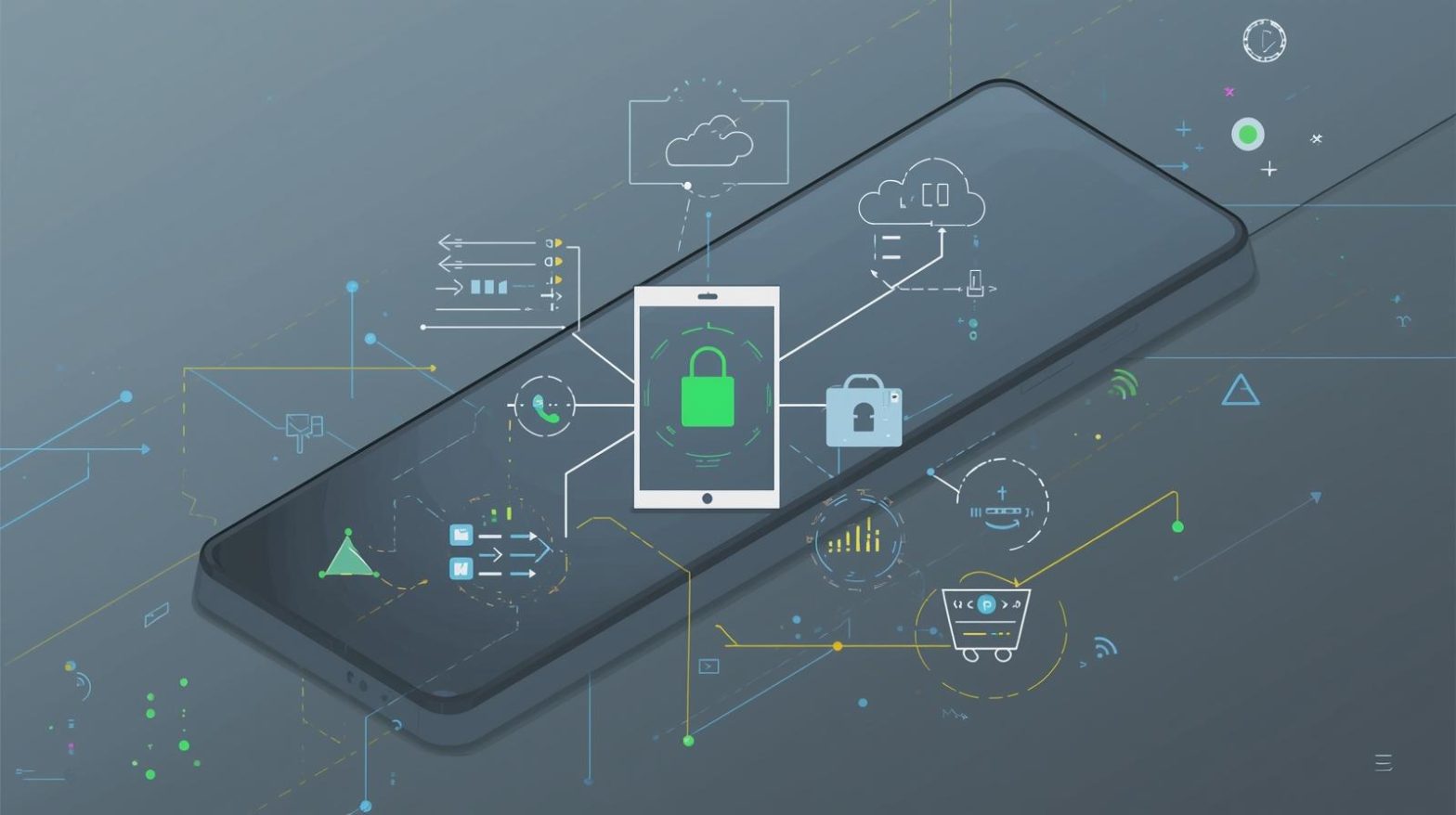
With Android devices now central to business operations, secure mobility has become a top priority for IT managers, cybersecurity teams, and enterprise leaders. As organizations embrace remote work and cloud applications, the need for centralized control over mobile devices continues to grow. This is where MDM Android plays a crucial role by providing structured, automated, and policy-driven device management across distributed environments. Whether companies deploy Android phones, tablets, rugged handhelds, or kiosks, an MDM solution ensures full visibility and streamlined security.
The rise of Android in business environments has introduced incredible advantages—flexibility, affordability, scalability, and diverse device options. However, it has also created new challenges. Managing thousands of Android devices, enforcing security baselines, and controlling data access can be overwhelming without a unified framework. MDM Android solves this complexity by giving IT teams cloud-based control over applications, configurations, compliance, and user access. In this article, we break down what MDM Android means, why it matters, and how organizations can leverage it to secure and manage mobile fleets effectively.
Understanding MDM Android in Modern Enterprise Environments
MDM Android refers to Mobile Device Management solutions specifically designed for Android-based devices. These systems allow organizations to secure, configure, monitor, and control devices remotely using a centralized platform. Because Android is used across consumer, corporate, industrial, and IoT environments, MDM Android delivers flexibility that traditional endpoint management tools cannot match.
Key functions of MDM Android include:
-
Enforcing security policies
-
Managing and deploying apps
-
Restricting device features
-
Controlling OS updates
-
Configuring Wi-Fi, VPN, and network policies
-
Monitoring device health and compliance
-
Restricting access to corporate data
-
Supporting BYOD and COPE programs
Android’s wide range of OEMs and device formats makes MDM essential for organizations seeking consistency and control across their mobile landscape.
Why MDM Android Matters for Today’s Organizations
As mobile devices become primary endpoints for communication, collaboration, and business operations, ensuring they remain secure is vital. Threats targeting mobile platforms have grown rapidly—from phishing apps to data leakage to unauthorized access.
Key reasons MDM Android is increasingly important:
-
Android devices represent over 70% of the global mobile market
-
Remote employees require secure mobile access
-
Mobile cyberattacks continue to rise across industries
-
Compliance frameworks demand strict data protections
-
Cloud applications store sensitive corporate information
-
IT teams need centralized visibility into mobile health
-
Fragmented device models require policy standardization
Without MDM Android, organizations risk data breaches, compliance violations, and operational disruptions.
Core Capabilities of MDM Android Platforms
Modern MDM Android solutions deliver comprehensive features designed to secure devices and streamline IT operations. These capabilities enable consistent policy enforcement across all enrolled devices.
Security and Policy Enforcement
-
Enforce passcodes, biometrics, and screen lock settings
-
Restrict unauthorized apps
-
Block USB data transfer
-
Enable full-disk encryption
-
Control camera, Bluetooth, hotspot, and other device features
-
Prevent sideloading and untrusted app installations
Application Management
-
Push apps remotely from a central console
-
Configure managed Google Play integrations
-
Automatically update apps
-
Remove or block suspicious applications
-
Whitelist and blacklist app categories
Device Configuration
-
Set Wi-Fi, VPN, APN, and network settings
-
Configure email and enterprise accounts
-
Enforce certificate-based authentication
-
Apply OS update schedules and restrictions
Real-Time Monitoring
-
Track device location
-
Set geofence policies
-
View battery, storage, and performance data
-
Receive instant security alerts
Remote Support and Control
-
Lock, wipe, or reset devices remotely
-
Troubleshoot via remote control (OEM-supported)
-
Isolate compromised devices
Together, these capabilities allow companies to maintain strong security, reduce risk, and simplify mobile management.
MDM Android Deployment Models for Different Use Cases
Enterprises deploy MDM Android across a variety of operational models depending on how devices are used.
BYOD (Bring Your Own Device)
Employees use personal Android devices for work while the organization controls corporate apps and data using containerization.
COPE (Corporate Owned, Personally Enabled)
Organizations own the device, but employees may use it for personal purposes within controlled limits.
Corporate-Owned, Fully Managed
All device features are restricted according to business needs, ideal for security-sensitive industries.
Kiosk or Single-App Mode
Android devices run only one or a limited set of apps—common for retail, logistics, manufacturing, and healthcare.
Rugged Device Management
Managing durable Android devices used in warehouses, field service, transportation, and industrial operations.
Android for IoT
Secure monitoring and management for smart devices such as scanners, sensors, payment terminals, and kiosks.
Each model requires tailored security, configurations, and controls—making MDM Android invaluable.
Security Enhancements Delivered by MDM Android
Android’s open ecosystem enables innovation but also invites unique risks. MDM Android addresses these challenges by implementing strict security baselines across all devices.
Key security enhancements:
-
Zero-trust access enforcement
-
Real-time malware and threat detection
-
Automatic policy updates
-
Compliance enforcement for sensitive industries
-
Data loss prevention (DLP) controls
-
Remote wipe for lost or stolen devices
-
Application sandboxing
With these controls, organizations significantly reduce the attack surface across mobile endpoints.
MDM Android for Cybersecurity Teams
Cybersecurity professionals rely heavily on MDM Android for endpoint visibility, risk assessment, and automated incident response.
Benefits for cybersecurity teams:
-
Central dashboard to detect insecure devices
-
Automated alerts for configuration drifts
-
Policy-based remediation workflows
-
Real-time access and activity logs
-
Blocking rooted or compromised devices
-
Integration with SIEM and SOC workflows
MDM Android helps cybersecurity teams shift from reactive defenses to proactive device risk management.
Managing Apps and Updates with MDM Android
Application management is one of the most important elements of mobile device security. Apps serve as the gateway to corporate data and internal systems.
MDM Android supports:
-
Managed Google Play
-
Silent app installation
-
App version enforcement
-
App lifecycle automation
-
Blocking unapproved applications
-
Scheduling OS and app updates
These capabilities ensure consistent, secure, and fully compliant application usage.
Compliance and Regulatory Support Through MDM Android
Enterprises in regulated industries—such as healthcare, finance, education, and government—must follow strict data protection standards. MDM Android supports compliance by ensuring devices meet specific security baselines.
MDM Android helps with:
-
HIPAA mobile compliance
-
GDPR data protections
-
PCI DSS payment device security
-
SOC 2 controls
-
NIST mobile device guidelines
By applying uniform security across all Android endpoints, organizations improve compliance readiness and reduce audit complexity.
MDM Android for Remote and Hybrid Workforce Management
Remote and hybrid work models increase the demand for secure mobile access. MDM Android provides the flexibility and control required for distributed teams.
Key advantages:
-
Remote onboarding and provisioning
-
Secure access to cloud resources
-
Real-time monitoring regardless of location
-
Controlled network configurations
-
Automated enforcement of mobile policies
With MDM Android, remote workers receive the same level of security as employees in office environments.
Android Enterprise and MDM: How They Work Together
Android Enterprise provides a collection of tools from Google designed to support enterprise mobile management. MDM Android solutions integrate deeply with Android Enterprise for enhanced control.
Key Android Enterprise features:
-
Work profiles
-
Managed Google Play
-
Device Owner mode
-
Profile Owner mode
-
OEMConfig support
-
Scoped storage controls
MDM Android enhances Android Enterprise by offering centralized monitoring, analytics, compliance checks, and policy automation.
MDM Android in Industry-Specific Use Cases
Android mobility is essential across industry sectors, each requiring unique configurations.
Retail
Kiosk mode, POS device management, digital signage control.
Healthcare
Protected access to patient data, secure communication apps, remote lock and wipe.
Logistics & Transportation
Rugged device tracking, route management, barcode scanner integration.
Manufacturing
Workstation device lockdown, industrial IoT support.
Education
Classroom device configuration, restricted access for students.
Field Service
Remote troubleshooting, application control, geolocation monitoring.
MDM Android ensures operational efficiency and security in each environment.
Best Practices for Implementing MDM Android
To get the most value from an MDM Android solution, organizations should adopt structured deployment and governance strategies.
Recommended best practices:
-
Enforce strong authentication policies
-
Use work profiles for BYOD environments
-
Restrict sideloading and non-managed apps
-
Configure network and VPN profiles centrally
-
Monitor device health and compliance regularly
-
Implement zero-trust access rules
-
Automate OS and app updates
-
Utilize geofencing for specific use cases
-
Review audit reports frequently
These best practices help organizations maintain a robust mobile security posture at scale.
Challenges Organizations Face with MDM Android
Despite its advantages, MDM Android implementation can introduce challenges.
Common issues:
-
Diverse device models causing inconsistent behavior
-
OS version fragmentation
-
User resistance to corporate controls
-
Integration challenges with legacy systems
-
Misconfigured device policies
-
Overlooking app-specific permissions
Overcoming these obstacles requires standardized policies, training, and choosing an MDM platform optimized for Android’s variability.
The Future of MDM Android in Enterprise Mobility
The future of MDM Android shows major advancements driven by AI, automation, and zero-trust architectures.
Key trends shaping the future:
-
AI-driven threat detection
-
Autonomous policy correction
-
Integration with IoT and smart devices
-
Greater emphasis on zero-trust mobile security
-
Cloud-native device orchestration
-
More granular app-level controls
-
Fully automated device provisioning
Organizations that embrace these developments will be better prepared for the evolving mobile threat landscape.
Frequently Asked Questions
1. What is MDM Android?
MDM Android is a mobile device management approach that secures, monitors, and controls Android devices across an organization using centralized policies.
2. Does MDM Android protect against mobile threats?
Yes. MDM Android blocks unauthorized apps, enforces encryption, detects threats, and restricts risky device behaviors.
3. Can MDM Android be used for BYOD?
Yes. Work profiles allow IT teams to manage corporate data without accessing personal information.
4. Is MDM Android required for remote employees?
In most cases, yes. It ensures secure access, compliance, and policy enforcement regardless of location.
5. Do all Android devices support MDM?
Almost all modern Android devices support MDM via Android Enterprise, though capabilities vary by OEM.
Final Thoughts
As organizations grow more dependent on mobile operations, managing and securing Android devices becomes critical. MDM Android offers the centralized control, detailed visibility, and security automation needed to protect data and maintain compliance across diverse environments. Whether your teams are remote, hybrid, field-based, or on-site, MDM Android provides the structure and stability required for modern mobile security.
If you’re ready to modernize mobile protection and strengthen your cybersecurity posture, now is the ideal time to explore powerful endpoint and device management solutions.
Start your free trial with ITarian

 Loading...