Secure Ubuntu to Ubuntu Remote Desktop for Modern IT Environments
Updated on January 2, 2026, by ITarian
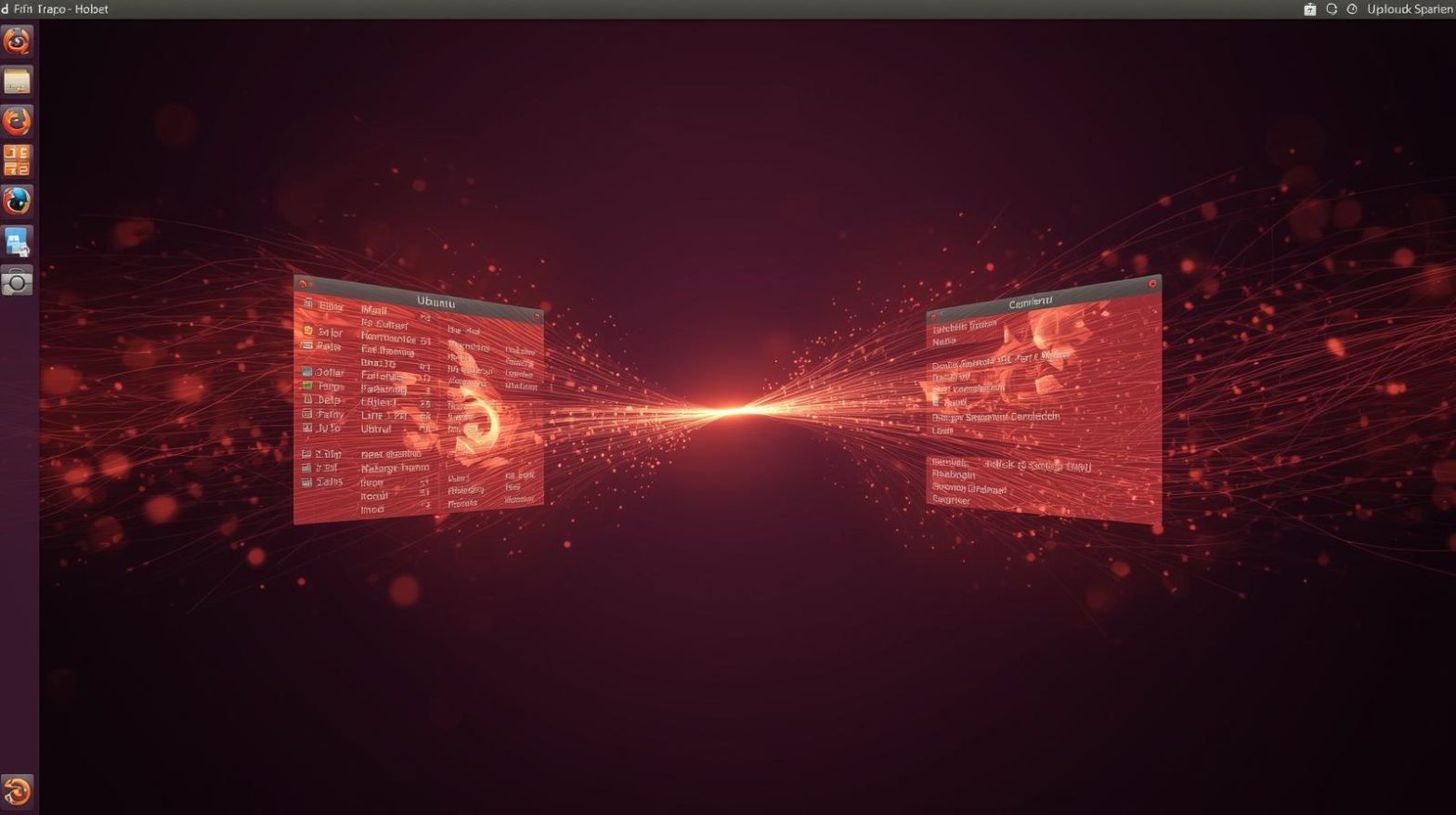
Managing Linux systems remotely is no longer a niche requirement. From DevOps teams and cybersecurity professionals to IT managers supporting distributed workforces, remote access between Linux machines has become essential. Ubuntu to ubuntu remote desktop connectivity allows teams to access systems securely, troubleshoot issues faster, and manage infrastructure without being physically present.
Ubuntu is widely used in enterprise servers, developer environments, and cloud workloads. When organizations rely on multiple Ubuntu systems, having a reliable ubuntu to ubuntu remote desktop setup improves productivity, reduces downtime, and strengthens operational efficiency. Understanding the right tools, configurations, and security practices ensures remote access remains both effective and safe.
What Is Ubuntu to Ubuntu Remote Desktop
Ubuntu to ubuntu remote desktop refers to connecting one Ubuntu machine to another over a network to access its graphical desktop environment. This enables administrators and users to control a remote Ubuntu system as if they were sitting in front of it. Unlike command-line-only access, remote desktop sessions provide full GUI interaction, making tasks like configuration, monitoring, and application management easier.
This approach is commonly used in enterprise IT operations, Linux support teams, and development environments. Ubuntu to ubuntu remote desktop solutions rely on protocols such as VNC, RDP-compatible services, or secure SSH-based forwarding to deliver remote graphical access.
Why Ubuntu to Ubuntu Remote Desktop Matters for IT Teams
Linux systems often power mission-critical workloads, from web servers to internal tools. When something goes wrong, IT teams need immediate access. Ubuntu to ubuntu remote desktop access enables faster incident response and reduces dependency on physical hardware access.
For cybersecurity and IT leaders, remote desktop access between Ubuntu machines also supports secure administration, centralized management, and reduced operational overhead. With the right configuration, ubuntu to ubuntu remote desktop setups enhance flexibility without compromising security.
Common Use Cases for Ubuntu to Ubuntu Remote Desktop
Organizations adopt ubuntu to ubuntu remote desktop for a variety of practical scenarios. These use cases demonstrate why remote access is so valuable in Linux environments.
Typical use cases include:
-
Remote server administration with GUI tools
-
Supporting distributed Linux development teams
-
Troubleshooting user environments remotely
-
Managing virtual machines and cloud-hosted Ubuntu systems
-
Training and collaboration across technical teams
Each of these scenarios benefits from stable and secure ubuntu to ubuntu remote desktop connectivity.
Remote Desktop Protocol Options on Ubuntu
Several technologies support ubuntu to ubuntu remote desktop access. Choosing the right option depends on performance needs, security requirements, and ease of deployment.
Popular options include:
-
VNC-based solutions for simple graphical access
-
RDP-compatible services for cross-platform consistency
-
SSH with X11 forwarding for secure lightweight sessions
-
Wayland-compatible remote desktop tools for modern Ubuntu versions
An effective ubuntu to ubuntu remote desktop strategy evaluates these options based on environment size and security posture.
Setting Up Ubuntu to Ubuntu Remote Desktop Using VNC
VNC is one of the most commonly used methods for ubuntu to ubuntu remote desktop access. It allows users to share a graphical desktop over the network and works well in controlled environments.
A typical VNC-based setup involves installing a VNC server on the target Ubuntu machine and a VNC client on the source machine. Authentication, display resolution, and session management must be configured carefully to ensure smooth operation. While VNC is easy to deploy, it should always be secured with encryption or tunneled over SSH.
Using RDP-Compatible Tools on Ubuntu
Many organizations prefer RDP-style workflows due to familiarity. Ubuntu supports RDP-compatible services that allow ubuntu to ubuntu remote desktop connections using standard remote desktop clients.
These tools provide better compression and performance compared to traditional VNC in some scenarios. For IT teams managing mixed environments, RDP-compatible ubuntu to ubuntu remote desktop access simplifies training and operational consistency.
SSH-Based Remote Desktop Access
For security-focused environments, SSH-based solutions offer a strong foundation for ubuntu to ubuntu remote desktop access. SSH provides encrypted communication and robust authentication mechanisms.
By combining SSH with graphical forwarding or remote desktop services, organizations ensure that ubuntu to ubuntu remote desktop sessions remain protected from interception. This approach is especially valuable for cybersecurity teams managing sensitive systems.
Performance Considerations for Ubuntu to Ubuntu Remote Desktop
Performance plays a major role in user experience. Poorly configured ubuntu to ubuntu remote desktop sessions can feel sluggish and unresponsive.
To optimize performance:
-
Adjust display resolution and color depth
-
Use efficient codecs and compression
-
Ensure sufficient network bandwidth
-
Disable unnecessary desktop effects
-
Monitor system resource usage on both endpoints
Optimizing these elements ensures that ubuntu to ubuntu remote desktop access remains productive even over constrained networks.
Security Best Practices for Ubuntu to Ubuntu Remote Desktop
Security should always be a priority when enabling remote access. Ubuntu to ubuntu remote desktop connections expose graphical interfaces that attackers may target if left unsecured.
Key security best practices include:
-
Using strong authentication and passwords
-
Enabling encryption for all remote sessions
-
Restricting access by IP or VPN
-
Keeping remote desktop software updated
-
Monitoring and logging remote access activity
Following these practices helps organizations maintain secure ubuntu to ubuntu remote desktop environments.
Managing Remote Access at Scale
As organizations grow, managing individual remote desktop configurations becomes challenging. Centralized management tools simplify ubuntu to ubuntu remote desktop administration across multiple systems.
Enterprise IT teams benefit from centralized policy enforcement, automated updates, and unified monitoring. This reduces configuration drift and ensures consistent security standards across all Ubuntu endpoints.
Ubuntu to Ubuntu Remote Desktop in Cloud and Virtualized Environments
Cloud-hosted Ubuntu systems are increasingly common. Ubuntu to ubuntu remote desktop access allows administrators to manage cloud instances with full graphical interfaces when needed.
In virtualized environments, remote desktop access supports maintenance, testing, and troubleshooting without direct console access. This flexibility is particularly valuable for DevOps and infrastructure teams managing complex Linux deployments.
Troubleshooting Common Ubuntu Remote Desktop Issues
Even well-configured systems can encounter issues. Understanding common problems helps teams resolve them quickly.
Common issues include:
-
Black screens during connection
-
Authentication failures
-
Slow or laggy sessions
-
Display resolution mismatches
-
Service startup errors
Proactive monitoring and documentation reduce downtime and improve the reliability of ubuntu to ubuntu remote desktop setups.
Compliance and Audit Readiness
For regulated industries, remote access must align with compliance requirements. Ubuntu to ubuntu remote desktop access should be auditable and controlled.
Maintaining logs, enforcing role-based access, and documenting configurations support compliance efforts. A well-managed ubuntu to ubuntu remote desktop strategy contributes to stronger governance and reduced audit risk.
Measuring the Effectiveness of Remote Desktop Access
Evaluating how ubuntu to ubuntu remote desktop access performs over time helps organizations improve their approach. Metrics such as connection success rates, response times, and security incidents provide insight.
Regular reviews ensure that remote access aligns with business needs and evolving threat landscapes. Continuous improvement strengthens long-term reliability.
FAQs
-
What is ubuntu to ubuntu remote desktop?
Ubuntu to ubuntu remote desktop allows one Ubuntu system to access and control another Ubuntu machine’s graphical desktop remotely. -
Is ubuntu to ubuntu remote desktop secure?
Yes, when properly configured with encryption, strong authentication, and network restrictions, it can be very secure. -
Which protocol is best for ubuntu to ubuntu remote desktop?
The best option depends on needs, but common choices include VNC, RDP-compatible tools, and SSH-based solutions. -
Can ubuntu to ubuntu remote desktop be used over the internet?
Yes, but it should always be protected with VPNs, encryption, and firewall rules to reduce risk. -
Is ubuntu to ubuntu remote desktop suitable for enterprise use?
Yes, with centralized management and security controls, it scales well for enterprise environments.
Final Thoughts
Ubuntu to ubuntu remote desktop connectivity empowers IT teams to manage Linux systems efficiently, securely, and remotely. By choosing the right tools, optimizing performance, and enforcing strong security practices, organizations can support modern workflows without sacrificing control. As Linux continues to play a central role in enterprise infrastructure, reliable remote desktop access remains a critical capability.

 Loading...