Powering IT Efficiency with Remote Support Software
Updated on March 27, 2026, by ITarian
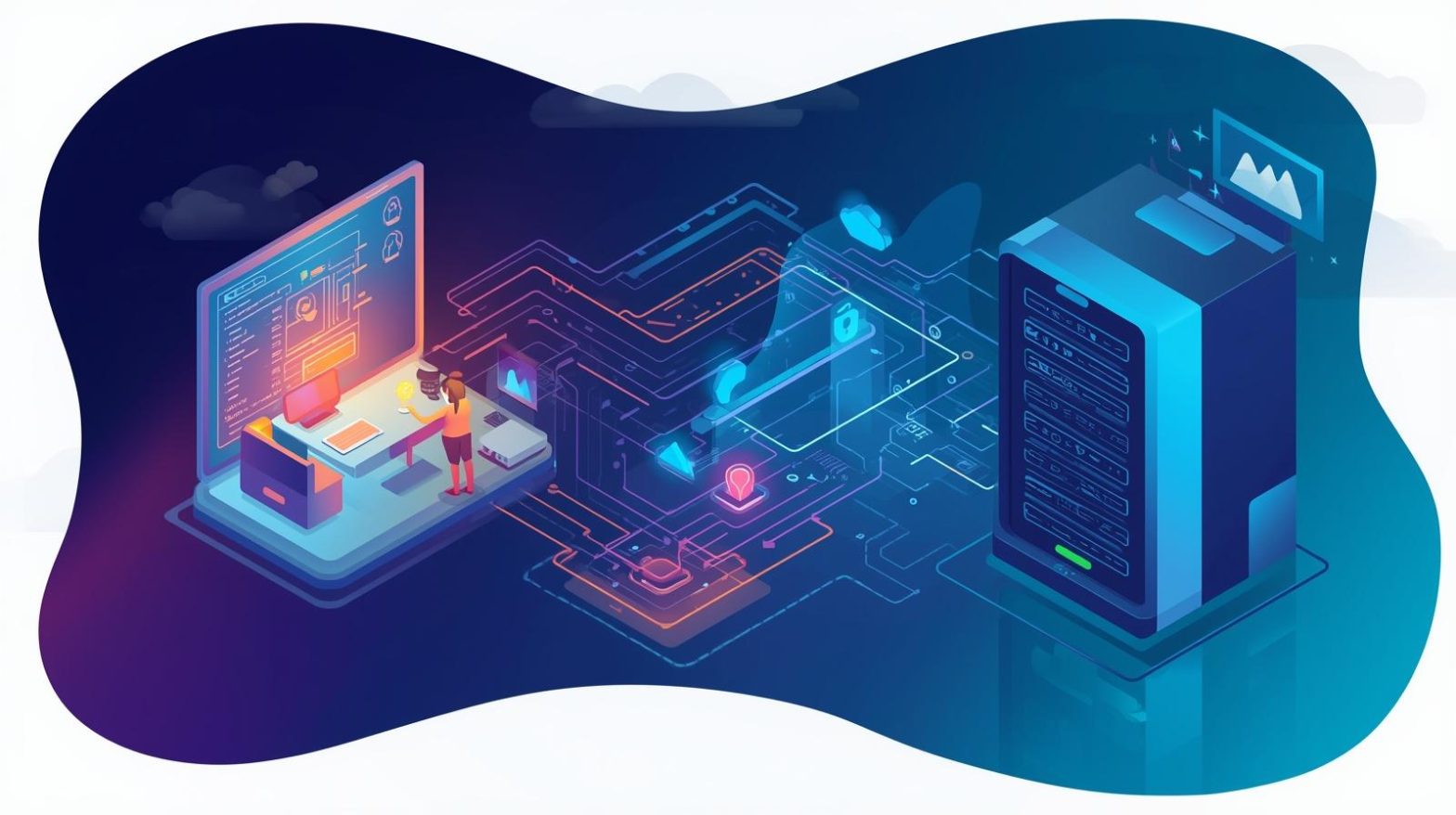
What happens when employees face technical issues but your IT team isn’t physically there to help? Delays, downtime, and frustration quickly follow. Remote support software solves this challenge by allowing IT professionals to access, troubleshoot, and resolve issues from anywhere in real time. As businesses embrace remote work and distributed environments, this technology has become essential. For IT managers, cybersecurity professionals, and business leaders, remote support software is not just a convenience—it’s a critical tool for maintaining productivity, ensuring security, and delivering seamless support across modern organizations.
What is Remote Support Software
Remote support software enables IT teams to connect to and control devices remotely to diagnose and fix issues. It allows technicians to access desktops, servers, or mobile devices without being physically present.
This technology provides secure, real-time access to systems, enabling faster problem resolution and minimizing downtime. It is widely used by managed service providers (MSPs), IT departments, and help desks.
Key features include:
-
Remote desktop access
-
File transfer capabilities
-
Session recording
-
Multi-device support
-
Secure authentication
-
Real-time chat and communication
With these capabilities, remote support software simplifies IT operations and improves service delivery.
Why Remote Support Software Matters Today
Modern workplaces are no longer confined to a single location. Employees work from home, travel frequently, and use multiple devices. This shift has made remote support software essential.
Rise of Remote Work
Organizations must support employees across different locations, making on-site support impractical.
Increased IT Complexity
Managing diverse devices and systems requires tools that provide centralized access and control.
Growing Cybersecurity Threats
Remote support tools must ensure secure access to prevent unauthorized entry.
Need for Faster Resolution
Quick response times are critical for maintaining productivity.
Cost Efficiency
Remote support reduces the need for on-site visits, saving time and money.
For CEOs and founders, these benefits translate into improved operational efficiency and reduced overhead costs.
Core Features of Effective Remote Support Software
To deliver reliable IT support, remote support software must include essential features.
Secure Remote Access
Encryption and authentication ensure that only authorized users can access systems.
Cross-Platform Compatibility
Support for multiple operating systems and devices ensures flexibility.
Session Management
Technicians can manage multiple sessions simultaneously, improving efficiency.
File Sharing and Transfer
Allows quick exchange of files during troubleshooting.
Audit Trails and Reporting
Detailed logs help track activities and ensure compliance.
These features create a secure and efficient support environment.
Benefits of Remote Support Software Across Industries
Remote support software provides value across various sectors.
Healthcare
-
Enables remote troubleshooting of medical systems
-
Ensures uptime for critical applications
-
Supports compliance with regulations
Finance
-
Provides secure access to financial systems
-
Enables quick issue resolution
-
Maintains data integrity
Retail
-
Supports point-of-sale systems
-
Reduces downtime during peak periods
-
Improves customer experience
Manufacturing
-
Monitors and resolves issues in production systems
-
Reduces operational disruptions
-
Enhances efficiency
Education
-
Supports remote learning environments
-
Resolves technical issues quickly
-
Improves user experience
For IT leaders, remote support software ensures consistent service delivery across industries.
Challenges in Remote Support Software Implementation
While remote support software offers many advantages, organizations may face challenges.
Security Risks
Unauthorized access can lead to data breaches if security measures are not strong.
Connectivity Issues
Poor internet connections can affect remote sessions.
User Privacy Concerns
Users may be hesitant to grant remote access to their devices.
Integration with Existing Systems
Compatibility with other IT tools is essential for seamless workflows.
Training Requirements
Teams need proper training to use remote support tools effectively.
Addressing these challenges requires careful planning and the right solutions.
Best Practices for Using Remote Support Software
To maximize the effectiveness of remote support software, organizations should follow best practices.
Implement Strong Security Measures
Use encryption, multi-factor authentication, and access controls.
Define Clear Access Policies
Ensure only authorized personnel can access systems.
Train IT Teams
Provide training to ensure efficient and secure usage.
Monitor and Audit Sessions
Regularly review session logs to maintain accountability.
Communicate with Users
Inform users before accessing their devices to build trust.
Integrate with IT Management Tools
Connect remote support software with RMM and PSA systems.
These practices help ensure secure and efficient operations.
Role of Automation in Remote Support Software
Automation enhances the capabilities of remote support software by reducing manual effort and improving efficiency.
Key benefits include:
-
Automated session initiation
-
Predefined troubleshooting workflows
-
Real-time alerts and notifications
-
Faster issue resolution
-
Reduced human error
Automation allows IT teams to handle more requests with greater accuracy and speed.
How to Choose the Right Remote Support Software
Selecting the right solution is critical for success. Consider the following factors:
-
Security features and compliance standards
-
Ease of use and user interface
-
Integration capabilities
-
Scalability
-
Performance and reliability
-
Vendor support and reputation
A well-chosen platform can significantly improve IT support efficiency.
Future Trends in Remote Support Software
The future of remote support software is shaped by technological advancements.
AI-Powered Support
Artificial intelligence enables predictive issue detection and automated troubleshooting.
Augmented Reality (AR) Support
AR tools allow technicians to guide users visually through complex tasks.
Cloud-Based Solutions
Cloud platforms offer scalability and flexibility.
Integration with Cybersecurity Tools
Remote support tools are becoming more integrated with security systems.
Enhanced User Experience
Improved interfaces make tools easier to use for both technicians and end users.
Staying ahead of these trends helps organizations remain competitive.
Actionable Tips to Improve Remote Support Efficiency
If you want to optimize your remote support strategy, consider these practical tips:
-
Use secure remote access tools
-
Automate routine troubleshooting tasks
-
Monitor performance metrics
-
Train IT staff regularly
-
Integrate support tools with existing systems
-
Continuously improve workflows
These steps help ensure efficient and reliable IT support.
Frequently Asked Questions
Q1: What is remote support software?
Remote support software allows IT teams to access and troubleshoot devices remotely.
Q2: Is remote support software secure?
Yes, when implemented with encryption, authentication, and access controls.
Q3: Who uses remote support software?
IT teams, MSPs, and help desks use it to provide remote assistance.
Q4: Can small businesses benefit from remote support software?
Yes, it helps businesses of all sizes improve efficiency and reduce costs.
Q5: What features should I look for in remote support software?
Look for secure access, automation, integration, and reporting capabilities.
Final Thoughts
Remote support software has become a cornerstone of modern IT operations. By enabling secure, real-time access to systems, it allows organizations to resolve issues quickly, reduce downtime, and improve productivity. For IT managers, cybersecurity professionals, and business leaders, investing in the right remote support solution is essential for staying competitive in today’s digital landscape. As technology continues to evolve, organizations that leverage remote support software effectively will be better equipped to handle challenges and deliver exceptional service.

 (1 votes, average: 4.00 out of 5)
 Loading...