Modern IT Operations Powered by Remote Desktop Support
Updated on January 27, 2026, by ITarian
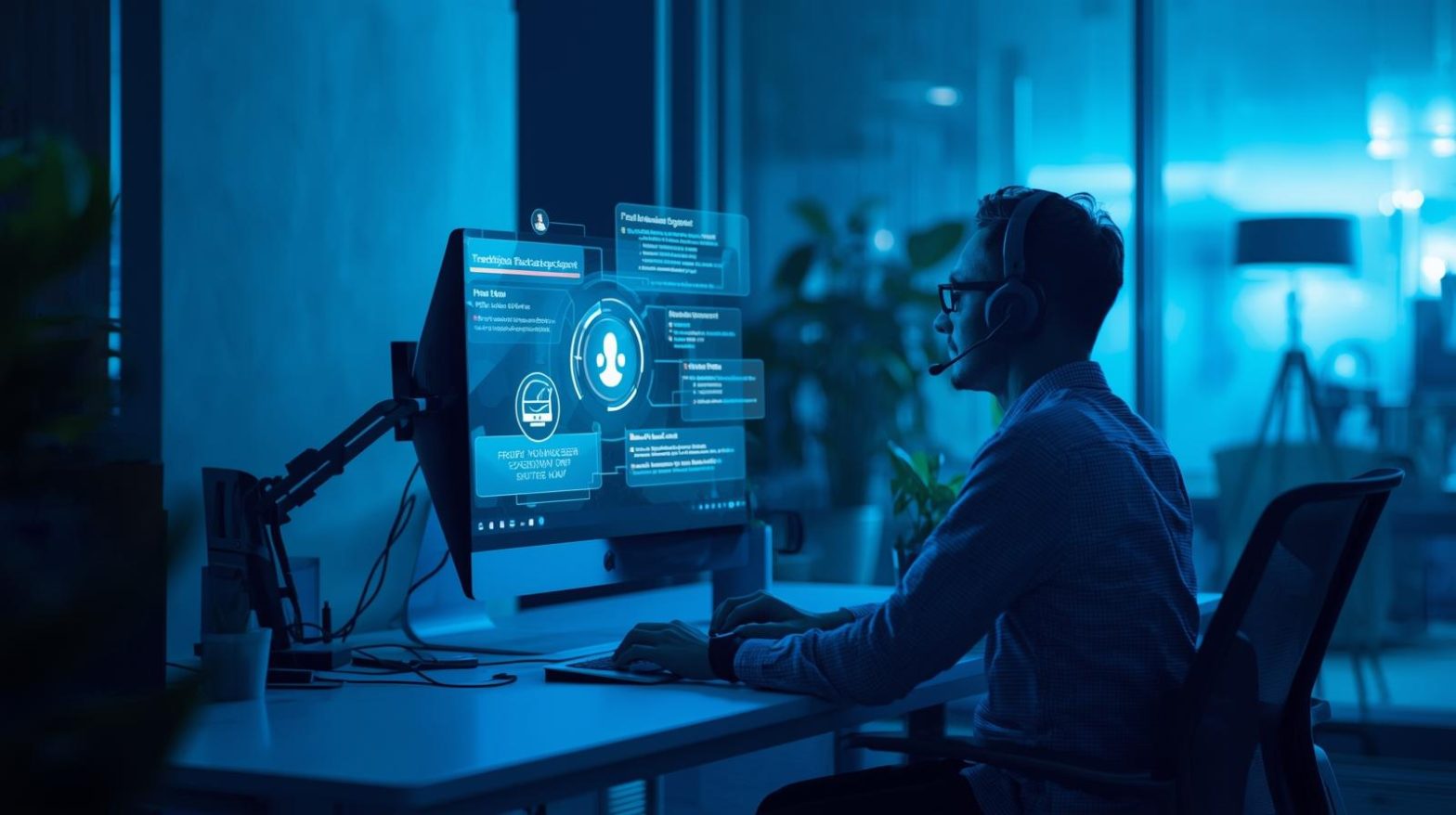
How do IT teams resolve technical issues instantly when employees, customers, and systems are spread across multiple locations? This challenge has become more common as remote work, cloud infrastructure, and global operations continue to grow. Remote desktop support has emerged as a critical solution that enables IT professionals to diagnose, troubleshoot, and resolve issues without being physically present. For cybersecurity leaders, IT managers, and business decision-makers, remote desktop support is no longer a convenience—it is a necessity for maintaining uptime, productivity, and security in fast-moving digital environments.
What Is Remote Desktop Support
Remote desktop support refers to the ability of IT teams or support technicians to access and control a user’s computer or device from a remote location. This technology allows technicians to view screens, run diagnostics, install updates, and resolve problems in real time. Unlike traditional help desk interactions that rely on verbal instructions, remote desktop support provides direct, hands-on access, reducing resolution time and user frustration. It is widely used across enterprises, managed service providers, and internal IT departments to deliver fast and reliable technical assistance.
Why Remote Desktop Support Is Essential for Modern Businesses
Today’s organizations rely on interconnected systems that must remain operational at all times. Remote desktop support helps IT teams respond immediately to issues, regardless of where users are located. This capability is especially important for businesses with remote employees, multiple offices, or global operations. By enabling instant access to systems, remote desktop support minimizes downtime, improves service levels, and supports business continuity. For executives and IT leaders, it also reduces operational costs associated with travel and on-site support.
How Remote Desktop Support Improves IT Efficiency
Efficiency is one of the biggest advantages of remote desktop support. Technicians can assist multiple users in a single day without moving between locations. Issues that once took hours or days to resolve can often be fixed in minutes. Remote desktop support also allows IT teams to standardize troubleshooting processes, ensuring consistent service quality. Over time, this efficiency translates into lower support costs and higher user satisfaction, making IT operations more predictable and scalable.
Key Features of Remote Desktop Support Tools
Effective remote desktop support relies on robust tools designed for security and performance. While features vary by platform, most solutions include core capabilities that enhance support delivery.
Common features include:
-
Secure remote screen sharing and control
-
Real-time chat and file transfer
-
Multi-platform support for Windows, macOS, and Linux
-
Session recording and activity logging
-
Role-based access controls and authentication
These features allow IT teams to deliver professional, auditable, and secure support experiences.
Security Considerations in Remote Desktop Support
Security is a top concern when granting remote access to systems. Modern remote desktop support solutions are built with strong security controls to protect sensitive data. Encryption ensures that sessions cannot be intercepted, while multi-factor authentication verifies technician identities. Access controls limit what technicians can do during a session, reducing the risk of misuse. For cybersecurity teams, remote desktop support tools provide visibility and logging that support incident response and compliance requirements.
Remote Desktop Support vs Traditional Help Desk Support
Traditional help desk support often relies on phone calls, emails, or ticket-based communication. While effective for basic issues, this approach can be slow and prone to miscommunication. Remote desktop support enhances the help desk model by allowing technicians to see exactly what users see. This visual context eliminates guesswork and accelerates problem resolution. As a result, organizations that adopt remote desktop support often experience faster resolution times and fewer repeat incidents.
Supporting Remote and Hybrid Workforces
Remote and hybrid work models are now standard across many industries. Remote desktop support plays a vital role in supporting these distributed teams. IT departments can assist employees working from home, coworking spaces, or remote offices without delays. This flexibility ensures that productivity remains high, even when technical issues arise. For business leaders, remote desktop support enables workforce agility without compromising IT control or security.
Role of Remote Desktop Support in Managed IT Services
Managed service providers rely heavily on remote desktop support to deliver scalable services. With the ability to access client systems remotely, MSPs can manage large environments efficiently. Remote desktop support allows MSPs to meet service-level agreements, provide proactive maintenance, and respond quickly to incidents. This capability is central to modern managed IT service delivery and client satisfaction.
Enhancing User Experience Through Remote Assistance
User experience is a critical factor in IT service success. Remote desktop support reduces frustration by resolving issues quickly and transparently. Users can watch as technicians fix problems, gaining confidence in the support process. In some cases, technicians can also educate users during sessions, reducing future support requests. This collaborative approach strengthens trust between IT teams and end users.
Use Cases for Remote Desktop Support
Remote desktop support is versatile and applicable across many scenarios. Common use cases include onboarding new employees, troubleshooting software issues, resolving system errors, and performing maintenance tasks. IT teams also use remote desktop support for patch deployment, configuration changes, and security investigations. This flexibility makes it a foundational tool for day-to-day IT operations.
Integrating Remote Desktop Support with IT Management Tools
Remote desktop support is most effective when integrated with broader IT management platforms. Integration with ticketing systems, monitoring tools, and asset management solutions streamlines workflows. For example, technicians can launch remote sessions directly from support tickets or alerts. This integration reduces context switching and improves response times, creating a more cohesive IT ecosystem.
Compliance and Auditing Benefits
Many industries require strict controls over system access and support activities. Remote desktop support tools often include session recording, logging, and reporting features that support compliance efforts. These records demonstrate who accessed systems, when access occurred, and what actions were taken. For organizations subject to audits, remote desktop support provides transparency and accountability.
Challenges and Best Practices
While remote desktop support offers many benefits, it must be implemented thoughtfully. Poor access controls or weak authentication can introduce security risks. Best practices include enforcing strong authentication, limiting privileges, and regularly reviewing access logs. Training technicians on secure usage is also essential. When managed properly, remote desktop support delivers value without compromising security.
The Future of Remote Desktop Support
Remote desktop support continues to evolve alongside advances in cloud computing and artificial intelligence. AI-driven diagnostics and automation are beginning to enhance support workflows. As IT environments become more complex, remote desktop support will remain a core capability for maintaining reliability and security. Organizations that invest in modern support tools will be better positioned to adapt to future challenges.
FAQs
-
What is remote desktop support used for
Remote desktop support is used to troubleshoot, manage, and resolve technical issues on devices from a remote location. -
Is remote desktop support secure
Yes, modern solutions use encryption, authentication, and access controls to protect systems and data. -
Can remote desktop support work across different operating systems
Most tools support multiple platforms, including Windows, macOS, and Linux. -
How does remote desktop support reduce downtime
It allows technicians to resolve issues immediately without waiting for on-site access. -
Is remote desktop support suitable for small businesses
Yes, it is scalable and cost-effective for organizations of all sizes.
Final Thoughts
Remote desktop support has become a cornerstone of effective IT operations in a digital-first world. By enabling fast, secure, and efficient assistance, it empowers IT teams to support users wherever they are. For organizations focused on security, productivity, and scalability, investing in robust remote desktop support is a strategic decision that delivers long-term value.

 Loading...