Understanding Bigscreen vs Remote Desktop for Modern IT Environments
Updated on December 5, 2025, by ITarian
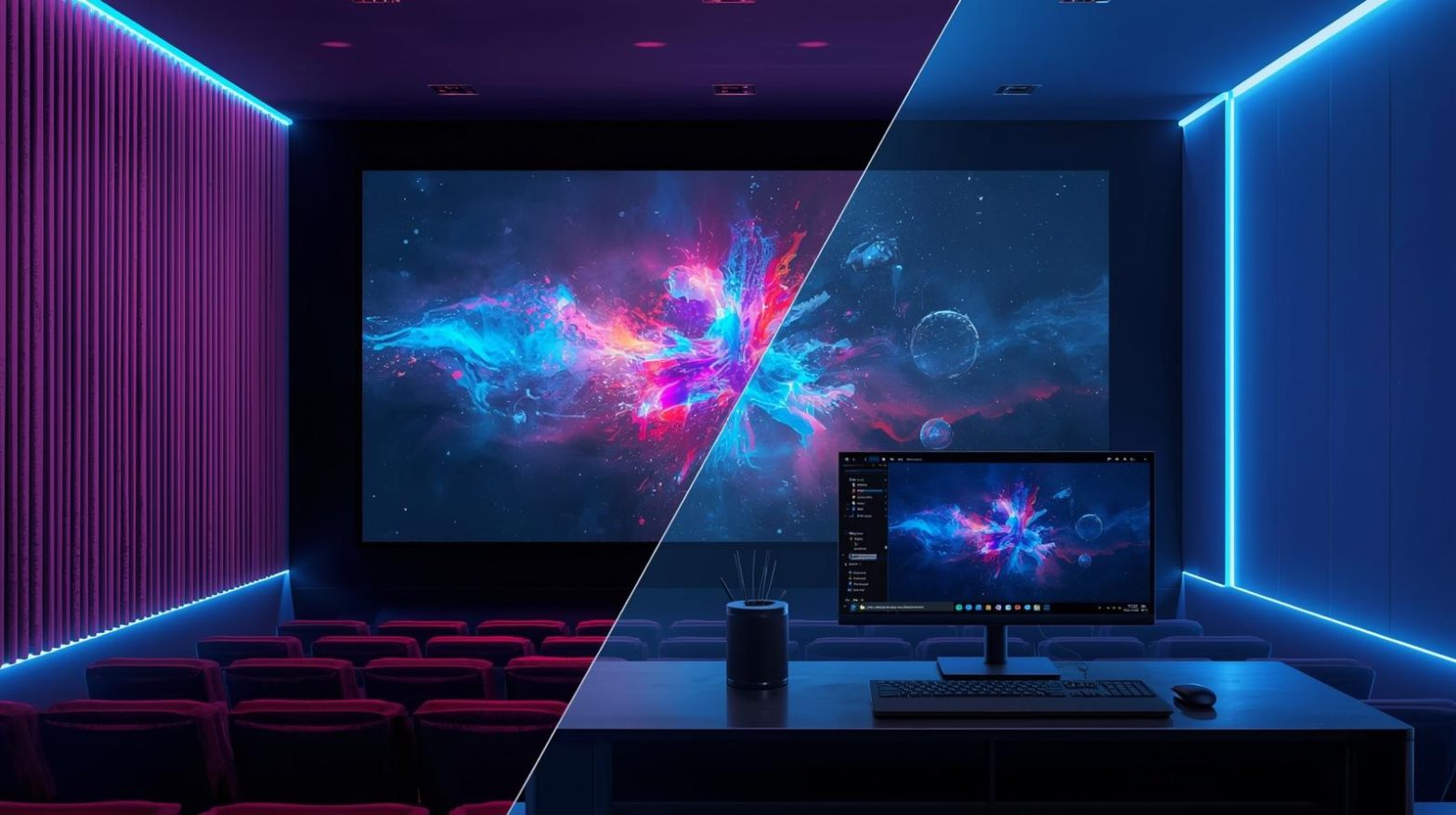
As remote work, virtual collaboration, and cloud workflows expand across industries, IT teams are constantly evaluating tools that streamline remote access and digital engagement. This is why many professionals compare Bigscreen vs Remote Desktop to determine which solution best suits their organization’s needs. While both tools support remote connectivity, their use cases, strengths, and security models differ significantly. Remote desktop tools have long been at the core of IT operations, while Bigscreen is a more modern, immersive experience built around virtual reality. Understanding these differences helps security teams, MSPs, and enterprise leaders select the right platform for their environment.
This article breaks down everything you need to know about Bigscreen vs Remote Desktop—including capabilities, security, performance, best-fit use cases, and what IT decision-makers should consider before deployment.
What Makes Bigscreen and Remote Desktop Fundamentally Different
Although both tools enable remote interaction, Bigscreen and traditional remote desktop solutions were designed for entirely different purposes. Remote desktop tools provide direct, controlled access to another computer over a network, making them ideal for IT support, business operations, and endpoint management. Bigscreen, on the other hand, creates virtual spaces where users can collaborate, watch content, or share screens through VR.
Key differences at a glance:
-
Remote Desktop focuses on secure device control and productivity workflows
-
Bigscreen is centered around VR collaboration and entertainment
-
Remote Desktop works across enterprise networks
-
Bigscreen requires VR hardware and faster graphical performance
-
Remote Desktop supports administrative actions, file transfers, command execution
-
Bigscreen supports social interaction and virtual meeting environments
Understanding these distinctions helps organizations evaluate where each tool fits into broader IT strategies, cybersecurity mandates, and remote connectivity requirements.
The Purpose and Use Cases of Remote Desktop Solutions
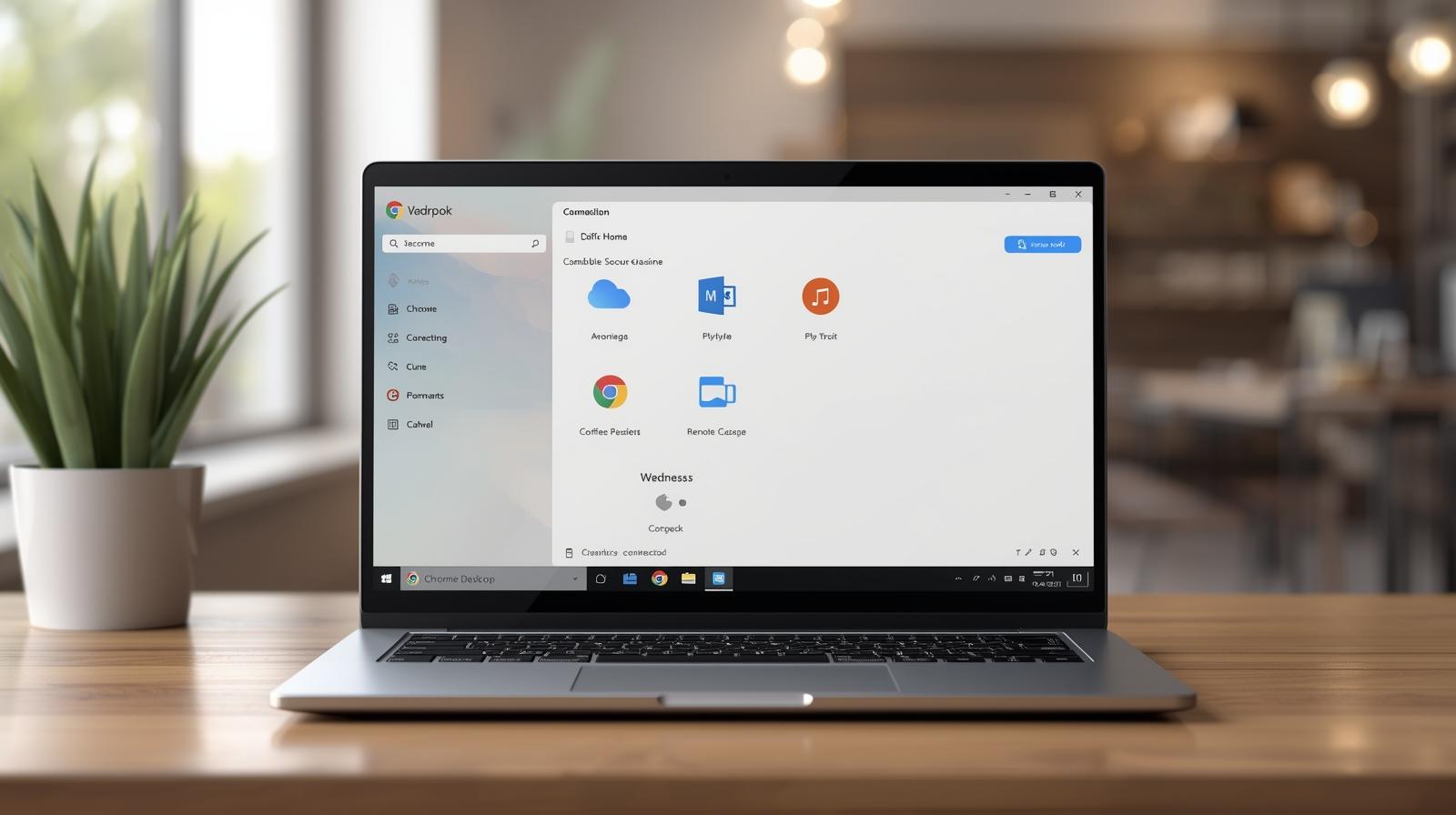
Remote Desktop has been a core enterprise technology for decades, enabling IT managers and cybersecurity teams to remotely access, control, and troubleshoot endpoints. Solutions like Microsoft Remote Desktop Protocol (RDP), Chrome Remote Desktop, and enterprise remote access tools all fall into this category.
Common use cases include:
-
Remote IT support
-
Accessing office computers from home
-
Managing servers and workstations
-
Running administrative scripts and updates
-
Supporting bring-your-own-device (BYOD) environments
-
Remote troubleshooting for distributed teams
-
Endpoint security monitoring
-
Accessing internal networks securely
Remote desktop tools remain essential in industries such as finance, healthcare, manufacturing, education, and logistics—where endpoint access must be reliable, secure, and compliant.
The Purpose and Use Cases of Bigscreen
Bigscreen serves a completely different set of needs. Rather than enabling device control, Bigscreen creates shared virtual environments using VR headsets. Users can watch movies, collaborate in virtual rooms, present screens, or engage socially.
Typical Bigscreen use cases include:
-
Virtual meetings in VR
-
Watching media with friends or coworkers
-
Screen sharing in virtual theaters
-
Remote collaboration using immersive environments
-
VR gaming interactions
-
Training experiences requiring virtual immersion
While not designed for IT device control, Bigscreen offers a unique value for organizations exploring VR-based communication, training simulations, or virtual team-building.
Bigscreen vs Remote Desktop: Feature-by-Feature Comparison
When evaluating Bigscreen vs Remote Desktop, it helps to break down their core capabilities. Each platform excels in different areas.
Device Control
-
Remote Desktop: Full system control, keyboard/mouse interaction, file transfers
-
Bigscreen: Screen sharing only; no system-level control
Security
-
Remote Desktop: Encryption, access control policies, VPN support, multi-factor authentication
-
Bigscreen: Encrypted sessions but less suited for secure administrative tasks
Collaboration
-
Remote Desktop: Productivity-focused, device access and troubleshooting
-
Bigscreen: Immersive collaboration and media experiences
Network Requirements
-
Remote Desktop: Works on local networks, cloud networks, VPNs
-
Bigscreen: Higher bandwidth needed for VR rendering
Hardware Requirements
-
Remote Desktop: Works on almost any device—PC, mobile, browser
-
Bigscreen: Requires a VR headset
Setup Complexity
-
Remote Desktop: Simple to enterprise-grade depending on tools
-
Bigscreen: Requires VR configuration and setup
In enterprise environments, Remote Desktop almost always serves a more essential operational role.
Performance Differences: Bigscreen vs Remote Desktop
Performance expectations differ based on the purpose of each tool.
Remote Desktop Performance
Remote desktop solutions prioritize:
-
Low latency
-
High responsiveness
-
Secure data transmission
-
Efficient resource usage
-
Stable remote control
RDP and similar tools are optimized for both LAN and WAN usage, making them suitable for remote work and IT management.
Bigscreen Performance
Bigscreen performance depends heavily on VR hardware:
-
GPU performance
-
Headset refresh rate
-
Wi-Fi 6 or wired internet
-
Rendering quality
-
VR motion smoothing
While Bigscreen can offer remarkably immersive experiences, it requires significantly more computational power.
Security Considerations: Bigscreen vs Remote Desktop
Security is a critical factor for IT managers and cybersecurity teams. Remote desktop tools come with enterprise-grade protections, while Bigscreen offers lighter security appropriate for collaboration rather than administrative control.
Remote Desktop Security Includes:
-
Role-based access control
-
Network-level authentication
-
TLS/SSL encryption
-
MFA for secure login
-
Session logging and audit trails
-
IP allowlists and firewalls
-
Zero-trust access controls
Bigscreen Security Includes:
-
Encrypted communication
-
Private virtual rooms
-
Optional content moderation
However, Bigscreen does not provide:
-
Device-level management
-
Administrative controls
-
Compliance-focused protections
-
Endpoint hardening
For IT operations handling sensitive data, Remote Desktop is far more aligned with enterprise security requirements.
Which One Is Best for Businesses?
Choosing between Bigscreen and Remote Desktop depends entirely on organizational needs.
Remote Desktop is best for:
-
IT support teams
-
MSPs managing client devices
-
Cybersecurity teams enforcing access policies
-
Businesses needing secure endpoint control
-
Remote workers accessing office systems
-
Organizations requiring auditability and compliance
Bigscreen is best for:
-
Virtual team-building
-
VR-based collaboration or training
-
Media viewing in shared virtual environments
-
Creative design teams exploring immersive workflows
In nearly all enterprise IT contexts, Remote Desktop will be the primary tool, while Bigscreen may be an optional enhancement for immersive collaboration.
Bigscreen vs Remote Desktop for Cybersecurity and Compliance
Security-focused organizations must consider compliance frameworks such as:
-
HIPAA
-
PCI DSS
-
SOC 2
-
GDPR
-
ISO 27001
Remote Desktop supports:
-
Logging and audit trails
-
Encrypted remote control
-
Access restrictions
-
Zero-trust principles
-
Compliance-aligned monitoring
Bigscreen does not support:
-
Administrative audit logs
-
Device-level restrictions
-
Advanced authentication
Cybersecurity teams should rely on Remote Desktop tools for operational tasks and protect sensitive environments.
Industry Use Cases: Bigscreen vs Remote Desktop
Different industry sectors rely on remote connectivity technologies in distinct ways.
Healthcare
-
Remote Desktop: Access patient systems & EHR securely
-
Bigscreen: Medical training simulations
Finance
-
Remote Desktop: Assist remote workers, access trading systems
-
Bigscreen: Virtual meetings, team engagement
Manufacturing
-
Remote Desktop: Control operational computers remotely
-
Bigscreen: VR-based training and design reviews
Education
-
Remote Desktop: Support student workstations
-
Bigscreen: Immersive teaching environments
Across all industries, Remote Desktop remains foundational for secure system access.
Bigscreen vs Remote Desktop: Which One Is More Scalable?
Remote Desktop Scalability
Highly scalable for:
-
Large enterprises
-
Multi-site deployments
-
Global workforces
-
MSP environments
-
Cloud-first infrastructure
Remote Desktop platforms such as RDP, Chrome Remote Desktop, and enterprise-grade tools integrate smoothly with directory services, cloud identity providers, and endpoint management systems.
Bigscreen Scalability
Scales well for:
-
Virtual events
-
Training seminars
-
Collaborative brainstorming sessions
However, Bigscreen’s scalability is limited by hardware requirements and session structure.
Remote Desktop and VR Collaboration: Can They Work Together?
Surprisingly, many enterprises choose to use both solutions in complementary ways.
Combined usage examples:
-
Remote Desktop provides secure access
-
Bigscreen provides immersive collaboration
-
Employees access a remote PC, then share content in Bigscreen
-
Training teams use Remote Desktop for administrative control and Bigscreen for simulation
While they serve different core purposes, the two technologies can coexist in advanced digital workspaces.
Choosing the Right Tool: Decision Framework for IT Leaders
When evaluating Bigscreen vs Remote Desktop, IT managers should consider the following:
1. What is the primary goal?
-
Secure system access → Remote Desktop
-
Immersive collaboration → Bigscreen
2. Who will use the tool?
-
IT technicians, admins, SOC analysts → Remote Desktop
-
Teams seeking virtual collaboration → Bigscreen
3. What compliance standards apply?
-
Strict compliance → Remote Desktop
-
Non-regulated collaboration → Bigscreen
4. What devices are used?
-
PCs, servers, mobile devices → Remote Desktop
-
VR headsets → Bigscreen
5. What network environment exists?
-
Mixed or enterprise network → Remote Desktop
-
High-bandwidth environments → Bigscreen
Following this decision framework ensures organizations invest in the right technology for long-term scalability and security.
Frequently Asked Questions
1. What is the main difference between Bigscreen and Remote Desktop?
Bigscreen is a VR-based collaboration and media platform, while Remote Desktop solutions provide secure, direct control of computers over a network.
2. Can Bigscreen replace Remote Desktop for IT support?
No. Bigscreen does not offer device control, administrative access, or compliance-aligned security.
3. Is Remote Desktop more secure than Bigscreen?
Yes. Remote Desktop tools include encryption, MFA, access logs, and zero-trust protections required in enterprise environments.
4. Do you need VR hardware for Bigscreen?
Yes. Bigscreen requires VR headsets such as Meta Quest, Valve Index, or HTC Vive.
5. Can Bigscreen and Remote Desktop be used together?
Yes. Users can access a PC through Remote Desktop and then share its display inside Bigscreen.
Final Thoughts
Understanding the differences between Bigscreen vs Remote Desktop helps IT leaders choose the right tools for modern digital environments. Remote Desktop remains the backbone of enterprise remote access, offering strong security, administrative control, and compliance features. Bigscreen provides an entirely different value—immersive VR collaboration suited for virtual training, meetings, and digital experiences. Most organizations will rely on Remote Desktop for mission-critical work and may explore Bigscreen as a creative collaboration tool.
If you want enterprise-grade remote access, security, and endpoint control, now is the ideal time to strengthen your IT infrastructure.
Start your free trial with ITarian

 Loading...