Transforming IT Operations with Smart RMM Solutions
Updated on December 10, 2025, by ITarian

Organizations today depend on technology more than ever, and with that dependence comes the challenge of managing an increasing number of devices, networks, and remote systems. This is why RMM solutions have become essential for IT managers, cybersecurity teams, and MSPs that need efficient ways to monitor and secure their digital environments. Whether you oversee a distributed workforce or manage hundreds of client networks, RMM solutions offer the automation, visibility, and control needed to stay ahead of problems before they disrupt operations.
In many organizations, IT teams still rely on manual tracking, reactive troubleshooting, and multiple disconnected tools. This not only increases risk but also limits productivity. With RMM solutions, these challenges are replaced by centralized management, proactive alerts, and automated workflows — creating a more secure and efficient IT ecosystem from end to end.
What RMM Solutions Are and Why They Matter
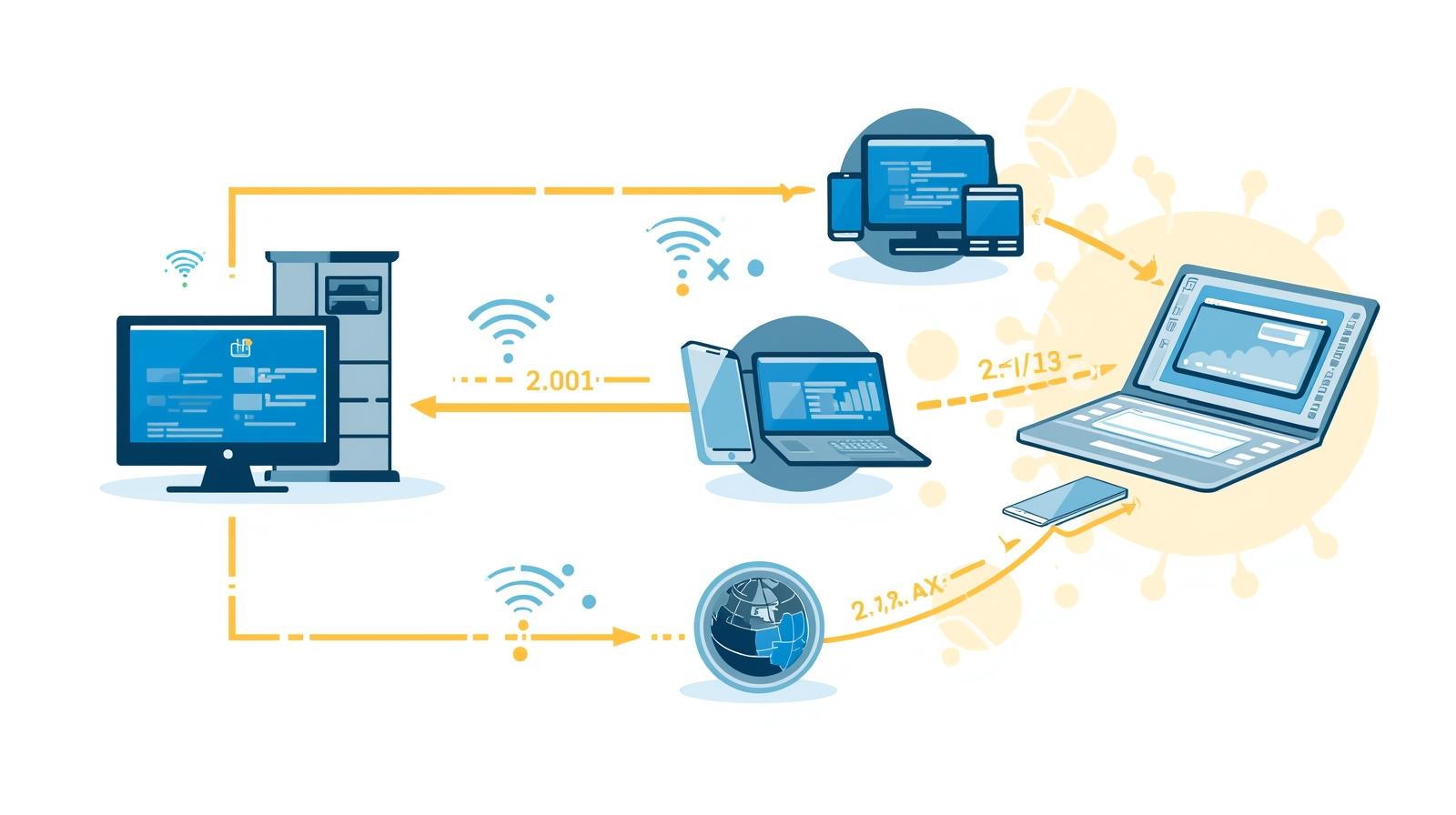
RMM solutions, or Remote Monitoring and Management systems, give IT teams the ability to monitor, maintain, and control endpoints and networks from a centralized dashboard. These tools help organizations stay ahead of device failures, security breaches, and performance issues through real-time analytics and automated responses.
Common challenges that RMM solutions solve include:
-
Lack of visibility into endpoints
-
Frequent system outages
-
Slow incident response times
-
Software vulnerabilities
-
Remote workforce management
-
Complex device configurations
-
High operational costs
With a strong RMM solution in place, IT teams move from reactive firefighting to proactive management.
Key Features Found in Modern RMM Solutions
Not all tools are built the same. The best RMM solutions include capabilities that help streamline operations, reduce risk, and automate routine tasks.
Real-Time Device and Network Monitoring
IT administrators can track performance, resource usage, connectivity issues, and anomalies across all managed devices.
Automated Patch Management
Ensures devices stay updated with the latest security patches and software versions, reducing vulnerability risks.
Remote Access and Troubleshooting
Technicians can access devices securely without needing physical proximity—essential for remote or hybrid workforces.
Alerting and Notifications
Proactive alerts allow teams to catch issues early, reducing system downtime and minimizing disruptions.
Script Automation
RMM tools allow the execution of custom scripts to automate system checks, maintenance tasks, and configurations.
Asset Management
Tracks endpoints, installed software, warranties, licenses, and device health details in one location.
Security Integration
Advanced RMM solutions connect with endpoint protection, firewalls, and other cybersecurity tools for unified defense.
Why Businesses Are Investing in RMM Solutions
RMM solutions are no longer exclusive to MSPs. Enterprises, SMBs, and nonprofits all use them to simplify operations and secure their environments.
Cost Efficiency
Automation reduces manual work, lowering the cost of system maintenance and troubleshooting.
Improved Security Posture
Real-time monitoring and patching prevent major vulnerabilities and reduce the risk of cyberattacks.
Scalability
Supports growing infrastructures without proportional increases in workload.
Increased Productivity
IT teams spend less time on repetitive tasks and more on strategic initiatives.
Reliable Remote Workforce Support
Hybrid and remote teams require strong remote management capabilities — a core function of RMM solutions.
How RMM Solutions Improve Cybersecurity
Cybersecurity threats evolve daily, and endpoints are often the first targets. RMM solutions support threat detection and mitigation in several ways:
Detecting Abnormal Activity
RMM systems track behavior patterns and alert administrators when something unusual occurs.
Automated Vulnerability Remediation
Unpatched software is one of the biggest attack vectors. RMM tools minimize this risk through automated patching.
Zero-Trust Enforcement
Helps enforce strict access controls and device authentication policies across environments.
Integration with Endpoint Security
When paired with endpoint protection, RMM becomes a central command hub for threat response.
Comparing RMM Solutions with Other IT Management Tools
RMM often gets compared to MDM, PSA, and endpoint security tools. While they serve different functions, they complement one another.
RMM vs MDM
-
RMM: Manages endpoints, networks, automation, remote access
-
MDM: Manages mobile devices, configurations, app policies
Combining both creates a unified management framework.
RMM vs PSA
-
RMM: Technical monitoring and maintenance
-
PSA: Ticketing, billing, and workflow management
MSPs often use both for operational efficiency.
RMM vs Endpoint Security
-
RMM: Maintenance and automation
-
Endpoint security: Threat protection and detection
Integrated together, they build a complete IT defense strategy.
What to Look for When Choosing RMM Solutions
Before investing in an RMM platform, consider the following critical requirements.
Ease of Deployment
A good RMM should be easy to set up, configure, and scale.
Strong Automation Capabilities
Automation reduces manual workloads and improves consistency across systems.
Robust Security Features
Encryption, MFA, role-based access controls, and secure remote access are essential.
Reporting and Analytics
Detailed reports help IT teams plan improvements and demonstrate compliance.
Integrations
Look for RMM solutions that integrate with popular IT tools like EDR, PSA, MDM, and SIEM.
Support for Hybrid Environments
Ensure the tool handles both cloud and on-premises systems.
How RMM Solutions Empower IT Teams
RMM solutions offer significant operational benefits:
Faster Issue Resolution
Automated alerts and remote access let technicians resolve problems before users notice them.
Streamlined IT Workflows
Automation scripts and centralized dashboards eliminate repetitive work.
Better Resource Management
Admins can manage software, hardware, and updates from one interface.
Reduced System Downtime
Predictive analytics help identify failures early, preventing outages.
Frequently Asked Questions
1. What are RMM solutions used for?
They are used to monitor, manage, and support endpoints, networks, and IT environments remotely.
2. Are RMM tools secure?
Yes — modern RMM solutions include encryption, authentication controls, and secure remote access to protect data.
3. Who benefits most from RMM solutions?
MSPs, enterprises, small businesses, and IT departments managing distributed networks.
4. How do RMM solutions help with cybersecurity?
They automate patching, detect anomalies, deliver real-time alerts, and integrate with endpoint security platforms.
5. Can RMM tools support remote workers?
Absolutely. RMM solutions provide remote access, monitoring, updates, and troubleshooting for distributed teams.
Final Thoughts
The demand for efficient, automated, and secure IT operations has made RMM solutions one of the most important technologies in modern organizations. Whether managing internal infrastructure or delivering IT services to clients, RMM provides the visibility, automation, and protection necessary to maintain a stable and secure digital environment.
Take the next step toward smarter project execution —
Start your free trial with ITarian to streamline workflows, automate repetitive tasks, and elevate your project delivery across every team.

 Loading...