Building a Modern IT Help Desk for Efficient and Secure Enterprise Support
Updated on December 5, 2025, by ITarian
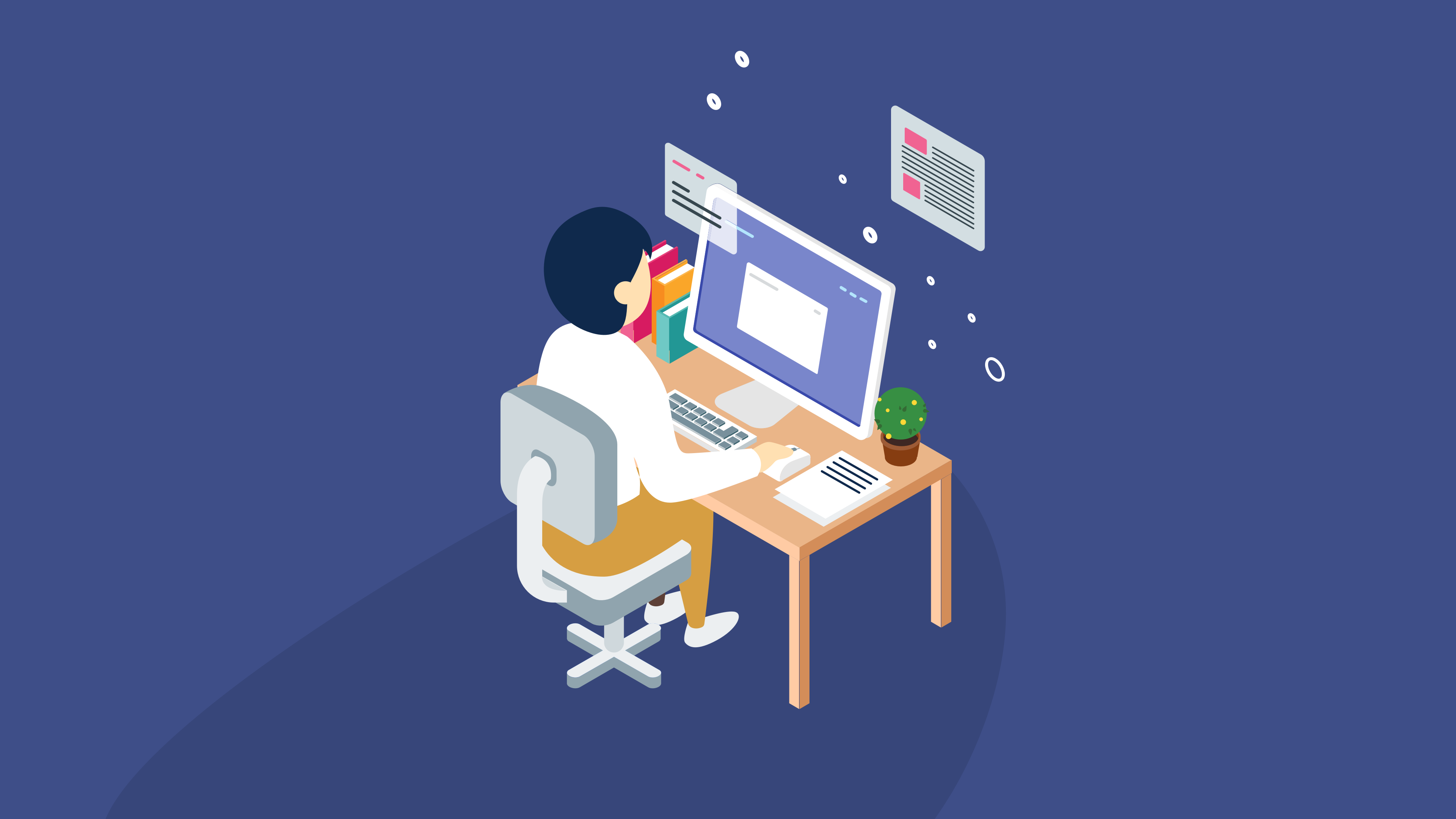
Every organization—large or small—relies on technology to operate, communicate, and serve customers. But with that reliance comes complexity, unexpected issues, and the need for real-time troubleshooting. That’s where a strong IT help desk becomes essential. Whether your business uses a hybrid model, manages distributed teams, or supports high-security environments, an IT help desk plays a crucial role in keeping systems running smoothly, resolving technical issues, and ensuring business continuity.
In today’s fast-paced digital environment, even minor technical disruptions can cost companies productivity, revenue, and reputation. That’s why IT departments, cybersecurity teams, and industry leaders are increasingly investing in modern help desk operations designed for fast response, secure handling of requests, and seamless user support. If you’re looking to improve how your organization handles technical challenges, understanding the full scope of an IT help desk is the first step.
Understanding the Role of an IT Help Desk in an Organization
An IT help desk is the central point of contact for technical issues, service requests, troubleshooting, and technology-related support. Its goal is simple: resolve user problems efficiently while ensuring systems remain secure and operational. But at an enterprise level, the help desk’s role expands into strategic functions that support cybersecurity, compliance, and business performance.
Key responsibilities include:
-
Troubleshooting device, network, and software issues
-
Managing user access, accounts, and permissions
-
Handling service requests and system upgrades
-
Monitoring systems for outages and performance problems
-
Ensuring secure handling of technical data and credentials
-
Supporting employees with technology onboarding and training
For businesses that rely heavily on digital infrastructure, the IT help desk acts as both a support center and a critical part of overall organizational security.
Why Every Business Needs a Strong IT Help Desk
Today’s IT environments involve a mix of cloud services, remote devices, cybersecurity tools, and productivity platforms. Without a structured help desk, issues can easily fall through the cracks. A dedicated IT help desk ensures that user problems are prioritized and resolved quickly, while providing accountability and transparency for technical operations.
Benefits include:
-
Faster resolution of technical issues
-
Higher employee productivity and reduced downtime
-
Stronger cybersecurity posture
-
Improved user experience and satisfaction
-
Better documentation and tracking of incidents
-
Consistent enforcement of IT policies and procedures
-
Reduced burden on IT staff through automation and ticketing
Even smaller businesses can benefit from help desk tools, offering users a reliable support channel instead of relying on ad-hoc troubleshooting.
Core Functions of an IT Help Desk
To maintain efficient operations, an IT help desk typically performs several key functions. These processes ensure that users receive the help they need while keeping systems secure and running optimally.
Incident Management
This involves responding to unexpected technical problems such as device failures, software glitches, login issues, or connection errors. The help desk handles triage, diagnosis, and resolution.
Service Request Fulfillment
Employees often need new tools, access rights, or software. The help desk processes these requests in an organized and secure manner.
Problem Management
Some issues recur or point to underlying defects. The IT help desk identifies patterns, performs root-cause analysis, and implements long-term solutions.
Change Management Support
When systems update or infrastructure changes occur, help desks ensure that transitions happen smoothly with minimal interruption to operations.
User Support and Education
Help desk staff assist with onboarding, technical training, and best practices related to security, device use, and software.
Ticket Tracking and Documentation
Every interaction should be logged, allowing businesses to track performance, monitor trends, and maintain compliance.
How the IT Help Desk Supports Cybersecurity
Cybersecurity is no longer just a job for specialized teams—help desks are now frontline defenders. Because they handle user requests, reset passwords, and diagnose suspicious device behavior, their involvement in maintaining security is critical.
Security responsibilities include:
-
Verifying user identity before performing account actions
-
Detecting unusual activity during support interactions
-
Enforcing strong authentication and authorization policies
-
Supporting patching and update procedures
-
Managing device enrollment in security tools
-
Preventing social engineering attempts
-
Reporting incidents to cybersecurity teams immediately
A secure help desk reduces the risk of breaches and strengthens organizational resilience.
IT Help Desk Structure: Tiers and Skill Levels
Most IT help desks operate using a tiered model. This ensures that issues are routed to the right people quickly while optimizing workload distribution.
Tier 0 – Self-Service
Automated resources such as knowledge bases, password reset portals, and chatbots handle simple issues.
Tier 1 – Basic Support
Support technicians address common issues such as login problems, software errors, printer failures, and basic troubleshooting.
Tier 2 – Technical Specialists
More complex issues requiring deeper expertise are escalated to specialists in networking, application support, or system administration.
Tier 3 – Engineering and Development
Issues that require advanced tools, custom fixes, or vendor involvement reach Tier 3 engineers.
Tier 4 – External Vendors
When third-party systems or hardware providers are involved, issues may be escalated to outside support teams.
This structure helps organizations resolve issues efficiently while reducing wait times and unnecessary escalations.
Key Technologies Used by Modern IT Help Desks
With the rise of distributed work and cloud environments, help desk operations have evolved dramatically. Today’s help desk teams use advanced tools to automate tasks, improve ticket flow, and strengthen visibility across devices.
Important tools include:
-
Ticketing and incident management systems
-
Remote monitoring and management (RMM) software
-
Endpoint security platforms
-
Mobile device management (MDM) systems
-
Knowledge base and documentation platforms
-
IT asset management software
-
Automated patching tools
-
Secure communication and collaboration platforms
Organizations that combine these tools into a streamlined ecosystem can manage issues faster and with far less risk.
Challenges IT Help Desks Face Today
As environments grow more complex, help desk teams encounter various operational and security challenges.
Rapidly evolving cybersecurity threats
Attackers frequently target help desks through phishing and social engineering.
Supporting remote and hybrid work
Troubleshooting remote devices can be significantly more complicated.
Managing high ticket volume
Without automation, help desks can quickly become overwhelmed.
Device diversity
Teams must support Windows, macOS, Linux, Chromebooks, mobile devices, and IoT endpoints.
Maintaining documentation
Outdated or missing documentation leads to delays and inconsistent support.
Balancing speed with accuracy
Fast fixes are important, but so is protecting systems from unauthorized access.
These challenges highlight why help desks must be equipped with modern tools and updated processes.
Best Practices for a Highly Effective IT Help Desk
To stay efficient, secure, and user-centric, help desks must adopt practices designed to streamline workflows and support continuous improvement.
Standardize processes using SOPs
Clearly defined steps reduce errors and ensure consistent service.
Implement automation wherever possible
Automation eliminates repetitive tasks, such as:
-
Password resets
-
Account provisioning
-
Ticket routing
-
Diagnostics
Offer a clear knowledge base
Users can solve simple issues themselves, reducing workload on technicians.
Use analytics to measure performance
Metrics such as response time, resolution time, and ticket volume help identify problem areas.
Train support staff regularly
Ongoing technical and cybersecurity training keeps support teams informed and prepared.
Improve communication with end users
Clear communication reduces frustration and improves the support experience.
Integrate ticketing with RMM, MDM, and endpoint tools
A fully integrated help desk ecosystem improves visibility and reduces response time.
The Difference Between an IT Help Desk and a Service Desk
While people often use the terms interchangeably, an IT help desk and a service desk have distinct functions.
IT Help Desk
-
Focuses on break/fix issues
-
Provides technical support
-
Handles incidents and service requests
-
Reactive in nature
Service Desk
-
Aligns IT processes with business goals
-
Supports service lifecycle management
-
More strategic and proactive
-
Often includes help desk functions within a broader scope
Most organizations begin with a help desk and expand into a full service desk as needs grow.
Why IT Help Desk Automation Is Becoming Essential
Automation is transforming IT support by reducing repetitive tasks and freeing staff to focus on more complex problems. Modern automation can:
-
Run remote diagnostics
-
Install software updates automatically
-
Monitor network status
-
Trigger workflows based on predefined rules
-
Detect issues before users report them
Automated help desks resolve problems faster, reduce human error, and strengthen security.
The IT Help Desk’s Role in Business Continuity
During outages, cyberattacks, or system failures, the IT help desk becomes the communication hub. They help coordinate responses, maintain uptime, and support employees while systems are restored.
Responsibilities during incidents include:
-
Running diagnostic steps
-
Escalating to appropriate technical teams
-
Communicating updates to staff
-
Helping users with workarounds
-
Documenting actions and outcomes
An efficient help desk can dramatically shorten recovery time after disruptions.
Frequently Asked Questions
1. What does an IT help desk do?
An IT help desk resolves technical issues, processes service requests, and supports users with device, network, and software challenges.
2. Is an IT help desk the same as technical support?
Technical support is part of a help desk, but the help desk covers a broader range of tasks, including ticketing, access management, and documentation.
3. What tools do IT help desks use?
Common tools include ticketing systems, remote monitoring software, MDM platforms, IT asset management tools, and endpoint security solutions.
4. Why is the IT help desk important for cybersecurity?
Help desks verify identity, enforce policies, detect unusual activity, and support secure device management—making them critical to cyber defense.
5. How can businesses improve their IT help desk?
Organizations should adopt automation, provide continuous training, use integrated platforms, and maintain clear processes and documentation.
Final Thoughts
A modern IT help desk is far more than a support channel—it’s a critical part of business operations, cybersecurity strategy, and organizational productivity. With the right tools, processes, and skilled technicians, an IT help desk ensures that technical issues are resolved quickly, systems remain secure, and employees can work without interruption. For IT managers and industry leaders looking to strengthen support operations, improving the help desk is one of the most impactful steps you can take.
Ready to simplify support, secure your endpoints, and enhance your IT operations?
Start your free trial with ITarian


 Loading...