Everything a service provider runs on, in a single pane of glass.
Purpose-built workflows and guidance for the industries you serve.
Guides, proof and documentation to get more from ITarian.
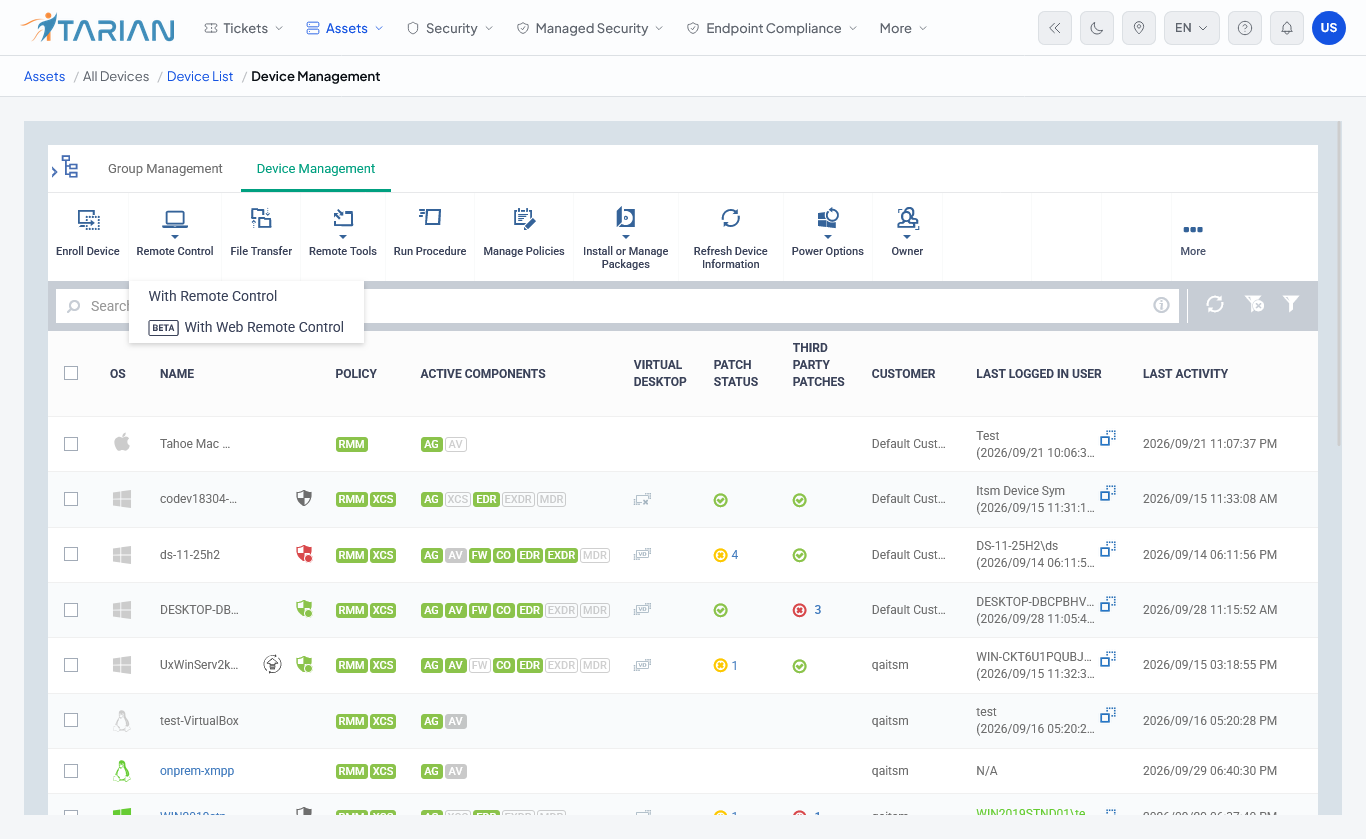
Securely connect to customer devices, troubleshoot issues and take control remotely from one centralized platform.

Everything you need for remote support
Connect instantly when a user is present, or securely access managed devices anytime, even when no one is there.
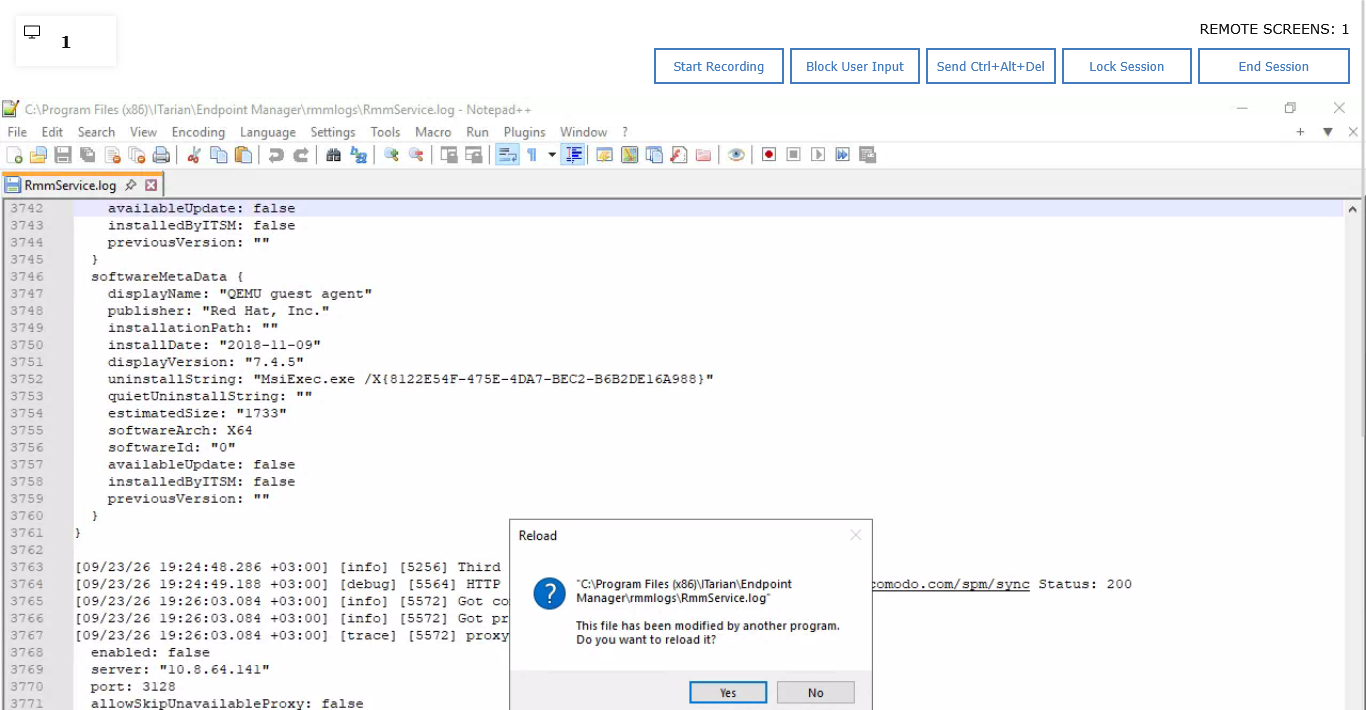
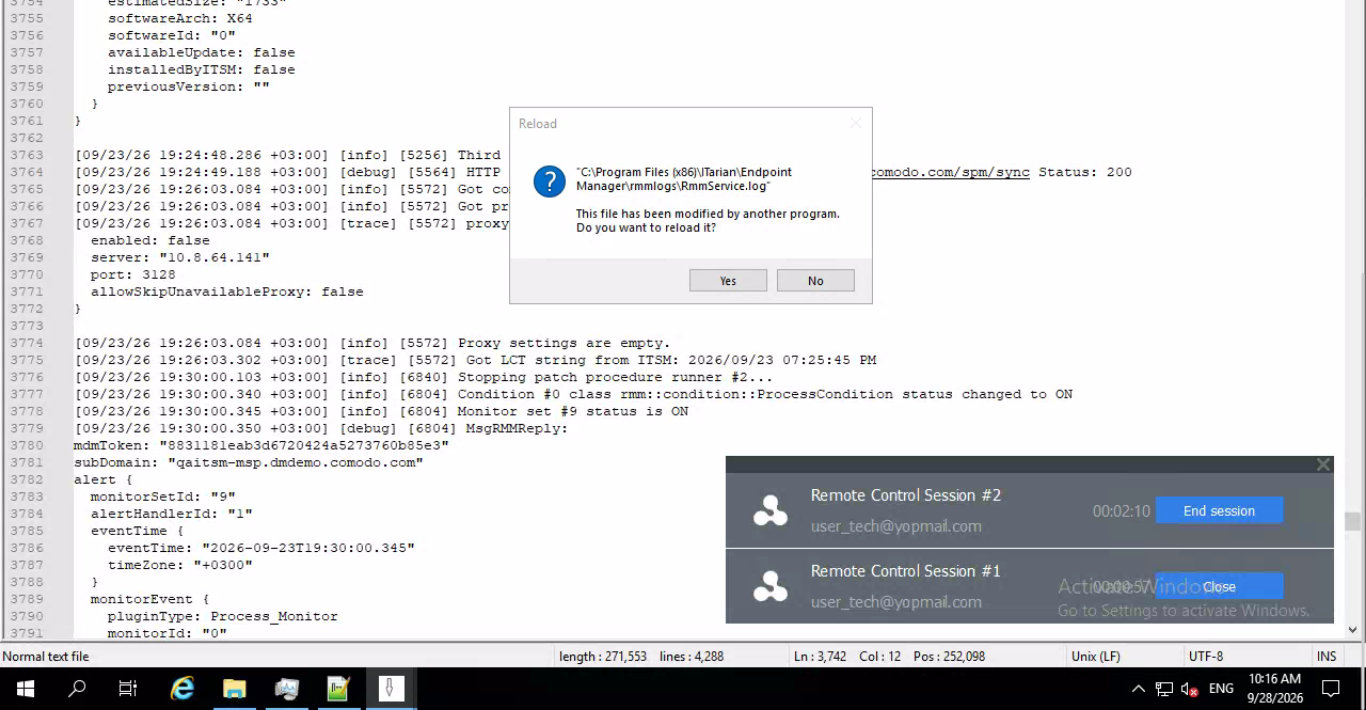
View and control the remote desktop in real time, with display options including full screen, scaled and original resolution.
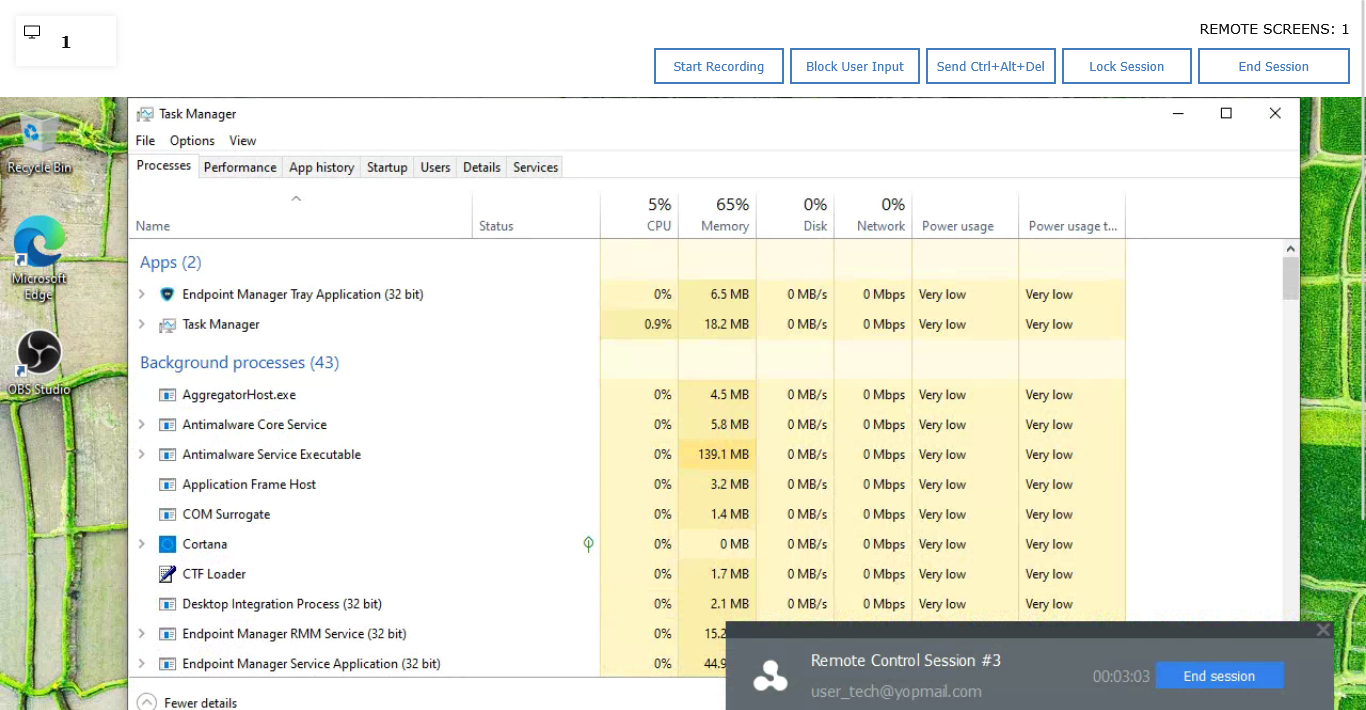
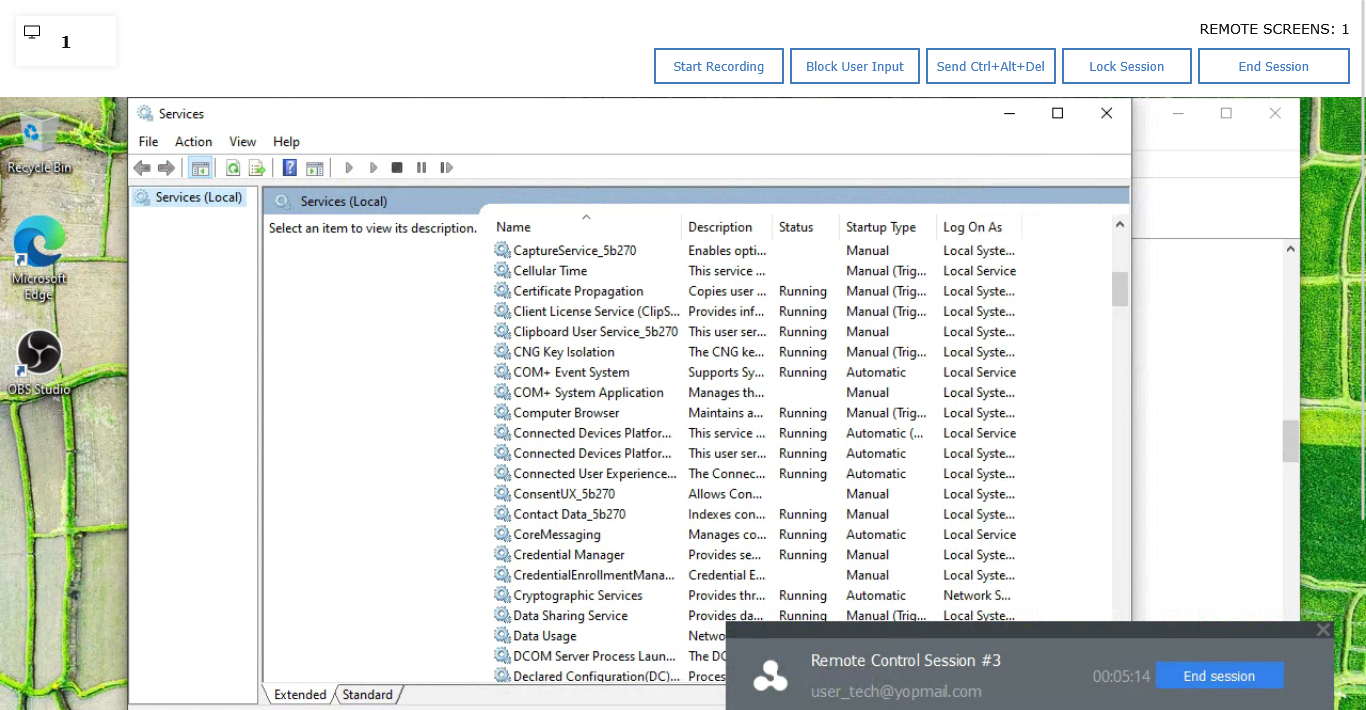
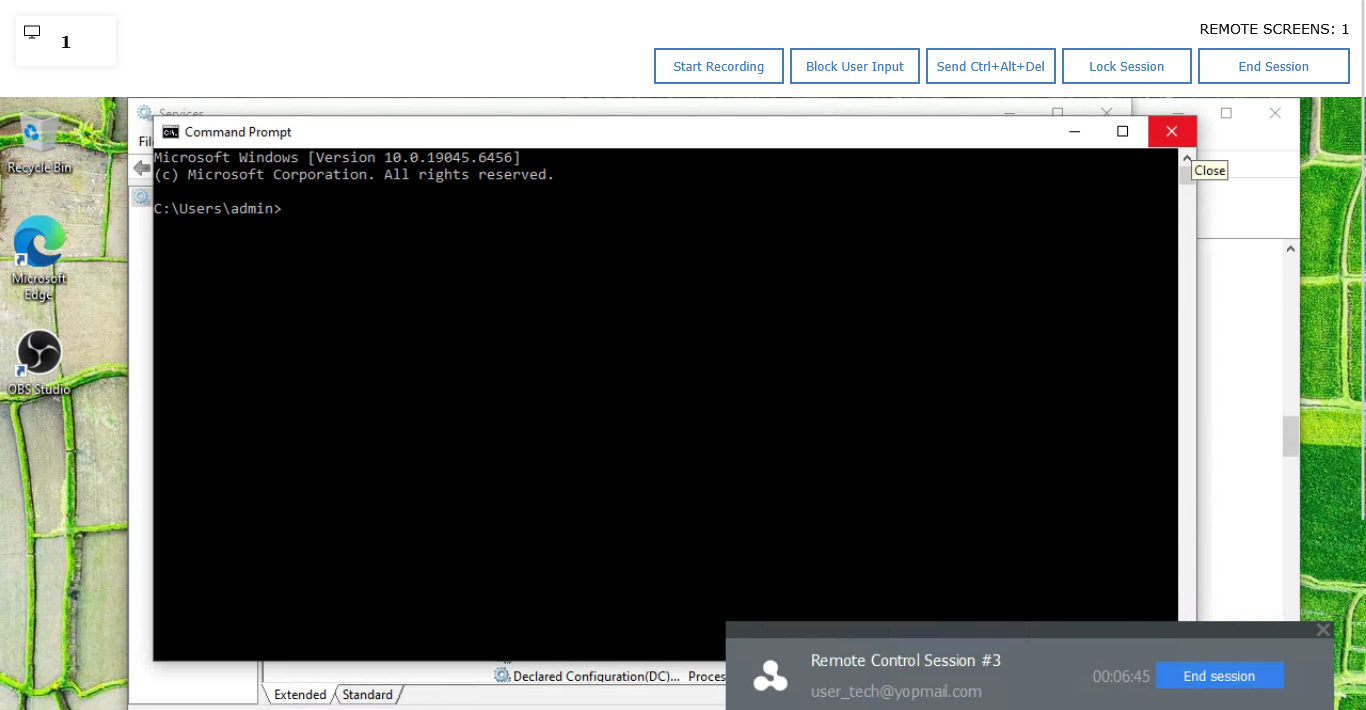
Go beyond the desktop with tools for managing files, processes, services and command-line operations.
Protect remote access with session confirmation, encrypted connections, authentication and session controls.
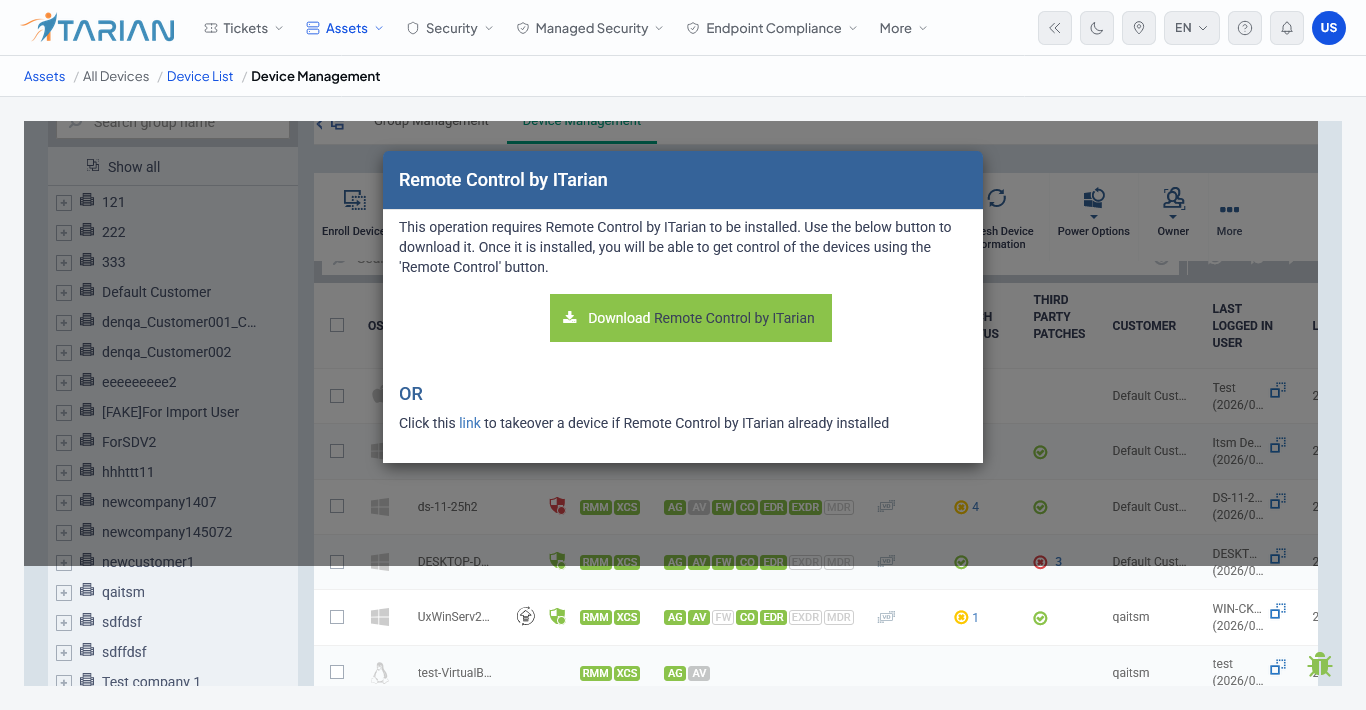
ITarian provides secure remote access for both attended and unattended support, with the tools technicians need to work directly on the endpoint.
Bring new devices under management quickly and consistently.
Apply device settings, profiles and policies from one central console.
Control applications, users and devices remotely for every customer.
Lock, wipe and enforce security controls when needed.
Instead of treating remote access as a separate application, show how it becomes part of service delivery.
User reports an issue, and the request becomes a service ticket.
Connect directly to the affected device and investigate the issue.
Inspect files, processes, services, or settings to identify the issue.
Apply the required fix directly on the remote endpoint.
Record the work completed and close the issue in the service workflow.
Reach users anywhere with secure sessions, multi-screen support, file transfer and remote system tools.
Remote Sessions: Connect securely to a managed endpoint and view and control the remote desktop during a support session.

Multi-Screen Support: Work with endpoints that have multiple monitors and switch between available displays during the remote session.

File Transfer: Move files between the technician's computer and the remote endpoint during an active session.

Process Management: View and manage processes running on the remote endpoint when troubleshooting requires access beyond the desktop.

Service Management: View and manage services running on the remote endpoint when a service requires attention.

Remote Commands: Run commands directly on the remote endpoint when troubleshooting requires command-line access.

One AI-native platform to run and grow your MSP.